Managing several client accounts gets messy quickly. You open the wrong session, lose track of who has access, or spend half your morning switching between browser windows. An antidetect browser gives each project a separate browser environment, with its own session data and fingerprint settings.
| Am besten geeignet für | Affiliate marketers, crypto traders, account farmers, medium to large scale operations | Small business owners, individual operators, multi-platform account management | Budget-conscious users, small teams, ecommerce sellers, performance marketing |
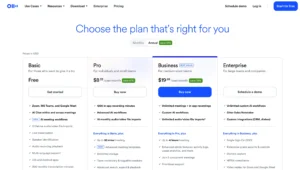
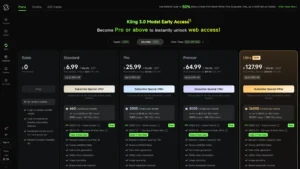
| AnzeigenPreise | €10-€329/month (3-1,200 profiles) | Free plan (5 cloud profiles + 200MB proxy). Pro 10: $11/month (10 profiles). Pro 100: $57/month (100 profiles). Business: $57-$100+/month (300+ profiles). Annual discounts reach 25-30%. | Free tier (5 profiles). Professional: $8-$16/month (10-50 profiles). Business: $40-$80/month (100+ profiles). Quarterly discount: 15% off. Annual discount: 40% off. 7-day free trial available. |
| Eigenschaften | 3-1,200+ profiles per plan. Profile templates and bulk operations. API automation (Base plan up to Advanced). Team members (3-8 on paid tiers). Profile export and transfer. Unlimited simultaneous devices. Advanced fingerprint spoofing. Fast kernel updates. Responsive support. | 5-unlimited profiles depending on plan. Cloud mobile and browser profiles. 1GB-unlimited Multilogin proxy traffic. Mobile device minutes (60-500+ per month). API access on Business plans. Teamwork features. Built-in proxy traffic included. Cloud-based profiles. | Up to 1,000+ profiles on top tiers. Advanced fingerprint management. Browser automation tools. Team collaboration features. Built-in proxy integration on higher plans. Mass profile operations. Campaign management tools. Real-time data synchronization. |


Octo Browser takes the first position in this guide for its combination of profile management, team access and API automation. Other options deserve a look if your priority is a free starting plan, mobile workflows or automation without coding.
What is an Antidetect browser?
An Antidetect browser manages separate browser profiles and changes the browser characteristics that websites can read. These can include information about the operating system, screen, fonts and graphics environment.
Each profile keeps its own browsing session. That makes the tools useful for authorized client-account management, website testing, and research where separate environments matter.
It helps to understand the limits. Separating cookies does not erase information a website already holds. Changing a fingerprint does not make an account exempt from platform rules. Choose software for the controls it provides, not a promise that detection is impossible.
Which are the best antidetect browsers in 2026?
Use this table to narrow the list before comparing subscriptions. The “best fit” column is an editorial recommendation based on the documented features.
Rang | Browser | Optimale Bildschirmwahl | Wichtigster zu prüfender Punkt |
1 | Octo-Browser | Professional profile management | API and team access by subscription |
2 | Mehrfachanmeldung | Browser and cloud-phone workflows | Included proxy traffic and mobile minutes |
3 | Werbeleistung | Automation without coding | RPA features and member allowances |
4 | Anmelden | Flexible profile packages | Features available at each profile tier |
5 | Delphin Anty | Organising marketing-team profiles | Permissions, folders and paid features |
6 | Erkennung | Starting small before upgrading | Free allowance falls after two months |
7 | Kameleo | Developer-led browser automation | Concurrent browsers and usage limits |
8 | MehrAnmelden | Combined desktop and mobile operations | Browser and cloud-phone costs |
9 | Unauffindbar | Large local profile collections | Local versus cloud storage allowances |
10 | VMLogin | Teams needing profile sharing | Regional pricing and support arrangements |
1. Octo Browser: First choice for professional profile management
Octo Browser brings profile organization, fingerprint management, proxy settings and collaboration into one product. It is a sensible starting point when you want to manage separate working environments without spreading the job across several tools.
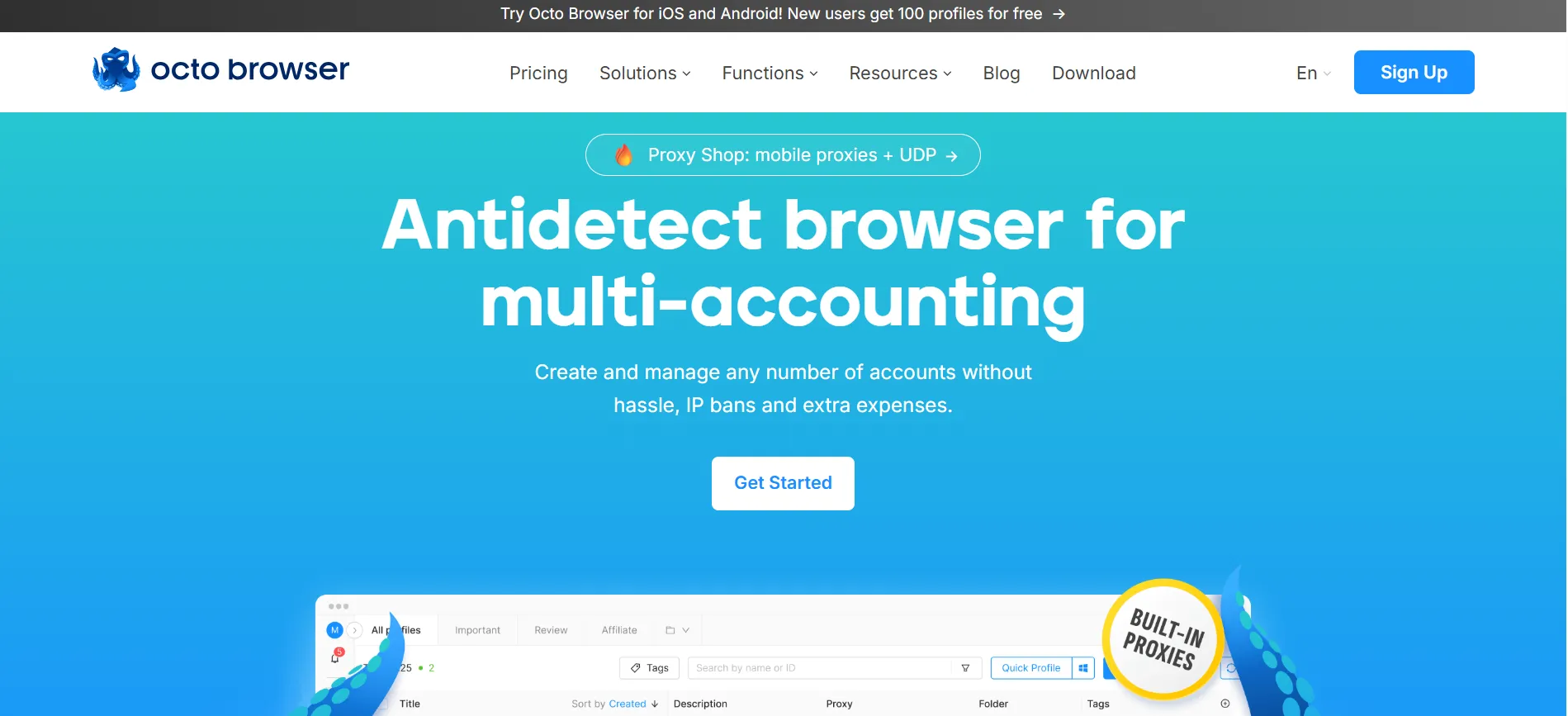
The practical appeal is the combination. You can work with profiles manually and use automation where it saves time. Octo’s official automation documentation lists support for Puppeteer, Selenium and Chrome DevTools Protocol. API access depends on the subscription.
What does Octo Browser cost?
The official monthly pricing starts at €10 for Lite, Die umfasst drei Profile. Starter begins at € 29 pro Monat. Higher subscriptions expand profile capacity and access to features such as API automation and teamwork. Listed prices exclude VAT.
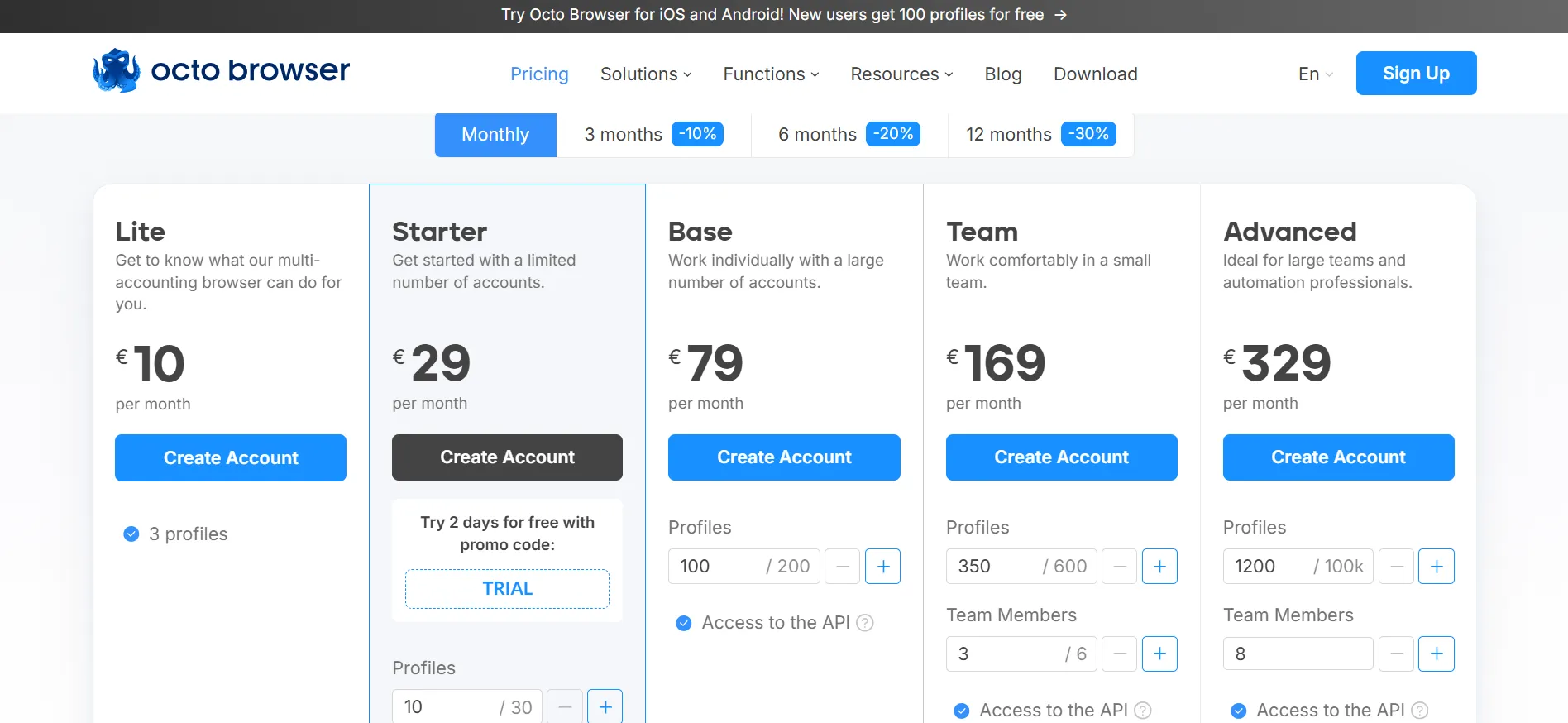
Compare the subscription against your actual workload. A low entry price is useful, but it is not the right plan if the feature you need sits higher up the range.
Which Octo Browser promo codes can you use?
The offers supplied for this guide are:
BLOGIDEAS: Four days of the Starter subscription for free.
BLOGIDEAS30: A 30% discount on the first purchase.
Confirm acceptance and eligibility when redeeming either code. Do not assume the codes can be combined or that the purchase discount applies to renewals.
Beste Passform: Professionals who want profile management with room to add team workflows and automation.
Wichtigste Überlegung: Check subscription-level access before choosing a plan. The trial offer and purchase discount serve different purposes.
2. Multilogin: Worth considering for browser and cloud-phone work
Multilogin combines browser profiles with Android cloud phones. That makes it worth considering when your work involves both websites and mobile apps, not just browser sessions.
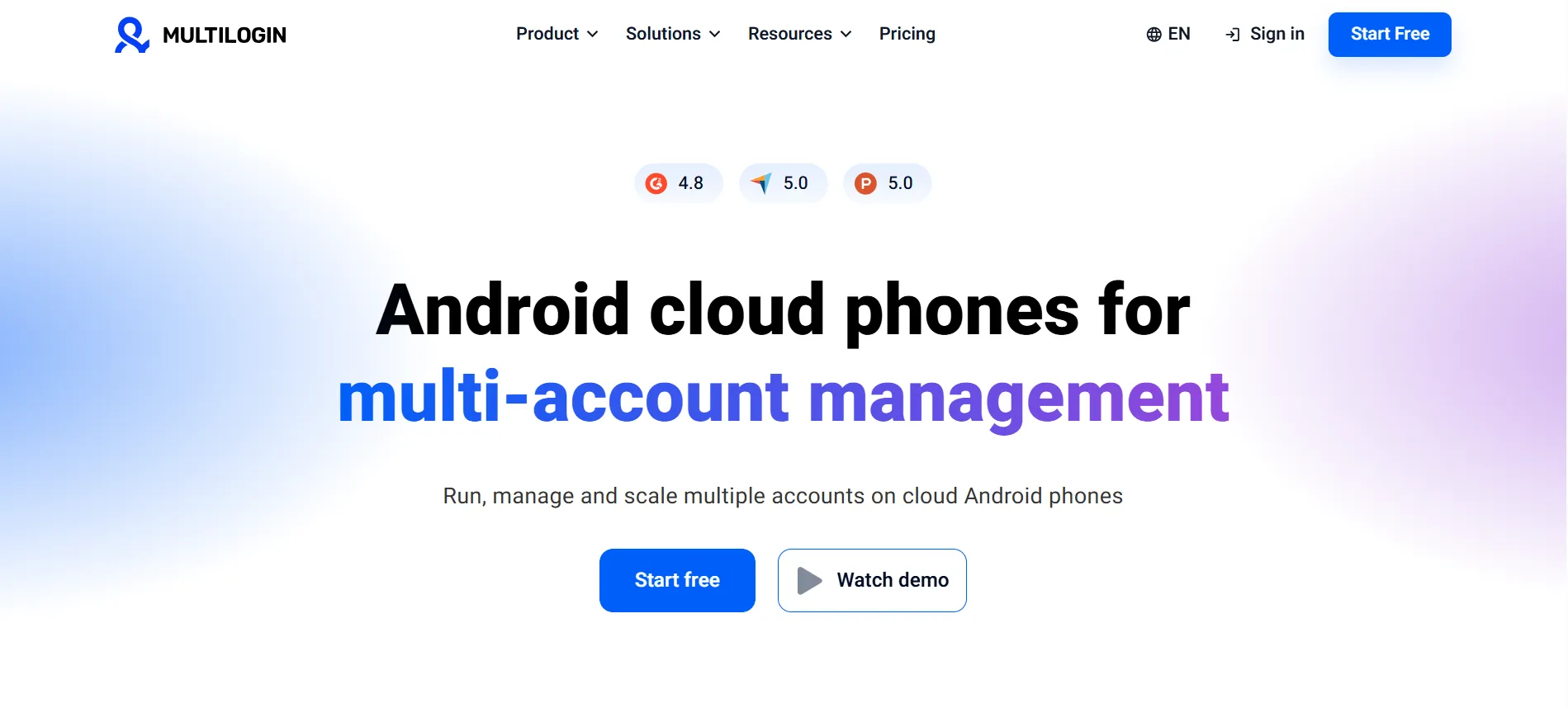
Its current free plan lists five profiles, alongside a one-time allowance of 200 MB of proxy traffic und 30 mobile minutes. Paid packages add capacity and resources.
The distinction between recurring and one-time allowances matters. A bonus can help you explore the service, but it does not tell you what a normal working month will cost.
For a team, write down the number of profiles, seats and mobile minutes you expect to use. Then compare the complete package.
Beste Passform: Teams that need browser environments and cloud phones together.
Wichtigste Überlegung: Include resource usage in your budget, rather than looking only at the subscription headline.
3. AdsPower: A strong option for automation without coding
AdsPower deserves attention if repetitive browser work is the main problem you want to solve. Its documented tools include a Synchronizer, RPA automation and a local API.
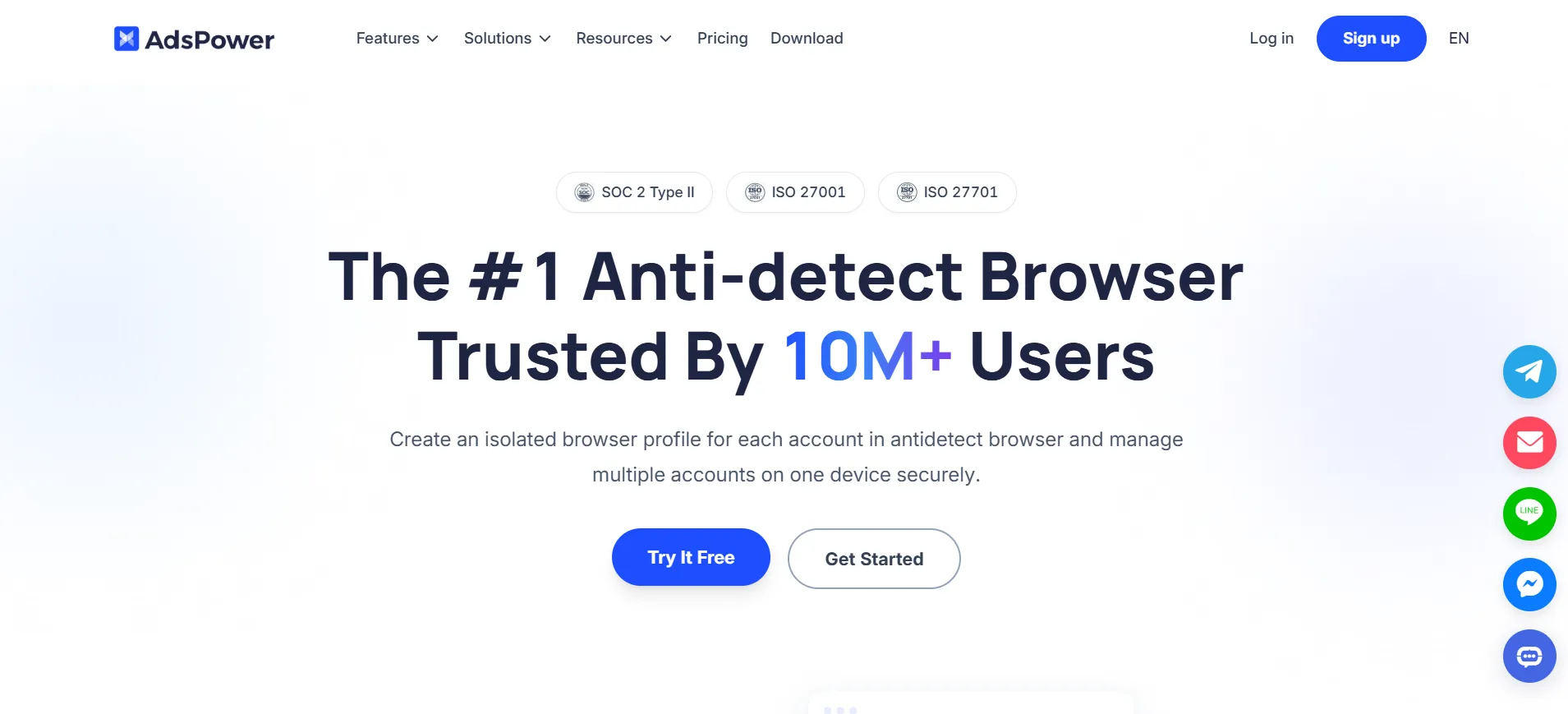
Der kostenlose Plan beinhaltet zwei Profile. AdsPower also offers a siebentägige Probezeit to explore its features. Paid subscriptions vary with profile and member requirements.
During a trial, focus on one task you already understand. Check whether the automation handles it clearly and whether you can stop, review or adjust the process when something changes.
A long feature list is less useful than a workflow your team can maintain.
Beste Passform: Users who want to reduce repetitive work without building everything through code.
Wichtigste Überlegung: Confirm which automation functions and team permissions your selected plan includes.
4. GoLogin: Useful for choosing a package around your profile needs
GoLogin offers several profile tiers, so it is worth comparing when your needs fall between a tiny starter account and a large team subscription.
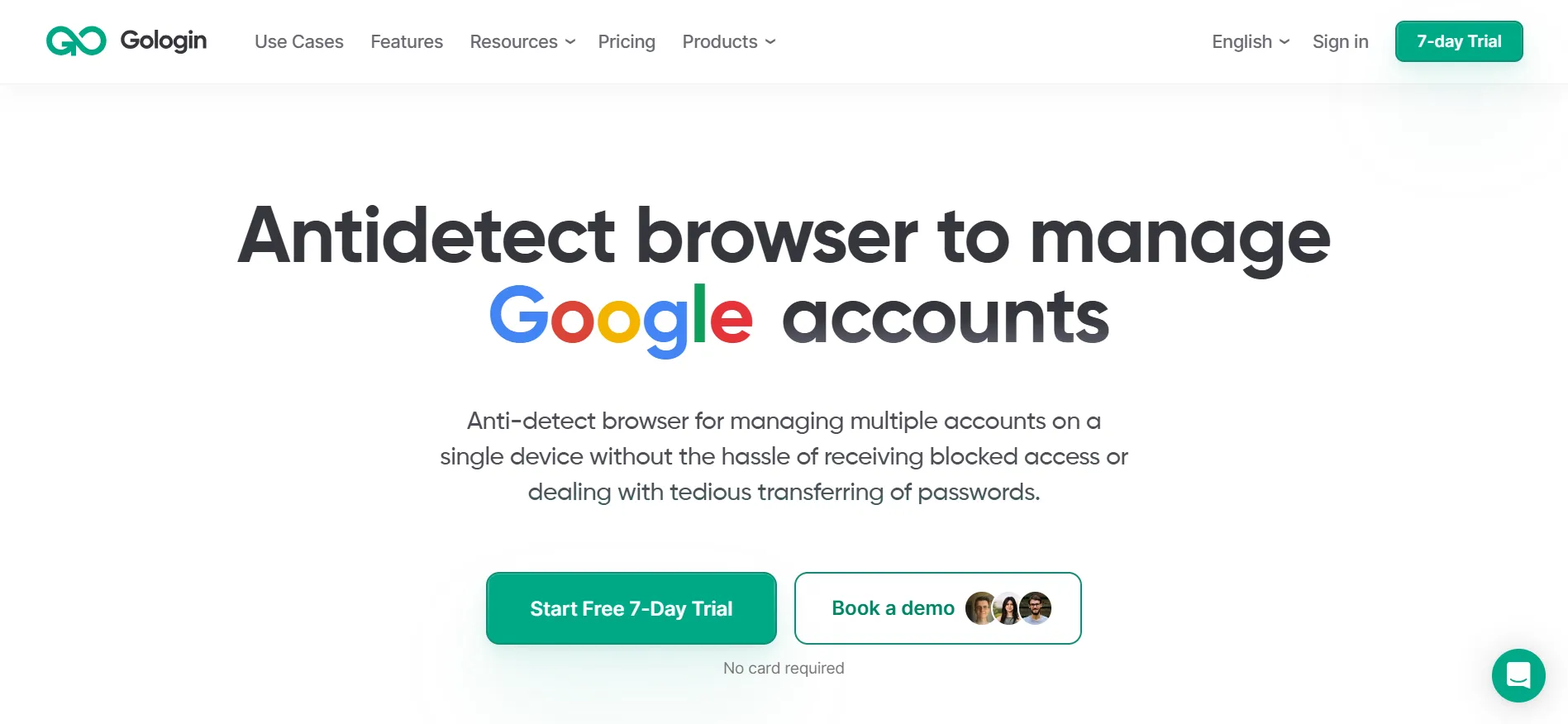
Its pricing page lists folders, profile sharing and fingerprint controls, with capabilities such as bulk actions, cloud-browser access and API tools varying across tiers. It also advertises a siebentägige kostenlose Testversion.
Pay attention to those differences. Two plans may offer enough profiles, but only one includes the automation or cloud access you want.
For everyday account organization, evaluate how easily you can find a profile, identify its purpose, and hand it over when necessary. Those small tasks become important when repeated throughout the day.
Beste Passform: Individuals and teams comparing several profile-capacity levels.
Wichtigste Überlegung: Compare the feature columns as carefully as the profile numbers.
5. Dolphin Anty: Useful for organizing marketing-team profiles
Dolphin Anty puts considerable emphasis on managing groups of profiles. Its website lists mass actions, tags, folders, profile sharing and configurable team permissions.
It currently advertises fünf kostenlose Profile. Some functions are reserved for paid plans, so the free version should be treated as an introduction to the workflow.
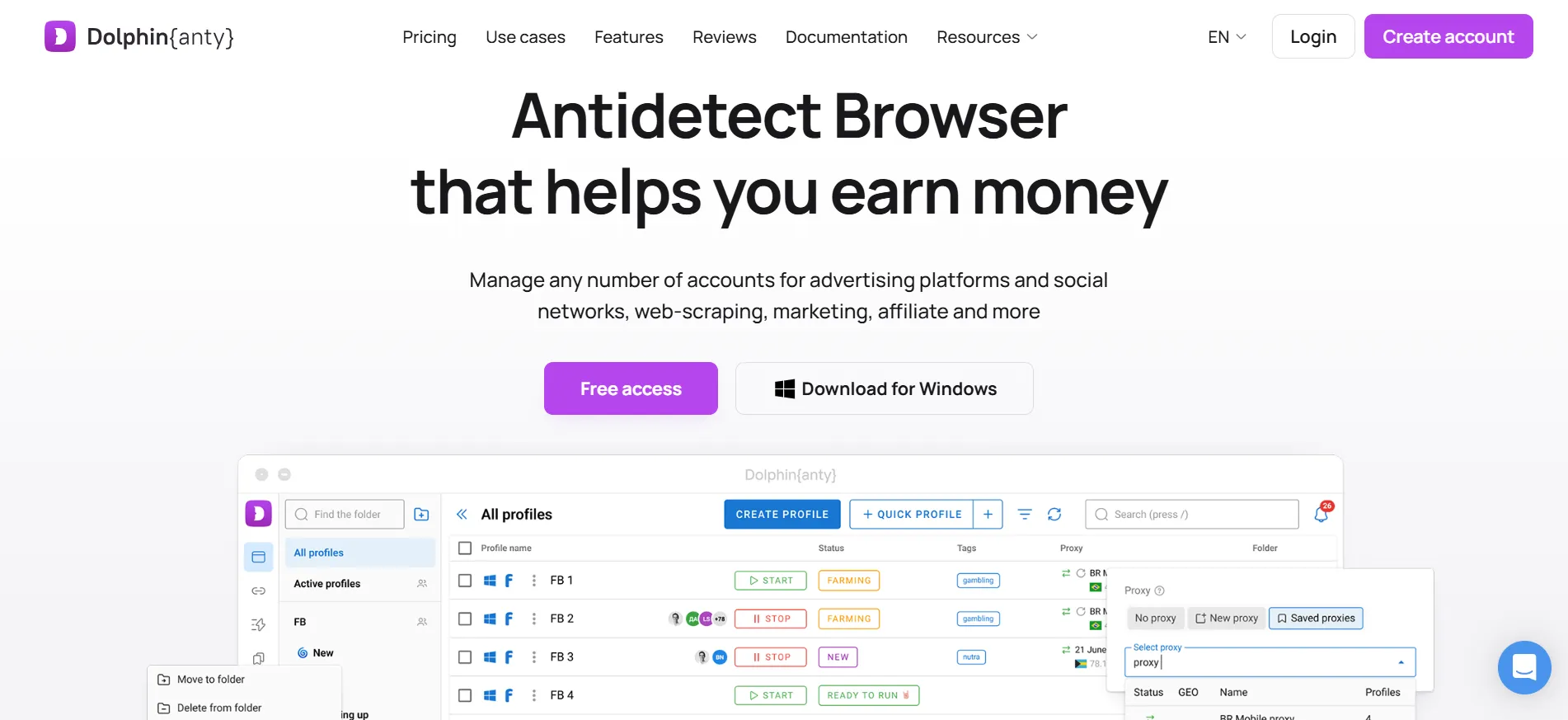
The appeal for a marketing team is organisation. When several people handle different clients, clear profile ownership and access controls are more useful than a shared document full of login notes.
Ask how your team would name, group and assign profiles before importing everything. A good naming system makes the software easier to use from the start.
Beste Passform: Marketing teams that need structured profile organisation and delegation.
Wichtigste Überlegung: Check paid-plan requirements for the specific collaboration features you intend to use.
6. Incogniton: A practical option for a small initial setup
Incogniton offers a useful starting allowance, but there is an important detail to understand.
Its free Starter package includes 10 profiles for the first two months, then drops to drei Profile. To keep a larger allowance, you need to upgrade. Some comparison articles describe the initial allowance without explaining that change.
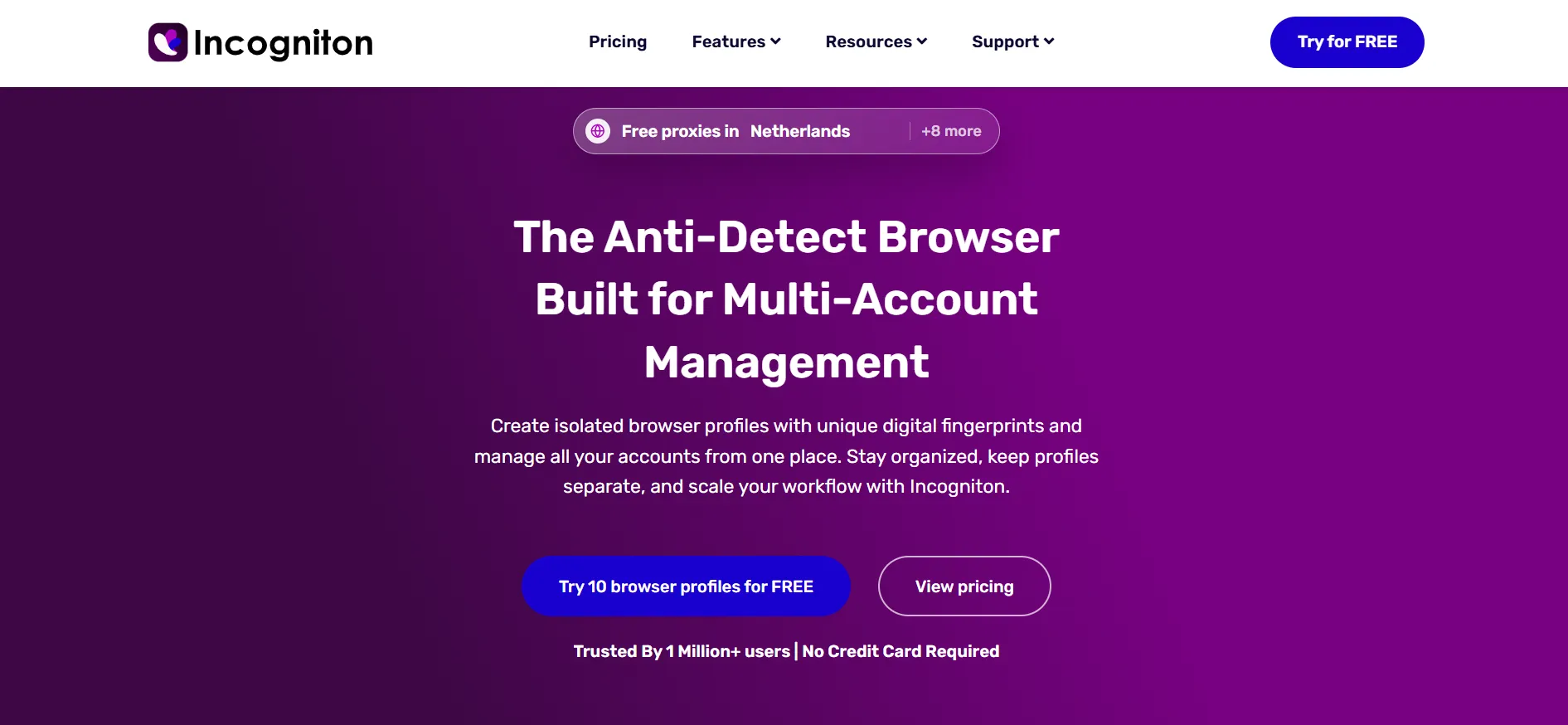
Paid subscriptions add capabilities, including Selenium and Puppeteer integration on the listed Entrepreneur tier.
For a solo user, the introductory period provides time to assess profile creation and day-to-day organisation. Decide whether the eventual free allowance is enough before building a workflow around all 10 profiles.
Beste Passform: Individuals who want to explore a modest profile collection before paying.
Wichtigste Überlegung: Plan for the allowance after the introductory period, not just the first day.
7. Kameleo: A strong shortlist option for developers
Kameleo takes a more developer-focused approach. Its official plans highlight a local API, SDKs and compatibility with Selenium, Puppeteer and Playwright.
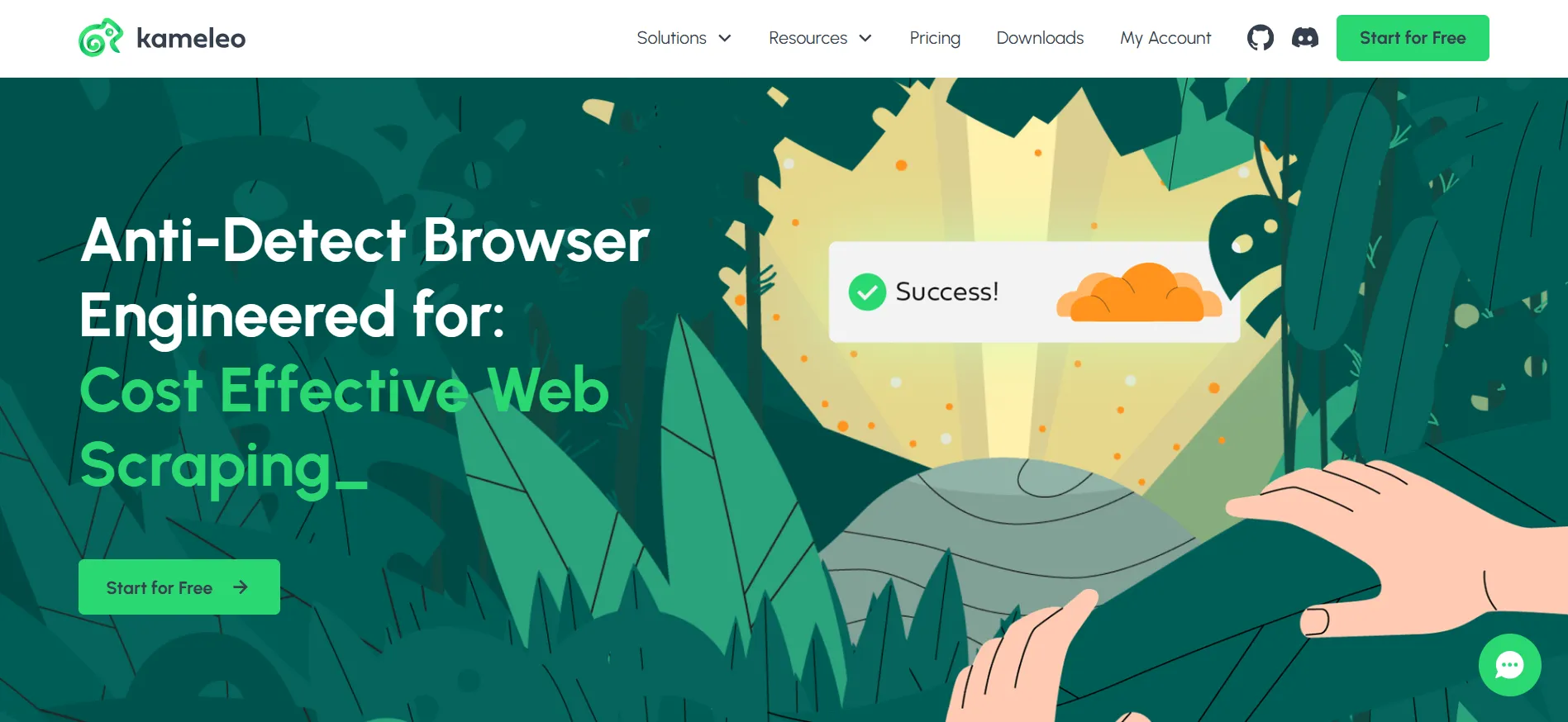
Its free tier lists two concurrent browsers und 300 Minuten Browsernutzung. The monthly Startup package begins at €59, with higher concurrency and unlimited browser usage time.
Concurrency deserves attention here. The number of profiles you can store is different from the number of browsers you can run together.
For an existing testing workflow, evaluate integration effort, documentation and how the tool behaves when a job fails. Those details affect maintenance long after the initial setup.
Beste Passform: Developers building authorized browser testing or automation workflows.
Wichtigste Überlegung: Compare concurrency and runtime limits, not profile storage alone.
8. MoreLogin: An option for teams handling web and mobile tasks
MoreLogin combines local browser profiles, cloud-browser sessions and Android cloud phones. It also lists a Synchronizer, no-code RPA and team-access controls.
Its documented permissions include controls over viewing, using and managing environments, along with operation logs.
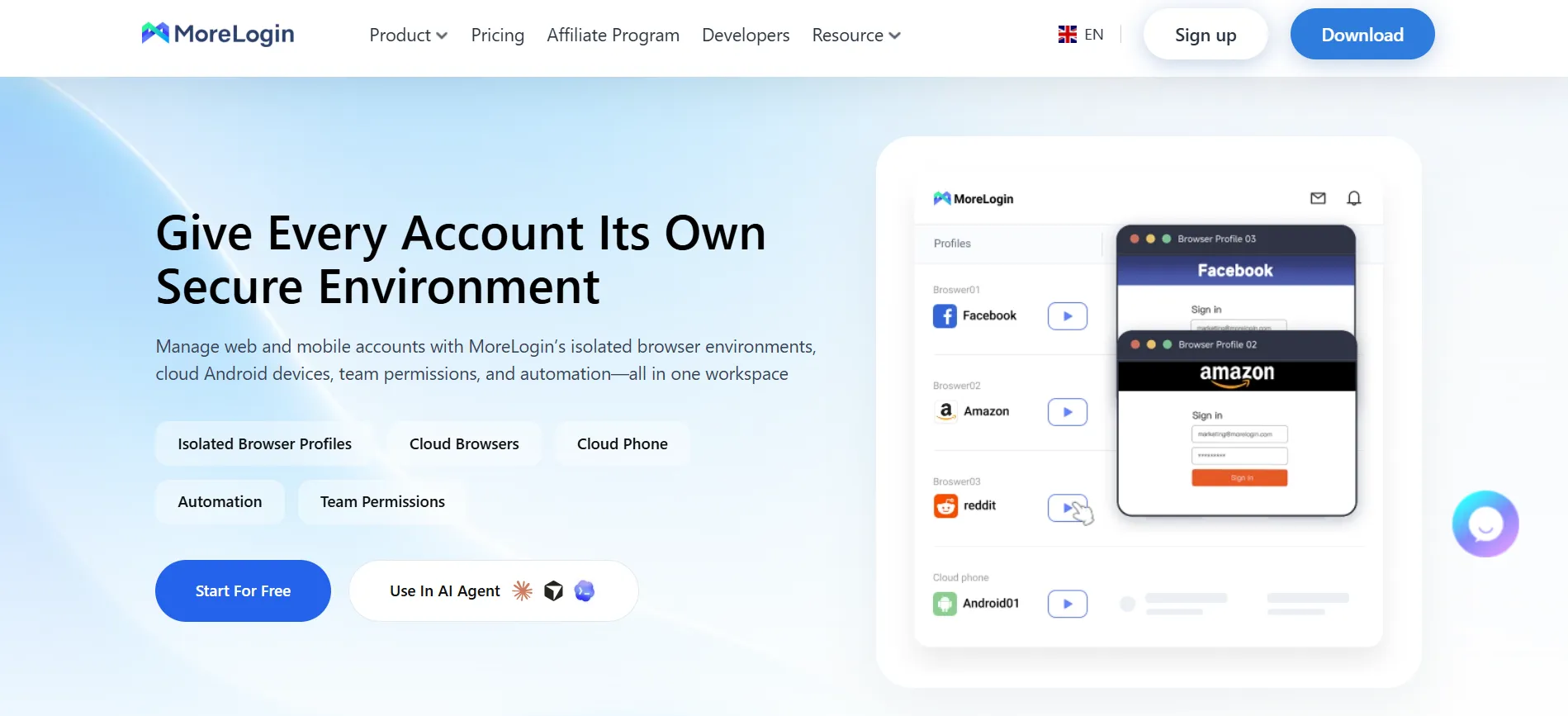
This combination may suit a team whose work moves between web dashboards and mobile apps. Keeping both in one workspace can simplify administration, provided the package matches the tasks you actually perform.
Before committing, separate the browser requirement from the mobile requirement. Ask which resources are included and which are charged separately.
Beste Passform: Teams wanting browser and Android environments in one service.
Wichtigste Überlegung: Establish the full cost of the mixed workflow before comparing it with a browser-only subscription.
9. Undetectable: Worth reviewing for local profile storage
Undetectable is notable for its local-profile model. Its website states that paid plans provide unlimited local profiles, while cloud-profile allowances depend on the subscription.
It also lists bulk profile creation, a Synchronizer, team sharing and local API integrations.
The storage distinction matters more than the word “unlimited”. A local profile collection and a cloud workspace have different implications for collaboration, backup and working across devices.
If your work stays mainly on one machine, review the local setup. If several colleagues need access, spend more time on cloud limits and permissions.
Beste Passform: Users whose priority is maintaining a large local profile library.
Wichtigste Überlegung: Unlimited storage does not mean unlimited simultaneous browser performance. Your computer still has practical limits.
10. VMLogin: An alternative for team profile sharing
VMLogin lists separate browser environments, profile sharing, subaccounts and REST API access. These are the core functions to examine if you need a multi-user setup without adding a cloud-phone workflow.
Its official site presents profile and subaccount allowances across several packages. The page reviewed displays Chinese-market pricing, so confirm the applicable plan, currency and support arrangements for your location.
A useful evaluation should cover the handover process. Check what a colleague can access, what they can change and how you remove that access later.
Beste Passform: Teams comparing another profile-sharing and API option.
Wichtigste Überlegung: Confirm regional purchasing details and documentation availability before subscribing.
How should you choose an antidetect browser?
Start with the work you need to complete. A freelancer managing a few authorized client accounts has different requirements from a development team running browser tests.
Use these checks during a trial:
Profilverwaltung: Can you organize, locate, and reopen the right environment easily?
Berechtigungen: Can colleagues access only what they need?
Automation: Are the required API or no-code tools included?
Eigenschaften: Does your computer handle the number of open profiles you need?
Gesamtkosten: Include proxies, seats, usage charges, and renewal pricing.
Kundendienst: Ask a real setup question and assess the response.
Do not choose solely because a fingerprint-checking page displays a favorable result. A short test cannot establish long-term compatibility with every website.
FAQs: Best Antidetect Browser
Octo Browser is the first recommendation in this guide for professional profile management. AdsPower is worth comparing for no-code automation, Kameleo for development workflows, and Multilogin or MoreLogin for combined browser and cloud-phone use. The right choice depends on your required features and budget.
Yes. Current official pages list free options from several providers. AdsPower includes two profiles, Dolphin Anty advertises five, and Incogniton provides 10 for two months before reducing the allowance to three. Check feature restrictions as well as profile limits before building your workflow around a free plan.
A VPN changes how your internet traffic is routed and the public IP address websites usually see. An antidetect browser focuses on separate browser environments and fingerprint settings. They address different parts of a browsing setup; neither should be treated as a promise of complete anonymity.
It depends on whether your task requires separate network connections or locations. Profile separation and IP routing are different functions. Some vendors include proxy traffic, while others support external providers. Check what your subscription includes rather than assuming a browser purchase includes a proxy service.
No. Websites can consider account activity, verification information, payment details and other signals beyond browser settings. Use the tools for accounts and tasks you are authorized to manage, and follow the relevant platform’s rules. No browser can guarantee the outcome of a platform’s account review.
Links:
Final Verdict: Best Antidetect Browser
Beginnen mit Octo-Browser if profile management, collaboration and access to automation match your priorities. Use the evaluation period to run a small, representative workflow before moving more work into the product.
The best antidetect browser of 2026 is the one that fits your working day, has the controls you need and makes its costs clear. A trial should help you confirm those points before committing to a longer subscription.