I tested a lot of logo makers this year. Most of them work the same way. You type a business name, the tool spits out templates, and you hope one of them looks professional. The results are usually fine. Sometimes they are great. Often they look like a thousand other logos. Here is my honest Design.com review.
Design.com is an online platform for AI-powered logos, brand kits, and business design assets. It suits small businesses and founders who want a polished identity fast.
Avantages
- Fast AI logo generation with quick results.
- Complete brand kits include colors, fonts, and files.
- Simple editing tools need no design skills.
- Logo files are yours after purchase.
- Ready-made assets cover business cards and social media.
Inconvénients
- Logo packages can add up for multiple projects.
- Fewer creative controls than professional design software.
Design.com claims to be different. It says it has the largest logo library in the world, the best AI generator, and the highest rating among logo makers. Big claims. So I spent a week using it for a real project: a logo for a small coffee brand, plus the matching business cards and social templates.
What is Design.com?
Design.com is an AI-powered logo maker and brand design platform. It belongs to the same family as DesignCrowd, one of the big names in crowdsourced design. That background shows.
The logos on the platform are not generic stock icons. Real designers created them, and each one goes through a manual copyright check before it enters the library.
The library now holds more than 458,000 conceptions de logo. On top of that, the platform gives you over 1 million templates for everything from business cards to websites, plus more than 50 design tools and 10+ AI tools.
How I made a logo with Design.com: step by step
I went through the whole process myself. Here is exactly how it works.
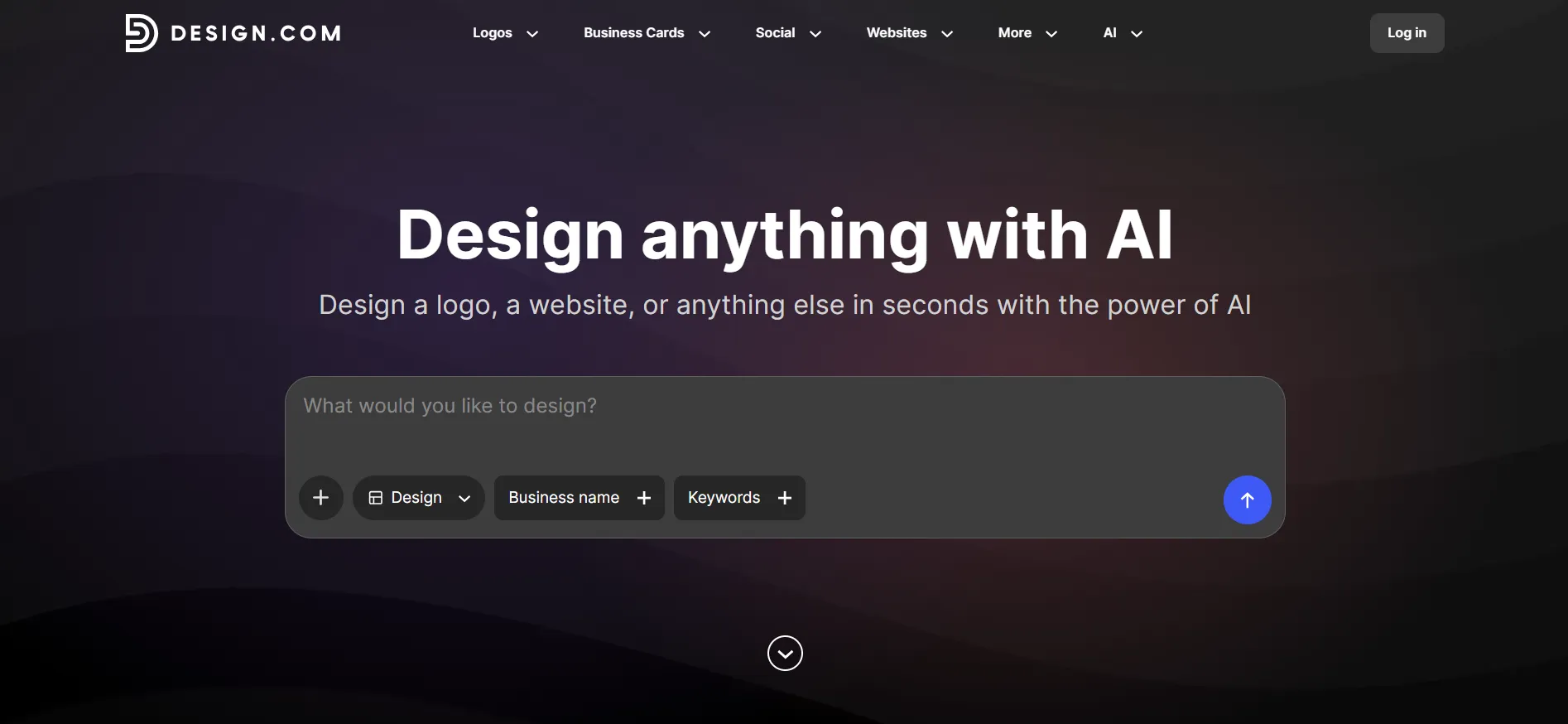
Étape 1 : Enter your business name. You go to the logo maker page and type in your name. I entered the coffee brand’s name and a short line about what it does.
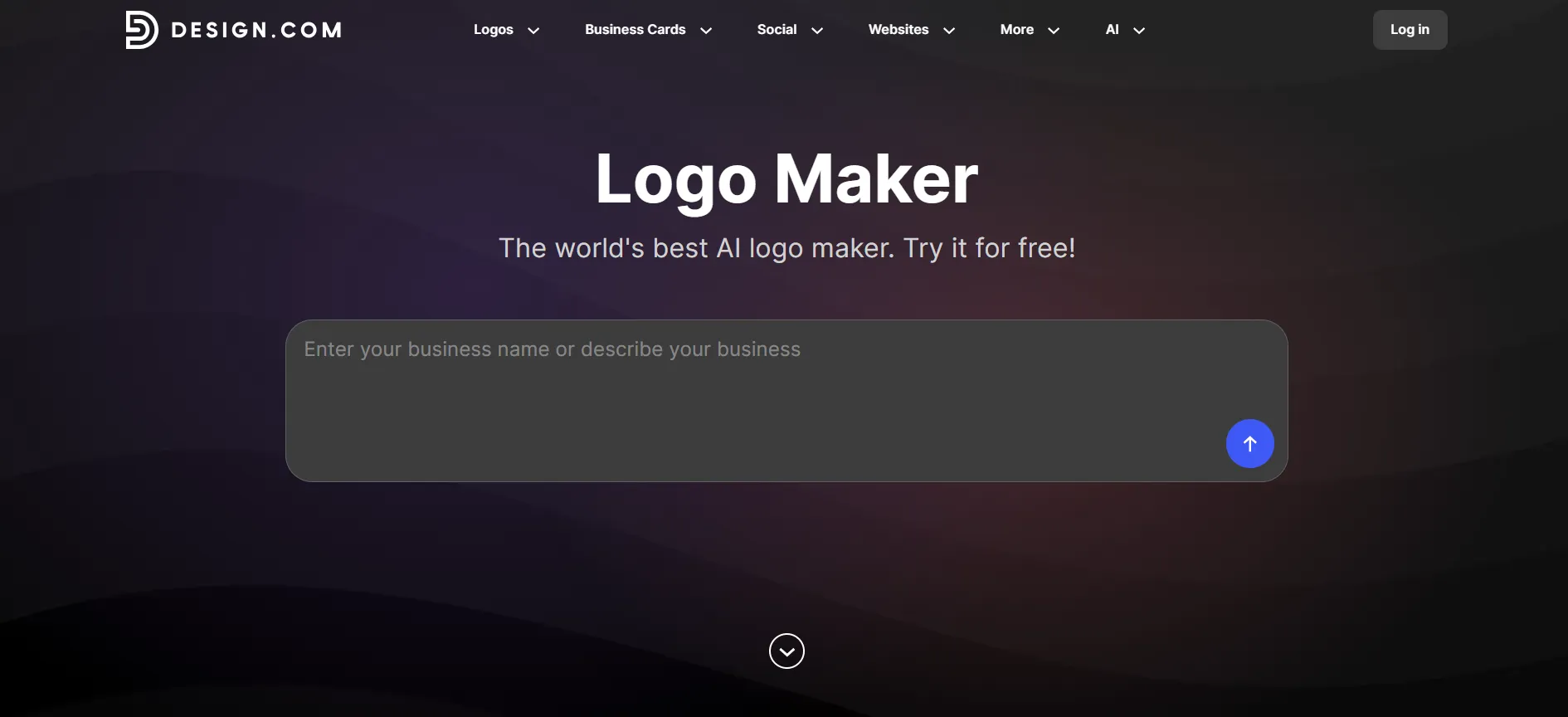
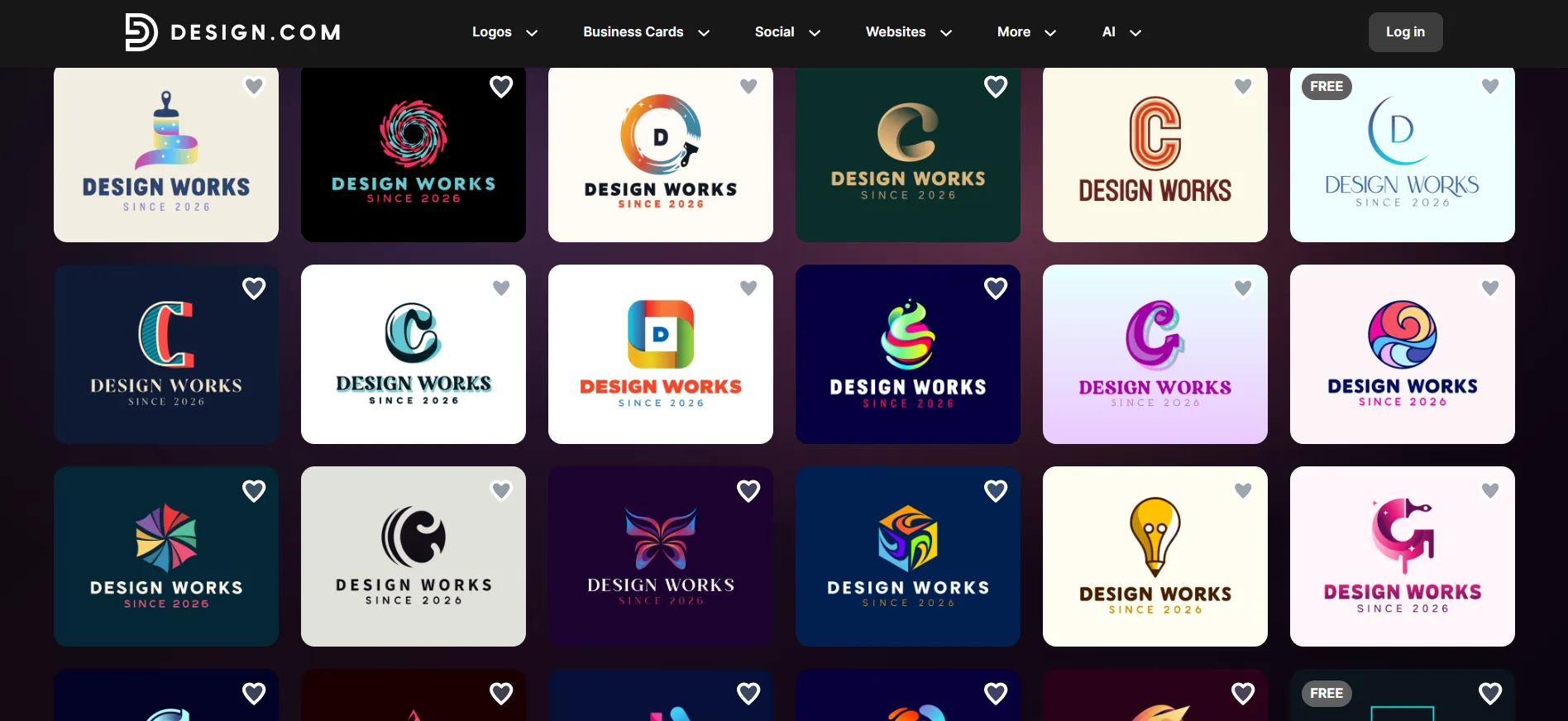
Étape 2 : Let the AI generate logos. The AI produced a wall of logo options within seconds. Not five or ten. Dozens, all relevant to the coffee industry. This is where the library size matters. Other tools give you a handful of options and push you to pick. Design.com gives you room to be picky.
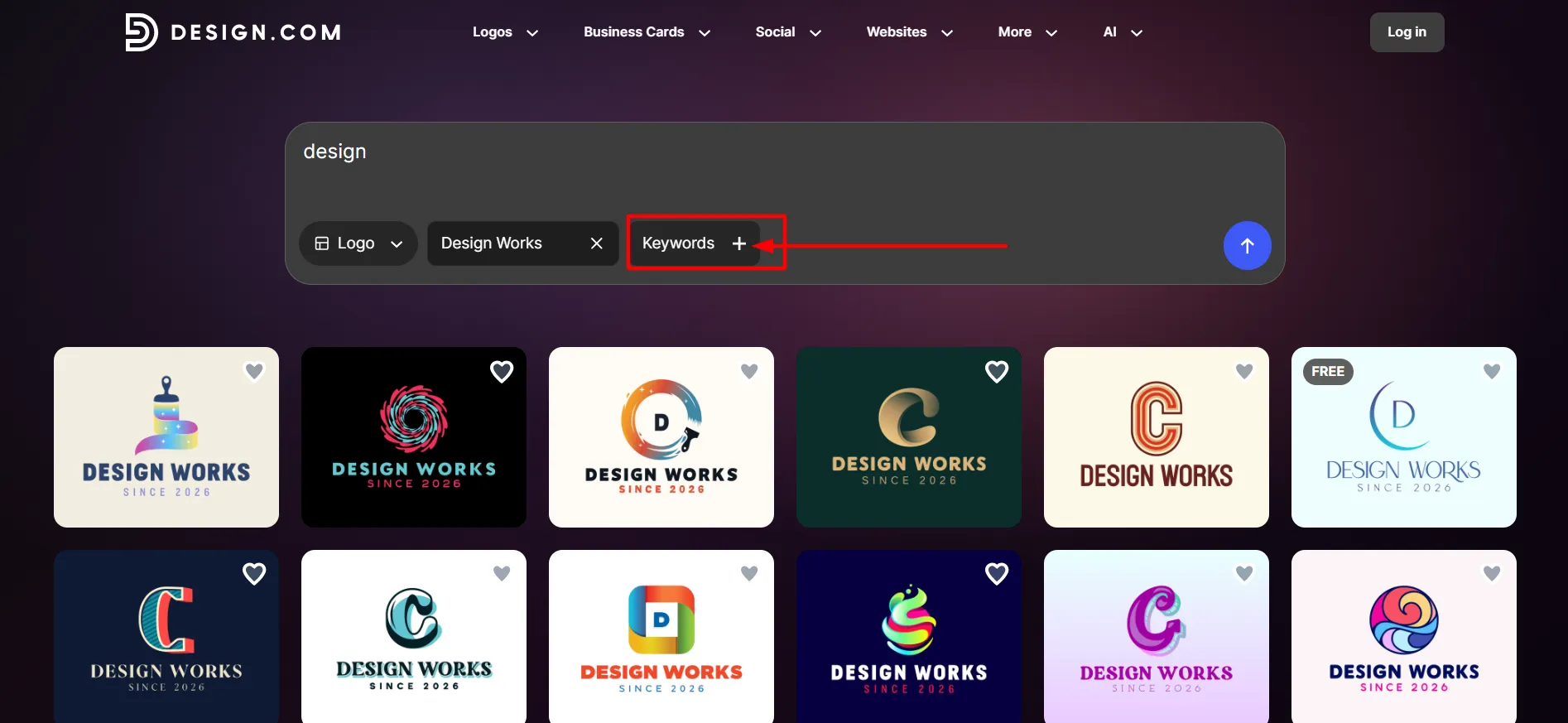
Étape 3 : Refine with keywords. The first batch was good but broad. I typed “minimal, vintage, badge” and the generator produced a sharper set. You can repeat this as many times as you like.
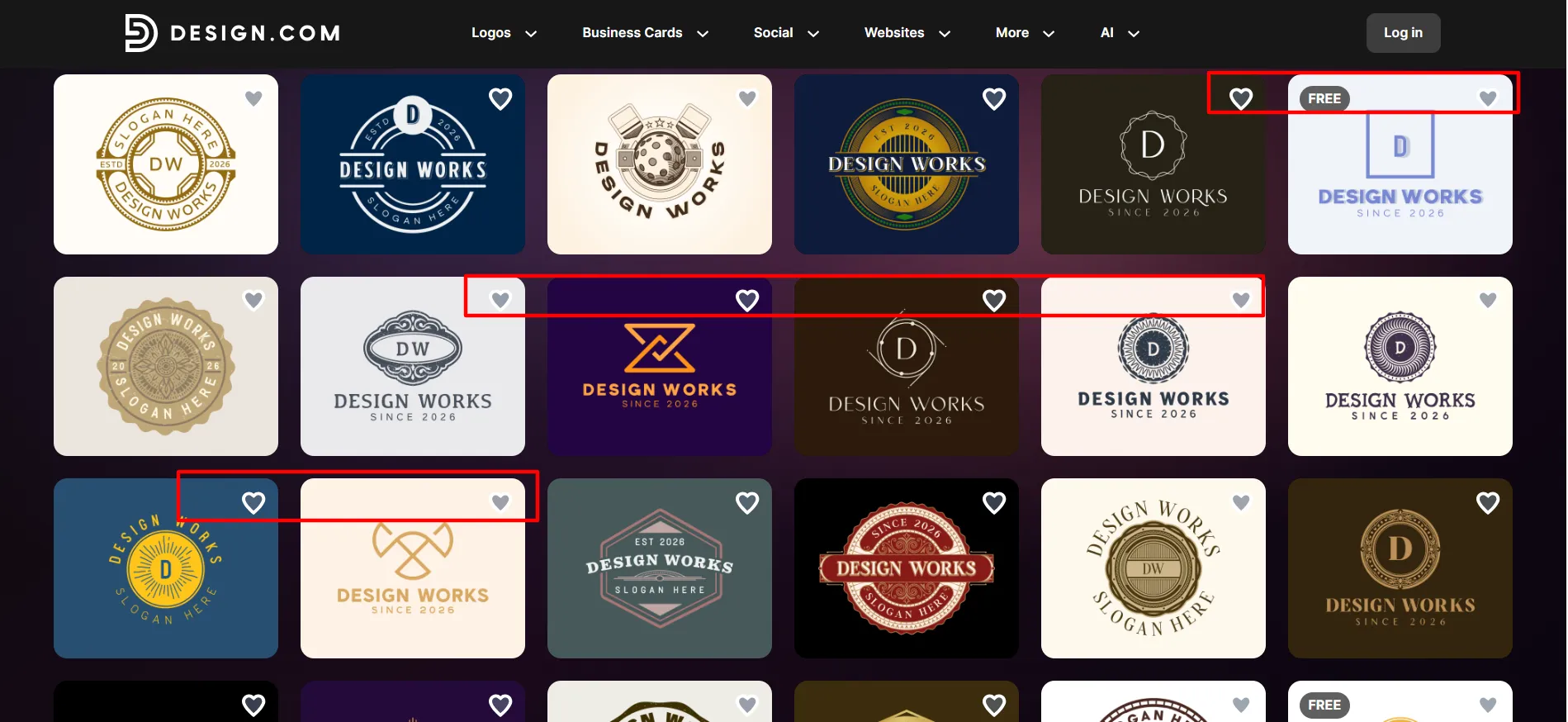
Étape 4 : Shortlist your favourites. You hit the heart icon on the ones you like. This saves them to a shortlist so you can compare properly instead of scrolling back.
Étape 5 : Customise in the editor. This part impressed me most. The editor uses an AI chat. I typed “make the text bolder” and “swap the icon for something simpler,” and it did both in seconds.
You also get full manual controls: fonts, colours, layouts, curved text, gradients, and a library of over 62,000 exclusive vector shapes. I am not a designer, and I never felt lost.
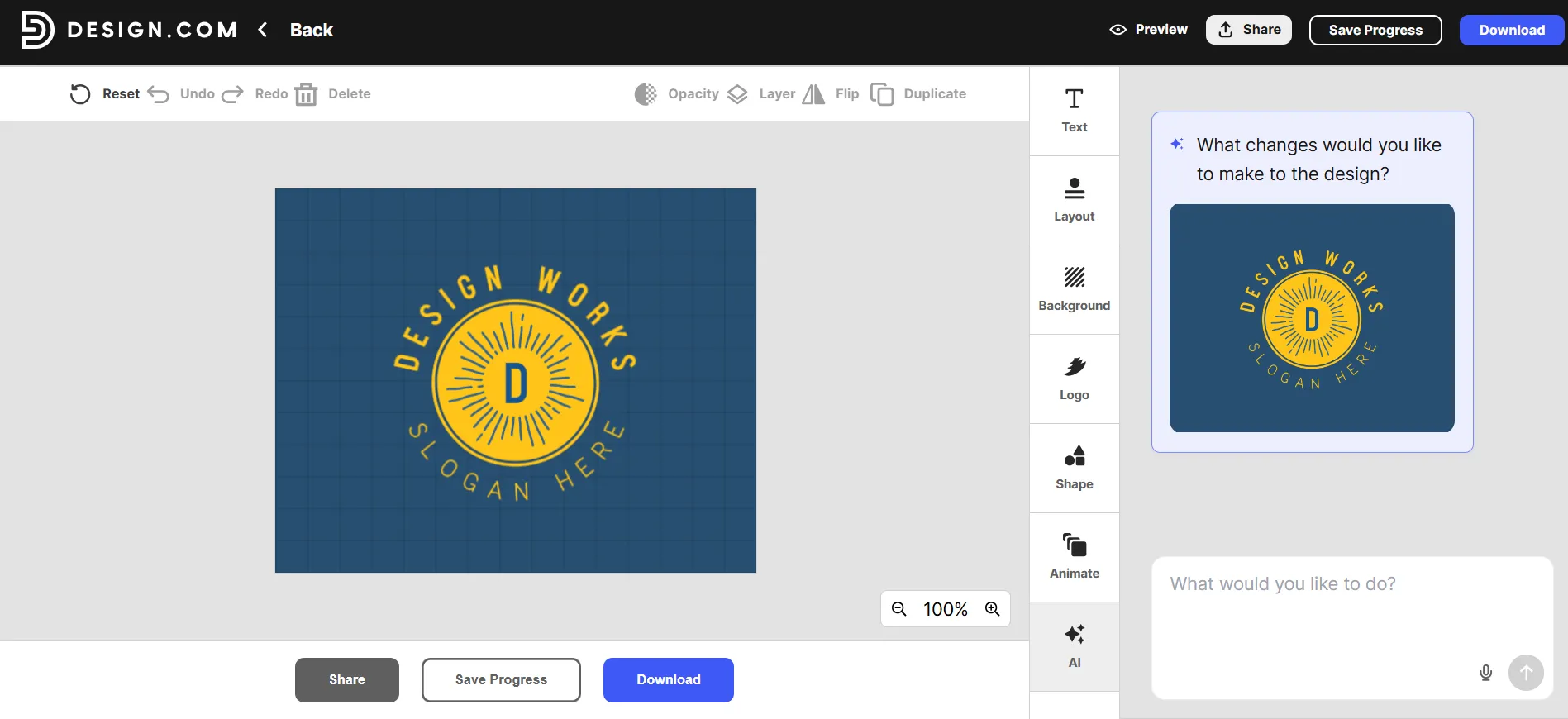
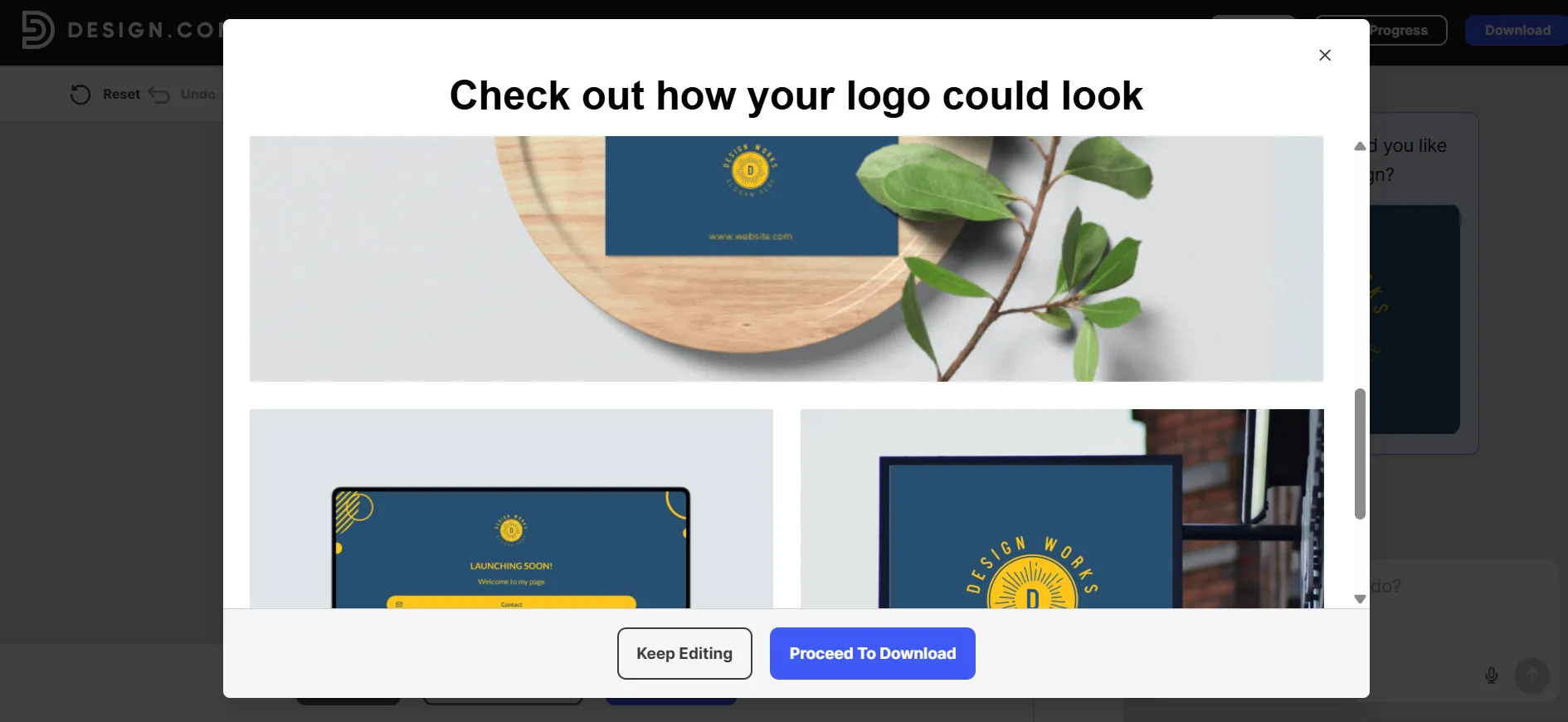
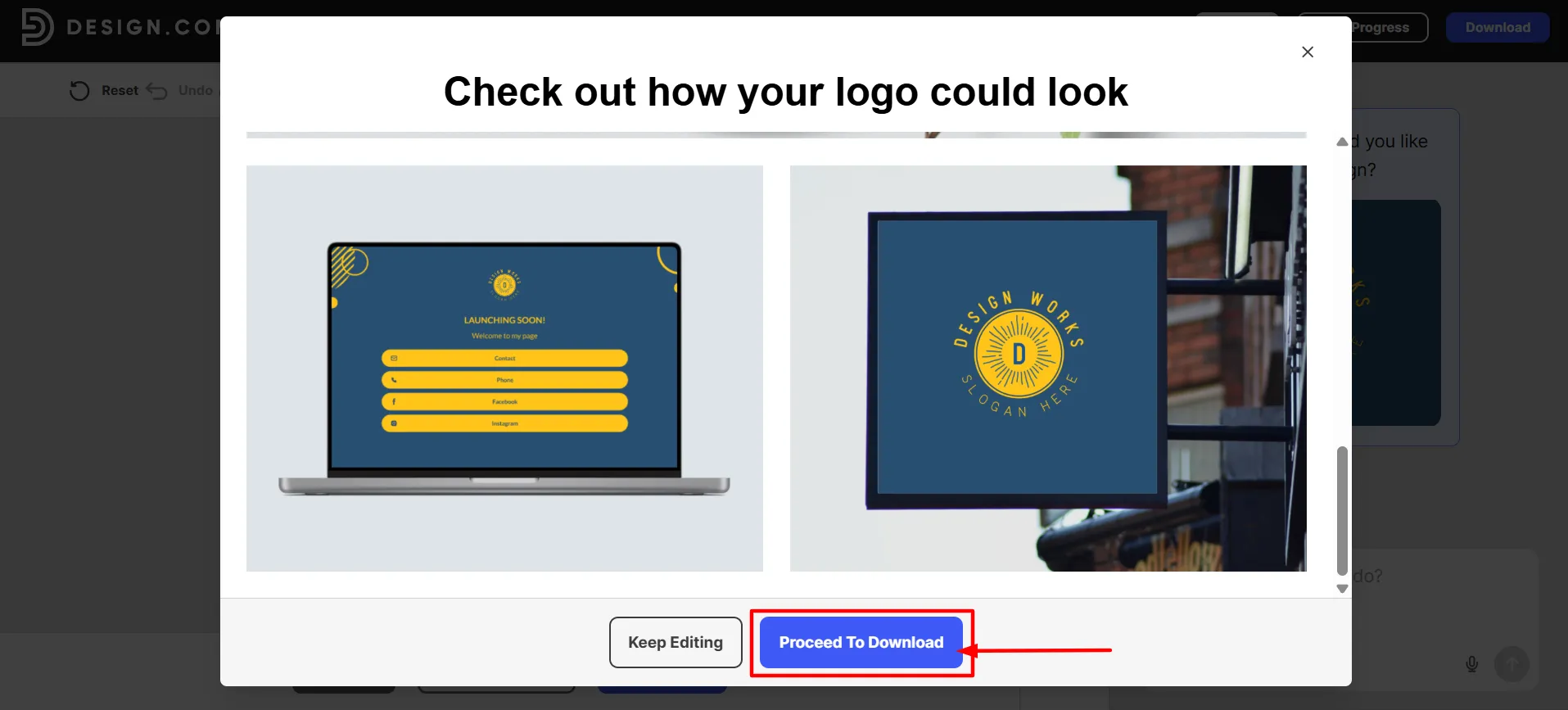
Étape 6 : Preview in the real world. The mockups show your logo on business cards, signage, a website, and merchandise. This catches problems early. One of my shortlisted logos looked great on screen but weak on a shop sign. I swapped it before paying anything.
Étape 7 : Download. You get everything at once: high-resolution PNG and JPG for web, vector SVG, EPS and PDF for print, a transparent background version, and multiple logo variations. Design.com stores your files forever, so you can come back and re-download them any time.
Total time from start to finished logo: about 20 minutes. The tool itself is fast. Picking takes time because you actually have choices.
Tarifs de Design.com
Design.com has a free plan, and it is genuinely useful. You can design, edit, and download free logos in high resolution with vector files included. No watermarks, no usage limits.
Paid plans unlock the premium library and extra tools:
Plan | Mensuel | Annuellement (par mois) | Ce que vous obtenez |
Gratuit | $0 | $0 | Logo downloads, free website, digital business card |
Starter | $9 | $3 | Designs premium, modifications illimitées, plus de 50 outils de conception, plus de 618 000 modèles |
Valeur | $14 | $4 | Tout le contenu de Starter, plus le générateur de sites web IA |
Devenez membre Premium | $19 | $5 | Tout ce qui est inclus dans la valeur, plus un lien dans la bio et des cartes de visite numériques |
At $3 to $5 a month on annual billing, this is the cheapest serious logo tool I have tested. One thing worth knowing: free logos come with a standard commercial license, but the design stays in the library. If you want exclusive rights, you can buy an extended license. That removes the icon from the library so no one else can use it.
Prices verified October 2026. Always check the pricing page before you buy, as these things change.
Avantages et inconvénients: Avis sur Design.com
Avantages
- The biggest library I have seen. 458,000+ logos means real choice. I never hit a wall where nothing fit.
- No stock icon filler. Every logo is exclusive to the platform and manually checked for copyright issues. That is rare in this market.
- The AI chat editing works. Describing changes in plain English beats hunting through menus.
- Every file format included. Vectors, transparent PNGs, multiple versions. Print shops and developers will not ask you for files you do not have.
- Free plan with no tricks. High-res downloads, vector files, no watermarks. You can launch a business without spending a dollar.
- Files stored forever. Lose your laptop, and your logo is still there.
- The full brand kit. Business cards, letterheads, email signatures, social posts, and a website all inherit your logo's colours automatically.
- 500+ exclusive fonts. Fonts nobody else has access to. Your logo is less likely to look like a competitor's.
- 24/7 support. Real humans on live chat and email, around the clock.
- Strong reputation. 4.7 stars on Trustpilot, the highest I found among major logo makers.
Inconvénients
- The free tier is non-exclusive. Your free logo stays in the library for others to use. Fine for testing, but budget for a paid plan or extended license if exclusivity matters to you.
- Choice overload is real. Hundreds of good options can slow you down. Use the shortlist feature and set a time limit.
- Premium templates need a subscription. The free selection is solid, but the best designs sit behind the paid plans.
Liens rapides:
Is Design.com worth it?: Avis sur Design.com
For most small businesses, yes, and it is not close. The free plan alone beats most paid tools I tested. The paid plans cost less than a month of coffee and include more file formats than competitors charge extra for. And the AI editing genuinely works, which I did not expect to say about any logo tool this year.
If you want a logo that looks designed rather than generated, start with the free plan and see how far it gets you. My test project went from name to finished brand in one sitting.
Essayez Design.com‘s logo maker here and test it with your own business name. It takes about thirty seconds to see your first batch of logos.