A logo shows up everywhere. It sits on your website, your social profiles, your invoices and your packaging. You want it to look right, and you don’t want to wait weeks or spend a fortune to get it.
| terbaik Untuk | Kebanyakan orang | Browsing many styles | People who design other things too |
| Harga | $9 a month ($3 a month billed yearly) | Ditampilkan saat pembayaran | $144 a year (Pro) |
| Opsi Gratis | Free to design and edit | Bebas mendesain | Paket gratis |

Online logo makers fix that. You type your business name, pick a style, tweak the result and download your files. Some are free. Some charge for the good files. A few try to sell you a whole brand kit on top.
We checked ten of them in October 2026. We read each site’s pricing and feature pages, then ranked Best Online Logo Makers for startups and creators. Design.com comes first. If you want one pick, the best online logo maker for most people is listed first. The other nine have real strengths too, and we say where each one falls short.
How we ranked them?
Price matters, but it isn’t the only thing. Here’s what we looked at:
How much you pay before you can download a usable file.
Whether you get vector files, which print sharply at any size.
How much control you have when you edit.
What the license says about who owns the logo.
What you get after the logo, such as business cards and social posts.
We didn’t just take a site’s word for it. Where sources disagreed on a price, we say so below. Prices change often, so check the checkout page before you pay.
Two things to know before you start
First, file types. A PNG is a flat picture. It works for websites and social posts. SVG, EPS and PDF are vector files. They stay sharp at any size, so printers want them for signs, shirts and packaging. A transparent version lets you place the logo on any color without a white box around it. If a tool gives you only PNG, you may pay again later when you need to print.
Second, the license. It decides who can use your design. A non-exclusive license means the tool may sell the same design to other people. An exclusive license removes that risk, usually for an extra fee. Many plans are non-exclusive, so read the terms before you pay.
Quick comparison: 10 Pembuat Logo Online Terbaik
Compare the best online logo makers side by side. This quick guide shows pricing, ease of use, and design options so you can pick the right tool for your brand.
Alat Bantu | Opsi gratis | Paid price to start | Terbaik untuk |
Free to design and edit | $9 a month ($3 a month billed yearly) | Kebanyakan orang | |
Merek Kerumunan | Bebas mendesain | Ditampilkan saat pembayaran | Browsing many styles |
Canva | Paket gratis | $144 a year (Pro) | People who design other things too |
lihat | Bebas mendesain | $ 20 satu kali | One-off logo files |
Pembuat Logo Wix | Paket gratis | $ 90 tahun | Wix site owners |
Penjahit Merek | Free to make, low-res download | Tied to business plans | Perusahaan baru |
Adobe Ekspres | Paket gratis | $ 9.99 bulan | Adobe fans |
One free PNG | $ 36 untuk tahun pertama | Anggaran yang ketat | |
Pembuat Logo Fiverr | Bebas mendesain | $ 30 satu kali | Designer-style packages |
Pembuat logo Shopify | Sepenuhnya gratis | None | Quick, simple logos |
1. Desain.com
Desain.com wins because it gives you the most for the least money. You can build and edit a logo for free. You can change colors, fonts, and layouts as often as you like. Then you pick a plan only if you want the extras.
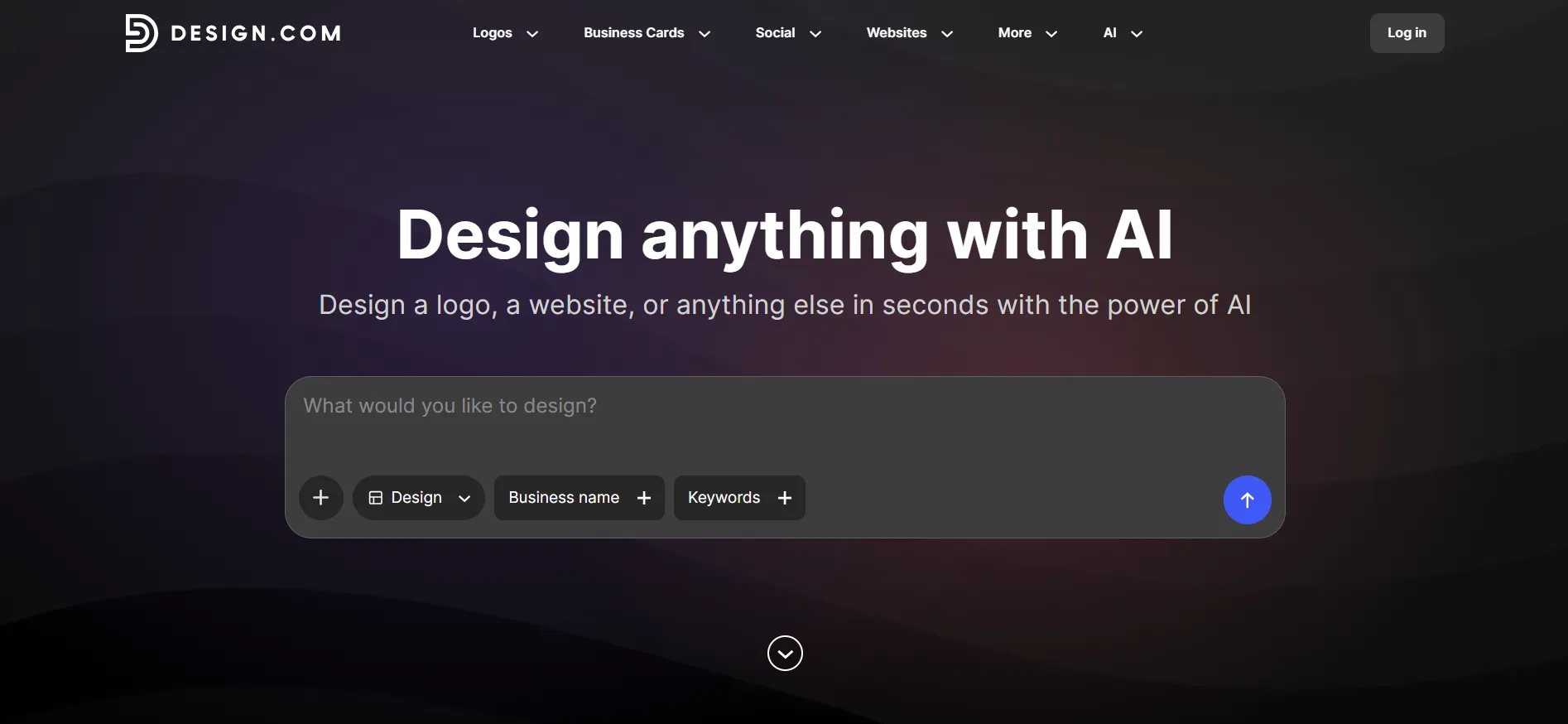
The library is huge. Its site says it holds more than 458,000 logos made by designers, plus over 500 exclusive fonts and 62,000 vector shapes. You type your business name or a short prompt, and the tool makes options. If you want a change, you can ask its AI chat to fix the font, shape, layout or colors. That’s faster than hunting through menus.
The files are strong too. Downloads include PNG and JPG for the web, plus SVG, EPS and PDF for print. Each one comes with a transparent-background version. Every logo carries a worldwide commercial license, and Design.com says it stores your files so you can download them again later.
Paid plans start at $9 a month, or $3 a month if you pay for a year up front. The next tiers cost $14 and $19 a month, or $4 and $5 billed yearly. They add business cards, social posts, a website builder and digital business cards. Desain.com also lists support by live chat or email at any hour.
Kelebihan
- Free to design and edit, with a commercial license.
- AI chat edits the logo for you.
- Vector and transparent files come as standard.
- Low-cost paid plans, from $3 a month billed yearly.
Kekurangan
- The standard license isn't exclusive, so someone else could pick the same design.
If that last point worries you, Desain.com sells an exclusive license. It lists the price at $145 one time. A startup that wants a one-of-a-kind mark should budget for it.
2. Kerumunan Merek
Merek Kerumunan works in a similar way. You browse thousands of designs, edit as many as you like and save them. Its page says the logo maker is free to use. It also says the templates downloaded for free come in high-resolution, vector files included.
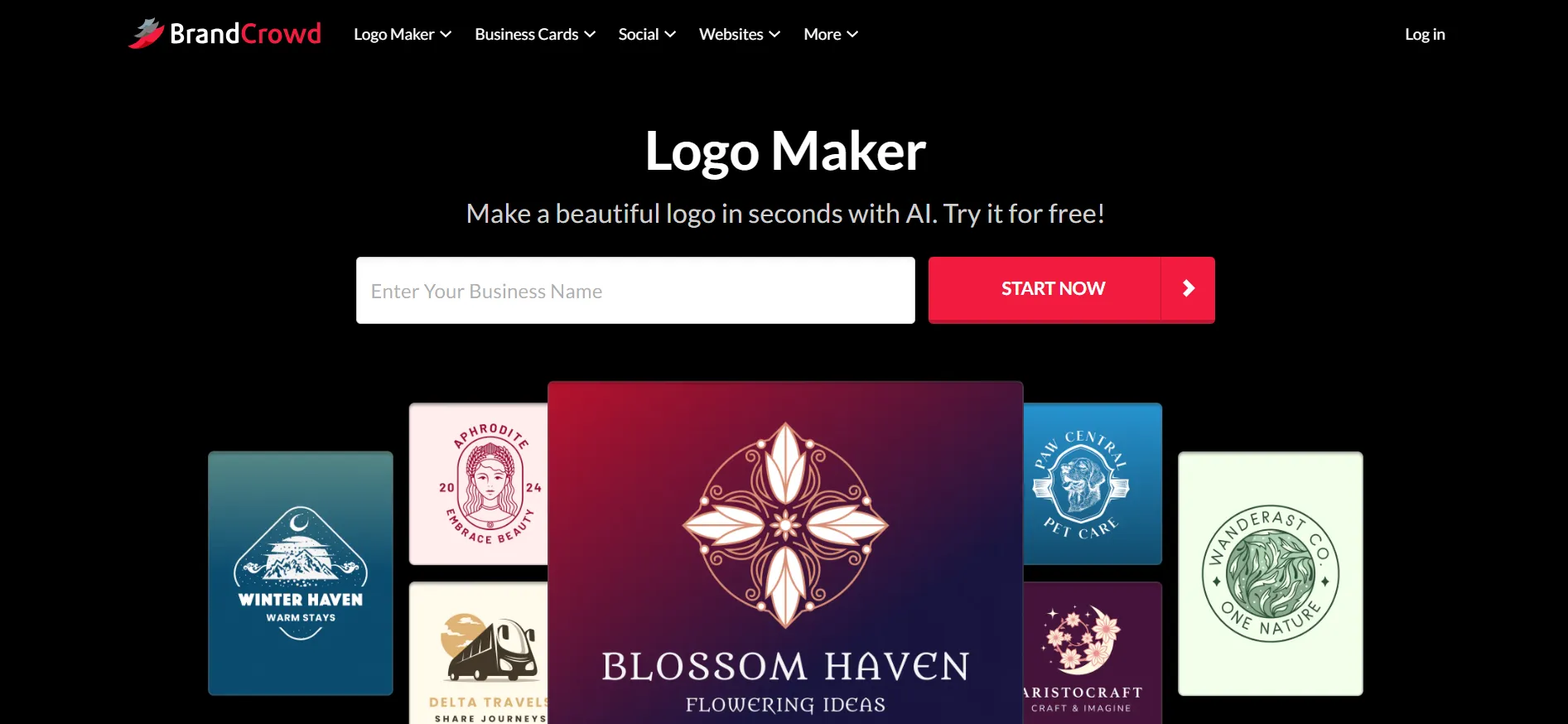
Paid downloads come with PNG and JPG for the web, SVG, EPS and PDF for print, and transparent versions. The license it describes is worldwide and irrevocable, and it covers commercial and personal use.
Paid plans start at $9/ month, or $3/month if billed annually.
Kelebihan
- Free to browse and edit as much as you want.
- Wide choice of styles and file types.
Kekurangan
- Premium logos require subscription before use.
3. Canva
Canva isn’t a dedicated logo maker, but many people use it for logos. You pick a template, swap the text and colors, and export. The free plan lets you export PDF, JPG and PNG files.
Canva suits people who want to make flyers, slides and posts in the same place. For a logo alone, it gives you less than the tools above. The free plan exports PDF, JPG and PNG, so check that those formats cover what you need. The templates also feel less tailored to a brand name.
Kelebihan
- A free plan that covers a lot.
- One tool for logos, posts, slides and more.
Kekurangan
- Not built for logos, so the results feel more generic.
- Print export and background removal need Pro.
4. Lihat
lihat asks you questions about your style and builds options with AI. Designing is free, and you pay to download. That’s fair, but it means you only see the full cost late.
There are two one-time packages. The Basic package costs $20 and gives you one low-resolution PNG. The Premium package costs $65. It adds PNG, EPS, SVG and PDF files, color variations with transparent backgrounds, unlimited changes after you buy, and lifetime technical support.
Looka also sells a Brand Kit for $96 a year. It adds 300 or more ready-made assets for social media, print and brand guidelines, plus unlimited logo changes. You keep full ownership of your logo after the subscription ends. The kit bills yearly, so read the renewal terms before you sign up.
Kelebihan
- Premium gives all the file types for one payment.
- You keep the logo even if you cancel the Brand Kit.
Kekurangan
- Basic gives you only one low-resolution file, which most people outgrow fast.
- You can't see the price until you've spent time designing.
5. Pembuat Logo Wix
Wix runs its logo maker through Wixel. You answer a few questions, get AI suggestions, then change colors, fonts, icons and layout. The site says you can download SVG, PNG and JPG files with transparent backgrounds.
The free plan gives you 120 AI credits a month, up to 30 a day. Manual edits cost nothing. AI edits use credits, and unused credits don’t roll over. Paid plans run $90 a year for Basic, $290 for Pro and $590 for Max, before tax. Wix lists downloads in any quality and format on every plan.
Wix makes the most sense if your site already runs on Wix. The logo fits straight in. If you don’t use Wix, the credit system can feel like a meter running in the background.
Kelebihan
- Free plan with real download options.
- Fits neatly into a Wix site.
Kekurangan
- AI edits burn credits, and the credits expire each month.
- Prices exclude tax, so the final bill is higher.
6. Merek Penjahit
Tailor Brands says you can make a logo for free and download a low-resolution version. High-resolution vector files cost money. The trouble is finding the price. Its pricing page focuses on forming a company, not on logos.
Those company plans are Lite at $0, Essential at $199 a year and Elite at $249 a year, plus state fees. Elite adds a free domain, a DIY website, eight free logos, a digital business card and a social post maker. The plans also include a bookkeeping trial. After 30 days, the page says you’ll pay $39 a month unless you cancel.
That bundle works if you’re starting a US company and want everything in one place. If you only want a logo, it’s a roundabout route.
Kelebihan
- One place for logo, company setup and website.
- Free low-resolution download to test a design.
Kekurangan
- Logo prices aren't clear on the pricing page.
- The bookkeeping trial turns into a $39 monthly charge.
7.Adobe Express
Adobe Express is a general design tool with logo templates and an AI logo generator. The free plan costs nothing and needs no credit card. It includes more than 100,000 templates and 5GB of storage.
Premium costs $9.99 a month, billed monthly with no annual commitment. It adds 250 generative credits a month, all premium templates, the full Adobe Fonts library of 30,000 fonts and brand kits. A 30-day free trial is on offer. Adobe’s page was last updated in May 2026, so check the price before you buy.
Adobe’s tools are polished, and the fonts are a real draw. But the logo maker isn’t described in detail on the pricing page. You’re getting a design suite more than a focused logo tool.
Kelebihan
- Huge font library through Adobe Fonts.
- Cheap monthly plan with a 30-day trial.
Kekurangan
- Logo features aren't spelled out, so you'll test before you trust.
- Free AI generation is limited.
8. Logo.com
Logo.com lets you design a logo and download one PNG for free, with a full commercial license. That’s a good deal if you only need a basic file. The free plan caps you at one logo, though, and gives PNG files only.
Its Brand Plan costs $36 for the first year, or $15 a month, according to logo.com‘s own June 2026 guide. It includes vector files, more than 1,200 branded templates, a website and a free domain for the first year. Business adds more seats and room for 100 logos. The guide doesn’t say what the Brand Plan costs after year one.
Kelebihan
- A real free download with commercial rights.
- Low first-year price for vector files.
Kekurangan
- The free plan gives one logo and PNG only.
- Renewal pricing isn't clear.
9. Fiverr Logo Maker
Fiverr’s tool asks about your business and style, then builds logos from designs made by its designers. Making and editing is free. You pay for a package. Fiverr says packages start at US$30.
Essential costs $30. You get a high-quality PNG with a transparent version and full commercial rights, but you can’t edit the logo after checkout. Professional costs $60. It adds print-ready SVG files, website and app files, a brand style guide in PDF, a social media kit and Zoom backgrounds, plus one revision. Unlimited costs $90 and gives you unlimited edits in the online editor.
You can also order custom work from the logo’s designer after you buy. That’s a nice step up if the template is close but not perfect.
Kelebihan
- Clear package prices with no guessing.
- Professional comes with a style guide and social kit.
Kekurangan
- Essential locks the logo after checkout.
- Each step up in price adds a lot.
10. Shopify logo maker (formerly Hatchful)
Shopify’s logo maker is free. The site says there are no hidden fees or upfront costs. You choose a category and style, add your name and slogan, pick a design and download it. It takes a minute or two.
Hatchful was Shopify’s earlier logo app. A 2026 review reports that Hatchful’s old site now redirects to Shopify’s logo maker. The same review says the tool exports PNG files, not vector formats, and that the template library is small next to bigger tools. It also says there’s no brand kit.
Use it when you need a quick placeholder logo. Don’t pick it if you plan to print signs or merchandise.
Kelebihan
- Sepenuhnya gratis.
- Quick, with no learning curve.
Kekurangan
- PNG only, so large prints may look soft.
- Small library and basic editing.
Link Cepat:
How to pick the right one?: Pembuat Logo Online Terbaik
Start with your goal. Ask what you need the logo to do in the next year.
If you want the strongest all-round tool, choose Desain.com. It’s free to start, offers every file type and keeps paid plans cheap. If you only need one basic file today, logo.com or Shopify’s logo maker will do. If you live inside Wix, Wixel keeps things neat. If you’re forming a US company, Tailor Brands bundles the paperwork.
Whatever you choose, check four things before you pay:
The license. Is it exclusive, or can others use the same design?
The file types. You want vector files, not just PNG.
The renewal terms. Some plans bill again when the first year ends.
The cancel process. Find it before you need it.
A logo costs very little compared with what it does for your brand. Spend an hour on it, not a week. Pick one tool from this list, try its free version and see if the result feels like you. If it does, you’re done.