
Google just updated Chrome with cool AI features powered by Gemini. This makes browsing faster and smarter.
Users gain new tools, including a side panel, image editing, and automated tasks.
The update works on Windows, Mac, and Chromebook Plus. It helps multitask and save time.
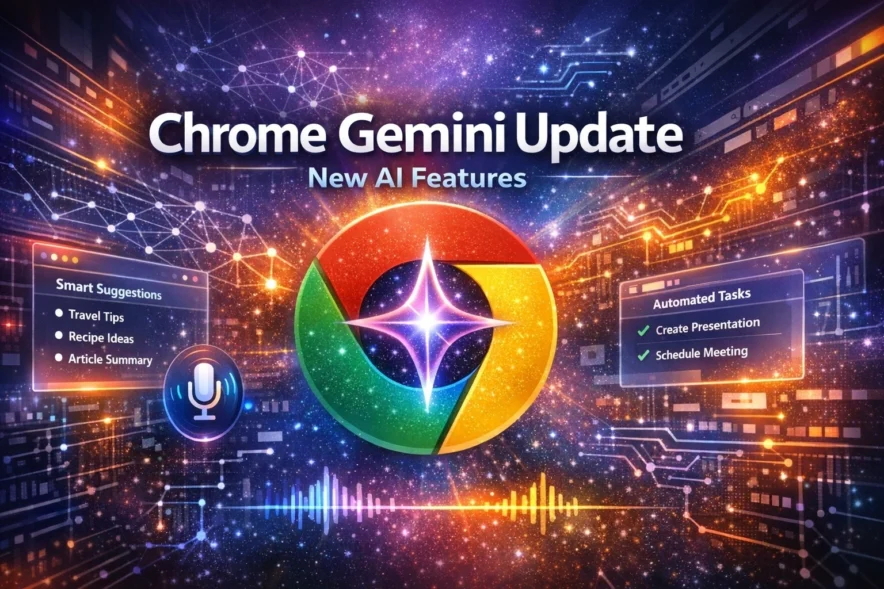
New AI Side Panel
Google adds a side panel to Chrome. Users slide it open. It opens Gemini chat without new tabs. This helps compare things fast. You see product reviews from many sites.
It checks calendars, too. Users must agree to share URLs first.
Key Features Specs
- AI Side Panel: Chat with Gemini beside your tab. Compare options across tabs. Summarize reviews. Find calendar slots. Needs opt-in for data share.
- Nano Banana: Edit images right in the browser. No copy or download needed. Change photos in the open window. Works for all users.
- Auto Browse: For AI Pro and Ultra users. AI does tasks for you. Book hotels, compare flights. Gets quotes. Checks bills. Shop from photos. Uses passwords if allowed.
- App Links: Connects to Gmail, Calendar, Flights, Maps, YouTube, and Shopping. Pulls info for better help. Part of Personal Intelligence.
This Chrome Gemini Update boosts productivity. Nano Banana edits images easily. Auto Browse handles boring tasks. Side panel keeps work smooth. Rollout starts now for many users. Try it to shop, plan, and create faster.
More News To Read: