Graphy

- Best for course creators in India
- Built-in live classes & webinars
- Custom website & app creation
- Strong community engagement
Podia

- All-in-one platform (courses, memberships, downloads)
- No transaction fees on paid plans
- Built-in email marketing & messaging
- Simple, beginner-friendly interface
Thinkific

- Free plan available
- Drag-and-drop course builder
- Customizable website & branding
- No transaction fees on all plans
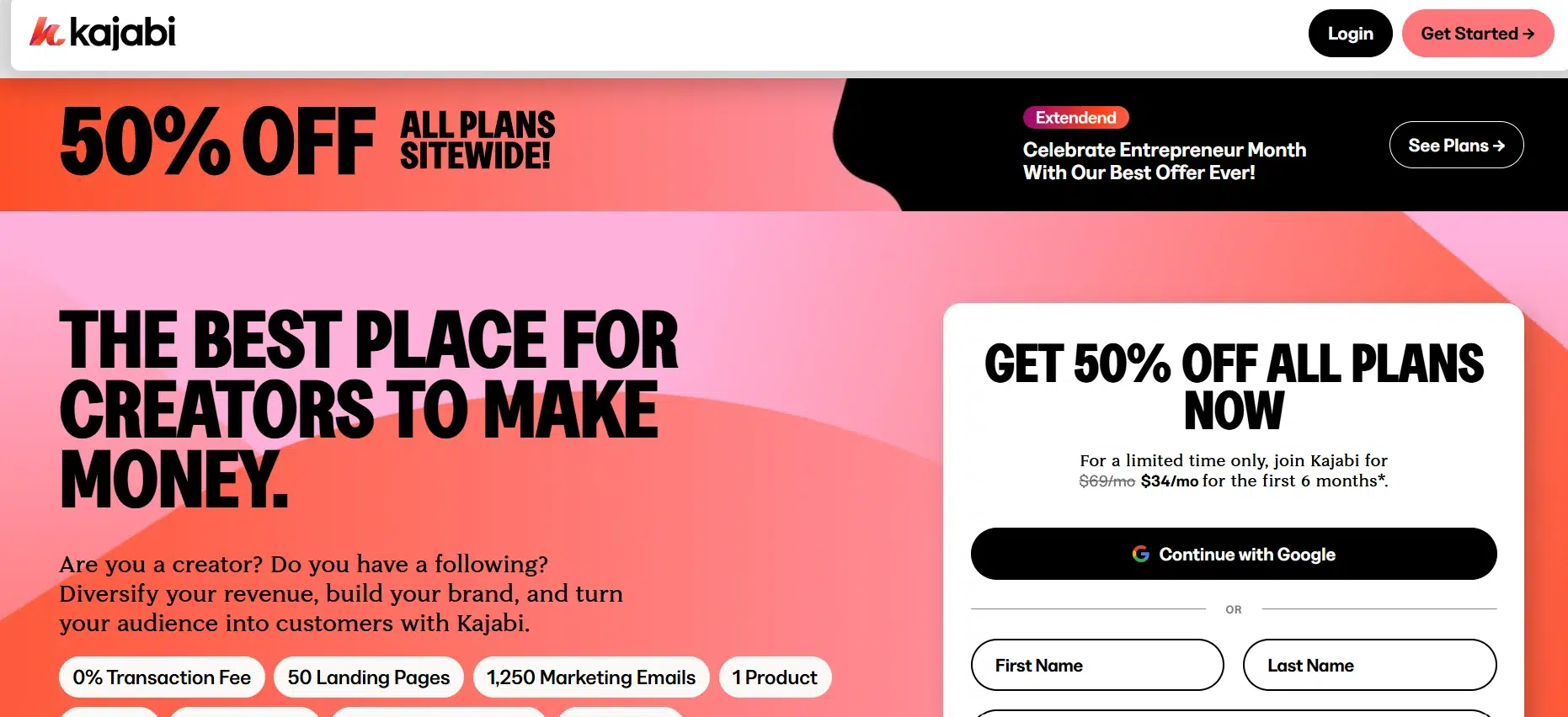
Are you looking for a Kajabi alternative that will really work for you? I tried Kajabi myself, and while it’s a solid platform, I wasn’t fully happy with it.
Maybe it was too expensive or didn’t have everything I needed to run my business smoothly. If you feel the same and are searching for something better, you’re not alone.
There are other platforms out there that might be a better fit for your needs.
Let’s check out some great Kajabi alternatives that could work better for you!
Top 8 Kajabi Alternatives
1. Graphy – Best for Content Creators
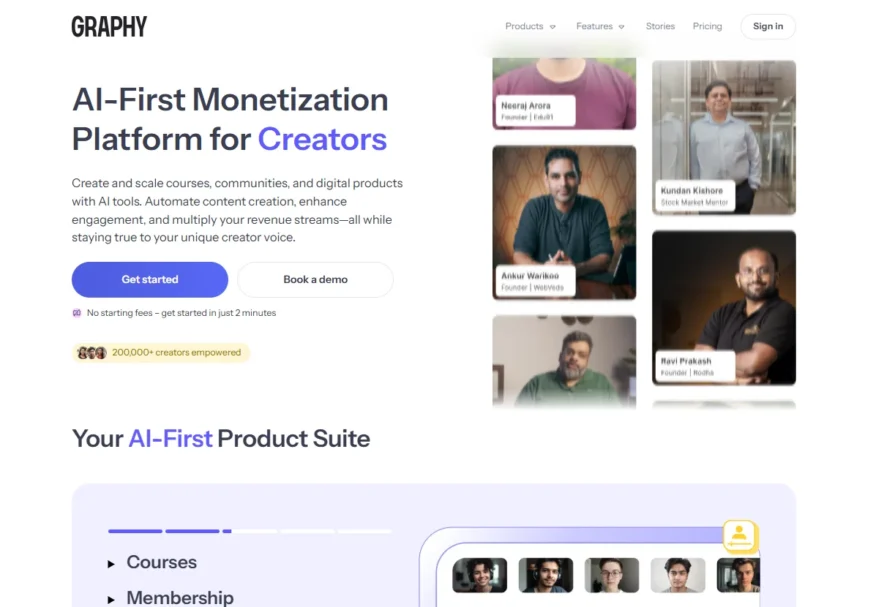
Graphy is an excellent platform for content creators looking to build and sell online courses while engaging their audience through community-driven features.
It’s designed for simplicity, making it perfect for creators who don’t want to get bogged down by complex setup processes.
Course Creation: Creating and selling courses is easy with Graphy. You can upload videos, quizzes, and assignments through a simple drag-and-drop interface, giving you a streamlined course creation experience.
Community Features: Graphy provides robust tools to interact with your audience, such as live streams, discussions, and group interactions. These features help you build and nurture a community around your content.
Monetization: Graphy offers flexibility when it comes to monetization. Whether you prefer to sell courses on a one-time payment basis or through a subscription model, it’s easy to set up the pricing structure that suits you.
After trying out Graphy, I can say it’s a great choice if you’re looking for a platform that’s easy to use and allows you to combine course creation with community building.
Pricing:
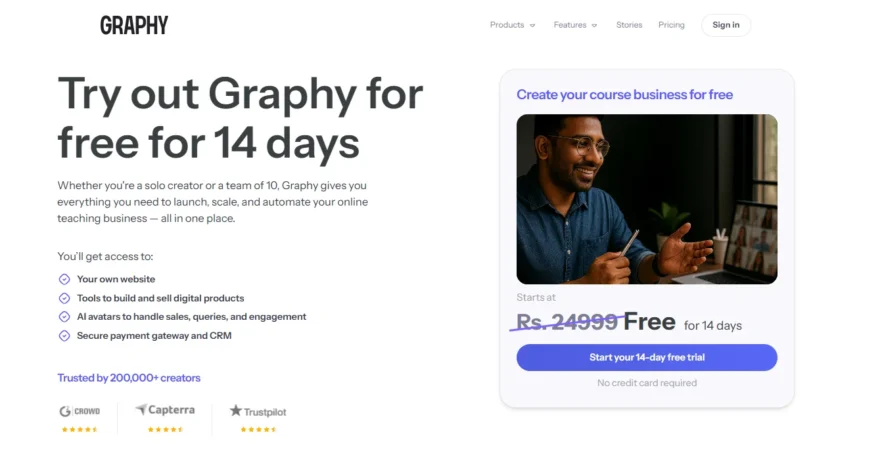
Graphy offers 14 14-day free Trial and a Paid Plan that starts at $39/month for the Basic plan, with higher-tier plans available for advanced features like automation, integrations, and extra customization.
2. Podia – Best for Simplified Course Creation

Podia is an all-in-one platform designed for creators who want a straightforward, no-hassle solution for selling online courses, digital downloads, memberships, and hosting webinars. Its user-friendly interface allows you to focus on content creation without dealing with complex setups.
Course Creation: Building and selling online courses is simple with Podia’s drag-and-drop builder. You can upload videos, PDFs, and quizzes without any coding skills, making it accessible for beginners.
Digital Products: In addition to courses, Podia enables you to sell digital products like e-books, templates, and other downloadable content, all within the same platform.
Email Marketing: Podia includes built-in email marketing tools, allowing you to send newsletters, updates, and promotions to your subscribers directly from the platform.
Community Features: You can create free or paid communities to engage with your audience, fostering discussions and building a loyal following.
Monetization: Podia offers flexible pricing models, including one-time payments, subscriptions, and payment plans, giving you full control over how you want to earn from your content.
After exploring Podia, I found it to be an excellent choice for creators seeking a simple, all-in-one platform that combines course creation, digital product sales, email marketing, and community engagement without the need for technical expertise.
Podia Pricing:
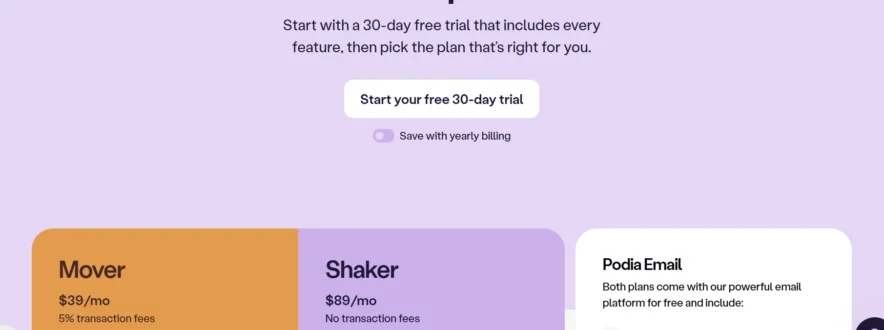
- Mover Plan: $39/month or $33/month when billed annually. Includes a 5% transaction fee.
- Shaker Plan: $89/month or $75/month when billed annually. No transaction fees.
Both plans include features like a website builder, email marketing, unlimited products, and blogging
3. Thinkific: Best for Course Creators with Scalability Needs

Thinkific is a feature-rich platform ideal for creators who want to build, market, and sell online courses with scalability in mind. It provides a range of customization options, tools for student engagement, and robust marketing features to help you grow your online business.
Course Creation: Thinkific offers a simple, drag-and-drop interface to help you create courses with ease. You can add various multimedia elements, such as videos, quizzes, assignments, and certificates, making it easy to design an engaging learning experience for your students.
Marketing Tools: Thinkific includes powerful built-in tools like email marketing, sales pages, and affiliate programs, so you can promote your courses and boost sales without needing third-party integrations. It also integrates well with other marketing tools for advanced users.
Student Engagement: The platform offers features like quizzes, surveys, and certificates to keep students engaged and motivated to complete courses. These features help enhance the learning experience and improve student retention.
Thinkific is an excellent choice if you’re looking for a platform that not only lets you create and sell courses but also provides strong tools for scaling your business over time.
Thinkific Pricing:
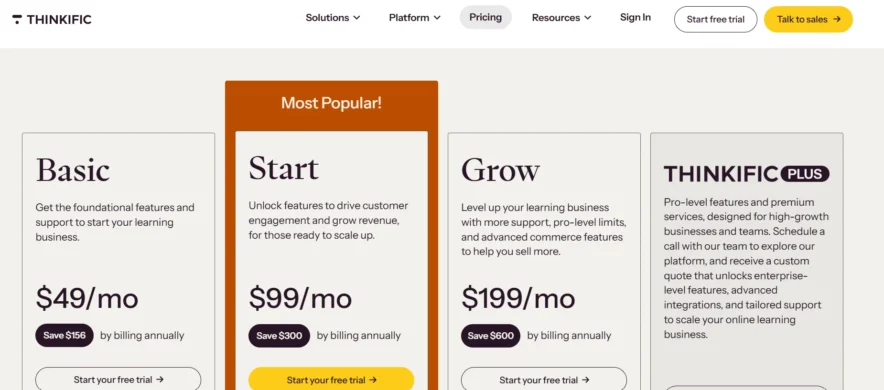
Free Plan: Thinkific offers a free plan with basic features, great for getting started with online course creation.
Paid Plans: Paid plans start at $49/month for the Basic plan, which includes additional features like email marketing, more integrations, and advanced course customization. Higher-tier plans offer more advanced tools for growing your business.
4. Teachable: Best for Ease of Use with Powerful Features
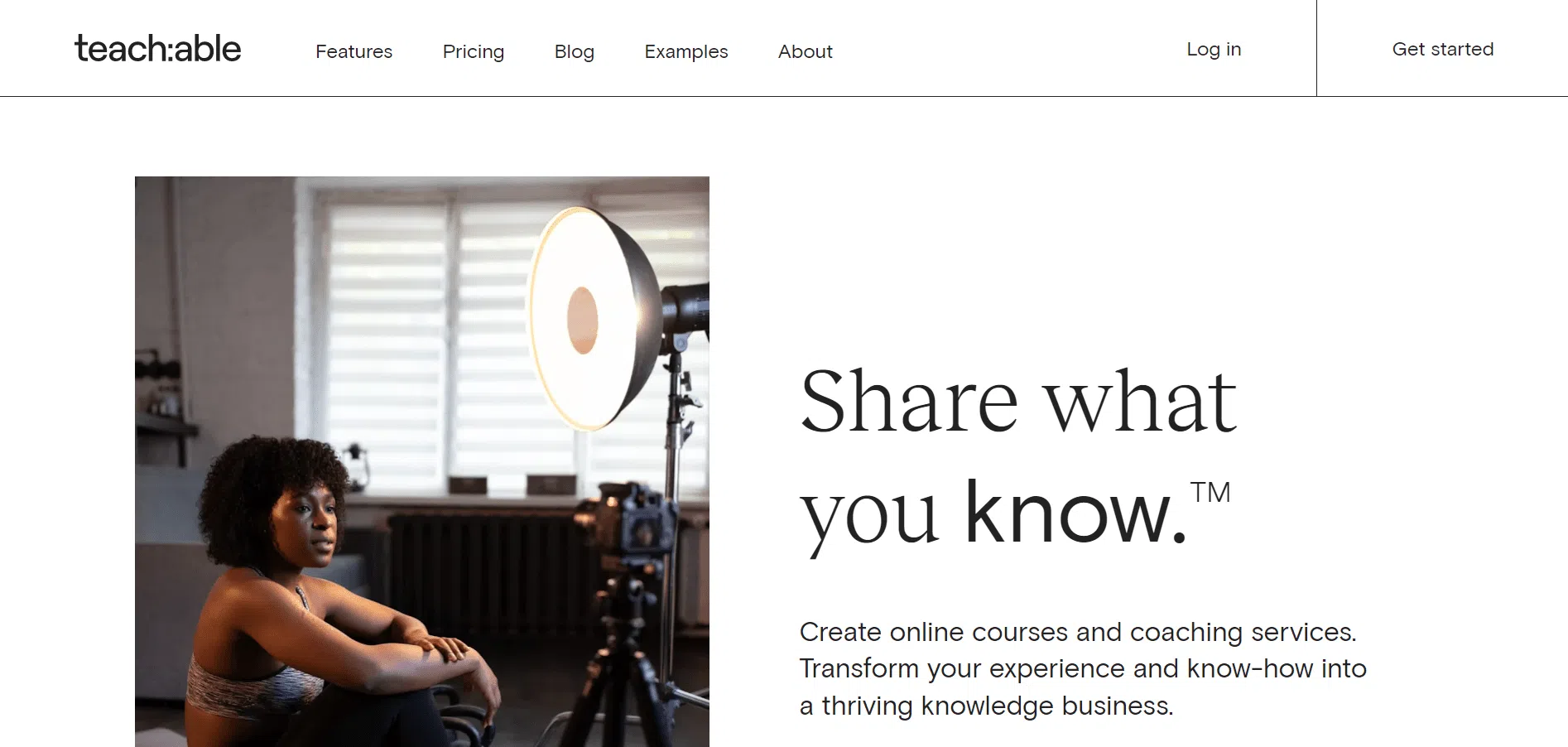
Teachable is a popular platform designed for course creators who want to easily build, market, and sell online courses. It strikes a great balance between simplicity and powerful features, making it ideal for beginners and experienced creators alike.
Course Creation: Teachable offers an intuitive drag-and-drop builder, allowing you to create courses with videos, quizzes, assignments, and more. It’s designed to be easy to use, even if you don’t have any technical or coding experience.
Marketing Tools: Teachable comes with built-in tools for email marketing, affiliate programs, and customizable sales pages. These features help you market and promote your courses, increasing your chances of attracting more students.
Student Engagement: Features like quizzes, assignments, and certificates keep students motivated and engaged throughout the course. It’s a great way to encourage completion and foster a better learning experience.
Teachable is perfect for creators who want an easy-to-use platform that also provides robust marketing and engagement features to help grow their course business.
Teachable Pricing:
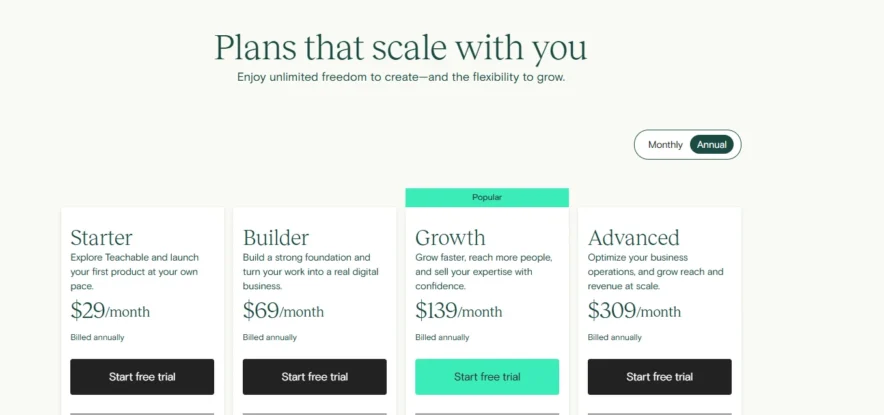
Free Plan: Teachable offers a free plan with limited features to get you started with course creation.
Paid Plans: Paid plans start at $29/month for the Basic plan, which includes more features like affiliate marketing and a customizable sales page. Higher-tier plans provide additional advanced features.
5. LearnWorlds: Best for Interactive Learning Experiences

LearnWorlds is a robust platform built for creators who want to deliver highly interactive and engaging online courses. It’s packed with a wide range of features that go beyond simple course creation, offering tools for gamification, student engagement, and marketing, making it ideal for educators who want to create an immersive learning experience.
LearnWorlds stands out for its flexibility, allowing you to design dynamic courses with video quizzes, social learning, and a variety of multimedia elements that make learning more enjoyable and effective.
Course Creation: LearnWorlds provides a variety of interactive features like video quizzes, assignments, and customizable course layouts. You can build courses that are not only informative but also engaging, with features like interactive videos and multimedia elements to enhance the learning experience.
Marketing Tools: The platform includes powerful built-in tools for email marketing, customizable landing pages, affiliate programs, and sales funnels. These features make it easier to promote your courses and attract students, whether you are a new creator or an established educator looking to grow your business.
Student Engagement: LearnWorlds is designed to keep students motivated and engaged with features such as social learning, gamification, and completion certificates. These tools encourage collaboration, competition, and a sense of achievement, making the learning process more enjoyable and rewarding.
LearnWorlds is perfect for creators who want to deliver an interactive and immersive learning experience while having access to powerful marketing and analytics tools to grow their online course business.
LearnWorlds Pricing:
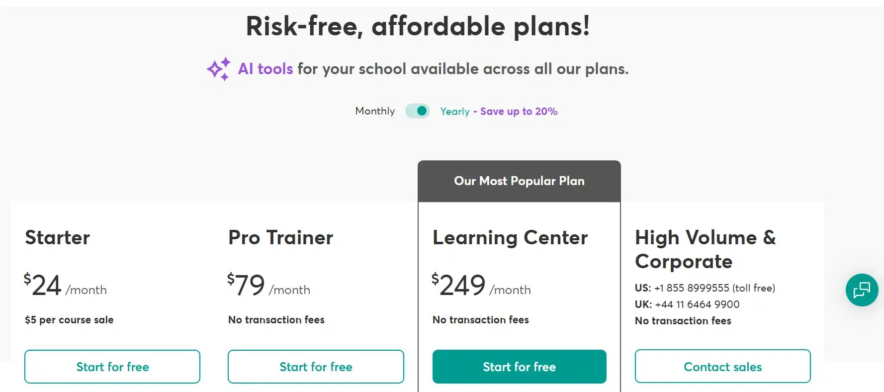
- Paid Plans: Start at $24/month for the Starter plan, which includes basic features for course creation. Higher-tier plans with more advanced tools, such as gamification, additional customization, and more detailed analytics, are available for a higher price.
- Free Trial: LearnWorlds offers a 30-day free trial so you can explore all the features before committing to a paid plan.
6. Ruzuku: Best for Simple Course Building
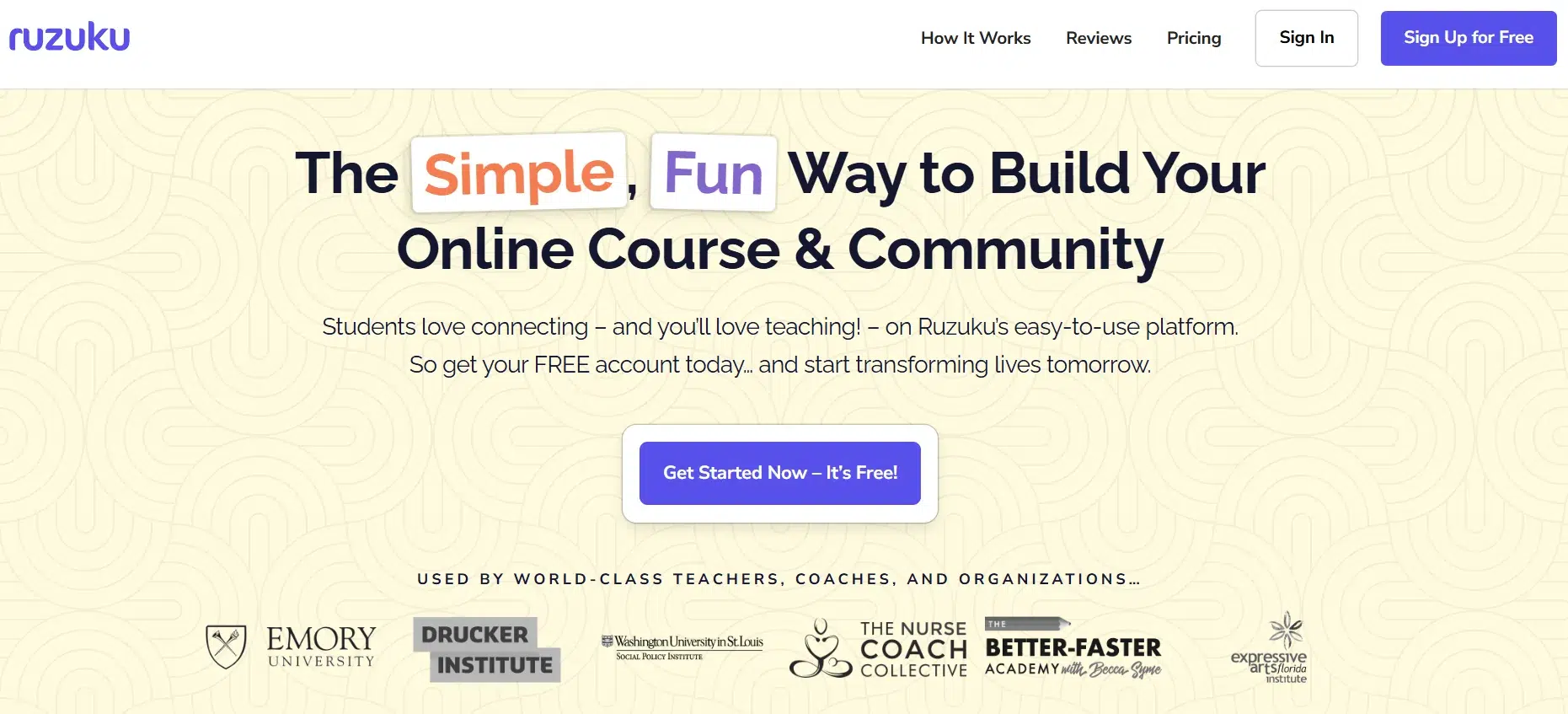
Ruzuku is a straightforward, user-friendly platform that helps creators quickly build and sell online courses. It’s designed for those who want an easy, no-hassle experience when it comes to course creation, making it ideal for beginners or anyone who prefers simplicity over complex features.
With Ruzuku, you can focus on creating quality content while the platform handles the rest, from course delivery to student engagement.
It’s perfect for creators who don’t need a lot of bells and whistles but want a clean, efficient solution for course creation and sales.
Course Creation: Ruzuku offers a simple drag-and-drop builder that allows you to add videos, text, quizzes, and assignments with ease.
You can easily organize your lessons into modules, and the platform supports a range of multimedia content to keep students engaged. Whether you’re creating video lessons or written content, Ruzuku ensures that the process is quick and hassle-free.
Student Engagement: Ruzuku offers basic tools for keeping students engaged, such as discussion boards, feedback features, and course progress tracking. These features encourage interaction between students and instructors, helping to foster a sense of community within the courses.
Monetization: You can monetize your courses with flexible payment options, including one-time payments or subscription-based pricing models. Ruzuku also supports payment plans, which makes it easy to offer courses at different price points.
Ruzuku is perfect for course creators who need a simple, no-fuss platform to create and sell courses without dealing with complicated setups or advanced features.
Ruzuku Pricing:
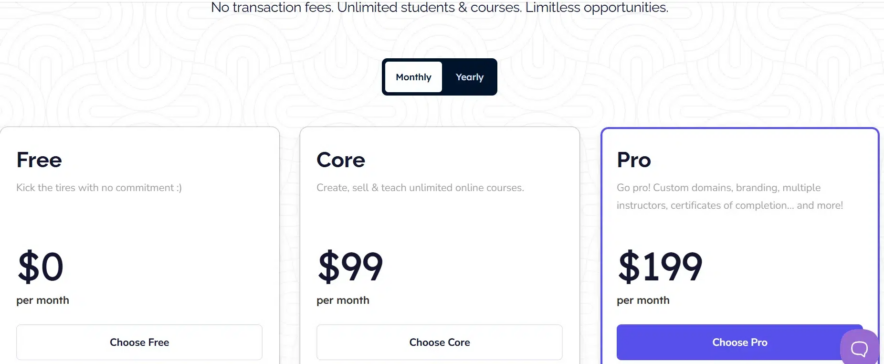
Basic Plan: Starts at $74.75/month, which includes essential features like course creation, student management, and flexible pricing options.
Free Trial: Ruzuku offers a 14-day free trial to give you a chance to try out the platform before committing to a paid plan.
7. Kartra – Best for All-in-One Marketing

Kartra is an all-in-one platform designed for entrepreneurs who want to manage their courses, sales funnels, email marketing, and more, all in one place.
It combines course creation with powerful marketing and automation tools, making it ideal for those who need a comprehensive business solution. Kartra is perfect for creators who want to scale their online business without using multiple tools.
Course Creation: Kartra offers easy-to-use course creation tools that allow you to upload videos, create landing pages, and organize your content with ease. It also includes features like membership sites and quizzes.
Marketing Tools: Kartra excels in marketing automation, sales funnel creation, email marketing, and affiliate programs. You can create personalized email campaigns, manage your sales process, and track conversions all from one platform.
Student Engagement: With built-in tools for engagement like email sequences and membership site features, Kartra helps you nurture your students while providing a seamless experience.
Kartra is perfect if you’re looking for a platform that combines course creation with in-depth marketing tools for scaling your business.
Kartra Pricing
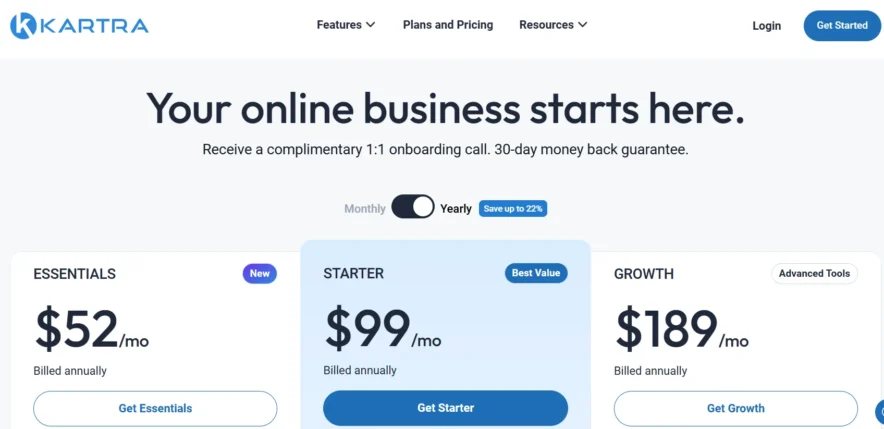
- Essential Plan: Starts at $52/month with core features for course creation and marketing tools.
- Higher-Tier Plans: Available for more advanced features and additional automation tools.
8. LearnDash – Best for WordPress Users
LearnDash is a WordPress plugin that turns your site into a fully-featured learning management system (LMS).
It’s ideal for creators who are already using WordPress and want to integrate course creation with the flexibility of the WordPress ecosystem.
LearnDash allows for deep customization and offers powerful features for managing and selling online courses.
Course Creation: LearnDash offers a robust set of tools for building courses, including multimedia support, quizzes, assignments, and certificates. It’s fully customizable and works seamlessly with WordPress themes.
Marketing Tools: LearnDash integrates with WordPress plugins to offer marketing features like email campaigns, landing pages, and affiliate programs. You can also automate tasks with its powerful integration options.
Student Engagement: The platform includes gamification features like badges, points, and leaderboards to keep students motivated. You can also create community spaces and discussion forums within your courses.
LearnDash is perfect for WordPress users who want full control over their courses and a highly customizable learning experience.
LearnDash Pricing
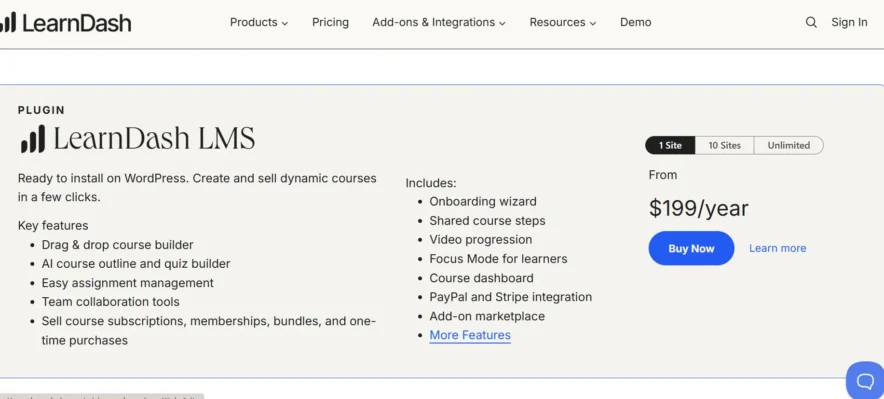
- Starts at $199/year for a single site, with options for multiple sites (10 or unlimited) available at custom pricing. All plans include core features like course creation tools, PayPal/Stripe integration, and options for memberships, bundles, and one-time purchases.
- Higher-Tier Plans: Available for more advanced features, like extra support and integrations.
FAQs On Kajabi Alternatives 2026
❓Which Kajabi alternative is most affordable?
Podia and Teachable offer lower-priced plans compared to Kajabi, making them great choices if you’re looking for a more budget-friendly option.
❓Can I build a membership site with Kajabi alternatives?
Yes, platforms like Podia, Thinkific allow you to create and manage membership sites with built-in tools for member management and content access.
❓Which Kajabi alternative offers the best customization options?
Thinkific and LearnWorlds provide strong customization features for course design, branding, and marketing, giving you more control over the look and feel of your courses.
❓Which Kajabi alternative is best for advanced marketing tools?
Kartra is one of the top alternatives, offering powerful marketing automation tools like sales funnels, email sequences, and affiliate programs, making it ideal for those looking for a comprehensive marketing solution.
Quick Links:
- Best Thinkific Alternatives Which is Best & Why
- Top LearnDash Alternatives 2025: #1 Pick
- Best Commission Hero Course Alternatives
- Clickbank Alternatives : Make Money & Boost Your Earnings
Conclusion: Kajabi Alternatives 2026
There are plenty of great Kajabi alternatives out there, each offering different strengths like affordability, ease of use, and advanced features.
Whether you prefer a simple platform like Teachable or Podia, or a more feature-rich option like Kartra or LearnWorlds, there’s something for everyone.
The right choice depends on your needs whether you’re just starting out, looking to scale, or need advanced marketing tools. Most alternatives offer free trials, so you can test them before deciding.
Ultimately, the goal is to find the platform that helps you grow your online business without the complexity or cost of Kajabi.