Elementor Pricing begins at $60 per year for Essential, making it possible to access Elementor’s paid website-building tools without spending a large amount upfront. There is also a free version for WordPress users who want to try the visual editor before paying for a subscription.
The right plan depends on more than the price shown on the checkout page. Your number of websites, need for WooCommerce tools, access to advanced design features, and interest in Elementor One services all affect which subscription makes sense.
Here is a closer look at Elementor’s 2026 pricing, what each plan includes, and which option may suit different types of WordPress users.
Elementor Plans and Prices in 2026
See all Elementor pricing plans available in 2026 including Essential, Advanced Solo, Advanced, One, One Agency, and Expert tiers in this guide, showing monthly rates on annual billing, included features, storage, site limits, and renewal costs.
Plan | Annual Price | Site Limit | Suitable For |
|---|---|---|---|
Essential | $60/year | 1 | Personal and simple business sites |
Advanced Solo | $84/year | 1 | Professional and ecommerce sites |
Advanced | $108/year | 3 | Users managing several websites |
Expert | $204/year | 25 | Freelancers and web professionals |
One | $180 first year | 1 | Websites needing Elementor plus extra services |
One Agency | $432 first year | Unlimited | Agencies and large client portfolios |
These prices reflect the current annual pricing information available for Elementor in 2026. Taxes depend on the billing address, and Elementor states that subscriptions renew at the applicable list price for the billing cycle.
The One plans also have higher renewal rates than their introductory first-year prices. Current pricing information places One at $228 per year on renewal and One Agency at $540 per year on renewal.
That difference matters if you expect to keep Elementor for several years. A low first-year price can look attractive, but your longer-term budget should account for the regular renewal amount.
Does Elementor Have a Free Plan?
Yes. Elementor offers a free WordPress plugin.
The free version gives you a visual editing environment with widgets such as headings, text, images, videos, buttons, galleries, icons, maps, testimonials, tabs, accordions, and other page-building elements.
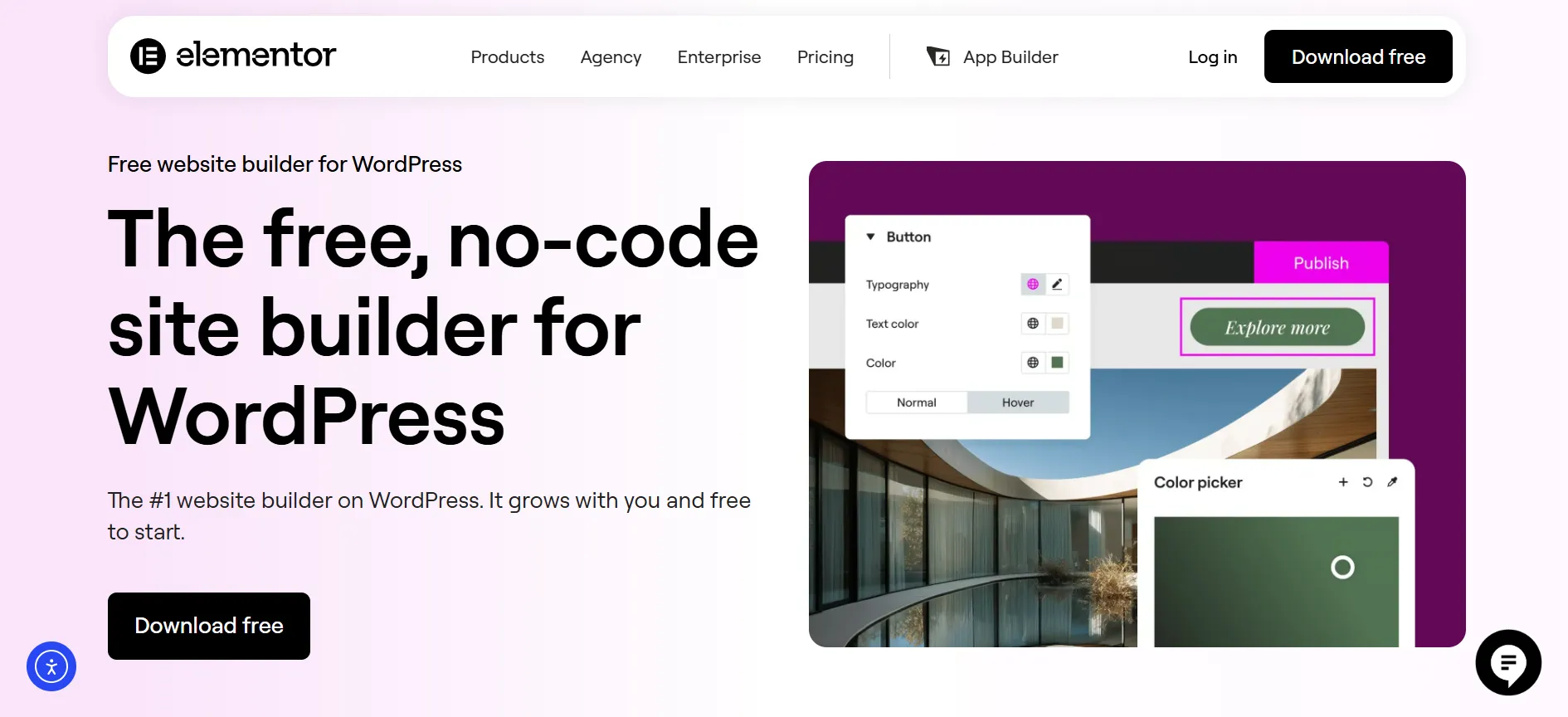
It can work well for someone creating a small website, testing Elementor, or building pages without needing its paid features.
The paid plans become more useful when you want tools such as:
Theme Builder
Dynamic Content
Advanced forms
Popup Builder
Custom CSS and code
WooCommerce design features
Professional widgets
Collaborative Notes
More Cloud Templates
So, you do not have to buy Elementor on day one. You can begin with the free plugin and upgrade when your website needs more features.
Elementor Essential: $60 Per Year
Essential costs $60 per year and covers one website.
This is the starting point for Elementor’s paid Editor Pro range. It adds several features beyond the free plugin while keeping the price relatively low.
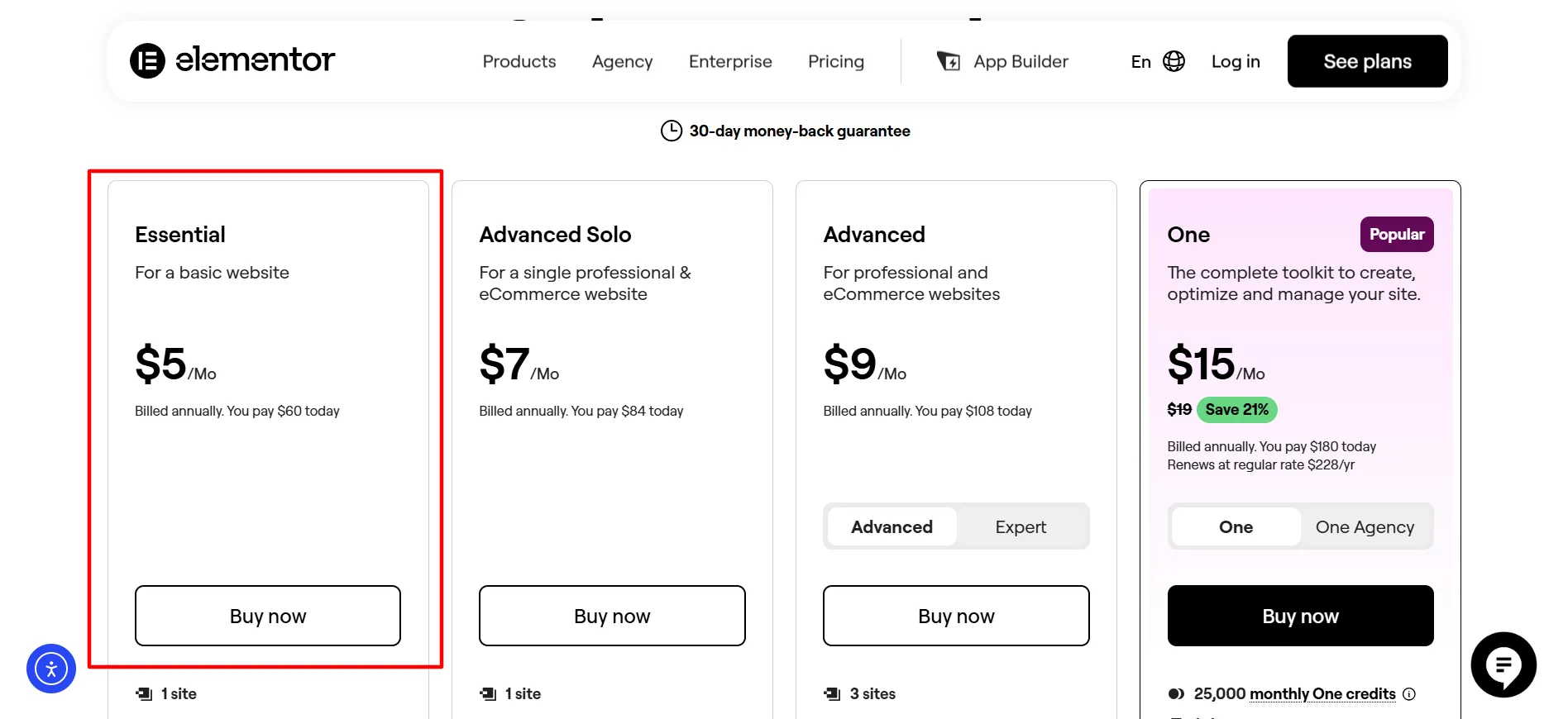
Essential includes:
Theme Builder
Dynamic Content
Form Builder
10 Cloud Templates
Professional widgets
Elementor’s visual editor
Additional design controls
There are also some limits to keep in mind.
Essential does not include Popup Builder, custom code and CSS, ecommerce features, or Collaborative Notes. Custom fields and post types are also unavailable within its Dynamic Content feature. Form submissions are not included either.
Who Is Essential For?
Essential makes sense if you have one website and mainly want better control over its appearance.
It can suit:
Bloggers
Portfolio owners
Personal websites
Small business websites
Freelancers with one site
Simple landing pages
If your website does not need WooCommerce design tools, popups, or custom code, there may be little reason to pay for a higher Editor Pro plan.
Advanced Solo: $84 Per Year
Advanced Solo costs $84 per year for one website.
This plan is aimed at a more demanding single-site project. It includes the features missing from Essential, such as:
Popup Builder
Custom CSS and code
Ecommerce features
Dynamic Content with custom fields
Custom post types
Collaborative Notes
20 Cloud Templates
Advanced WooCommerce widgets
That makes Advanced Solo a much more suitable choice for a professional business site or online store.
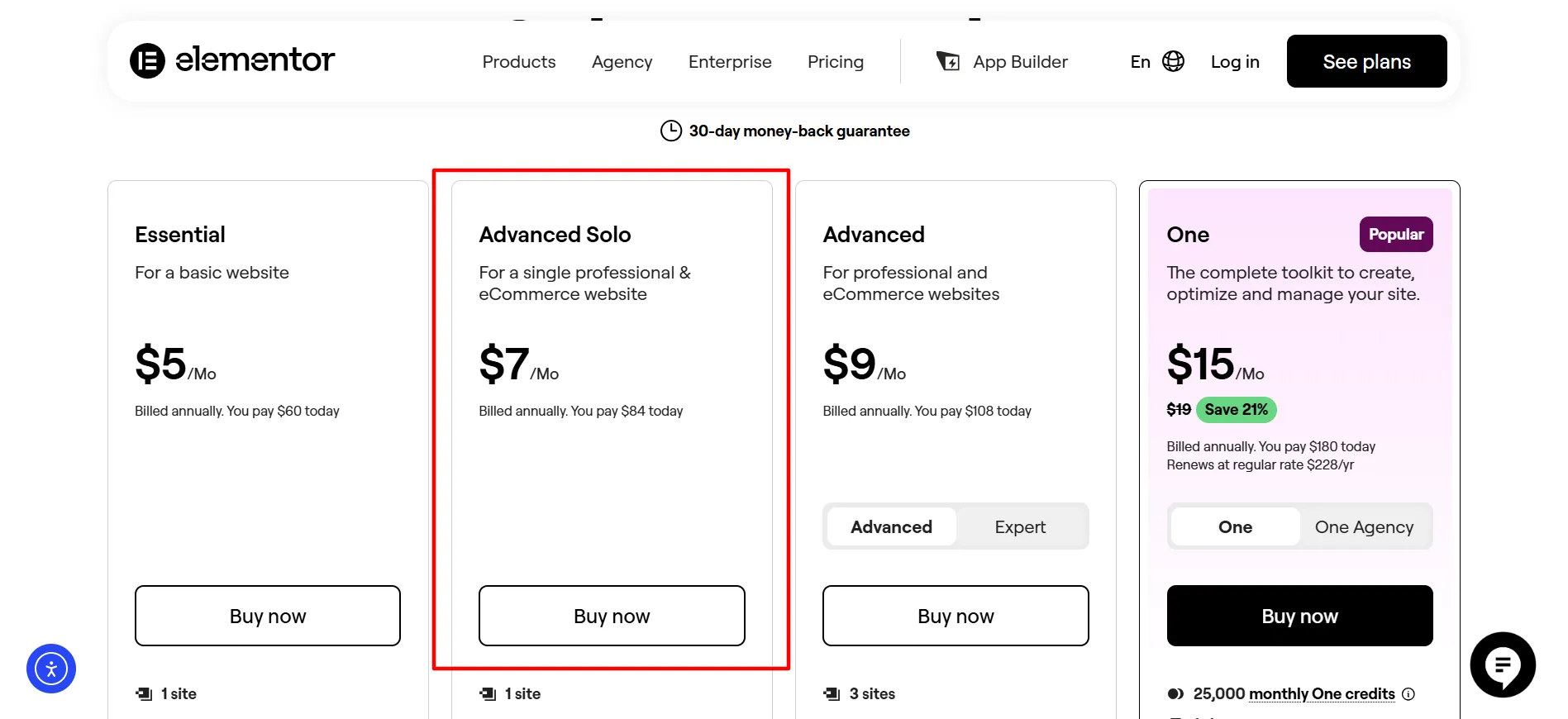
The price difference from Essential is $24 per year. If you need just one or two of the features locked away from Essential, that extra cost may be easier to justify than trying to work around those limits.
When Should You Pick Advanced Solo?
Consider it when your website needs:
WooCommerce customization
Lead-generation popups
Custom styling
Dynamic WordPress content
Advanced forms
Custom fields
More design flexibility
For a serious one-site project, this is one of the most useful plans to compare.
Advanced: $108 Per Year
Advanced costs $108 per year and supports three websites.
The main reason to move from Advanced Solo to Advanced is the additional website allowance.
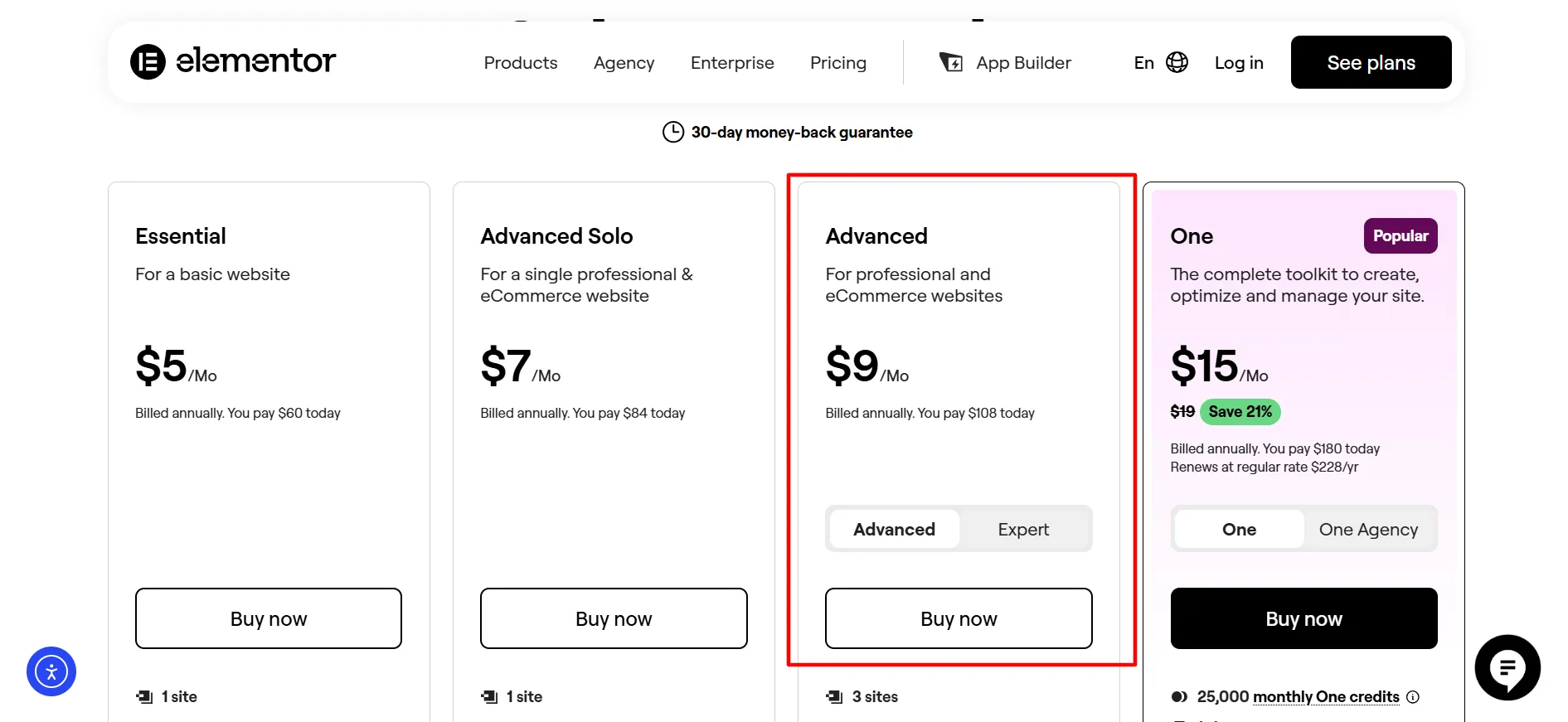
You could use it for your own website plus two client sites, for example. A small business owner could also use the license across several related websites.
Advanced includes the professional features found in Advanced Solo, including Theme Builder, Dynamic Content, Popup Builder, custom code and CSS, ecommerce features, and Collaborative Notes. It also raises the Cloud Template allowance to 30.
If you already know that you will build two or three Elementor websites, Advanced can be more practical than purchasing several single-site licenses.
Expert: $204 Per Year
Expert costs $204 annually and covers up to 25 websites.
This plan is aimed at people who build websites for clients or manage a larger collection of WordPress properties.
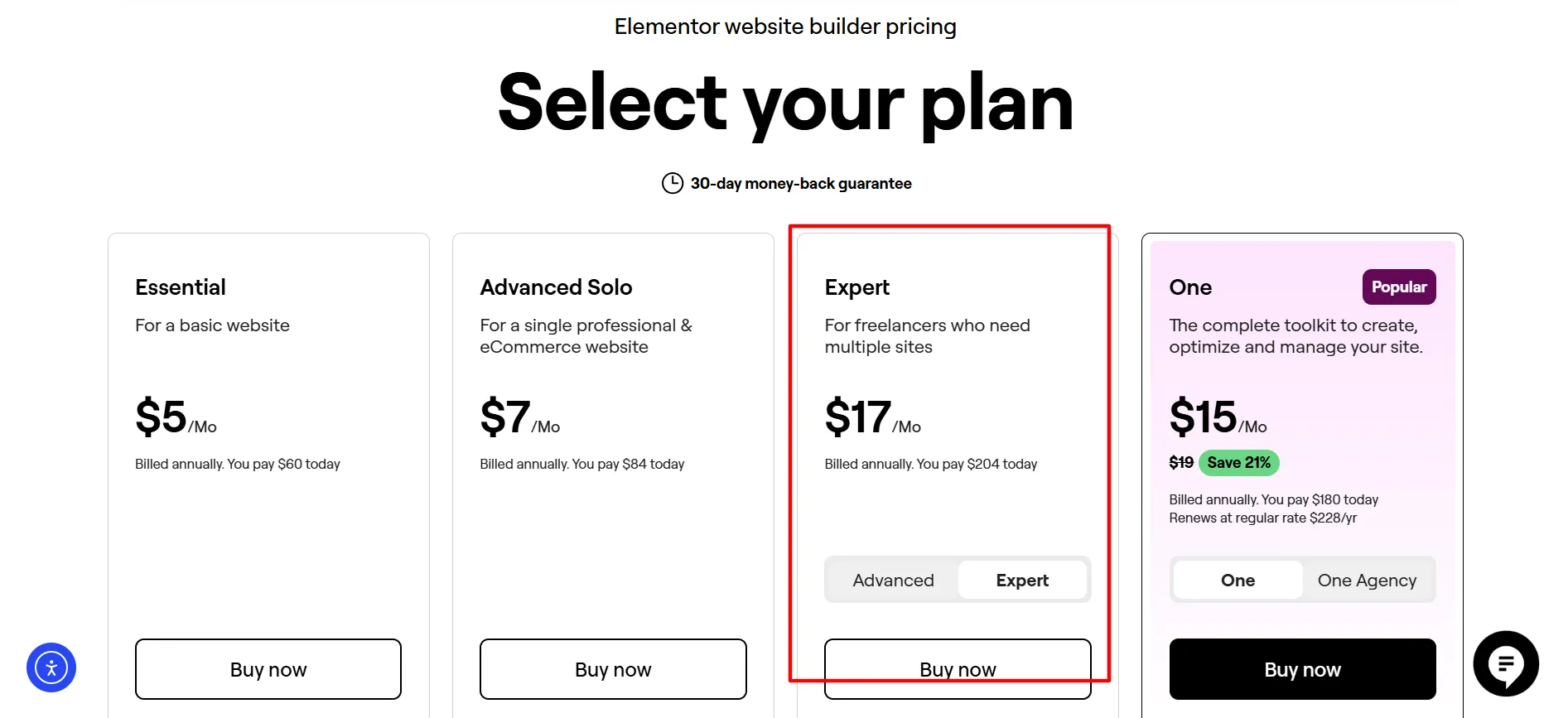
It can be a good match for:
Freelance web designers
WordPress developers
Consultants
Small agencies
Website managers
Professionals handling client portfolios
Expert gives you the same broad Editor Pro feature set while raising the site limit to 25. It also includes up to 5,000 Cloud Templates.
If you only run one website, Expert would be hard to justify. If you regularly build sites for clients, the larger license allowance is the main reason to consider it.
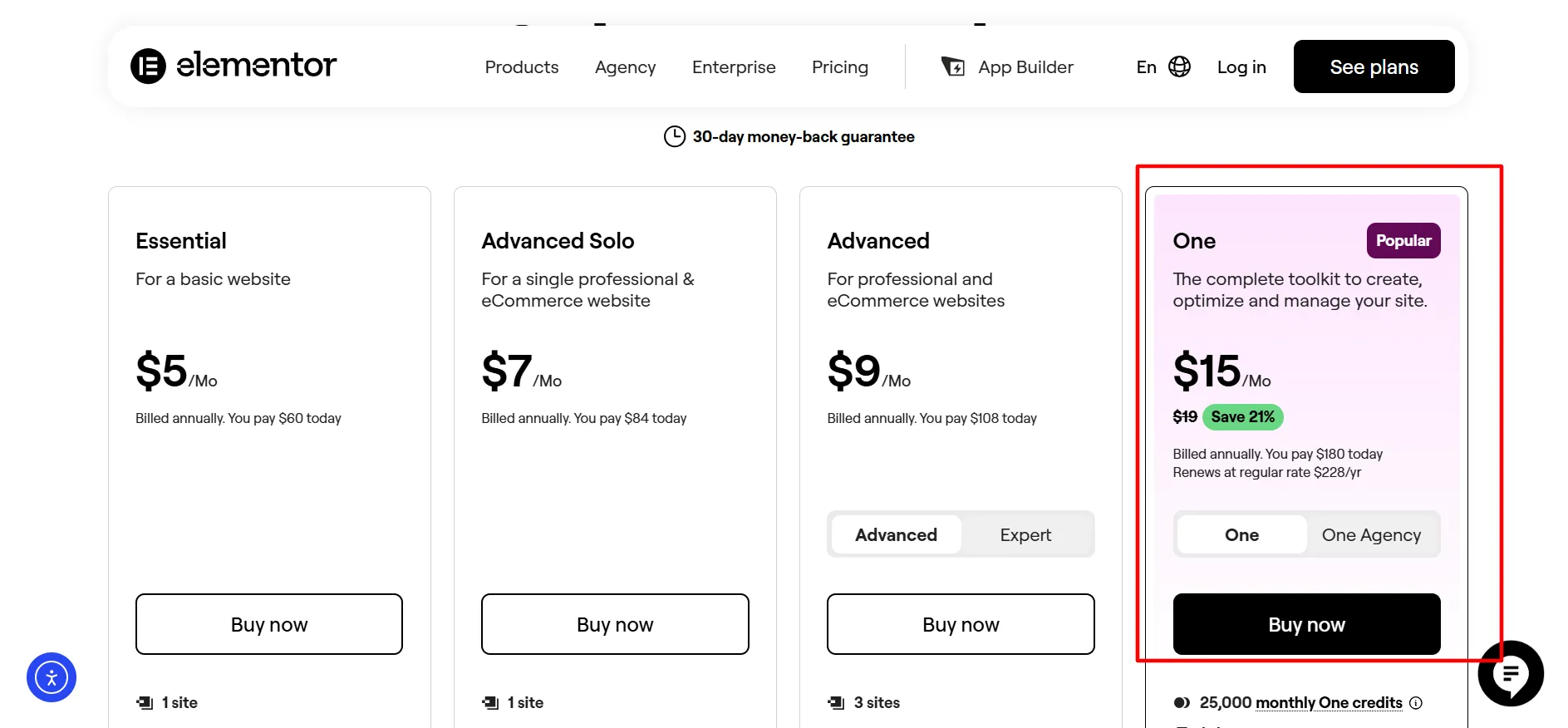
Elementor One: $180 for the First Year
Elementor One takes a different approach to the usual Pro subscription.
One currently starts at $180 for the first year and covers one website.
Rather than focusing only on page creation, Elementor One combines Editor Pro with several additional website services.
The package includes tools for:
AI-generated text, images, layouts, and code
Image optimization
Website accessibility
Email deliverability
Cookie consent
Site management
Elementor Editor Pro
One also comes with 25,000 monthly One credits. These credits are shared across supported services rather than being tied to just one feature.
This means you can use your monthly allowance where it is most useful. You might spend more credits on AI one month and use more image or email services the next.
What Does Elementor One Cost After the First Year?
The current renewal price is higher than the introductory first-year amount.
One is currently listed at $180 for the first year and $228 per year at renewal.
That makes the renewal figure worth checking before you subscribe. If you plan to use Elementor for several years, compare your expected total cost rather than looking only at the first payment.
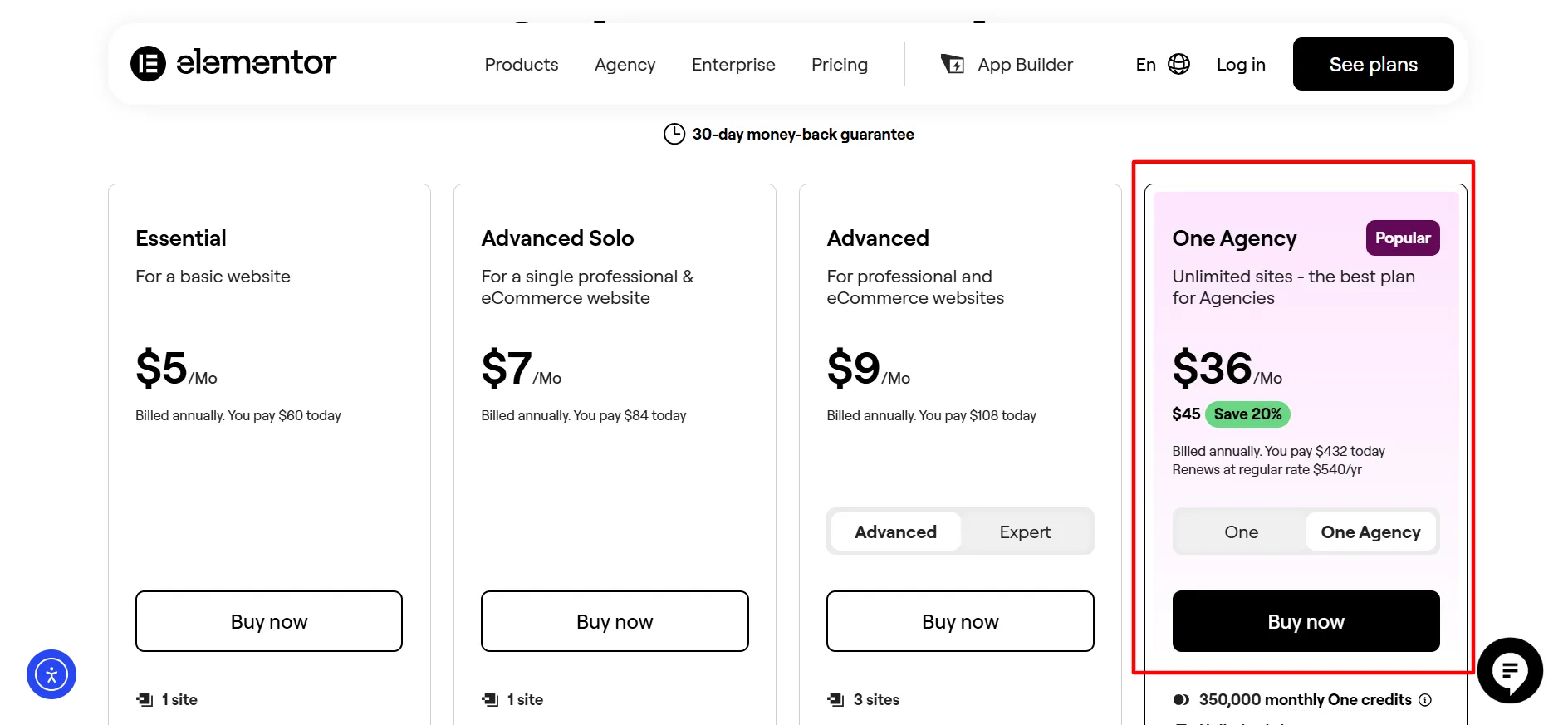
One Agency: $432 for the First Year
One Agency costs $432 for the first year and supports unlimited websites.
This plan is aimed at agencies and professionals with a large client base.
It includes the One feature set plus:
Unlimited websites
350,000 monthly One credits
AI tools
Image optimization
Accessibility tools
Cookie consent
Email deliverability
Site management
Elementor Pro features
The larger credit pool makes One Agency much more suitable for teams handling multiple client websites.
The current renewal price is $540 per year, so agencies should include that figure when planning their software costs.
For someone with only one or two websites, this plan would be excessive.
What Do You Get With Elementor Pro?
Elementor’s paid plans are built around its visual website editor and its collection of professional widgets.
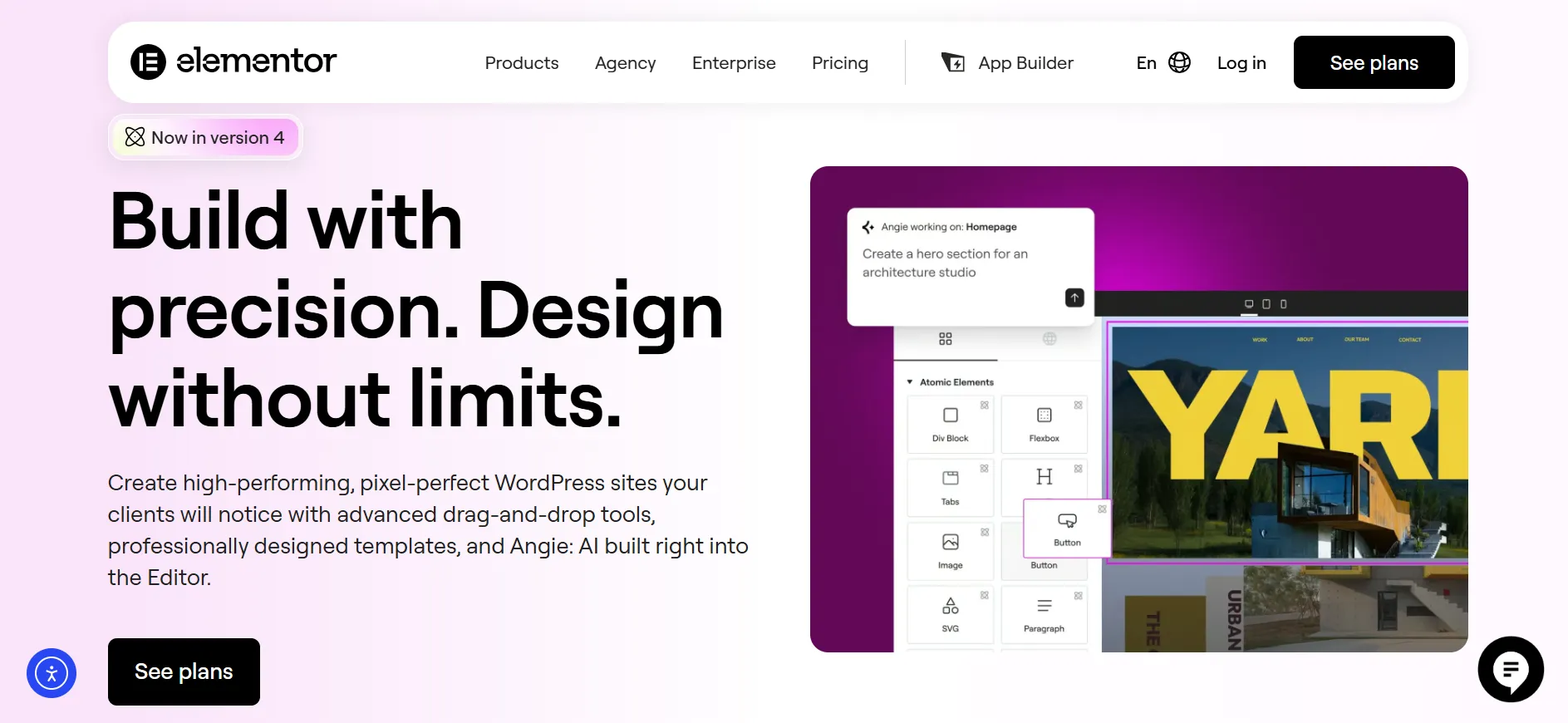
1. Visual Drag-and-Drop Editing
You can build pages while seeing the design on the screen. Text, images, buttons, forms, containers, videos, and other elements can be placed and styled without manually creating every part of the page with code.
2. Theme Builder
Theme Builder gives you control over WordPress theme areas such as:
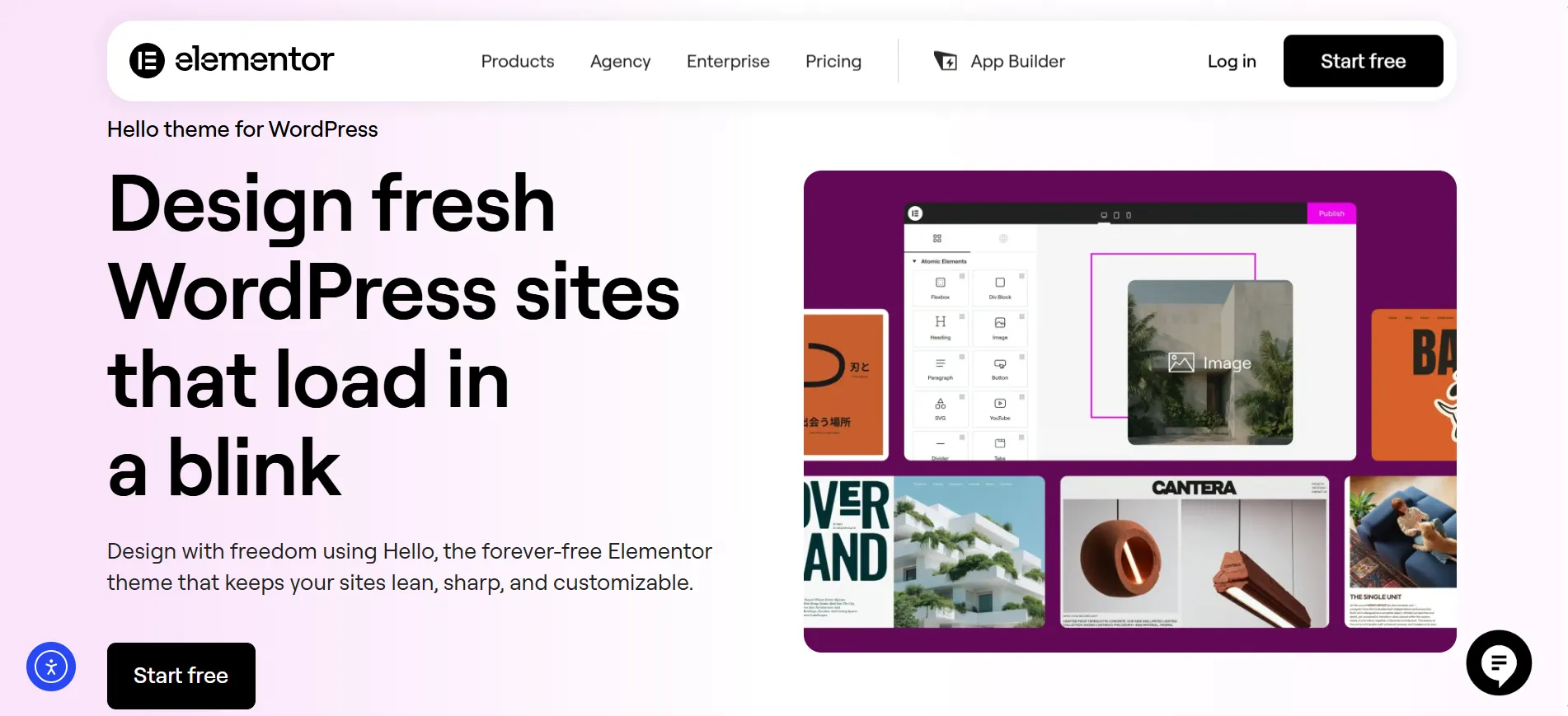
Headers
Footers
Single post layouts
Archive pages
Product templates
Other theme templates
This becomes especially useful when you want a consistent design across an entire website instead of styling each page separately.
3. Dynamic Content
Dynamic Content connects Elementor designs with WordPress content.
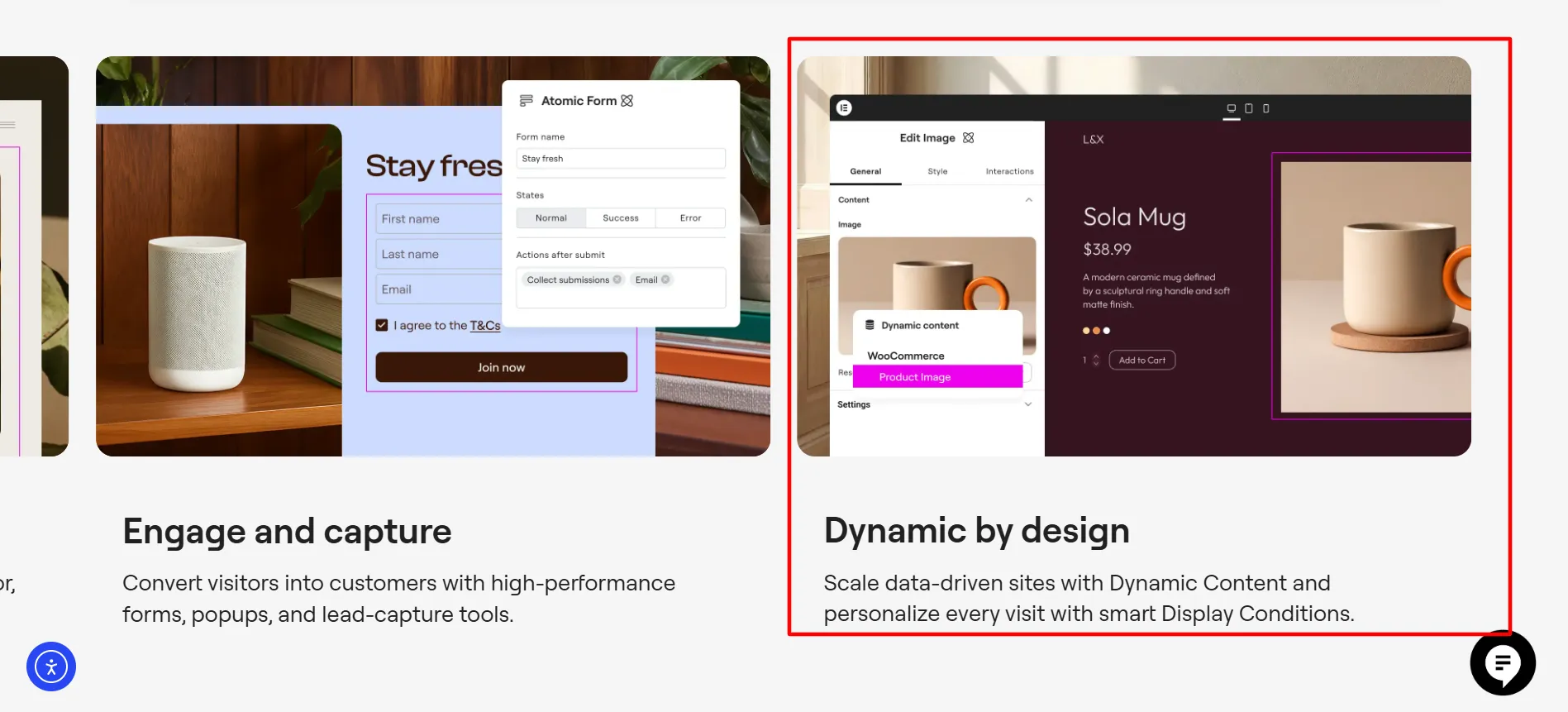
Advanced plans can work with custom fields and post types, making the feature useful for directories, listings, blogs, product sites, and other websites with structured content.
4. Popup Builder
Popup Builder lets you create popups inside Elementor.
Common uses include:
Newsletter signup forms
Promotions
Announcements
Lead forms
Exit-intent messages
The feature starts with Advanced Solo rather than Essential.
5. WooCommerce Features
Elementor’s higher Editor Pro plans include WooCommerce widgets for online stores.
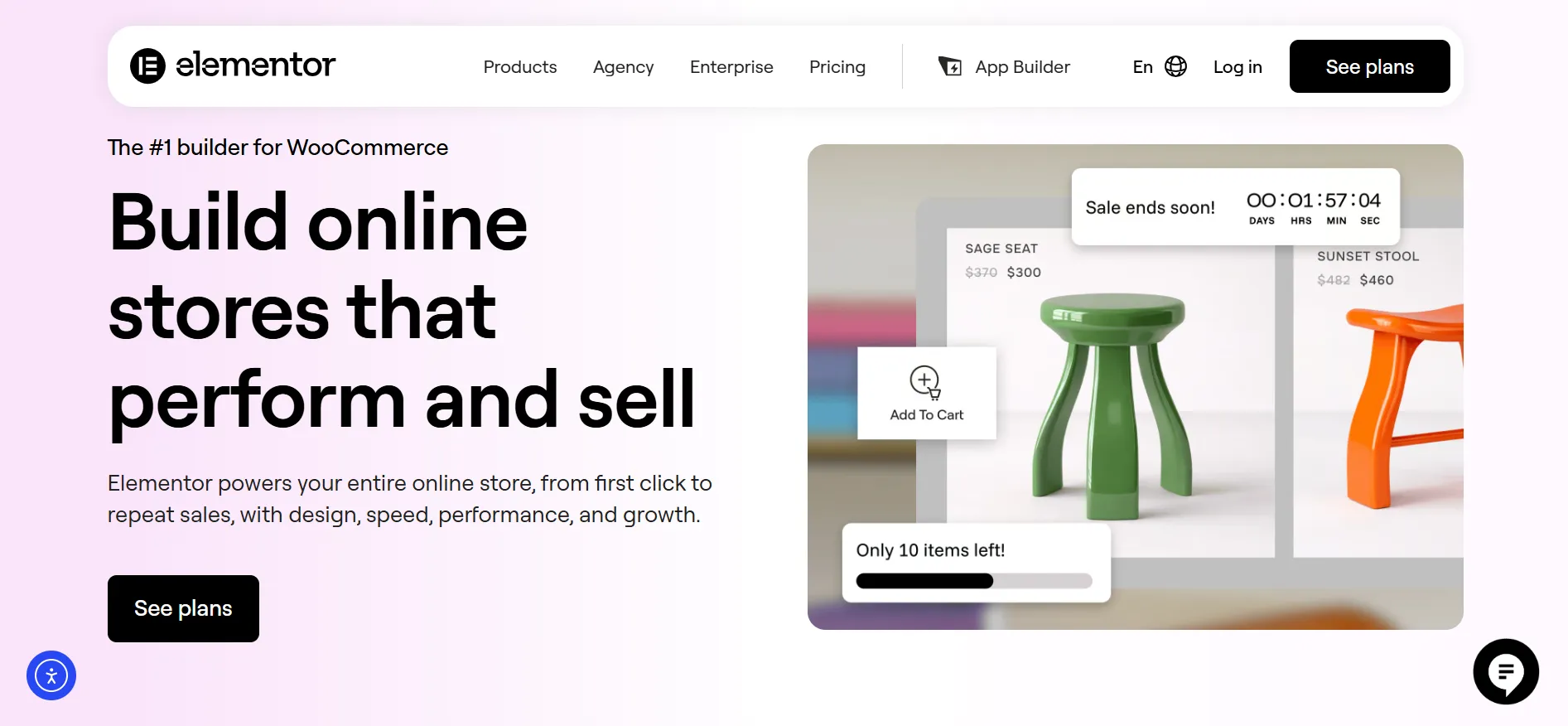
These can be used to design product pages, product archives, carts, checkout areas, customer account pages, and other store sections.
If you operate a WooCommerce store, the cheapest plan is not necessarily the best fit.
6. Custom CSS and Code
Advanced users can add their own CSS and code when Elementor’s built-in settings are not enough.
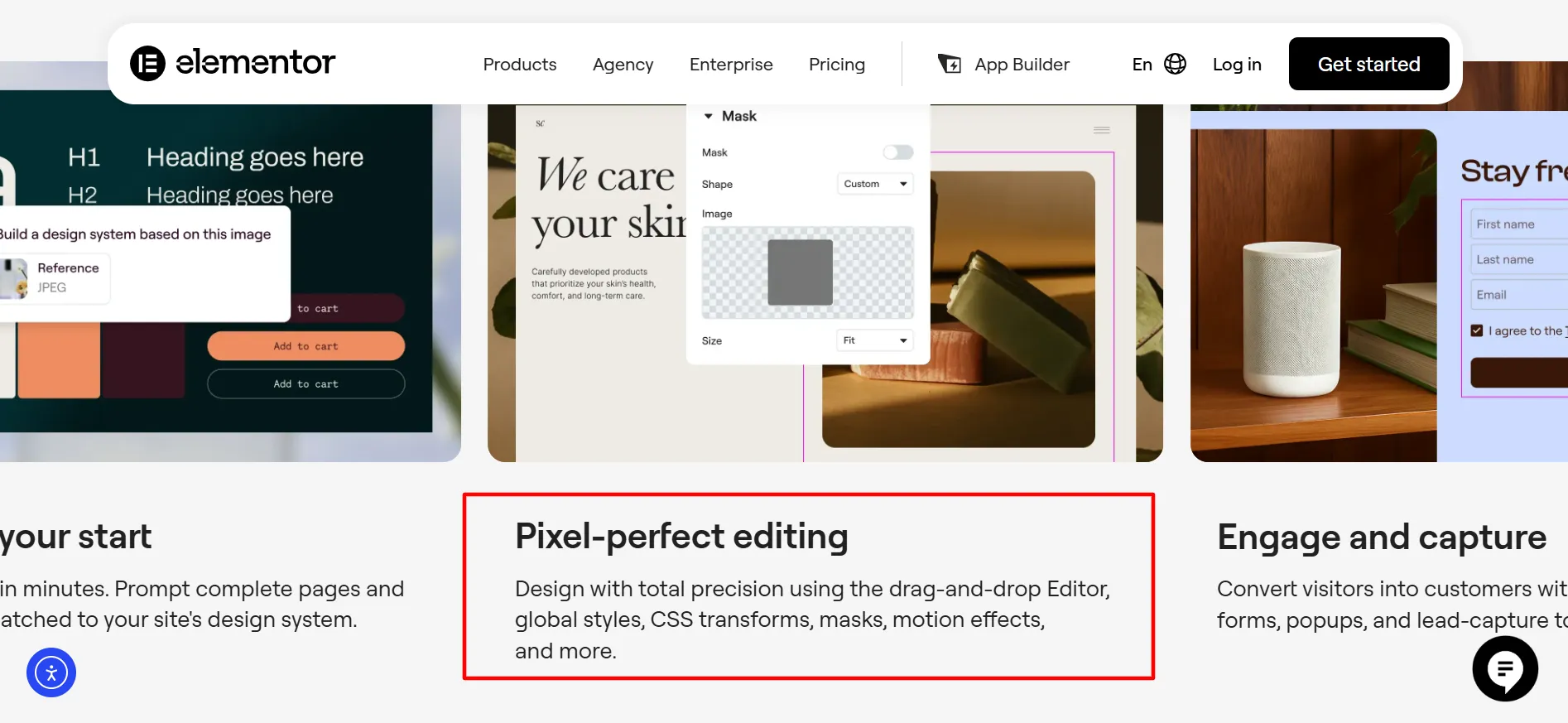
This is useful for designers and developers who want finer control over the final appearance of a website.
How Do Elementor One Credits Work?
One credits are available only with Elementor One plans and are shared between supported services.
Current credit usage includes:
Service | Credits Used |
|---|---|
Editor Pro | 0 |
Accessibility scans | 0 |
Site management | 0 |
Accessibility fix | 20 per fix |
Image optimization | 10 per image |
Email delivery | 10 per delivery |
Cookie consent | 1 per consent |
Cookie consent scan | 1 per scan |
AI actions | 1 to 40 per action |
Elementor notes that credit requirements can change over time. AI actions can consume different amounts depending on what the AI feature is asked to do.
Unused credits do not roll into the following month. A new monthly allowance is issued with each new billing month.
Elementor Pricing: Which Plan Should You Buy?
There is no single plan that makes sense for every WordPress user.
Choose Essential If You Have One Simple Site
At $60 per year, Essential is the natural starting point for a single website that needs more than Elementor’s free plugin.
It gives you Theme Builder and Dynamic Content without paying for features you may never use.
Choose Advanced Solo for a Professional Website
Advanced Solo is the better option when your website needs ecommerce features, popups, custom code, custom fields, or more advanced content tools.
For one business site or WooCommerce store, it offers a wider feature set than Essential.
Choose Advanced for Three Sites
If you have up to three websites, Advanced at $108 per year is worth considering.
It can work well for freelancers, small companies, or anyone managing several WordPress properties.
Choose Expert for Client Work
Expert is aimed at users who need up to 25 websites.
The higher site allowance makes it much more suitable for freelance designers and small agencies than a single-site subscription.
Choose One for the Wider Elementor Toolkit
One is aimed at users who want Elementor’s professional editor alongside AI, image optimization, accessibility, email delivery, cookie consent, and site management.
It is more than a page-building subscription, so it makes the most sense when you will actually use those additional services.
Choose One Agency for Large Client Portfolios
One Agency provides unlimited websites and 350,000 monthly One credits.
For agencies managing many client sites, that combination can be far more practical than buying several smaller plans.
Pros & Cons: Elementor Pricing
Pros
- A free version is available. You can test Elementor without immediately paying for a subscription.
- There are multiple site limits. The plans cover one, three, 25, or unlimited websites depending on the package.
- Higher plans include ecommerce tools. WooCommerce users get more control over store layouts and pages.
- Elementor One bundles extra services. AI, accessibility, image handling, email delivery, cookie consent, and site management are available through the One plans.
- A 30-day money-back guarantee is available on annual plans. Elementor's current pricing page states that its 30-day guarantee applies to annual plans.
Cons
- The price rises quickly at higher tiers. Expert and One Agency cost considerably more than Essential.
- Essential has several feature limits. Popup Builder, ecommerce, custom code and CSS are not included.
Is Elementor Worth the Price in 2026?
For a simple WordPress website, you may not need a paid Elementor subscription at all. The free plugin can be enough for basic page creation.
The calculation changes when you need more control.
At $60 per year, Essential gives one website access to several professional Elementor features. Advanced Solo at $84 per year is more attractive for websites that need ecommerce, popups, custom code, or advanced content features.
If you manage several websites, the site allowance becomes more relevant. Advanced supports three sites, while Expert supports 25.
Elementor One is a different proposition. Its higher price includes a wider collection of website services, so it is most useful when you expect to use those tools instead of buying separate services.
For agencies, One Agency’s unlimited website allowance and 350,000 monthly credits can make the higher subscription easier to justify.
The smartest approach is to start with your actual website requirements rather than the plan with the longest feature list. There is little reason to pay for 25 websites when you own one. Likewise, a freelancer managing 15 client websites may quickly outgrow a single-site plan.
FAQs: Elementor Pricing
Essential is currently the cheapest paid Elementor plan at $60 per year for one website.
Yes. Elementor offers a free WordPress plugin with a visual editor and a collection of standard widgets.
Advanced Solo currently costs $84 per year and covers one website.
Expert currently costs $204 per year and supports up to 25 websites.
Essential is aimed at simpler websites and does not include Popup Builder, custom code and CSS, or ecommerce features. Advanced Solo adds those features along with custom fields, custom post types, and Collaborative Notes.
Advanced Solo is a strong choice for one WooCommerce website because it includes Elementor's ecommerce features. Advanced, Expert, and One plans also include ecommerce features.
Expert supports up to 25 websites.
Quick Links:
Final Verdict: Elementor Pricing 2026
Elementor’s 2026 pricing gives WordPress users a wide range of choices.
Essential at $60 per year is aimed at one-site users who want more design control without paying for the full feature set. Advanced Solo at $84 is a better fit for professional sites and WooCommerce projects. Advanced at $108 works for up to three websites, while Expert at $204 is designed for users managing as many as 25.
Then there are Elementor One plans.
One starts at $180 for the first year and adds AI, image optimization, accessibility, email deliverability, cookie consent, and site management. One Agency starts at $432 for the first year and removes the website limit.
Before you buy, compare four things: features, website limit, first-year price, and renewal cost.
That simple check can prevent you from paying for features or website licenses you will never use. If your project is small, Essential may be enough. If you are building stores or professional business websites, Advanced Solo deserves a closer look. Freelancers can consider Advanced or Expert, while agencies with larger portfolios may find One Agency a better fit.
Elementor gives you plenty of room to scale. The trick is choosing the plan that matches your current workload instead of paying for the biggest package just because it looks impressive.