
Best For | Best for entrepreneurs, course creators, and businesses looking for an all-in-one platform to create, market, and sell online courses, memberships, and digital products. | Best for course creators and educators looking for a robust platform to create, sell, and manage online courses with advanced customization options. |
Pricing | Starts at $149/month | Starts at $39/month (Free plan available) |
Features | Course creation, marketing, and automation | Customizable course builder |
Pros | All-in-one platform with no third-party tools needed | Highly customizable course design |
Cons | More expensive than some alternatives | Transaction fees on lower plans |


If you’re looking to create and sell online courses, you’ve probably heard of Kajabi and Teachable. Both help you build your course, manage students, and grow your business, but they work in different ways.
Kajabi offers more all-in-one tools, while Teachable focuses on being easy to use. Choosing the right platform depends on what you need and what you prefer.
Let’s break down how Kajabi Vs Teachable is compare to each other and which one might be a better fit for you.
Kajabi Vs Teachable: Platforms Overview


Kajabi Vs Teachable Key Features Comparison: Which Is Better?
Course Creation
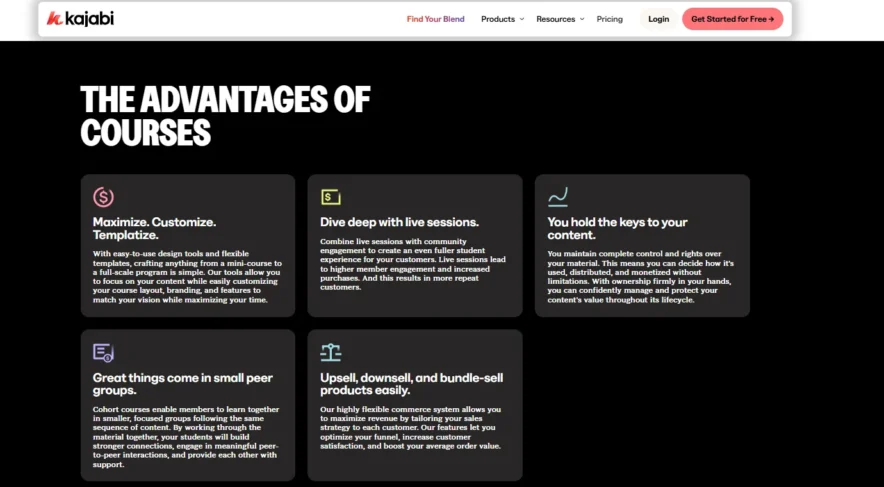
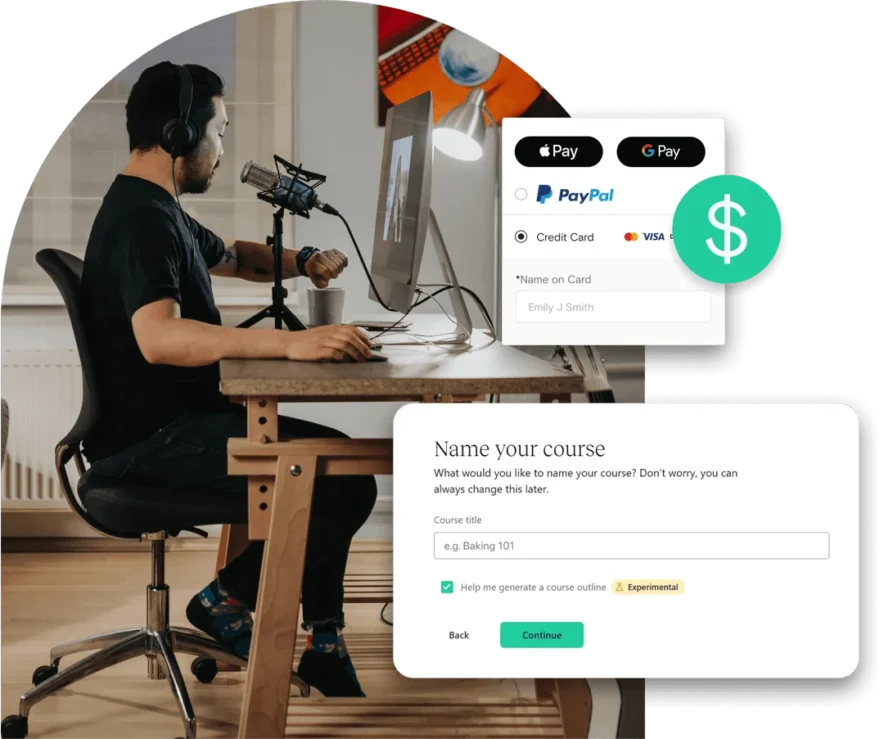
Kajabi stands out for its extensive course creation features. It provides you with the tools to build multimedia courses with videos, audio, quizzes, assignments, and more.
The platform gives you the flexibility to create a variety of content types and provides advanced options like drip-feeding content and automating learning paths for your students.
This makes Kajabi an excellent choice for creators who want a customizable and structured learning experience.
Teachable offers a simpler course-building experience. It includes video lessons, text-based content, quizzes, and assignments, which are the core elements needed for most courses.
While it’s easy to use and perfect for beginners, it doesn’t provide the same level of customization that Kajabi offers. I
If you’re looking for a straightforward course-building tool without advanced options, Teachable will suit your needs.
Communities and Membership Sites
Kajabi excels in this area with its built-in tools for creating membership sites and online communities. You can create private member groups, engage your audience in discussions, and manage everything from a central platform.
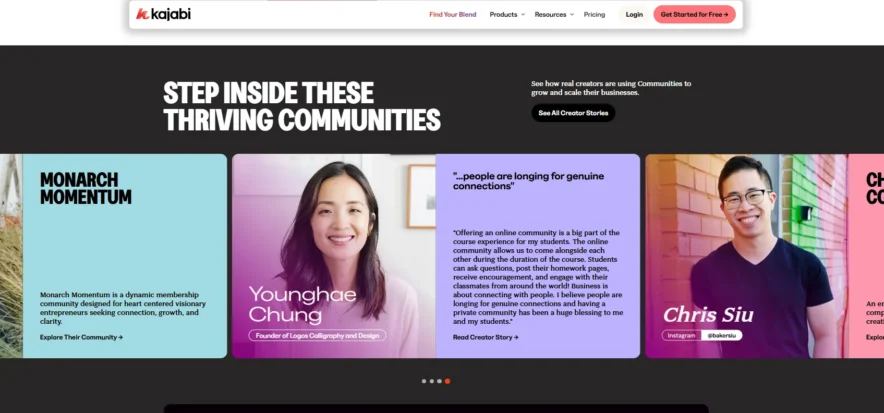
This is particularly useful if you’re looking to foster a community around your courses or build a membership-based business.
Teachable doesn’t offer built-in community features. However, you can integrate third-party tools like Facebook Groups or Slack if you want to create a space for student interaction.
While this allows for flexibility, it’s an extra step and doesn’t offer the same seamless community-building experience Kajabi provides.
Content Delivery and Management
Kajabi provides highly flexible content delivery options. You can schedule content releases (drip-feed), lock specific lessons, and create complex member pathways.
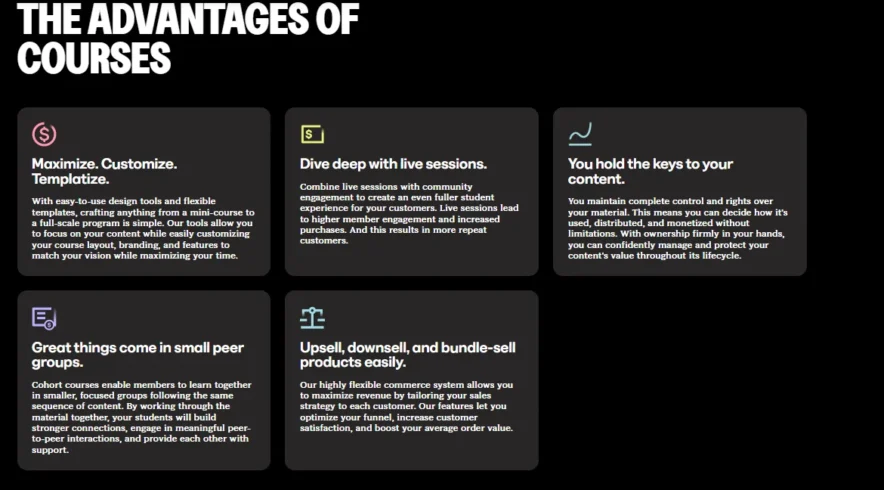
These features make it easier to manage large courses and create a personalized experience for your students. You can also tag and categorize content for better management, especially if you offer a variety of courses.
Teachable offers basic content delivery with its drip-course feature. While it’s effective, it doesn’t have the same level of flexibility as Kajabi when it comes to organizing content.
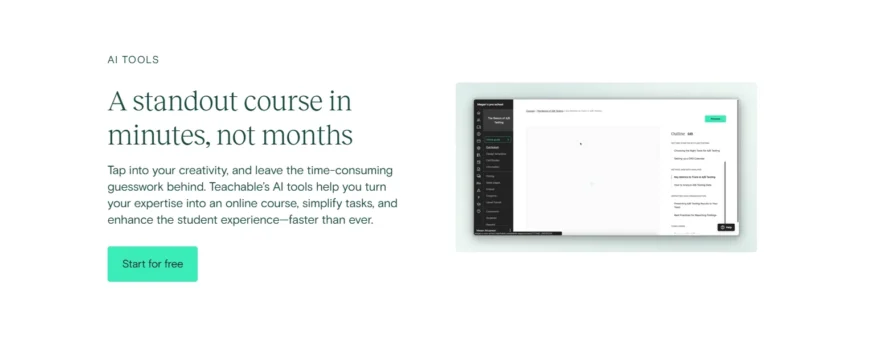
For most course creators, Teachable’s system is easy to use and efficient, but it may fall short for those who want more control over content presentation and student journeys.
Email Marketing and Marketing Tools
Kajabi is powerful when it comes to email marketing. It includes built-in automation tools that allow you to set up email sequences, create automated marketing funnels, and segment your audience for more personalized outreach.
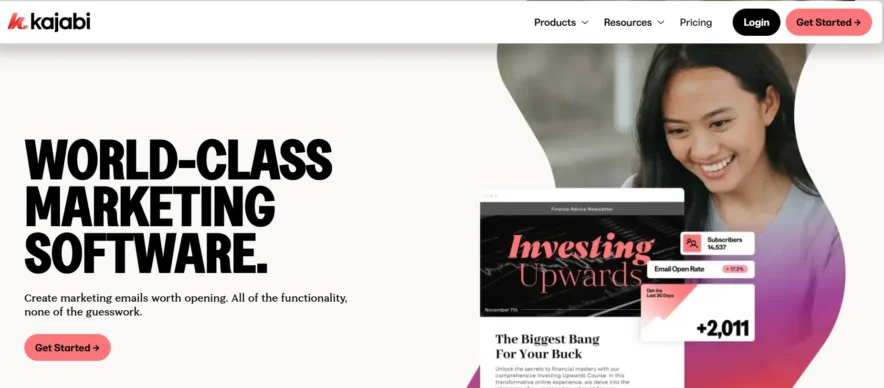
The platform integrates seamlessly with other marketing tools, making it ideal for those who want to fully automate their marketing processes and run more sophisticated campaigns.
Teachable provides basic email marketing capabilities, such as sending announcements and setting up simple email campaigns.
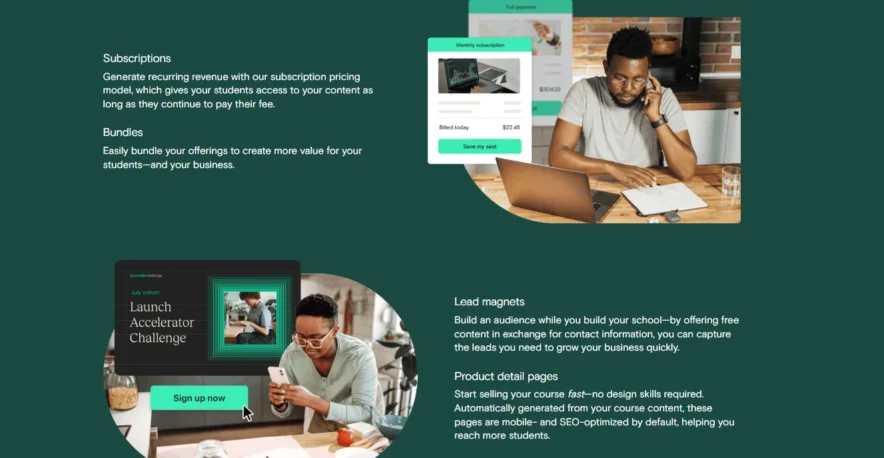
However, it lacks advanced features like automated funnels or audience segmentation. If you need more advanced email marketing tools, you’ll likely need to integrate Teachable with third-party services like Mailchimp or ConvertKit.
Interface and User Experience
Kajabi has a modern, sleek interface that’s designed for users who want a wide range of features in one place. While the platform can feel overwhelming at first due to the sheer number of tools, once you get used to it, the interface is highly intuitive.
Kajabi gives you more control over your online business, but it does come with a steeper learning curve, especially if you’re new to online business management.
Teachable, on the other hand, is built for simplicity. The platform’s interface is easy to navigate, even for beginners. If you want a smooth and hassle-free experience with minimal distractions, Teachable is a great choice.
It’s perfect for users who need a no-fuss course creation tool without too many advanced options.
Website Building
One of Kajabi’s major strengths is its full website builder. You can create a complete website for your business with customizable templates and integrate it with your courses, sales pages, and blog.
This is perfect if you want a professional, branded site and don’t want to rely on external website builders.
Teachable offers a basic website builder that allows you to create course pages. However, it’s not as versatile as Kajabi’s website builder.
If you need more than just a simple course page and want to build a full website with blog integration and advanced features, Kajabi will serve you better.
Landing Pages
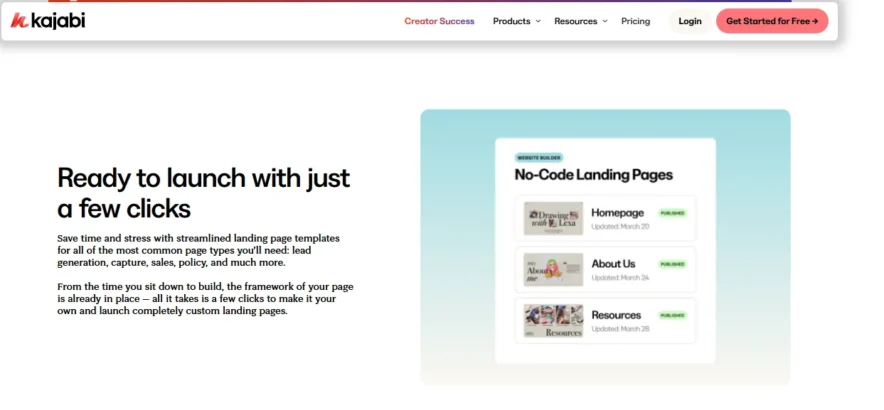
Kajabi’s landing page builder is a powerful tool that lets you create high-converting pages with drag-and-drop ease.
Whether it’s a sales page, opt-in page, or a page for a specific product, Kajabi’s flexibility allows you to design pages that match your branding and marketing strategy. You can use advanced features like A/B testing to optimize conversions.
Teachable also offers a landing page builder, but it’s more basic compared to Kajabi. While you can create functional landing pages for your courses, you don’t have the same level of customization or design options.
If landing pages are a major part of your marketing strategy, Kajabi’s landing page builder will give you more flexibility and features.
Payments and Monetization
Kajabi offers a range of payment options, including one-time payments, subscriptions, and payment plans. Additionally, it allows you to use upsell options and order bumps to increase revenue.
These features give you more flexibility to maximize your profits and provide various payment options to your customers.
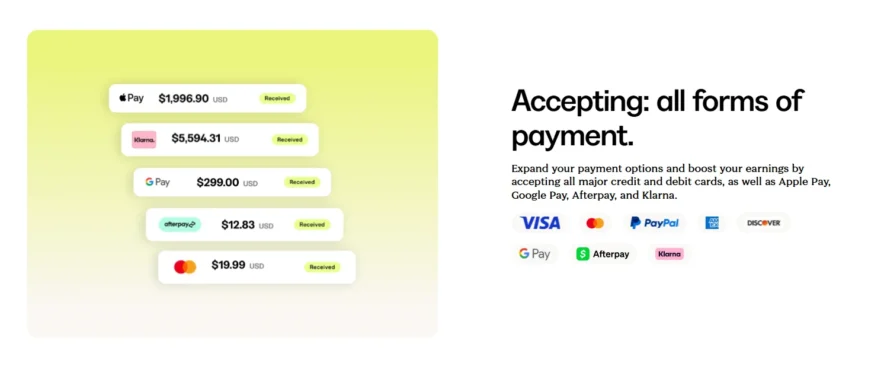
Teachable also supports one-time payments, subscriptions, and payment plans. However, on lower-tier plans, Teachable charges a transaction fee, which can cut into your profits unless you upgrade to the Pro plan.
While Teachable is great for straightforward course sales, Kajabi’s advanced monetization features give it an edge when it comes to maximizing revenue.
Affiliate Marketing
Kajabi has a fully integrated affiliate marketing program. You can create and manage affiliates directly within the platform, set commission structures, track performance, and even automate affiliate payouts.
This makes it easy to grow your business through affiliates and track their success.
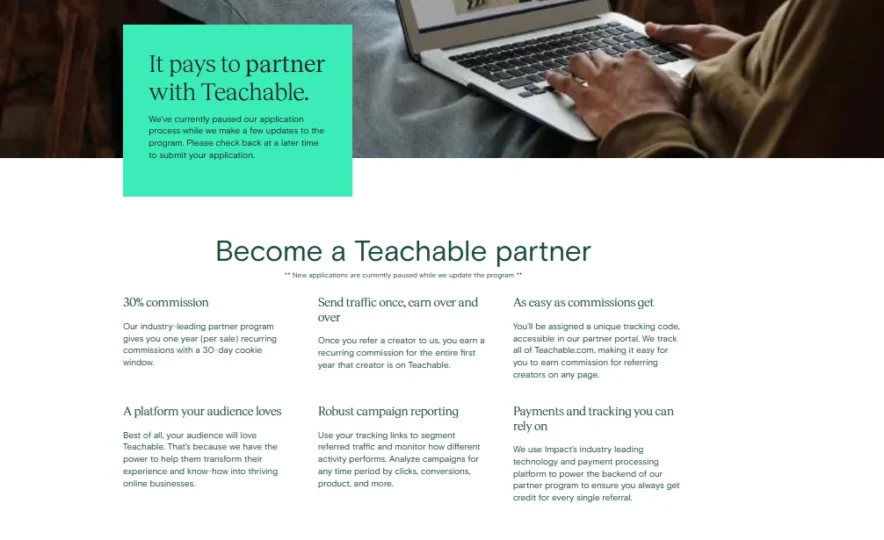
Teachable also provides an affiliate program, but it’s more basic than Kajabi’s. You can set up and manage commissions, but it lacks advanced tracking and reporting features.
Kajabi’s affiliate marketing tools offer more control and flexibility, making it better for those who plan to run a large-scale affiliate program.
Kajabi Vs. Teachable: Cost Comparison
Kajabi Pricing Plans
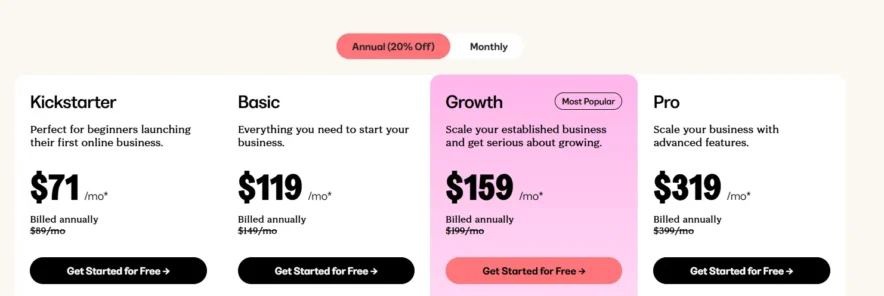
Kajabi has four pricing plans, designed for different stages of business growth.
Kickstarter Plan
- Price: $71/month (billed annually)
- What’s Included: This plan is for beginners who are just starting their online business. It lets you create up to 3 products and have up to 1,000 members. It’s perfect if you need the basic tools to launch your first course.
Basic Plan
- Price: $119/month (billed annually)
- What’s Included: This plan gives you everything in the Starter plan, but with more flexibility. You can create up to 3 products and have 2,000 members. It also includes email marketing and automation tools to help grow your business.
Growth Plan
- Price: $159/month (billed annually)
- What’s Included: This plan is for businesses that want to grow. You can create up to 15 products and have up to 10,000 members. It also includes advanced tools for email marketing, automation, and affiliate programs to help you scale up your business.
Pro Plan
- Price: $319/month (billed annually)
- What’s Included: This plan is for large businesses that need more advanced features. You can create up to 100 products and have up to 20,000 members. You also get priority support and advanced marketing tools.
Teachable Pricing Plans
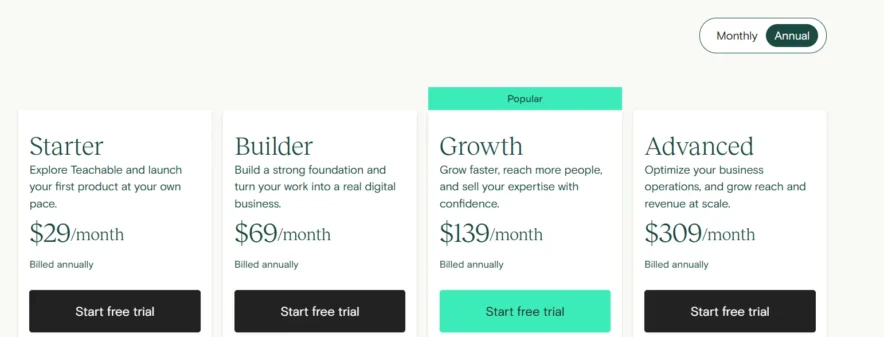
Starter Plan
- Price: $29/month (billed annually)
- What’s Included: This is the most basic plan, designed for people just getting started. It includes essential features to create and sell courses but lacks advanced marketing tools.
Builder Plan
- Price: $69/month (billed annually)
- What’s Included: This plan gives you more features than the Starter plan. You can create multiple courses and access additional tools like custom reporting. It’s great if you want more control but don’t need all the extra features.
Growth Plan
- Price: $139/month (billed annually)
- What’s Included: This is the most popular plan. It includes everything from the Builder plan, plus extra tools for marketing and reaching more people. You can create more courses and have access to advanced reporting and support.
Advanced Plan
- Price: $309/month (billed annually)
- What’s Included: The Advanced plan is for larger businesses. You get all the features from the Growth plan, plus advanced tools to help you manage your business and grow faster. This plan also includes custom reporting and more product options.
Kajabi Vs Teachable: Certificate of Completion
Kajabi provides a basic certificate that can include your logo and some text, but customization is limited. It automatically generates the certificate once a student completes the course, but you can’t do much in terms of design.
It’s simple and functional, great if you don’t need much design control.
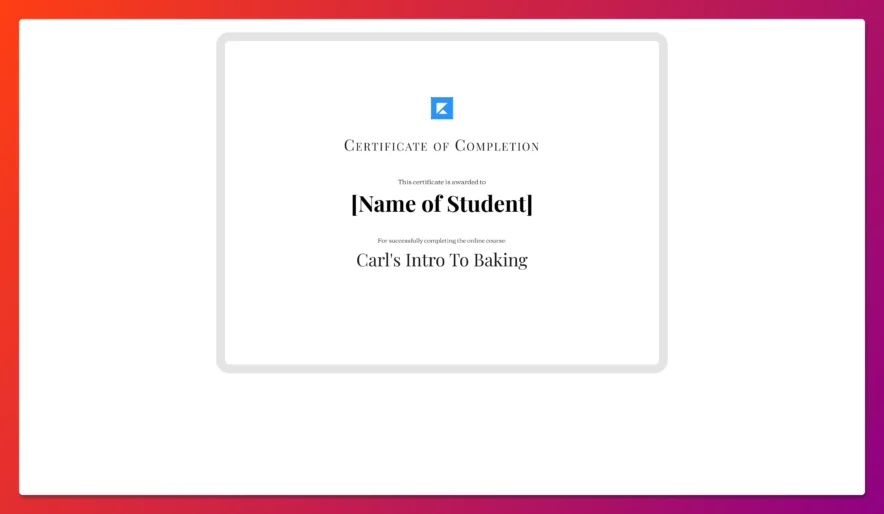
On the other hand, Teachable gives you more flexibility. You can fully customize your certificate’s design, from fonts to logos to colors, using pre-built templates.
Plus, students can download their certificates and share them, which is a nice feature if they want to showcase their achievement elsewhere.
Pros and Cons
Wrapping Up: Kajabi Vs Teachable 2026
If you’re looking for an all-in-one platform with advanced features for growing your online business, Kajabi is the winner. It offers powerful marketing tools, customizable websites, and automation, making it worth the investment if you want to scale.
But if you need a simpler, more affordable option just for creating and selling courses, Teachable is a great choice. It’s easy to use and budget-friendly, making it ideal for beginners.
In short, Kajabi wins for comprehensive business-building, while Teachable is best for those looking for simplicity and low cost.
Quick Links:
- Teachable vs Udemy
- Systeme.io vs Kajabi
- Teachable vs Udemy
- LearnWorlds Vs Teachable
- Lingoda Vs Duolingo
- LingoDeer Vs Babbel
Kajabi Vs. Teachable Frequently Asked Questions:
⁉️Can I build pages easily on Kajabi?
Kajabi makes it simple to create pages: simply select a template from their template library and customize it with your own photos, material, and branding. When you're finished, you can publish your pages with a single click, and they'll be online and integrated with the rest of your web.
🤔I already have a website. Can I use Teachable parallely?
Teachable can be used in conjunction with your current website, or you can build all of your pages on Teachable and keep it in one place. The page builder has a simple drag-and-drop gui that makes creating beautiful pages that compliment your current website's branding a breeze.
👉Are the pages designed on Teachable mobile friendly?
Teachable pages and courses are completely responsive, which means they'll look fantastic on any computer. Your students will have a fantastic experience whether they use a desktop, laptop, iPad, or smartphone.
🧐Can I automate my marketing campaigns on Kajabi?
Marketing strategies can be completely automated and optimized, allowing you to concentrate on other aspects of your business as your online business grows on its own. Campaigns can be optimized to have the best experience for your users, and triggers can be set up to ensure that campaigns are sent at the optimal time to ensure optimum conversion.
