Page Optimizer Pro (POP) is an on-page SEO tool that scores a URL against the pages already ranking for your keyword and hands you a brief of terms, headings, and word count to fix. Plans start at $40 a month for Basic, and Unlimited costs $72 a month or $62 a month billed yearly. This Page Optimizer Pro review is based on my own account, which holds reports going back to 2020, and a fresh run I did on 20 November 2026 on my live Omnisend review. That page scored 58.9, labelled Needs Work.

Page Optimizer Pro is a scoring and briefing tool, not a writing app. You give it a URL and a keyword, it compares your page with the current top results, and it returns a 0 to 100 score plus a punch list of terms, headings, word count, and structure. It suits bloggers, affiliates, and agencies who refresh pages often and will actually ship the edits. Credits are a second currency, so Basic feels like a trial and Unlimited is the plan that fits regular work.
Pros
- Specific brief: Term ranges, a word-count target, recommended sections, and a competitor set for every report.
- Long report history: I can still reopen my 2020 and 2022 runs in the same project and compare scores.
- Unlimited core runs: Unlimited and Teams include unlimited POP and Watchdog reports under fair use.
- Useful extras: Google NLP, EEAT, Schema, Watchdog, keyword tools, and an AI Visibility Tracker sit around the optimizer.
Cons
- Credits drain fast: NLP, EEAT, and the AI Writer eat the monthly pile, especially on Basic's 20 credits.
- Rough UX edges: No alert when a report finishes, and the editor and brief disagree on word count.
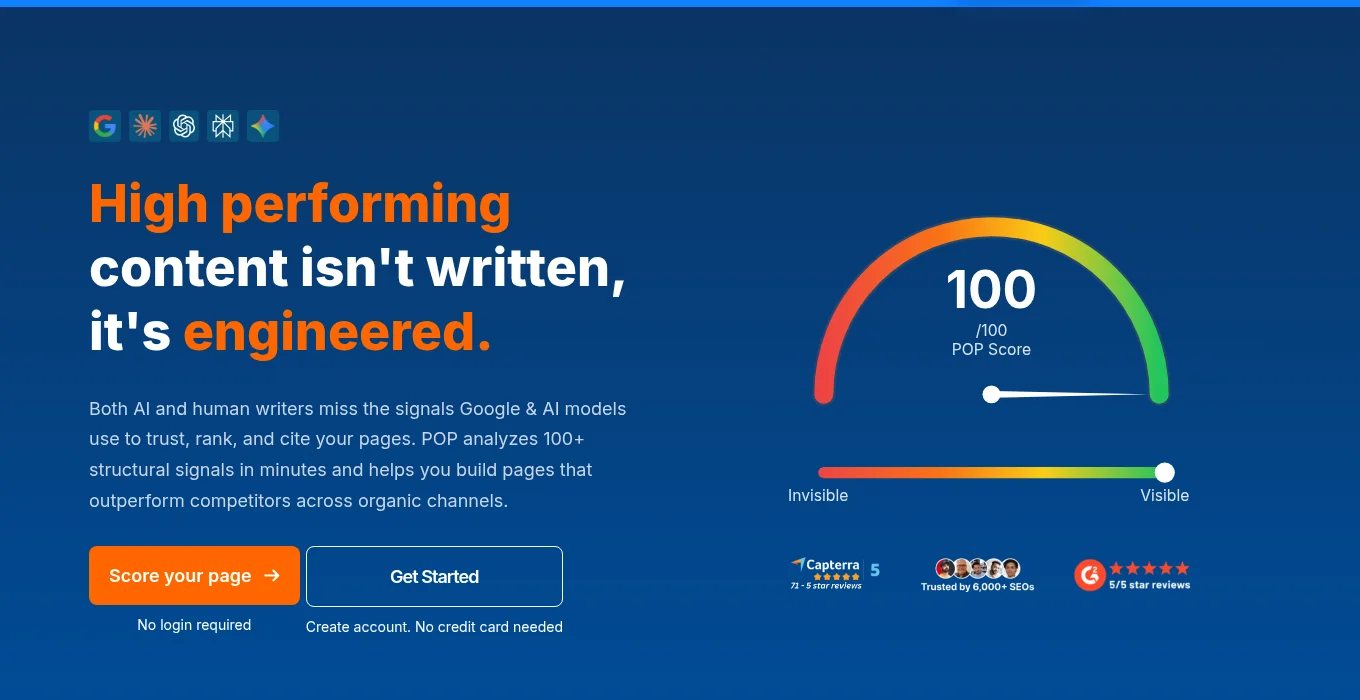
My scores tell a mixed story, and I am leaving them in on purpose for this Page Optimizer Pro review. The long-running project in my account shows 52.2 in March 2020 and 100.0 in April 2022 on the same review URL. The new Omnisend run landed at 58.9. POP’s own site says a study of 10,937 optimized pages found a median starting score of 33, and that a score above 80 puts a page in a strong position. A high score is still not a ranking guarantee.
People who publish a lot and want a repeatable on-page checklist get the most from it. People who mainly want an AI to draft whole articles, or who will run one report and never act on it, are better off with a cheaper writing tool or a one-month test.
Page Optimizer Pro Review: Plans, Pricing, and Features at a Glance
The table below sums up the plans and limits I used for this Page Optimizer Pro review. Prices come from the official pricing page and the in-app Change my plan screen, both checked in November 2026.
| Item | Price or Limit | Billing or Frequency | Key Details |
|---|---|---|---|
| Basic plan | $40 per month | Monthly | 20 POP credits; report runs spend credits |
| Unlimited plan | $72 per month | Monthly, or $62/month billed yearly ($739) | Unlimited POP and Watchdog reports under fair use, 50 credits |
| Teams plan | $143 per month | Monthly, or $119/month billed yearly ($1,425) | 120 credits, starts at 5 sub-accounts (max 100) |
| Extra seats (Teams) | $12/month or $120/year | Per seat | For staff, freelancers, and VAs |
| New page report | 2 credits | Per run on Basic | Score update re-run costs 1 credit |
| Google NLP / EEAT | 3 credits / 2 credits | Per report | Paid add-ons on every plan |
| Watchdog cap | 10 / 200 / 500 pages | Basic / Unlimited / Teams | Some copy on the pricing page still says 100 for Unlimited |
| Keyword tracking | 250 / 500 keywords | Unlimited / Teams | Keyword Insights and Strategy cost 1 to 5 credits |
| Credit bundles | From $15 for 10 credits | One-off | Bundles of 10 to 500 listed; credits do not expire |
| Trial and refund | Free page score | 7-day refund on paid plans | No full free trial of the paid app |
Page Optimizer Pro Review: Setup, Content Brief, Pricing, and Extra Tools
Is Page Optimizer Pro worth it? This part of the Page Optimizer Pro review follows the order I actually used the tool: project setup and the report form, the content brief and analysis tabs, the plans and credit math, and the extra tools around the core optimizer.
1. Project Setup and the Report Workflow
Everything lives inside a project. From All projects I clicked Create new, pasted https://www.bloggersideas.com, and POP showed a confirm popup asking me to double-check the protocol and TLD. That pause matters, because every later report attaches to that domain.
A new project opens on four tool cards: On Page Optimization, AI Writer, Keyword Research, and AI Visibility. The top bar adds All projects, Watchdog dashboard, Bulk runs, and Buy credits, and the left sidebar searches across projects, pages, keywords, and report IDs.
Creating a page report asks you to pick a setup. POP Pro is the streamlined one-page form where POP makes the hard choices. POP Custom is a multi-step wizard with more control over inputs and outputs. For the walkthrough in this Page Optimizer Pro review, I used POP Pro and filled in the keyword, English, United States, the page URL, and a required page name.
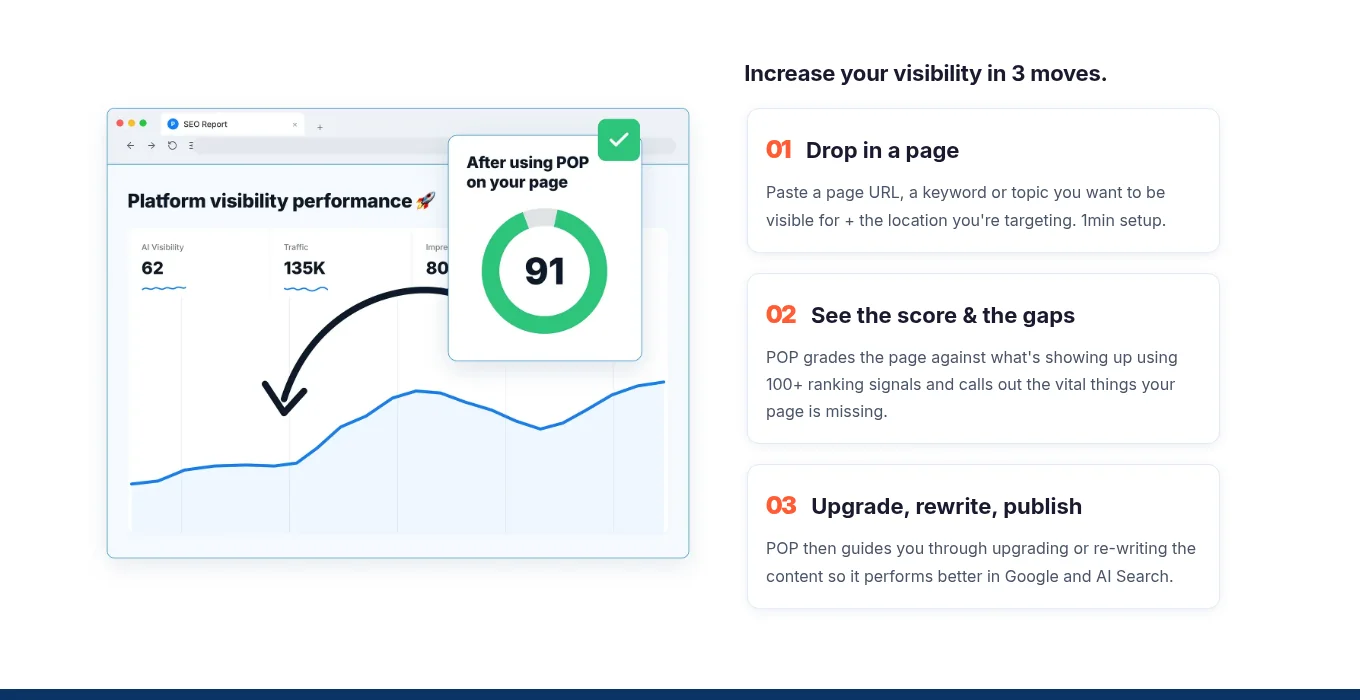
The add-ons are easy to over-click. Google NLP costs 3 credits, Basic EEAT and NextGen EEAT cost 2 each, and Google AI Overview mode costs 1. I left every add-on off for the Page Optimizer Pro review run so I could see what a standard report includes. There is also a checkbox for pages you have not built yet, so the same form works for briefs on new content.
My run was report #2005910. The card showed a green progress bar and the note that processing may take up to 3 minutes. Mine took about 4 minutes, and the card stayed on Processing until I left and reopened it. Nothing in the UI told me it had finished, which is the first rough edge I hit.
When I reopened it, the card showed a Content Brief Optimization Score of 58.9 with buttons for Open report, AI Writer, and Premium optimization review. In my Page Optimizer Pro review test, setup took a couple of minutes. Reading the report properly takes much longer, and that is where the value is.
2. Content Brief, Term Targets, and Advanced Analysis
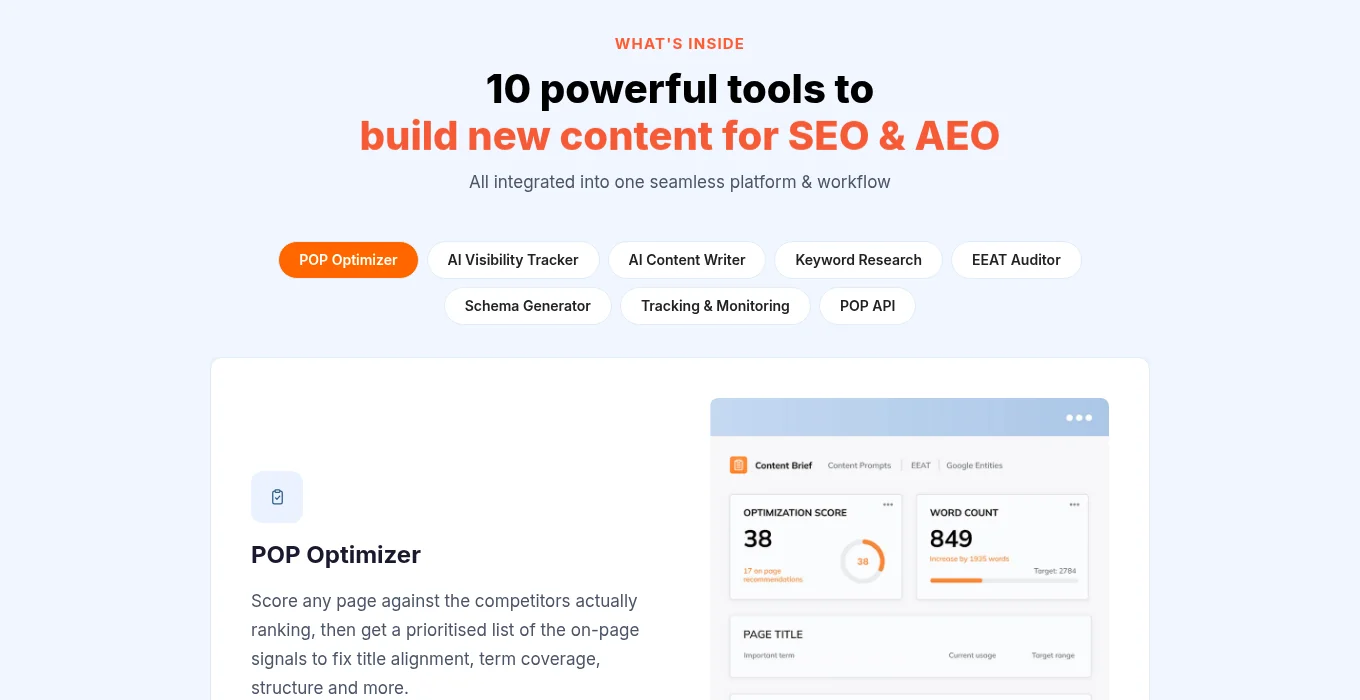
The content brief is the heart of every report and the part of this Page Optimizer Pro review that matters most. Across the top sit the tabs Content brief, Page structure, Google NLP, EEAT signals, Schema, LSI & Variations, Custom strategy, and Advanced analysis, plus header buttons for the AI Writer, Watchdog, the Content Editor, and a paid Premium optimization review.
For my Omnisend page, the brief showed 2,405 words against a target of 5,957, with a recommended range of 3,454 to 9,219, and 23 recommended page sections. Sub-headings were the clearest gap at 6 terms against a 15 to 27 range. Main content sat at 181 against 335 to 559.
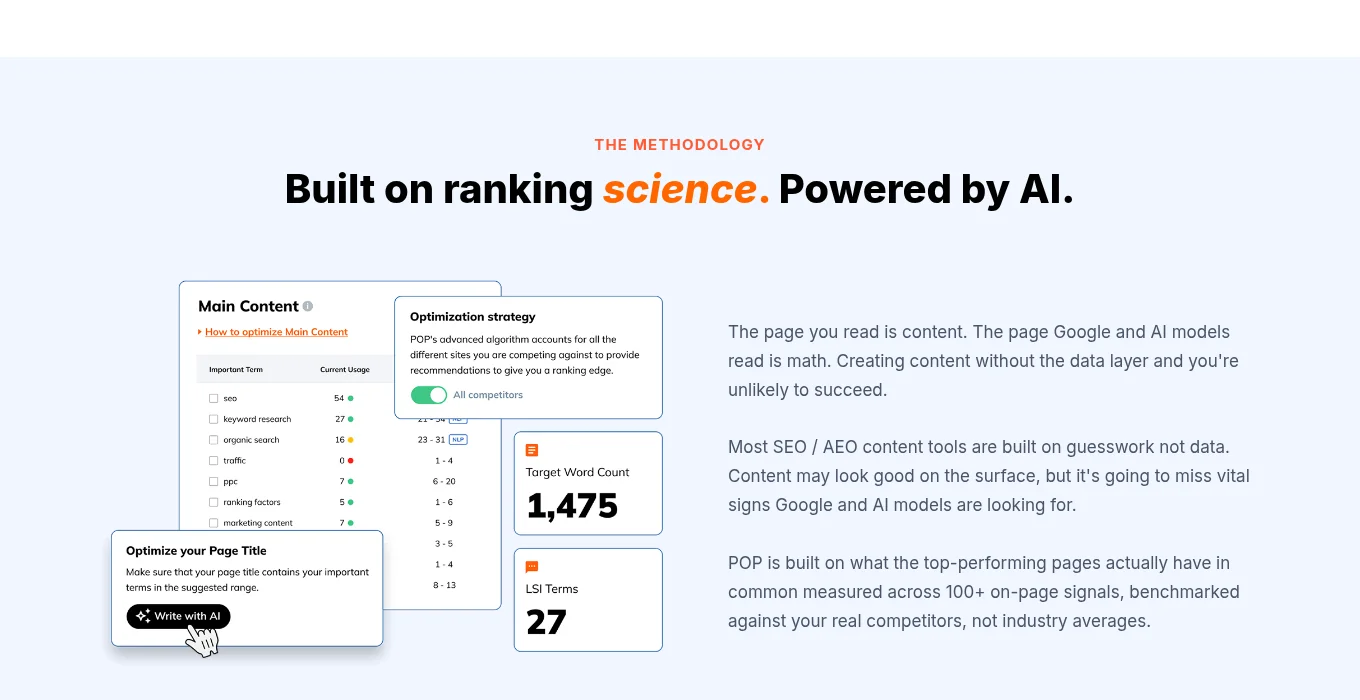
The term ranges were more useful than a vague add-more-words note. The exact phrase “omnisend review” appeared 7 times in the body against a 2 to 3 target, so it was over-used. “Free” was at 28 against 3 to 16. “Email marketing” was at 0 against 2 to 18, a real topic hole on an email-platform review. The brief told me what to cut as clearly as what to add, which is the main reason I keep coming back to it and the main point of this Page Optimizer Pro review.
Advanced analysis put numbers on the same story: keyword variations at -12, LSI at -9, and a word-count bar showing me below the minimum. It also listed 9 competitors, with emailtooltester.com, emailvendorselection.com, and the Omnisend page on apps.shopify.com as the 3 focus competitors. I treat that list as a map of the SERP, not pages to copy.
Page structure flagged 6 lists against an 11 to 20 target and 28 italic tags against a cap of 8, and it suggested related keywords and competitor headings. The Content Editor then pulls in the live page with a term panel on the right. Its word-count widget told me to add 3,254 words, which does not match the 3,552-word gap to 5,957, and a second counter at the bottom showed 3,470 words. I go by the brief’s figure.
A score is only a proxy. Before acting on any brief, I still check the page against Google’s own SEO Starter Guide, because a page stuffed to hit term counts reads worse, not better. My fix list was short: stronger sub-headings, more lists, the missing topic phrase, and fewer repeats of the exact keyword.
3. Pricing, Plans, and How Credits Work
There are three self-serve plans. Basic is $40 a month with 20 POP credits. Unlimited is $72 a month, or $62 a month billed yearly at $739, with unlimited POP and Watchdog reports under fair use and 50 credits. Teams is $143 a month, or $119 a month billed yearly at $1,425, with 120 credits and 5 to 100 sub-accounts. Annual billing saves 17%.
For this Page Optimizer Pro review, the credit math is the part I most want buyers to understand. On Basic, a new page report costs 2 credits and a score update re-run costs 1, so 20 credits cover about 10 new reports if you touch nothing else. Add Google NLP and both EEAT runs to one page and you have spent 9 of those 20.
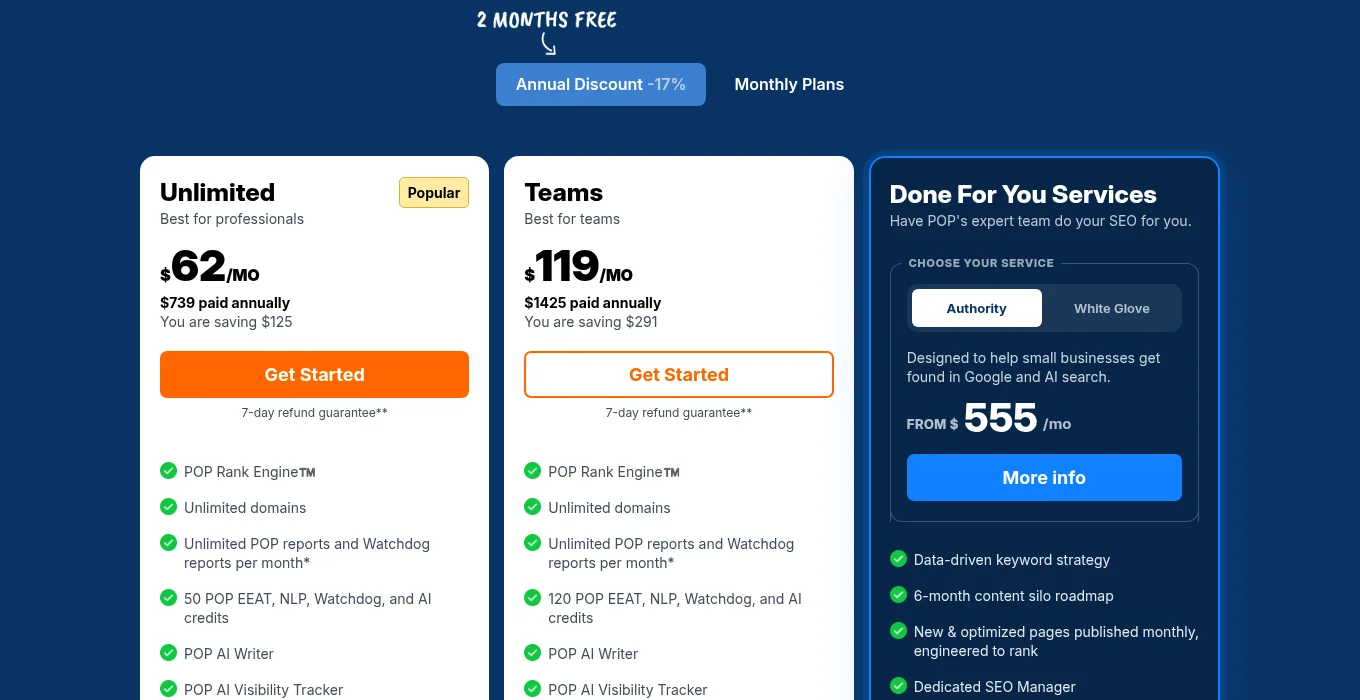
Unlimited does not mean unlimited everything. It covers core POP runs and Watchdog reports. EEAT, NLP, and the AI Writer still spend credits, at 3 credits per 1,000 words for AI writing, or 2 credits per article with your own key. Extra bundles run from $15 for 10 credits to $450 for 500, and purchased credits do not expire.
There is no full free trial. You can score a page for free from the homepage without logging in, and paid plans carry a 7-day refund. Live chat is listed at 19 hours a day, Monday to Friday. POP also sells Done For You services, with White Glove from $555 a month and a done-for-you on-page offer from $275, but those are services, not a higher software tier.
I checked these numbers on the public pricing page and the in-app Change my plan screen in November 2026. My account shows the Unlimited allotment of 50 monthly credits plus 2 purchased credits.
4. Additional Features and Tools
I did not buy every paid extra for this Page Optimizer Pro review, so here is what I opened and what I would spend credits on. Google NLP uses Google’s API, groups categories and entities, and shows which entities Google sees on your page versus competitors. EEAT comes in Basic and NextGen modes. On my report, some site-level signals were already marked, such as Terms of Service present and a payment and return policy absent. The tab is a good prompt for trust pages. It does not create E-E-A-T on its own.
Schema and LSI & Variations have their own tabs, and the Schema tool lists the schema types competitors use in order of importance. Watchdog monitors pages and alerts you when your page or the SERP changes. The AI Writer can draft or rewrite from a report, but I would not publish its output without a heavy human edit.
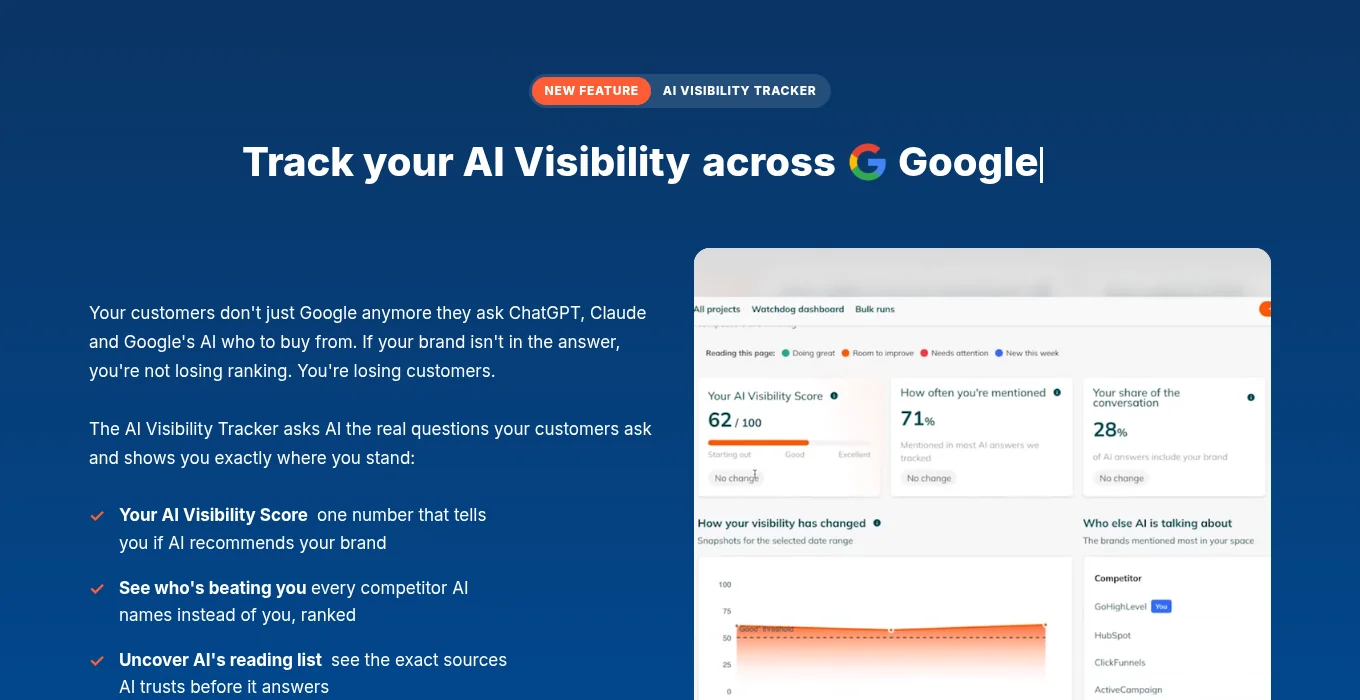
The newer tools sit at project level. Keyword Research covers Keyword Insights for up to 100 keywords per run, Keyword Strategy clusters, and rank tracking for 250 keywords on Unlimited or 500 on Teams. AI Visibility tracks how often AI answers mention your brand. POP Pilot is an in-app assistant that explains scores in plain language, and a Chrome extension brings recommendations into Google Docs, WordPress, and other editors.
Bulk runs cost 10 credits each. POP says it supports 61 languages, though Google NLP is limited to the handful Google’s API supports. Two UX notes: tutorial video icons next to headings help new users, and the left sidebar collapses inside a report, which slows down moving between projects.
Performance and Results Observations
My long-running Page Optimizer Pro Review project shows two runs on the same URL: report #288973 from 27 March 2020 at 52.2, and report #696096 from 13 April 2022 at 100.0. The 2022 brief recorded 6,112 words against a 2,418 target and 12 recommended sections. A perfect score with more than twice the target word count shows the target is a guide, not a cap.
The new Omnisend run at 58.9 sits between POP’s quoted median starting score of 33 and the 80-plus zone it calls strong. POP’s FAQ says on-page changes often take 10 to 21 days to show an effect, measured from the first Google crawl after the update, and longer for brand-new pages. I am not going to invent a ranking result in this Page Optimizer Pro review for a report I ran this week.
On Capterra, Page Optimizer Pro showed 5.0 from 74 reviews in November 2026, with ease of use at 4.6 and customer service at 4.9. The recurring complaints in that set were credits going quickly and a slightly clunky interface, which matches what I saw. I will update this Page Optimizer Pro review once the Omnisend edits have had time to settle.
Who Page Optimizer Pro Suits
This Page Optimizer Pro review is most useful for bloggers, affiliates, and SEO consultants who already publish and want a repeatable way to brief or refresh pages. That is my case: lots of URLs, a focus on on-page SEO, and a preference for a scored checklist over a blank outline. Agencies that need a consistent QA pass before a writer publishes fit well too.
Teams and agencies get the most from the Teams plan, with sub-accounts, 120 credits, 500 Watchdog pages, and white-label PDFs. Solo publishers who run more than a few reports a month should go straight to Unlimited, because Basic’s 20 credits feel tight the moment you add NLP or EEAT.
Skip it if you wanted a writer-friendly editor, a cheap chat tool to draft articles, or software that writes and publishes whole posts. A tool like Soro sits in that different category. The takeaway from this Page Optimizer Pro review is simple: POP rewards people who will read the brief and make careful edits.
Page Optimizer Pro Alternatives
I keep this short, because the point of this Page Optimizer Pro review is POP, not a tour of every competitor. These are the three tools I hear compared with it most often.
| Tool | Best For | How It Differs From POP |
|---|---|---|
| Surfer | Writers drafting against a live score | Stronger as a writing editor; POP feels more like an SEO report you work through |
| Clearscope | Clean content grades inside Google Docs | Quieter and simpler; fewer extras such as Watchdog, EEAT, and schema |
| Frase | Research and outlines | Answers what to cover; bring the draft back to a scorer if you still want one |
None of them is a free substitute, and a general chatbot does not replace a competitor-based brief. After this Page Optimizer Pro review, I still pick POP when the page already exists, or when I want a structured brief before writing and I am willing to spend time and credits on the report.
Pros and Cons: Page Optimizer Pro Review 2026
Pros
- Specific brief with term ranges, word-count targets, sections, and a competitor set.
- Reports from 2020 and 2022 still reopen in the same project for comparison.
- Unlimited and Teams include unlimited core POP and Watchdog runs under fair use.
- NLP, EEAT, Schema, Watchdog, keyword tools, and AI Visibility around the optimizer.
- One-page POP Pro setup, a clear progress bar, and tutorial icons next to headings.
Cons
- Credits drain fast on NLP, EEAT, and the AI Writer, especially on Basic.
- No finish alert, a collapsing sidebar, and word counts that do not match.
FAQs: Page Optimizer Pro Review 2026
It is worth it if you regularly optimize existing pages or brief new ones and will make the edits. It is less worth it if you only wanted an AI writer or a cheap outline.
Basic is $40 a month with 20 credits. Unlimited is $72 a month, or $62 a month billed yearly. Teams is $143 a month, or $119 a month billed yearly.
Credits power EEAT, NLP, Watchdog extras, and the AI Writer. On Basic, report runs spend credits too, at 2 credits for a new page. Unlimited and Teams include unlimited core reports under fair use.
There is no full trial of the paid app. You can score a page for free without an account, and paid plans have a 7-day refund.
No. A higher score means the page is closer to POP's on-page targets. Rankings still depend on intent, competition, links, and whether the content is useful.
POP says the median starting score across 10,937 optimized pages was 33, and that above 80 is a strong position. My Omnisend run scored 58.9 and my 2022 report scored 100.0.
POP says it supports 61 languages. The Google NLP add-on is limited to the languages Google's NLP API supports.
Quick Links:
Honest Verdict: Page Optimizer Pro Review 2026
Page Optimizer Pro is worth it if you will actually run reports and ship the edits. My account has reports going back to 2020, and my own Omnisend review just scored 58.9. The tool was honest about the gaps: thin sub-headings, a short word count, light lists, a missing topic phrase, and an over-used keyword.
If I were buying again for BloggersIdeas after this Page Optimizer Pro review, I would not stay on Basic for long. Twenty credits is a trial, not a workflow. Unlimited at $72 a month, or $62 a month billed yearly, is the plan that fits regular use, because core reports stop eating the credit pile.
The limits in this Page Optimizer Pro review are real. Credits drain on NLP, EEAT, and AI writing, the UI has rough edges, and chasing 100 can make a page stiff. I would skip the AI Writer for anything I put my name on unless I planned to rewrite it.
If you want a competitor-based on-page checklist you can run on any URL, the tool in this Page Optimizer Pro review earns its keep. If you want an AI to write the article for you, look elsewhere.