
Best For | Best for beginners who want to learn programming on the go through bite-sized lessons and mobile-friendly courses. | Best for learners seeking structured, in-depth coding courses with interactive projects and career paths. |
Pricing | Free plan available | Free plan available |
Features | Mobile-first coding platform |
|
Pros | Easy to use on mobile |
|
Cons | Limited depth for advanced learners | Pro version is more expensive |

Sololearn and Codecademy are two popular platforms that help people learn programming. As someone who spent a lot of time learning to code, I found myself unsure of where to begin.
That’s when I discovered these two platforms, both offering unique ways to teach programming. Each has its own strengths, features, and teaching styles that can make learning easier or more enjoyable, depending on your needs.
In this blog, I’ll share my experience with Sololearn Vs Codecademy, comparing their features, teaching methods, and overall value. By the end, you’ll have a clearer idea of which one is the best fit for your coding journey.
Let’s get started!
SoloLearn Vs Codecademy Overview
SoloLearn-Overview
Sololearn is a free platform designed to teach coding through short, easy-to-follow lessons. It’s available on both mobile and web, so you can learn wherever you are.
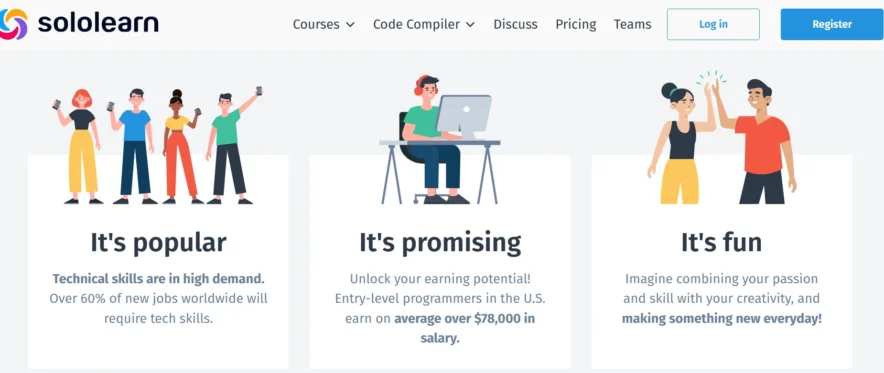
Sololearn offers a wide range of programming languages, including Python, Java, C++, JavaScript, HTML, and CSS, along with courses in web development and data science.
The platform employs a gamified approach, featuring quizzes, challenges, and a community of learners who share tips and ask questions.
Codecademy- Overview
Codecademy is an online platform that provides interactive coding lessons. It covers programming languages like Python, JavaScript, HTML, CSS, and SQL.
Codecademy’s hands-on approach allows you to write code in a built-in editor and get immediate feedback. While some courses are free, features like projects and certifications require a paid Pro subscription.
The platform is known for its structured learning paths and real-world projects that help you move from beginner to job-ready.
Related Read:
Related Read: Codecademy vs Treehouse Comparison
SoloLearn Vs Codecademy Ultimate Features Comparison
Course Variety
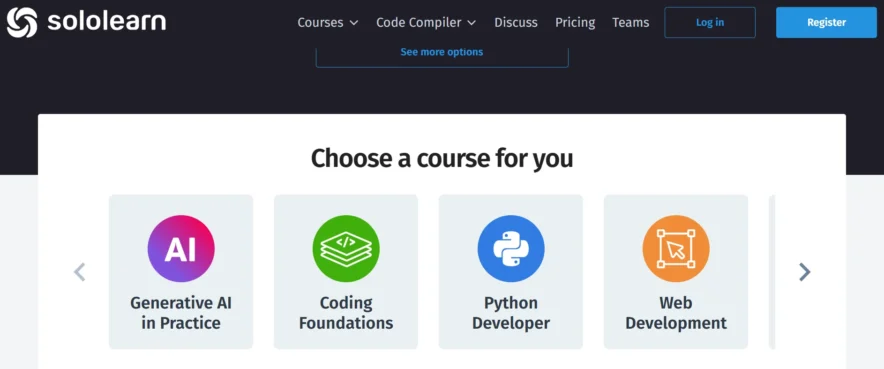
Sololearn offers courses in 13 programming languages, including Python, Java, C++, JavaScript, HTML, CSS, and more. It also covers topics like web development, data science, and machine learning.
The courses are broad and focus on the basics. It’s great for getting a feel for different languages, but it doesn’t go deep into advanced topics. I found it useful for exploring and seeing what I liked.
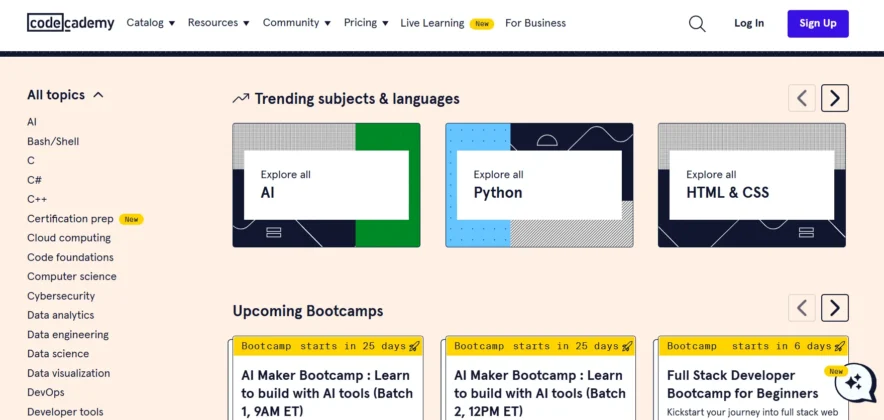
Codecademy also covers a wide range of languages and offers specialized paths like web development, data science, game development, and cybersecurity.
The courses feel more comprehensive, especially with Pro, which includes projects and career-focused content. Codecademy builds on concepts gradually, helping you understand how everything fits together.
Verdict: Sololearn is great for trying out different languages, but Codecademy offers deeper, more structured learning paths, especially for career-focused paths.
Teaching Style
Sololearn uses short lessons followed by quizzes and fill-in-the-blank exercises. It breaks concepts into small chunks, and the quizzes help test your understanding.
I liked the gamified feel; earning points and badges kept me engaged. However, the exercises often felt like multiple-choice questions, which helped with syntax but didn’t give me a lot of practice writing code.
Codecademy’s teaching style is more hands-on. You write code directly in an interactive editor and get instant feedback. The lessons start simple and gradually become more complex.
I enjoyed this because I could see my code work right away and fix mistakes as I went. However, some exercises, such as JavaScript, were more challenging and required some prior knowledge.
Verdict: Codecademy’s hands-on approach is better for learning coding through practice. Sololearn’s quiz-based style is fun but less effective for building real coding skills.
Community
Sololearn has a large, active community where learners ask questions, share code, and help each other. It feels like a social platform. I enjoyed browsing discussions to see how others solved problems.
However, since there are no teachers, the answers you get depend on peers, and their quality can vary.
Codecademy has a smaller community, but it is more structured. With Pro, you get access to live sessions, a Discord server, and forums where you can ask questions.
The community is smaller, but it feels more organized, with experts and moderators available to provide help. I found Codecademy’s community more reliable for clear, professional answers.
Verdict: Sololearn’s community is bigger and more casual, while Codecademy’s community is smaller but offers more professional support with Pro.
Mobile Experience
Sololearn’s mobile app is excellent. It’s easy to use, and you can learn in short bursts. I could complete a lesson or quiz in 5-10 minutes while on the go.
The app makes coding feel less intimidating, though the small screen does limit how much coding you can do.
Codecademy has a mobile app, but it’s not as good as Sololearn’s. It’s okay for reviewing lessons or doing small exercises, but I prefer using Codecademy on a desktop for the full experience. The web platform’s coding editor is more robust and easier for writing and testing code.
Verdict: Sololearn is the clear winner for mobile learning. Codecademy works better on desktop if you want a full coding environment.
Certifications
Sololearn is great for learning the basics and building a solid understanding of coding. It helps you become familiar with programming concepts and syntax, but it doesn’t offer specific career paths or resources tailored to job preparation.
I used Sololearn to become comfortable with coding and explore different programming languages, but it didn’t provide guidance on how to apply those skills in a real-world job setting.
Codecademy is better suited for job preparation. With the Pro subscription, you can follow career paths such as Front-End Developer, Data Scientist, or Full Stack Developer.
These paths include real-world projects that help you build a portfolio. Codecademy also offers resources for interview preparation and advice on creating a professional portfolio to showcase your work. After completing Codecademy’s projects, I felt more confident and prepared to enter the tech job market.
Verdict: Codecademy is the better choice if your goal is to get a job in tech. It focuses on providing the skills and experience needed for real-world job opportunities. Sololearn is more suited for those who want to learn coding for personal growth or as a hobby, without specific career-focused content.
SoloLearn Vs Codecademy- Courses Offered
Sololearn and Codecademy both offer great opportunities to learn coding, but they have different approaches. Sololearn focuses on providing a wide range of basic courses in 13 programming languages.
The platform is designed for beginners, offering short, easy-to-understand lessons that cover core concepts. It also covers additional topics like web development and data science basics, making it ideal for those who want to explore different languages without diving into complex topics.
On the other hand, Codecademy offers a more structured learning experience, with courses ranging from beginner to advanced levels. It offers language courses, as well as career and skill paths, including Front-End Development and Data Science.
Codecademy’s courses include real-world projects, which help learners gain practical experience. Its paid Pro plan offers additional content and certifications, making it more suitable for those aiming to build a career in coding.
Verdict: Sololearn is great for beginners who want to try out a variety of languages for free. At the same time, Codecademy offers a more comprehensive and career-focused learning experience, with in-depth courses and projects that are ideal for those looking to develop job-ready skills.
Sololearn vs Codecademy Add-ons
When it comes to extras, both Sololearn and Codecademy offer useful features, but they go about it differently. Sololearn’s main add-on is the Pro version, which gives you an ad-free experience and personalized learning paths.
It’s a small upgrade, but it can help if you want more focus or need a bit more structure. Sololearn also has a strong community where learners can help each other, and the platform itself feels like a game with points and badges to keep you motivated.
Codecademy, however, has more robust add-ons. The Pro subscription unlocks real-world projects, quizzes, and certifications, which can be really helpful if you’re trying to build a portfolio or show potential employers your progress.
Codecademy also offers career paths, which are a set of courses aimed at specific jobs, like Front-End Developer or Data Scientist. These paths include practical projects that mimic tasks you’d face in a real job.
Verdict: Sololearn is suitable if you prefer a more casual learning experience with some extra support. Codecademy offers more serious add-ons, especially if you’re aiming for a career in tech.
SoloLearn Vs Codecademy Pricing Comparison
Here’s a pricing comparison without the features:
| Platform | Free Tier | Pro Tier | Price |
|---|---|---|---|
| Sololearn | All courses, quizzes, community access | Ad-free, personalized paths, goal tracking | $12.99/month or $69.99/year |
| Codecademy | 344 courses in 12 languages, basic lessons | Projects, career paths, certifications, live sessions | $19.99/month or $149.99/year (student discount) |
Sololearn Pricing: Free with an Optional Upgrade
Sololearn is free, which was a big plus for me when I started learning. All the courses, including languages like Python, Java, JavaScript, HTML, and CSS, are available without any cost. You get access to lessons, quizzes, and the Code Playground to practice, all for free.
The community feature lets you interact with other learners, and that’s free too. There’s a Pro version priced at $12.99/month or $69.99/year, which removes ads, provides personalized learning paths, and includes tools to set goals.
I stuck with the free version, and it worked great for learning the basics and trying out code. The Pro features are nice, but they aren’t necessary for most beginners.
Codecademy Pricing: Freemium with a Paid Boost
Codecademy uses a freemium model. The free version includes 344 courses that cover the basics of languages like Python, JavaScript, HTML, CSS, and SQL.
You get interactive lessons and basic exercises, which were great for getting started. However, advanced courses, projects, career paths, and certifications need the Pro subscription, which costs $19.99/month or $149.99/year for students (with a 7-day free trial).
The Pro plan unlocks real-world projects, like building a website, and career-focused paths for roles like web developer or data scientist. It also offers live sessions and a Discord community for extra support. I tried the free version first, but the Pro content added more depth, especially for job preparation.
Sololearn Vs Codecademy Pros and Cons
Codecademy
Customer Reviews
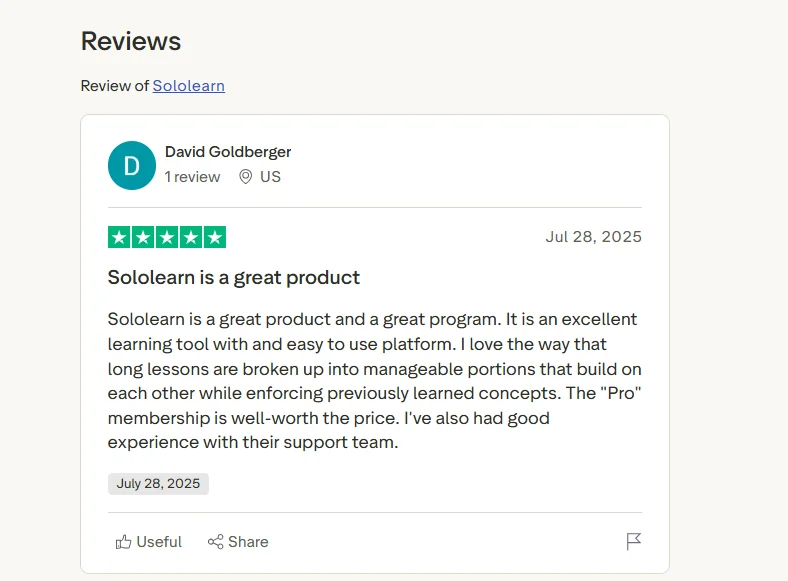
SoloLearn
Codecademy
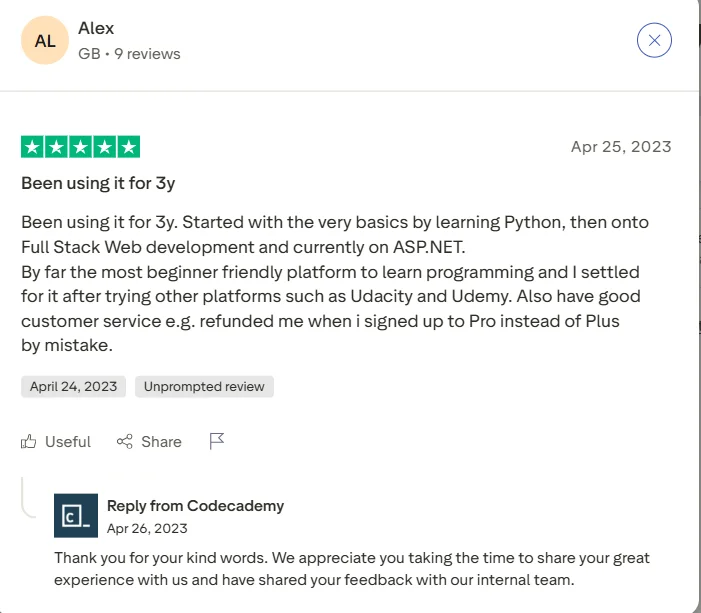
Source: Trustpilot
Who Should Choose Sololearn?
Sololearn is ideal if you:
- Are a complete beginner who wants to explore coding for free.
- Prefer learning in short, gamified lessons.
- Want a mobile-first experience for learning on the go.
- Enjoy a social community where you can connect with peers.
- Aren’t focused on job preparation yet and just want to learn basics.
For example, if you’re curious about coding but not ready to commit time or money, Sololearn is a low-risk way to start. I recommended it to a friend who wanted to try Python without spending anything, and she loved the bite-sized lessons.
Who Should Choose Codecademy?
Codecademy is the better choice if you:
- Want a structured, hands-on learning experience.
- Are willing to pay for premium features like projects and certifications.
- Aim to build skills for a tech career or specific role.
- Prefer learning on a desktop with a robust coding environment.
- Need clear guidance and professional community support.
Codecademy worked well for me when I decided to focus on web development. The career path guided me through HTML, CSS, and JavaScript, and the projects helped me build a portfolio I could show employers.
FAQs
👉Is SoloLearn legit?
Yes, SoloLearn is a legit website to learn to code.
👉Are all the courses on SoloLearn free?
Yes, all the courses on SoloLearn are free.
👉How long does it take to complete a course on Codecademy?
The time taken to complete a course depends on the course you have taken. So some courses might take 15 hours to complete or some others may require 25 hours.
👉Are there any free courses on Codecademy?
Yes, there are some free courses on Codecademy but they are very introductory.
👉How many languages are taught at Codecademy?
Thirteen languages are taught at Codecademy.
👉Which One Is Reliable?
SoloLearn and Codecademy are both reliable in terms of courses they offer. Codecademy is unique when it comes to courses related to coding while SoloLearn offers a variety of course in different category.
Quick Links
- Codecademy vs Udemy: Which Is One Is The Best?
- Codecademy Vs Treehouse | Which One To Choose & Who Wins?
- Pluralsight vs Treehouse: Which One Is The WINNER?
- Best Top Udemy Alternatives: Which One Is Better?
Conclusion: Which One Wins?
Choosing between Sololearn and Codecademy depends on your goals and budget. If you’re a beginner looking to explore coding for free, Sololearn is a great choice.
Its mobile app and fun lessons make learning easy. However, if you’re serious about building job-ready skills, Codecademy’s hands-on projects and career paths are more suited for that, especially with the Pro version. For me, Sololearn was fun for experimenting, while Codecademy felt like real-world training.
I’d suggest starting with Sololearn and moving to Codecademy if you want to dive deeper. You can even try both since Sololearn is free and Codecademy offers a free tier.
What’s your experience with these platforms? Share your thoughts in the comments!

Great post Andy. Thanks!