Looking for a WebinarJam coupon code? WebinarJam does not list public coupon codes that apply at checkout. Real savings come from the $1 trial that runs for 14 days with full Basic-level access, plus automatic savings of about 20 to 24 percent when you choose annual billing.
Codes that promise 30 to 50 percent off rarely work when tested against the live pricing page. Here is what actually lowers the cost.
Active WebinarJam Coupon Codes October 2026
Looking to save on WebinarJam? Here are the latest active webinarjam coupon codes. They cover webinar hosting, live events, and audience engagement tools.

Start with the $1 Trial for 14 Days of Full Access
Pay one dollar and get 14 days that match the Basic plan features, including room for 500 attendees, two hosts, and a two-hour session limit. You can set up registration pages, send reminders, run a live webinar with your own audience, and check how chat and offer tools perform. The trial converts to the plan you select unless you cancel first. This is the lowest-risk way to see if the platform fits before any larger payment.
Save Up to 24 Percent Automatically with Annual Billing
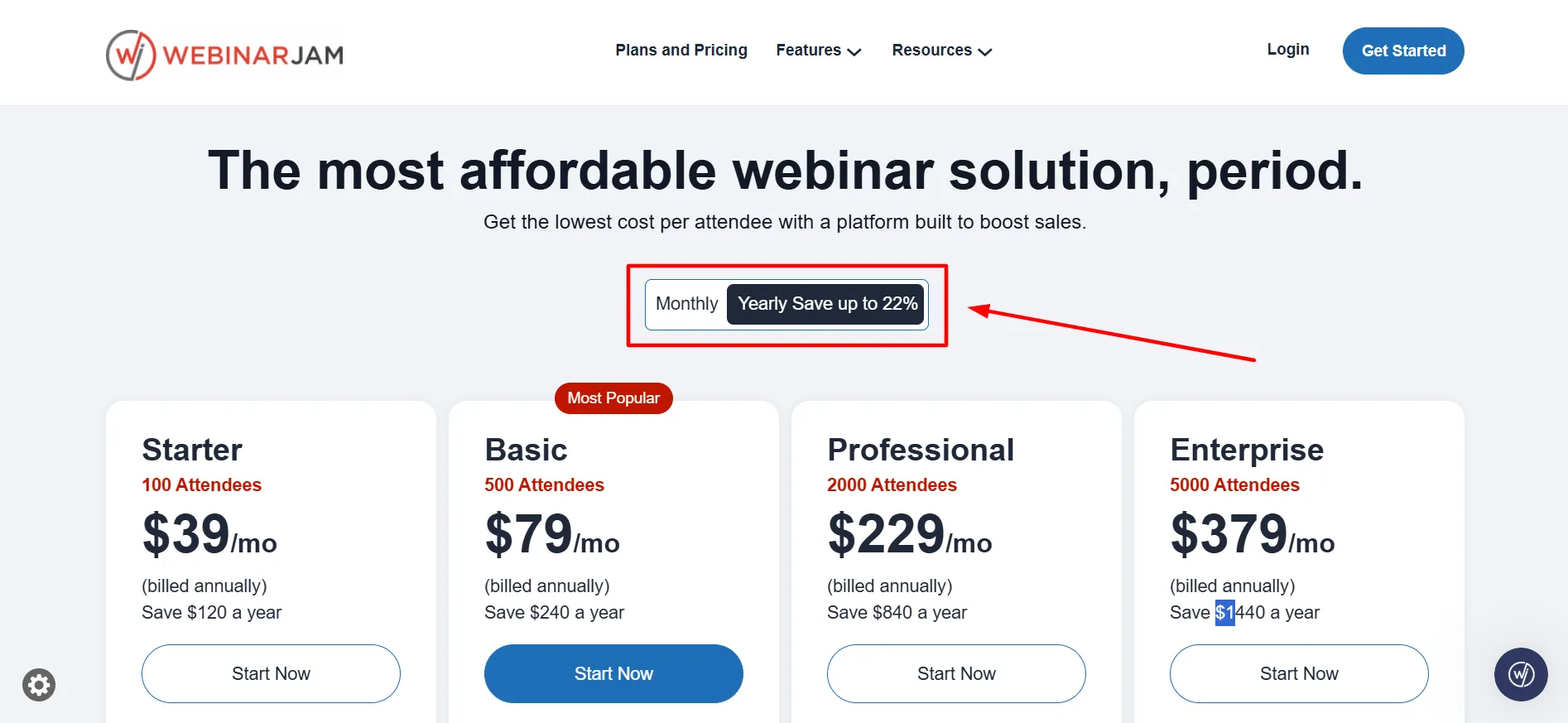
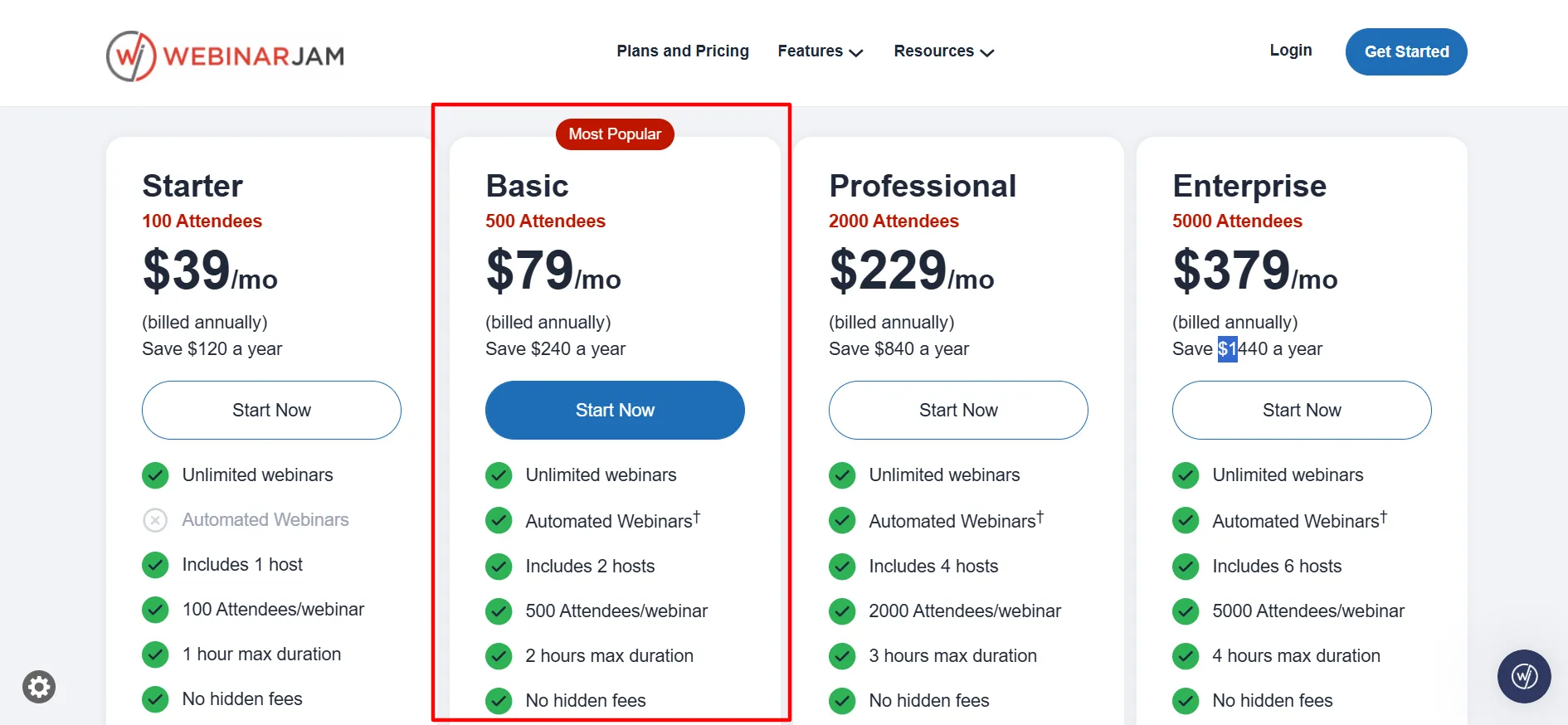
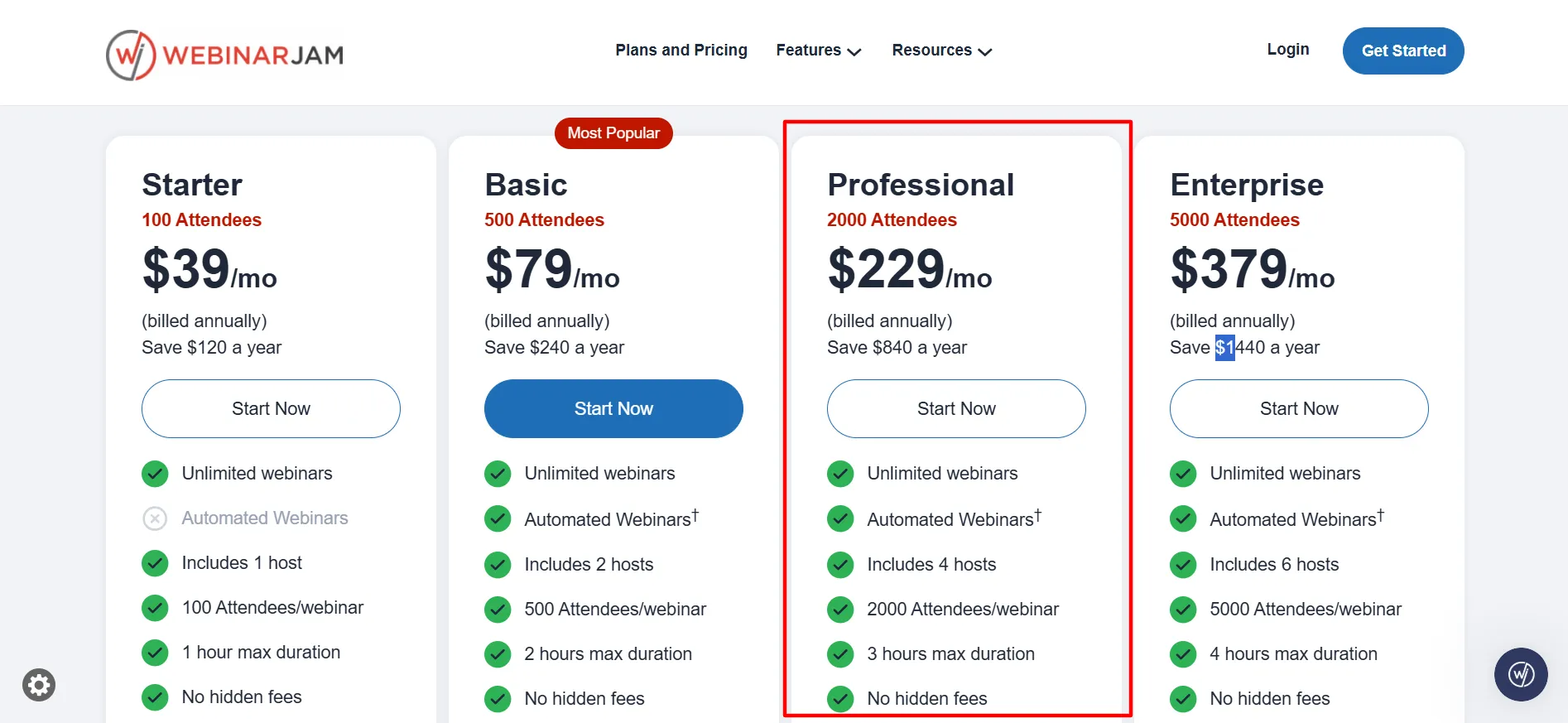
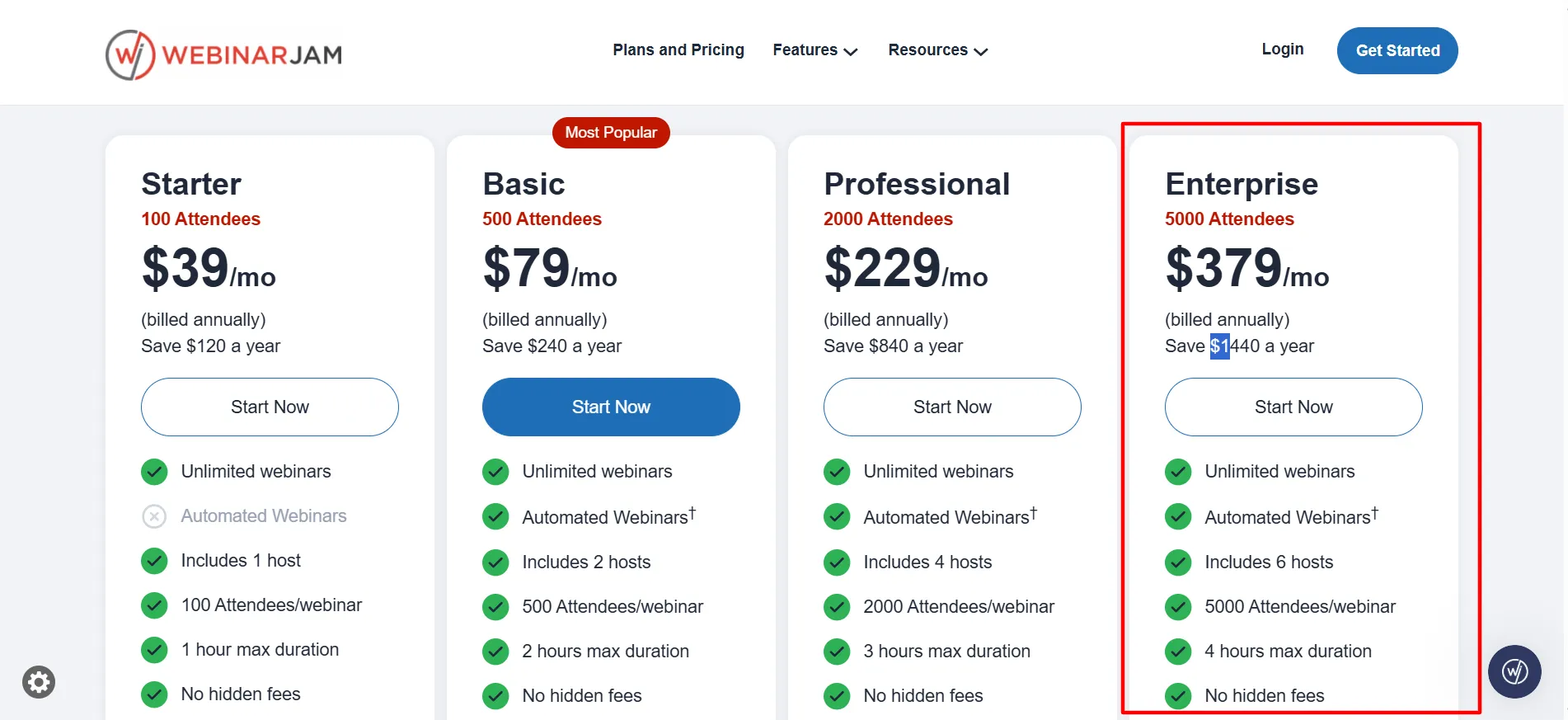
Select the yearly option at checkout and the lower rate applies on its own with no code needed. Starter drops from $49 to an effective $39 per month. Basic moves from $99 to $79. Professional falls from $299 to $229. Enterprise goes from $499 to $379. Those cuts save $120, $240, $840, and $1,440 over a year depending on the tier. The official pricing page shows the annual figures directly.
Skip Unverified Third-Party Codes Claiming Big Percentages
Many coupon sites list codes for 25, 30, or 35 percent off. Independent checks of the actual checkout find that most of those codes do not reduce the total. Some look outdated or tied to old partner pages. Stick with the trial and the annual toggle that the company itself displays. If you do try a code, confirm the final amount changes before you finish payment.
How to Claim WebinarJam Coupon Codes 2026
Follow these steps to use the trial and lock in the annual rate.
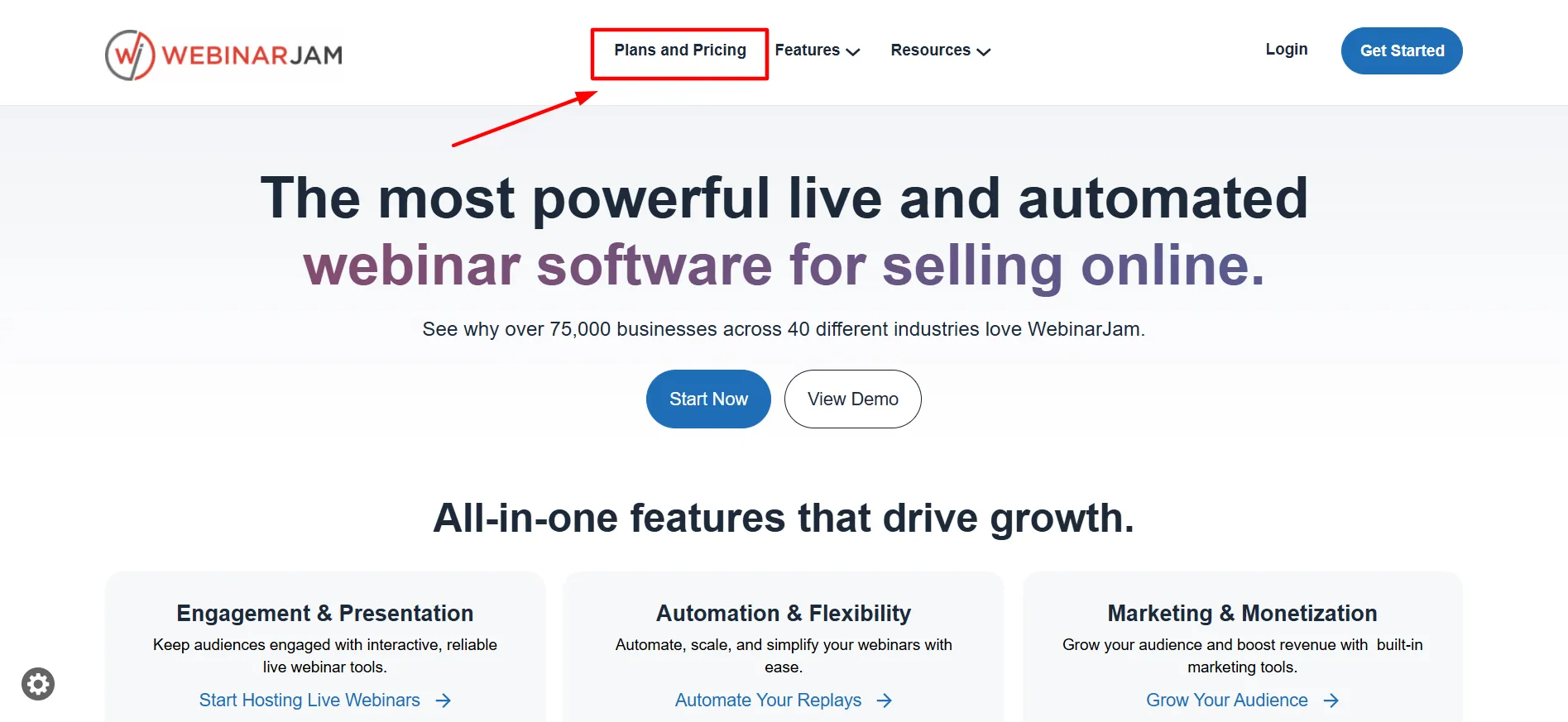
Step 1: Open the official WebinarJam pricing page.
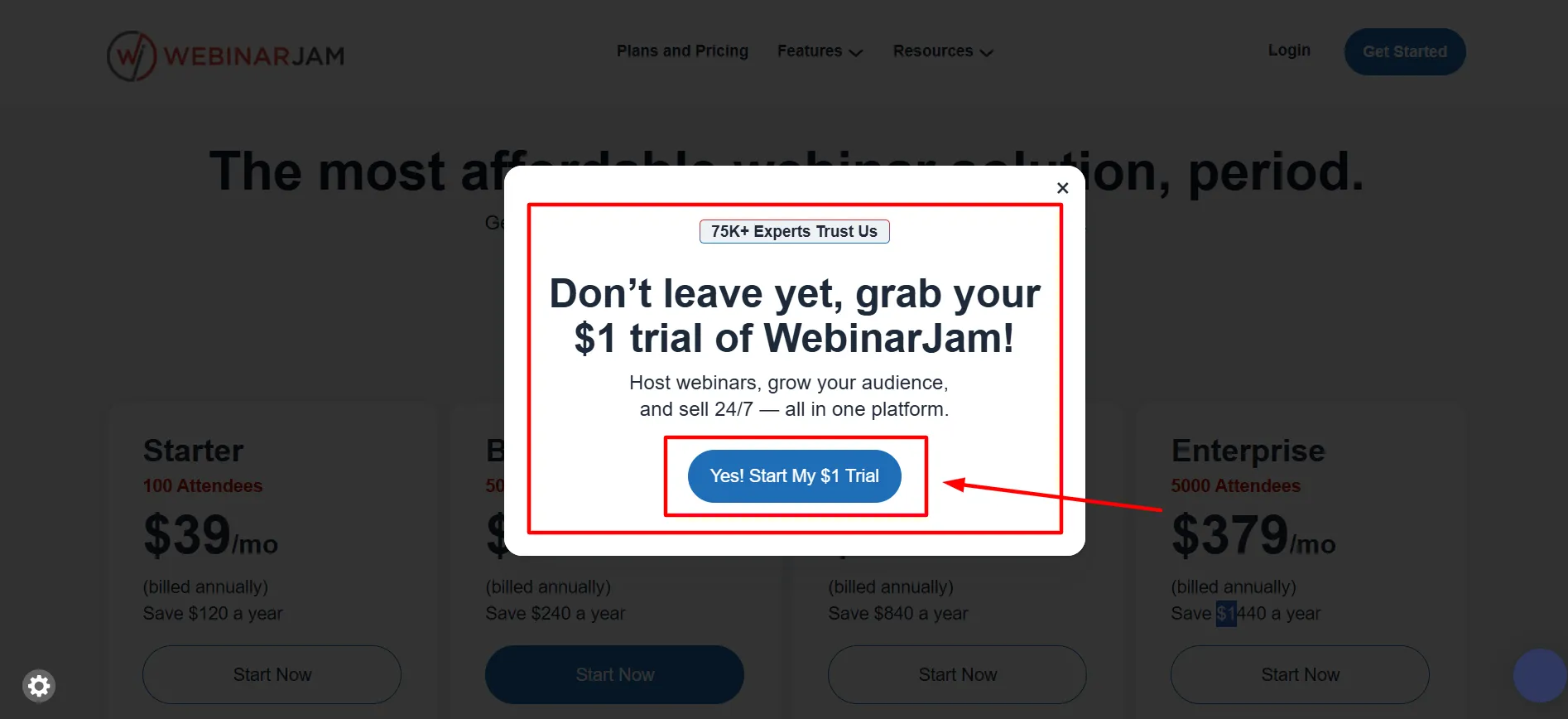
Step 2: Choose the $1 trial option if you are new. It gives Basic-level access so you can host a real session and judge the tools.
Step 3: After the trial, pick the plan that matches your attendee needs and switch to annual billing. The discount appears automatically.
Step 4: If a code from another site appears, enter it only after you see the updated total. Most do not change the price.
Step 5: Add your payment details and finish signup.
Step 6: Set a calendar reminder before the 14 days end if you do not plan to continue. The plan begins automatically otherwise.
WebinarJam Plan Pricing October 2026
Here are the current rates listed on the company site.
Plan | Monthly | Annual (per month) | Attendees | Hosts | Max Duration |
|---|---|---|---|---|---|
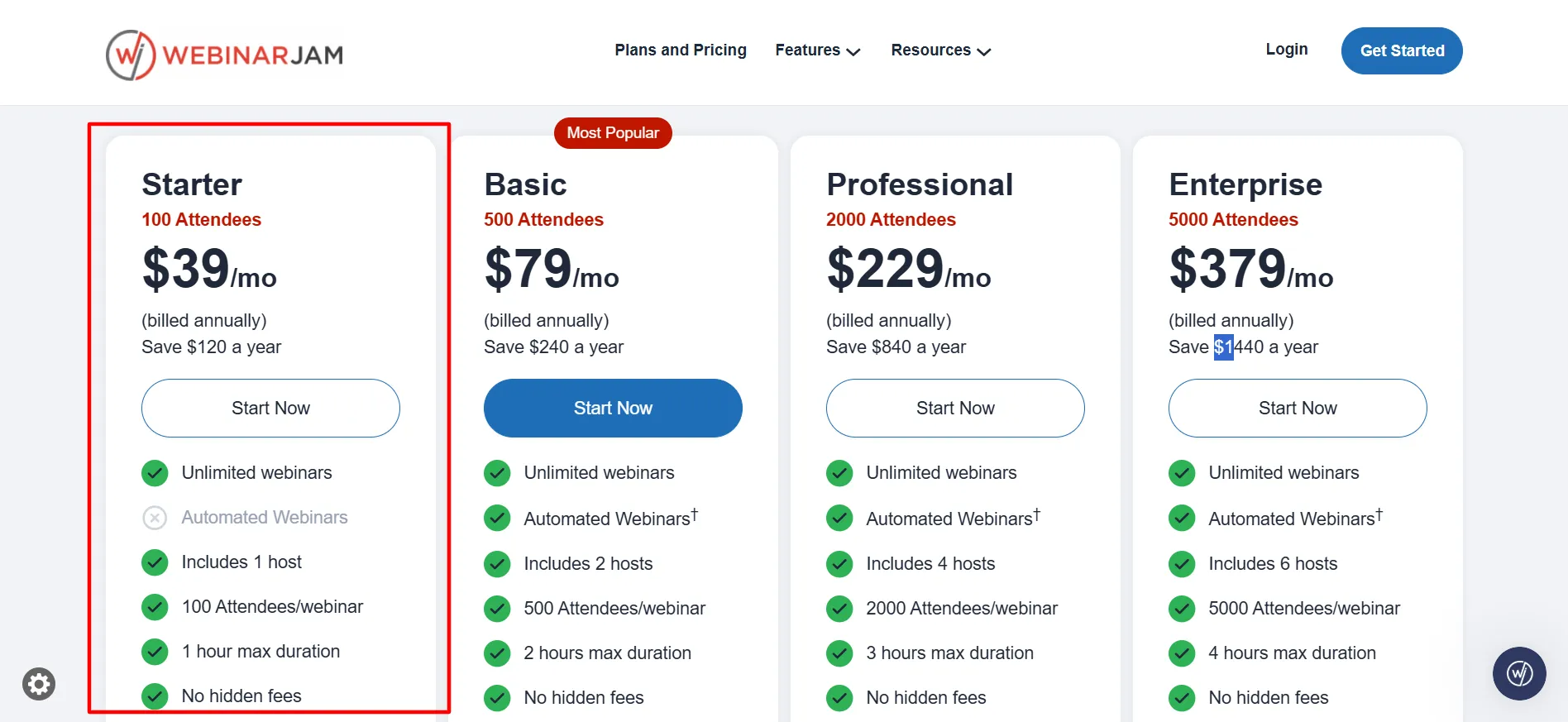
Starter | $49 | $39 | 100 | 1 | 1 hour |
Basic | $99 | $79 | 500 | 2 | 2 hours |
Professional | $299 | $229 | 2,000 | 4 | 3 hours |
Enterprise | $499 | $379 | 5,000 | 6 | 4 hours |
Cost per attendee falls as capacity rises. Starter sits near half a dollar per seat on the annual rate. Enterprise lands closer to eight cents per seat. If your events regularly approach a plan’s limit, the next tier often costs less per person even though the headline price is higher.
All plans include unlimited webinars, live chat, polls, customizable pages, and email plus SMS tools. Basic and higher add automated webinar support through EverWebinar at no extra charge.
Which Plan Fits Different Needs
Starter suits short, small sessions for coaches testing the idea. The one-hour limit is the main constraint, not the 100-person cap.
Basic serves most small businesses. You get 500 attendees, two hosts, and automated webinar options. This is the practical entry point for regular live events.
Professional adds more room and longer sessions. It also unlocks extra safeguards that matter when a launch has real revenue attached. The jump in price is large, so confirm you need the higher limits first.
Enterprise targets large events with 5,000 attendees and six hosts. Team seats expand further here. Most weekly webinars never need this tier.
What Is WebinarJam?
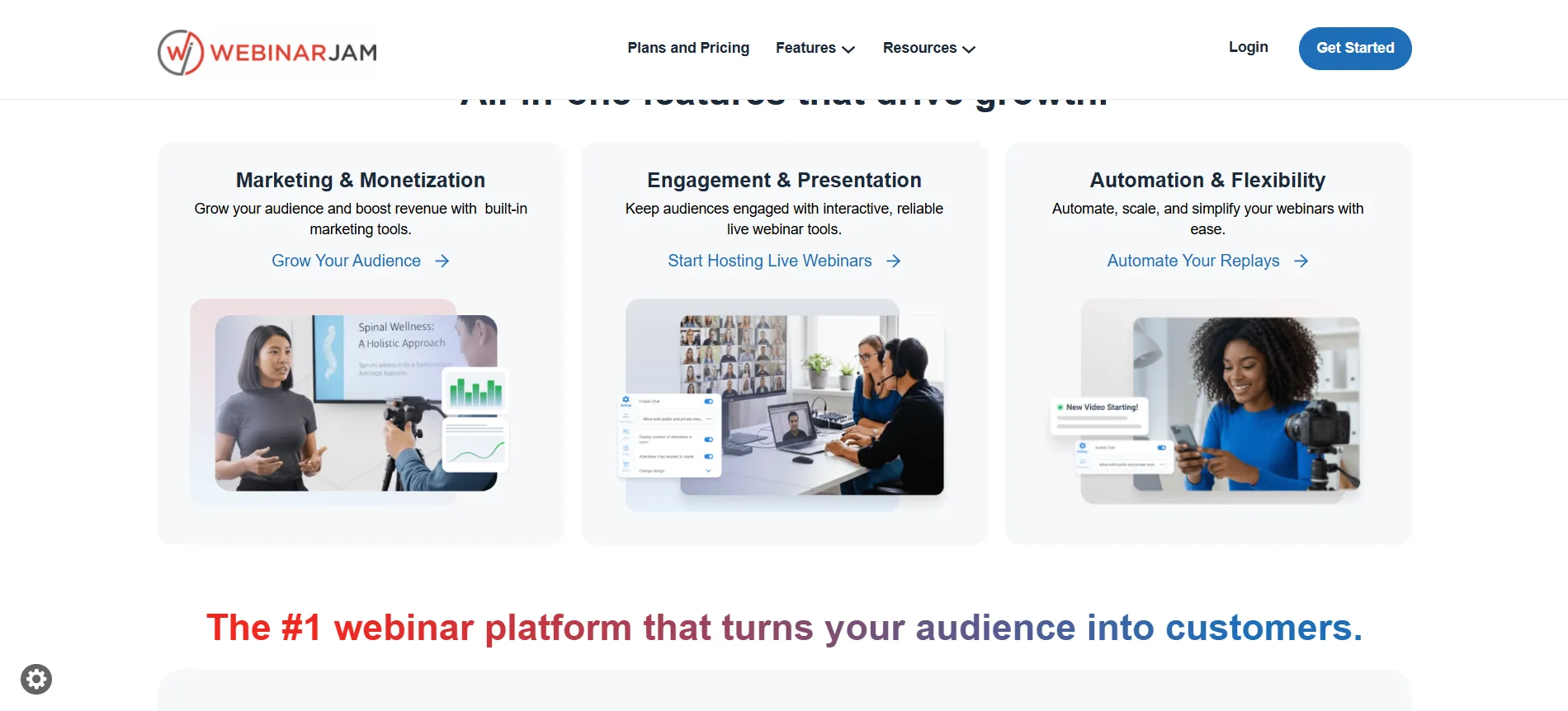
WebinarJam is a browser-based platform for live webinars. Attendees join with one click and never download software. Hosts run real-time sessions with chat, polls, surveys, an on-screen whiteboard, and timed product offers that appear during the presentation.
Registration pages and reminder sequences sit inside the same system. The company also offers EverWebinar for automated replays. On Basic, Professional, and Enterprise plans that automation is included.
The platform targets course creators, coaches, and marketers who sell through live sessions rather than simple video calls.
What You Get With WebinarJam
Live HD streaming for presenters and attendees. Multi-presenter support that scales from one host on Starter to six on Enterprise. Built-in engagement tools that include live chat, polls, surveys, and Q&A.
Automated webinar options on Basic and above that replay sessions on a schedule. Registration pages and attendee management so you do not need a separate landing-page tool.
Team member seats that grow with the plan. Broadcast options that send the session to Facebook and YouTube. Analytics that show which sessions drive registrations and purchases. A 30-day money-back guarantee on paid plans if you contact support within that window.
Costs Worth Checking Before You Commit
Attendee limits are concurrent. Going over the cap during a live event can trigger extra charges, so size the plan ahead of time rather than hoping the numbers stay under.
EverWebinar automation is included on Basic and higher, but confirm the current plan details if you need heavy automated scheduling.
Support response can slow when many users host at once, so test your full setup days before a high-stakes session. Monthly billing stays available, yet the annual rate is the only automatic discount the site shows.
WebinarJam Refund and Trial Policy
The $1 trial lasts 14 days and gives Basic-level access so you can run real webinars. Cancel before it ends if you do not want the paid plan to start. Paid plans include a 30-day money-back guarantee.
Contact support within 30 days of the purchase for a full refund. Always read the current billing terms on the site before you finish checkout, since details can change.
Pros & Cons: WebinarJam Coupon Code
Pros
- The $1 trial gives real access, not a limited demo.
- Annual billing cuts the rate automatically with no code.
- Cost per attendee improves at higher tiers.
- Built-in offers and reminders help sessions convert.
- Attendees join without downloads.
- Multi-host support scales as events grow.
Cons
- No confirmed public coupon codes exist despite many sites claiming them.
- Pricing jumps sharply between Basic and Professional.
- Attendee overage details are not always obvious on the main pricing view.
FAQs: WebinarJam Coupon Code
No verified public code consistently works at checkout. The reliable savings are the $1 trial and the automatic annual discount of about 20 to 24 percent.
Monthly rates run $49, $99, $299, and $499 across the four plans. Annual billing lowers those to effective rates of $39, $79, $229, and $379.
Yes on Basic, Professional, and Enterprise plans. It is not included on Starter.
Extra charges may apply. Choose a higher tier in advance if you expect to run near the cap.
Yes, a 30-day window applies to paid plans when you request the refund through support.
Quick Links:
Conclusion: WebinarJam Coupon Code
Skip the search for a WebinarJam discount code that may not apply. The working options are the $1 trial for 14 days of real access and the automatic annual savings that appear when you select yearly billing.
Test the platform with your own audience during the trial, then lock in the lower rate if it fits. Check the official pricing page for the latest numbers and terms before you complete signup.
That path avoids outdated codes and gives a clear picture of the cost.