Best For | Best for educators, businesses, and course creators looking for an interactive and customizable online course platform. | Best for WordPress users who want a powerful learning management system (LMS) to create and sell courses directly on their website. |
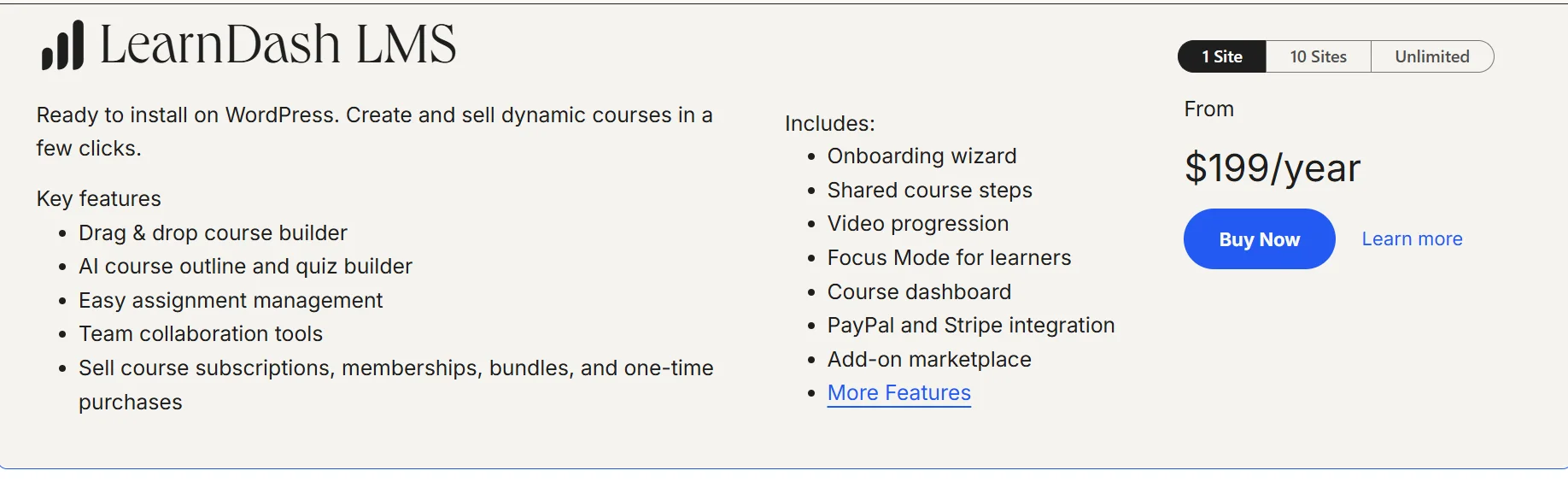
Pricing | Starts at $29/month | Starts at $199/year (One-time purchase for plugin) |
Features | Interactive video & course builder |
|
Pros | Fully hosted platform (no need for third-party tools) |
|
Cons | Higher cost for advanced features | Requires WordPress hosting |


Picking the right online course platform can be tough. I’ve worked with both LearnWorlds and LearnDash, and each has its own strengths.
LearnWorlds is a cloud-based platform with built-in tools for selling courses. LearnDash, a WordPress plugin, offers more customization for those who prefer control.
Both are solid options, but the best choice depends on what you need. Here’s a quick comparison of their features, pricing, and ease of use to help you decide. Let’s dive in!
LearnWorlds Vs LearnDash: Overview
Learnworlds Overview
LearnWorld’s e-learning platform offers professionals, entrepreneurs, and trainers the opportunity to attune them. It builds knowledge and communities and helps the audience to reach their specific needs and educators or team experts to reach their goals.
You can also check our detailed comparison of LearnWorlds vs. Podia for insights into these platforms.
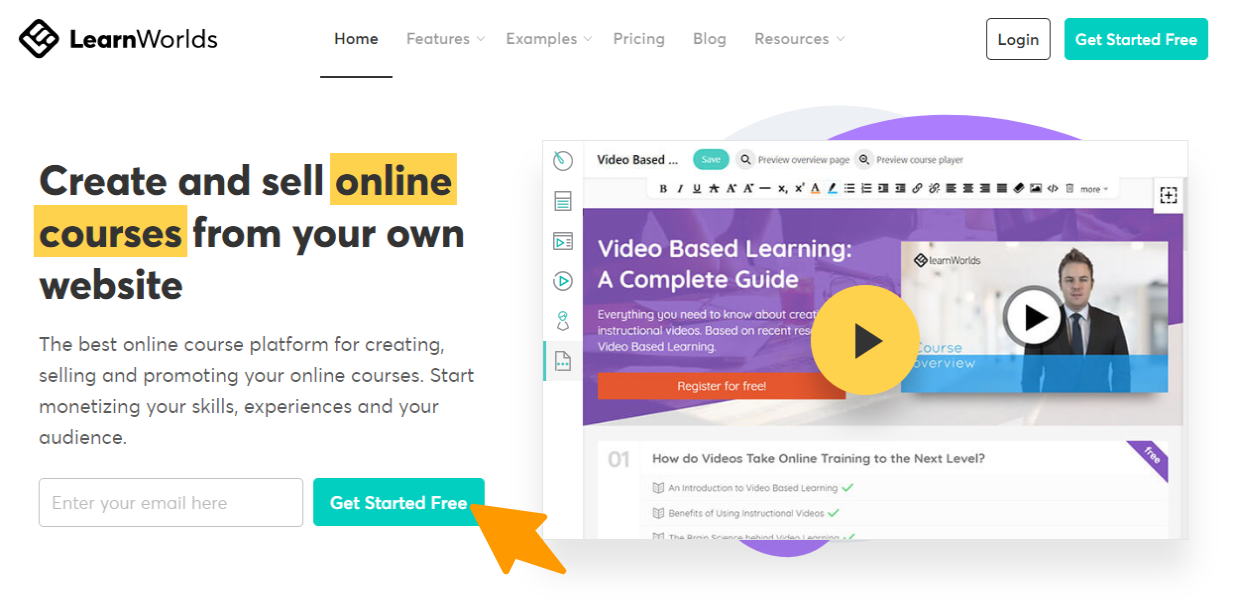
LearnWorlds provides sales engines, analytics, and income. Gives a comfortable learning area and performs commendable tasks to deliver the subject content.
Learndash Overview
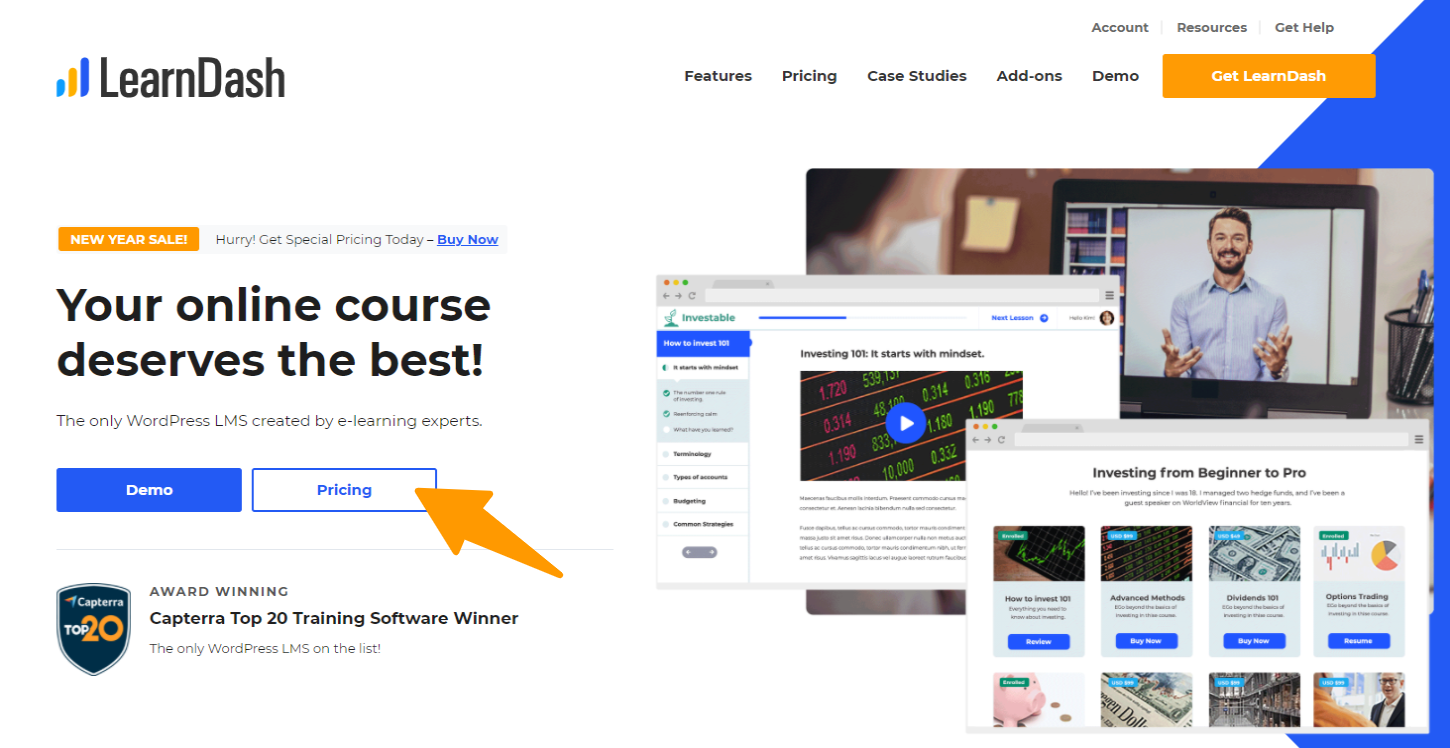
Learndash, the structural design of the plan and course delivery depends on the audience companies and is indeed comfortable to the trainees. Learnworlds and Learndash provide many questions and quizzes at the end of each course session.
There are many common features and unique features they provide when the two are compared. Some features show Learnworlds as a better option, whereas others make Learndash a better option.
Best platforms to provide certification, badge, and these awards credit our profile. There are various meters based on which the audience – enterprises, team experts, and learners choose the best platform to create and sell their online courses.
Features Comparison: LearnWorlds Vs LearnDash
1. Course Creation

LearnWorlds makes creating courses simple and intuitive, even for beginners. It comes with a drag-and-drop course builder, so you can easily create multimedia-rich lessons. You can upload videos, documents, quizzes, and assignments without much hassle.
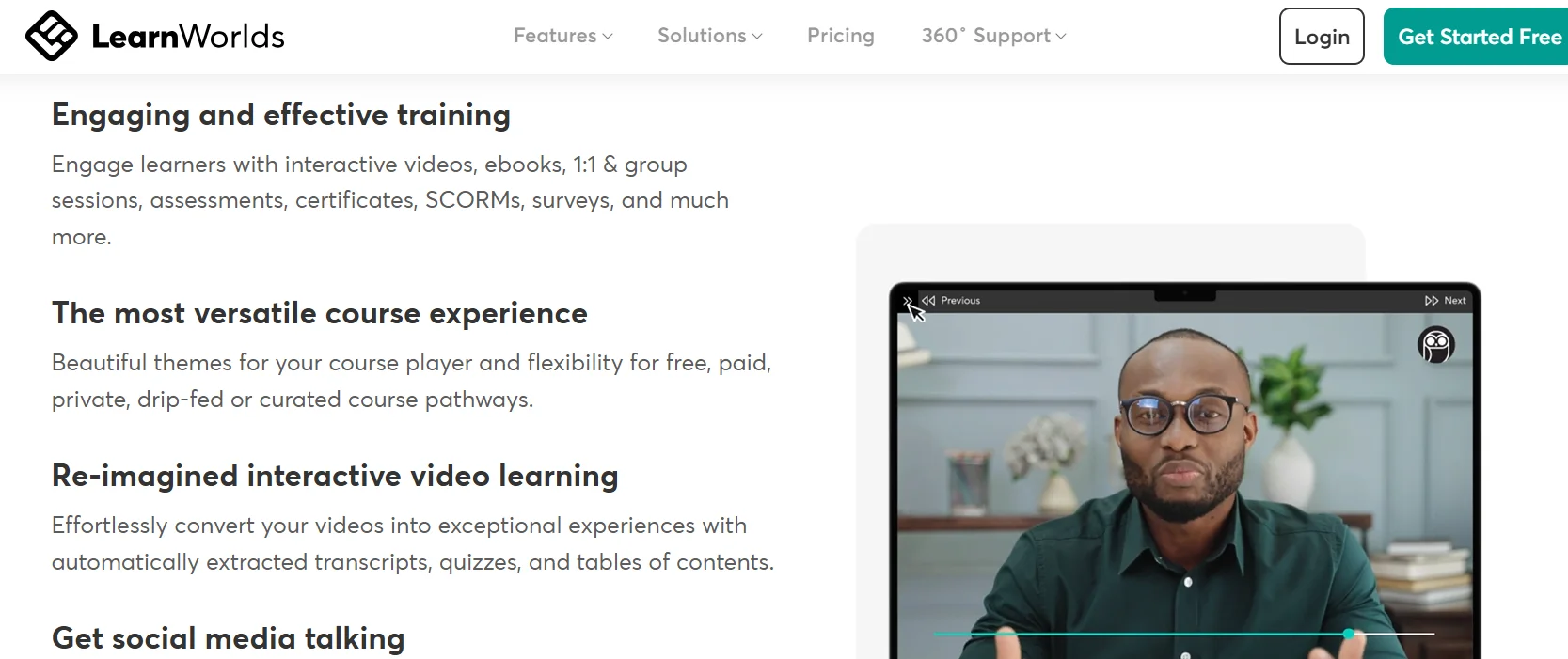
One of its standout features is the ability to add interactive video elements. You can include clickable links, questions, and even hotspots within videos to make them more engaging for learners.
Additionally, LearnWorlds allows you to structure courses with chapters and modules, making it easy to organize content.
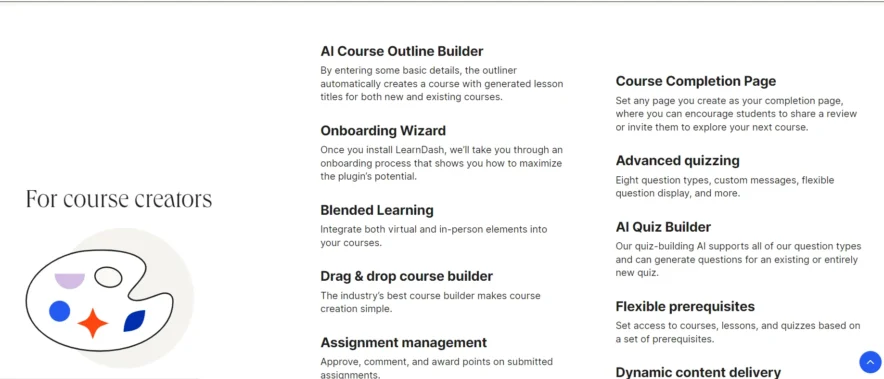
LearnDash is designed for more advanced users, especially those familiar with WordPress. The course creation process is solid, offering a lot of flexibility.
You can create structured learning paths, add quizzes, assignments, and multimedia content. The platform allows you to create courses with advanced features like prerequisites, drip-feed content, and multi-tiered learning.
While it’s very powerful, it may require more setup time and technical know-how, especially if you want to customize your course layout or include interactive features.
2. Customization

LearnWorlds gives you several customization options to tailor the look of your courses and website. It offers ready-made templates that you can adjust to suit your brand, but the customization is somewhat limited compared to LearnDash.
You can change the colors, logos, and text, and the platform also allows you to adjust the look of your course pages. However, its design capabilities are more basic compared to LearnDash’s flexibility.
LearnDash offers extensive customization options, but with a bit more effort. Since it works with WordPress, you can adjust almost every aspect of your site and course appearance. You can choose from various themes, install custom plugins, and even edit code if needed.
This gives you much more freedom to make your site look exactly how you want it. If you’re comfortable with WordPress, you can create a highly personalized course site.
3. Quizzes and Assessments
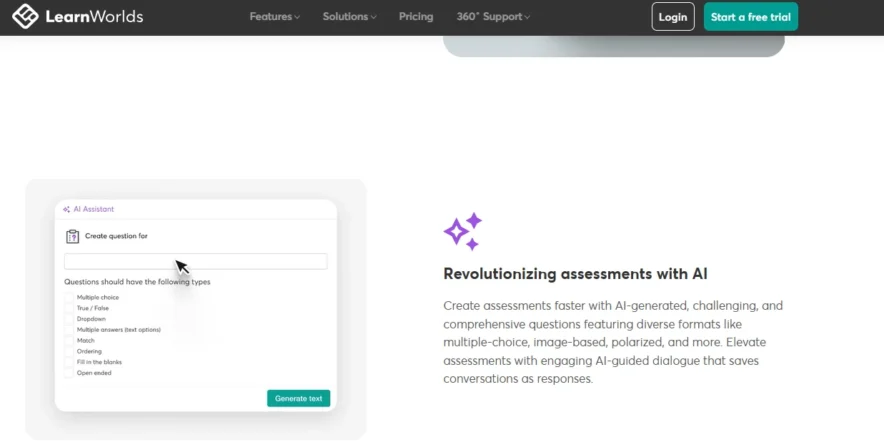
LearnWorlds includes a user-friendly quiz builder that allows you to create a variety of question types like multiple choice, true/false, fill-in-the-blank, and more.
You can even add multimedia elements to quizzes to make them more engaging. It also offers automatic grading, instant feedback, and the ability to create assignments.
The platform also supports completion certificates, which can be issued when students successfully finish a course or quiz.

LearnDash excels in quizzes and assessments. It lets you create highly customizable quizzes with different question types, including multiple choice, short answer, and essays.
You can also create question banks that can be reused across different courses. Another notable feature is the ability to set up timed quizzes, randomize questions, and even apply quiz prerequisites.
LearnDash also offers features like certificates, badges, and leaderboards, which can be great for keeping students engaged and motivated.
4. E-commerce and Monetization
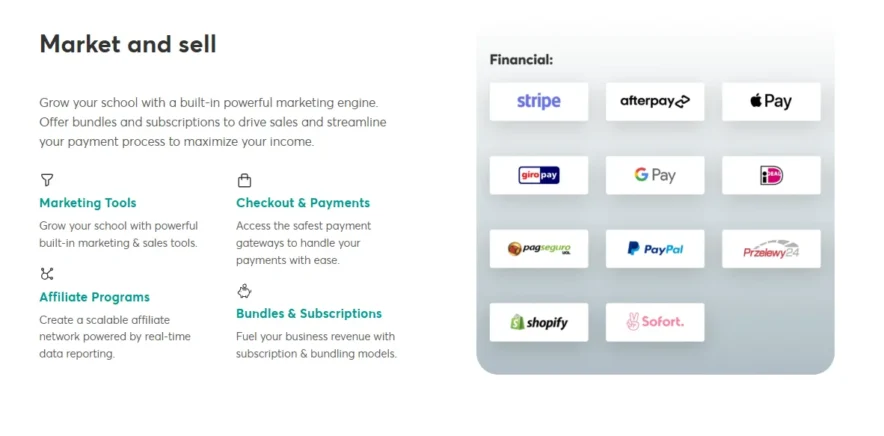
LearnWorlds includes built-in e-commerce functionality, which makes it easy to sell your courses. You can set up your own branded course store, customize the checkout process, and choose from multiple payment gateways, including PayPal, Stripe, and credit cards.
It supports one-time payments, subscriptions, and payment plans, giving you flexibility in how you charge for your courses. The platform also has affiliate marketing features, allowing you to set up an affiliate program to promote your courses and expand your reach.
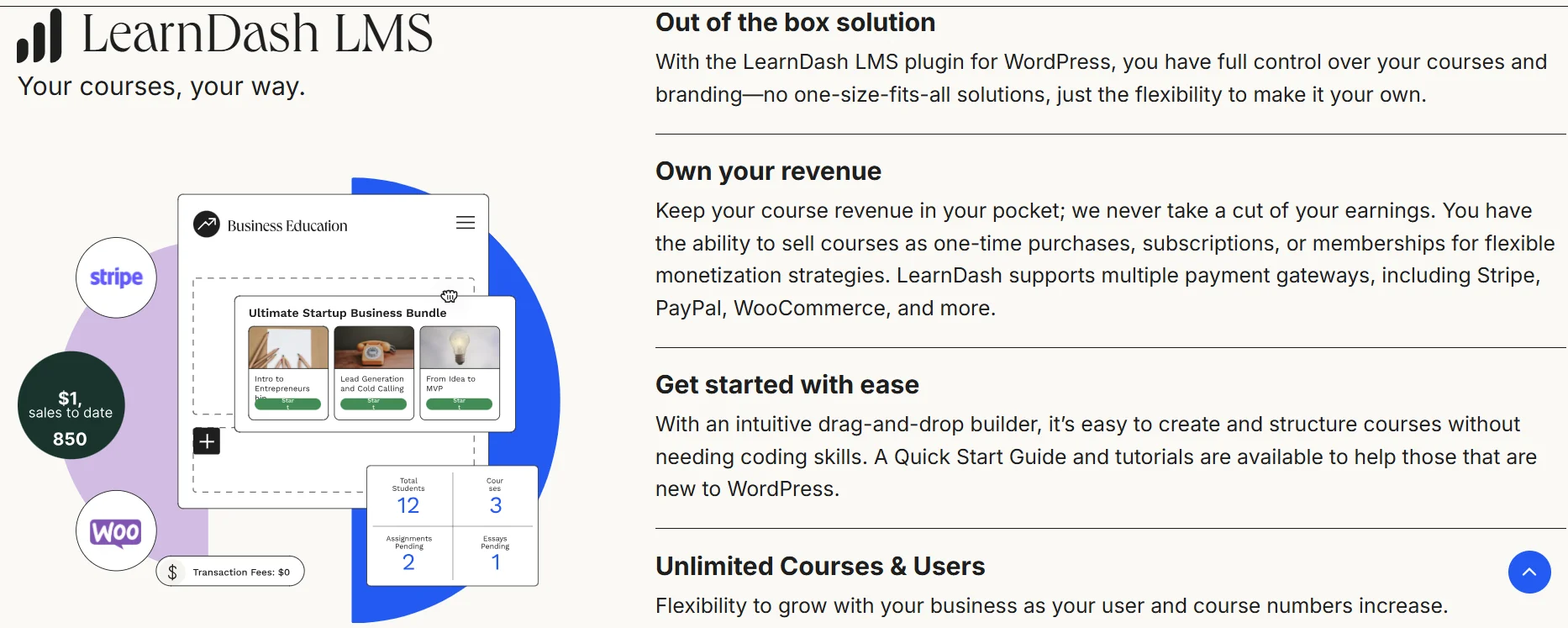
LearnDash doesn’t have built-in e-commerce features, but it integrates easily with WooCommerce, the popular WordPress plugin for setting up online stores.
This means you can create a fully functional store and use WooCommerce’s advanced payment features, such as coupons, subscription models, and more. You’ll need extra plugins to add affiliate marketing features, but once set up, it gives you complete control over your monetization process.
Keep in mind that LearnDash relies heavily on third-party plugins to achieve the same functionality LearnWorlds offers out of the box.
5. Student Experience
LearnWorlds provides an excellent student experience, focusing on ease of use and engagement. The platform has a clean, intuitive interface that students can easily navigate. Features like progress tracking, gamification (badges, rewards), and social learning (discussions and groups) help keep learners motivated.
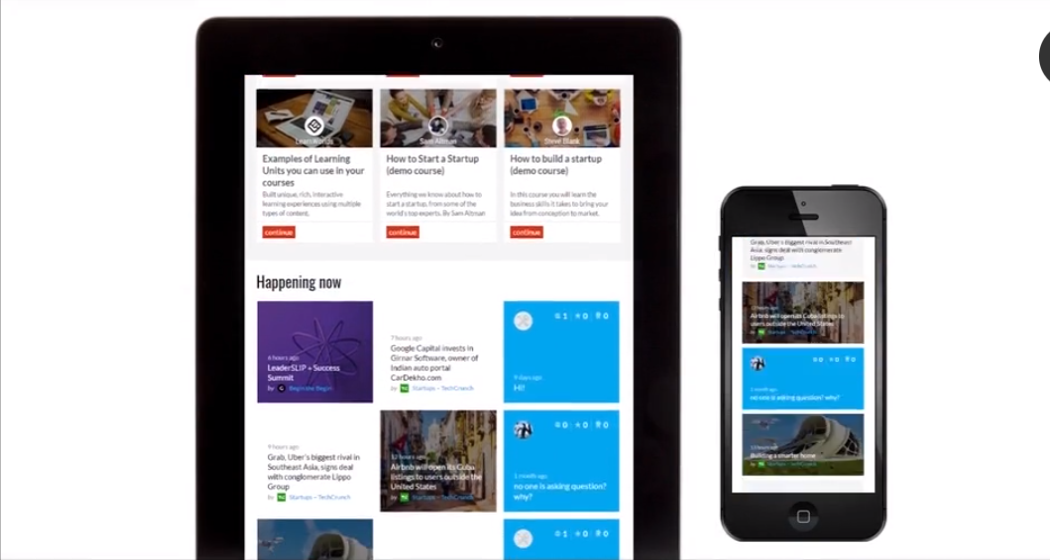
The platform also supports mobile learning, so students can access courses on any device. LearnWorlds even has a community feature, where students can engage with each other, share ideas, and ask questions.
LearnDash provides a decent student experience, but it’s not as polished as LearnWorlds. It has progress tracking and the ability to award certificates, but its interface is not as sleek or interactive.
However, because LearnDash is built on WordPress, it offers more customization for user experience if you’re willing to invest in additional plugins. LearnDash also allows you to set up automatic email notifications to keep students informed about deadlines, new content, or their progress.
6. Integrations
LearnWorlds integrates with various tools such as email marketing platforms (like Mailchimp), CRM systems (like HubSpot), and Zapier for additional customization.
This makes it easy to connect LearnWorlds with your other tools. While it doesn’t have as many integrations as LearnDash, the built-in ones are sufficient for most users.
LearnDash excels in integrations, particularly with WordPress plugins. It works seamlessly with WooCommerce for e-commerce, Mailchimp for email marketing, Zapier for custom connections, and many other tools.
Because LearnDash is part of the WordPress ecosystem, it has access to a vast library of integrations, making it a great choice for users who want to connect with a variety of third-party applications.
7. Mobile Accessibility
LearnWorlds is mobile-friendly right out of the box. Students can access lessons, quizzes, and content on any device without issues. The mobile experience is smooth and designed to work across smartphones and tablets.
LearnDash is mobile-responsive as well, but the experience depends on the theme you’re using. Since LearnDash is built on WordPress, the look and feel on mobile devices will largely depend on how you configure your WordPress site.
You might need to ensure that your theme is fully responsive, especially if you want a smooth mobile experience for students.
Unique Features Of LearnWorlds

Unique Features of LearnDash
- Drag and drop course builder: Building your course from scratch can be a tedious task, simplified by the platform’s Drag and Drop feature, which lets you add content, headers, and footers and manage all the previous content in a single click.
- Focus Mode: What better way to get away from distractions than closing all the notifications and ads that come as gifts to various platforms. This feature helps you create an environment where you can decide what content you want to view, and all other distractions are put to silence.
- Customizable quiz: Students are generally sKeptical about a few parts of lessons they never understand, no matter how much they read. This platform brings the feature to reduce stress and customize the quiz lessons so you can practice more on your weaker points. The quizzes can be MCQs or essay answers. It depends on you.
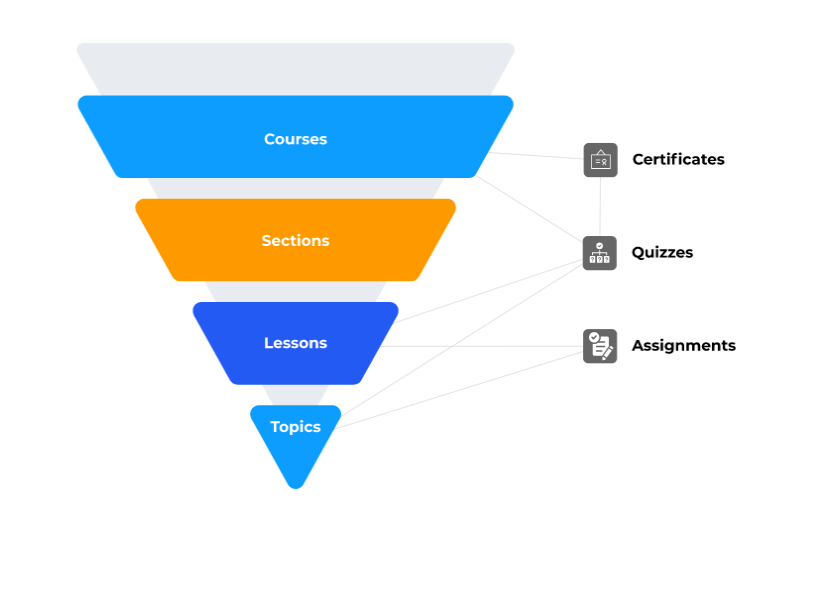
- Media Integration: This was a feature that caught my attention. This is the best example of learning made simple, accessible, and personalized, where you can use any media like YouTube, Amazon, and many more.
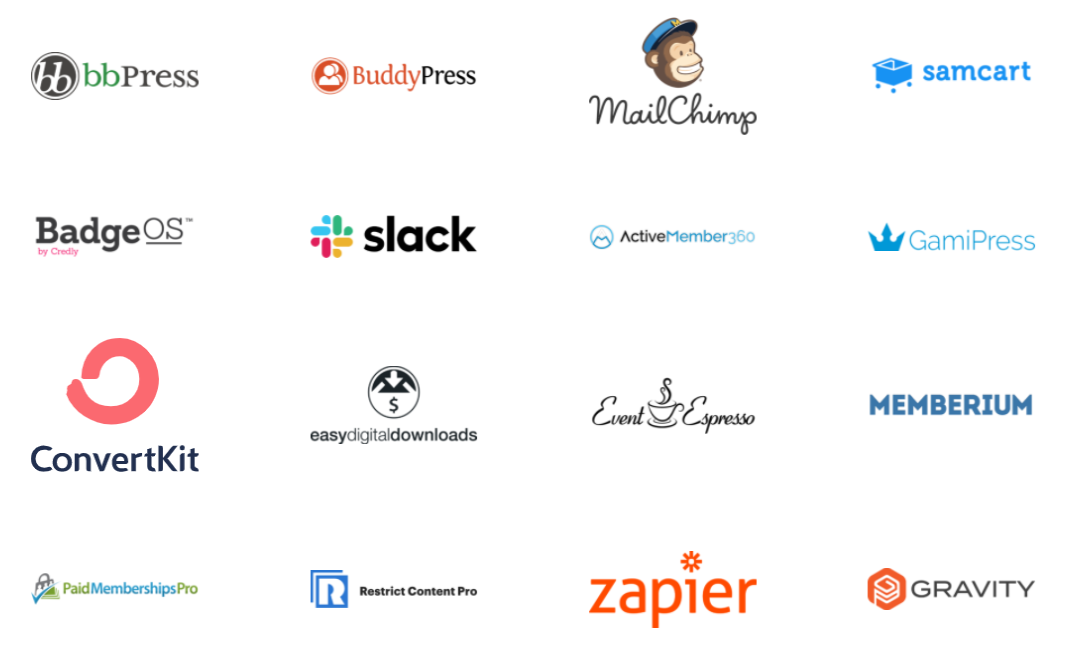
- Video Progression Support: It has a unique feature that allows the incorporation of self-made and external video content. The videos are also customizable, wherein you can add questions in between to ensure learners pay attention to the videos.
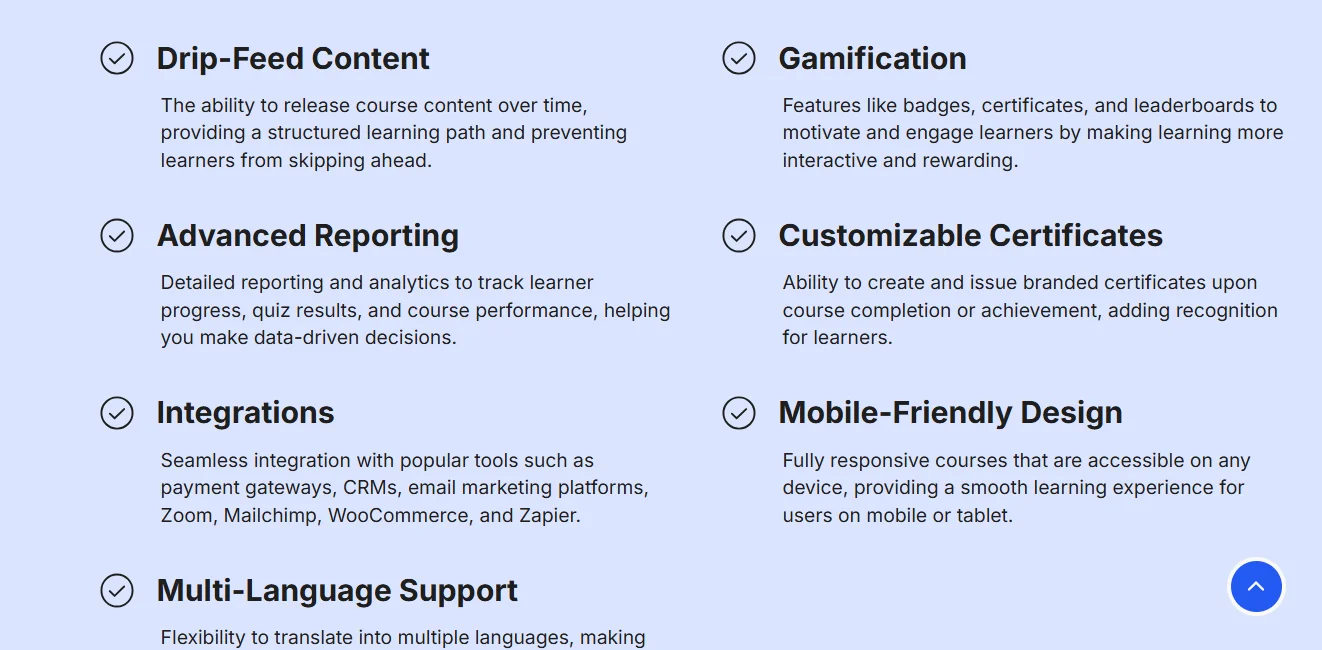
- Localize your language: Finally, a breath of relief to those who do not feel comfortable with English as a medium of effective learning. This platform gives its users a choice of language in which the content is easily converted from one language to another without using other plugins.
The features presented above are just a scratch on the surface for both. If we keep going into the details, it will probably take you an entire day to navigate through the features.
Both software have great customizable features yet are different in their sense, giving a varied feel to the user.
Cross-platform viability is also an intuitive feature that attracts attention. Though they have some common platforms, they have their separate operating bases, which makes them a perfect place for interaction with a wide range of people.
It ranges from various video and audio features, thus creating great competition in the user’s mind.
LearnWorlds Vs LearnDash: Benefits
LearnDash and LearnWorlds are both categorized as Online Learning Platforms. Let us compare and contrast these two platforms against some good features so that we understand what LearnWorlds and LearnDash have to offer:
1. Performance and Speed
LearnDash
Learndash customizes the speed and performance and has enhanced the speed of uploads by almost 75 times. It gives abilities for database operations to exceed a speed of 150 seconds. The site’s performance slightly downgrades when it comes to multiple here, by which we are talking about at least 1000+ users.
LearnWorlds
LearnWorlds updated its speed to about 5 times than it originally was and has improved its performance by adding features that could maintain the platform’s integrity even under heavy usage.
Verdict: In case you are looking for speed, LearnDash is more comprehensive, but LearnWorlds takes the crown in terms of performance, so if you are considering both features simultaneously, then LearnWorlds could be a clear winner.
Security
Learndash:
Learndash has extensive content security, which the system uses to mask the content inside the platform.
LearnWorlds:
LearnWorlds is quite stringent regarding the security it uses. The platform provides security protection for data loss and corruption on an application level, including passwords and data center security according to GDPR standards.
Verdict: Regarding security, Learnworlds is a clear winner as it provides a highly managed security system and considers that all data and content are protected.
3. Easy To Use
Learndash
Regarding the user’s point of view, LearnDash provides a very intuitive and user-friendly platform as it is integrated with the WordPress platform. It involves an easy flow of information.
LearnWorlds
LearnWorlds prioritizes this feature and includes a very user-friendly platform that navigates you through the entire course without any problem, and also has a cross-platform interface embedded within it.
Verdict: In terms of ease of use, both platforms have a similar interface, and hence, it’s difficult to choose a winner as both provide excellent navigation.
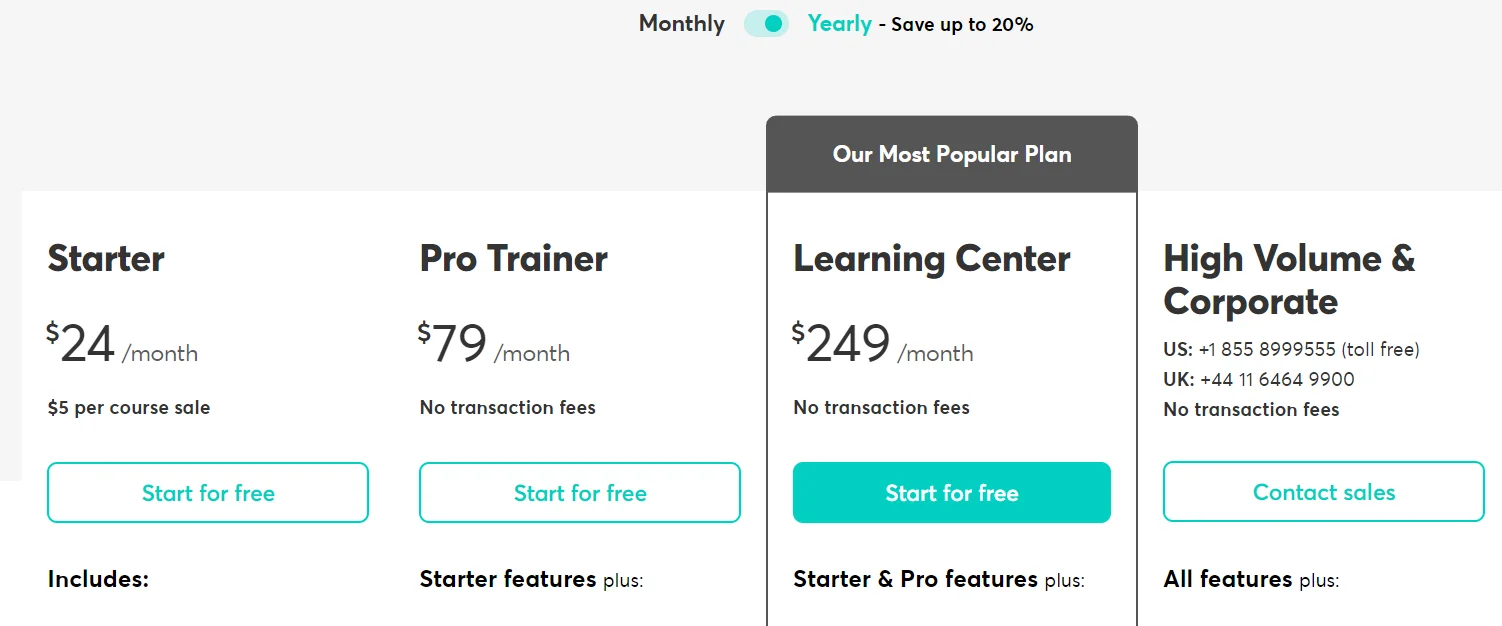
Pricing Comparison: LearnWorlds Vs LearnDash
Pros & Cons: LearnWorlds Vs LearnDash
FAQs On LearnWorlds Vs Learndash:
❓Does LearnDash offer free trials?
LearnDash does not currently offer a free trial. However, they do offer a generous 30-day money-back guarantee.
🧐Will LearnDash be compatible with my WordPress theme?
Yes, Learndash is compatible with a wide range of popular WordPress themes. If you have problems with LearnDash, contact the support team for assistance. They will do their best to assist you.
📚 Which offers better course creation tools?
Both have strong tools, but LearnWorlds includes built-in interactive videos, transcripts, and school cloning.
🛠 Which has more integrations?
Both support Zapier, HubSpot, and marketing tools, but LearnWorlds offers advanced automations.
💸 Does LearnWorlds charge transaction fees?
No, LearnWorlds does not take transaction fees on any plan.
Quick Links:
Conclusion: Which One Is Better?
LearnWorlds is a good option for anyone looking for an easy-to-understand, all-in-one solution for course creation and delivery. It includes many built-in functions, so you won’t need to install any additional add-ons.
LearnDash is a wonderful option for people who want to use WordPress as their course creation and delivery platform. It is a more customized solution than LearnWorlds, but some capabilities, such as certificates and forms, require the use of other add-ons.
In conclusion, LearnWorlds is a fantastic option for people looking for a simple and easy-to-use solution. Still, LearnDash is a solid option for people looking for more customization choices.