Udacity Pricing starts at $249 per month for individual learners, while the four-month subscription costs $846 upfront. The four-month option includes a 15% discount for the initial four months, making it the cheaper choice for people who already know they will study for several months.
This guide breaks down the current Udacity cost and helps you decide which option fits your learning plans.
Udacity Subscription Cost in 2026
See all Udacity pricing for current Nanodegree programs and subscription tiers in 2026, displaying monthly costs, four-month prepaid rates, free course options, and how coupon codes reduce Udacity pricing further.
Plan | Total Cost | Effective Monthly Cost | Billing |
|---|---|---|---|
Monthly | $249/month | $249 | Monthly |
4-Month | $846 | $211.50 | Upfront |
Free Content | $0 | $0 | No paid subscription |
The monthly option gives you the most flexibility. You pay $249 for each month of access and can cancel from your account settings.
The four-month subscription requires an upfront payment of $846. If you paid the standard $249 monthly rate for four months, your total would be $996. The bundle therefore saves $150.
Udacity describes the four-month subscription as its most cost-effective option for developing skills over a longer study period.
Unlike platforms that charge separately for every course, Udacity gives individual subscribers access to its wider catalog. That includes hundreds of courses and Nanodegree programs covering areas such as artificial intelligence, programming, data science, cloud computing, cybersecurity, digital marketing, and product management.
The price may look high at first glance, so it helps to look beyond the monthly number. What do you actually get for your money? Is the four-month plan a better deal? Are free courses available? And does Udacity make sense for someone who only wants to learn one skill?
What You Get for the Subscription Price
The subscription is not limited to a single Nanodegree.
An individual subscription includes access to:
Hundreds of Udacity courses and Nanodegrees
Discovery and Fluency programs
Hands-on projects
Real-world project work
Human project feedback and code reviews
Weekly learning progress updates
An AI learning assistant
Learner community access
Career coaching
Interview preparation
Udacity-verified certificates for eligible programs
This broad access is one of the biggest reasons to consider the subscription.
Suppose you want to learn Python first and then move into data analysis. You can use the same subscription for both instead of purchasing two separate learning products.
The same applies if you start with an introductory AI course and later decide to study machine learning, cloud computing, or another related subject.
Monthly vs. Four-Month: Which Costs Less? Udacity Pricing 2026
Compare Udacity pricing between month-to-month subscriptions and four-month prepaid plans in this breakdown.
Monthly Billing
Four months at the regular monthly price would cost:
$249 × 4 = $996
The benefit is flexibility. You do not need to commit $846 upfront.
This makes monthly billing a better fit if you are testing Udacity or have an unpredictable study schedule.
Four-Month Billing
The four-month package costs:
$846 total
That works out to:
$846 ÷ 4 = $211.50 per month
Compared with four monthly payments, you save:
$996 – $846 = $150
The catch is that you pay the full four-month amount upfront. If you stop studying after one month, you have not received the full benefit of the package.
The Simple Choice
Choose monthly billing when flexibility matters more than the lowest price.
Choose the four-month plan when you already have a clear learning goal and expect to study consistently.
Is Udacity All Access?
Yes. The current individual subscription is designed around broad access rather than paying for individual programs.
Udacity’s current plan information says subscribers receive full access to hundreds of Nanodegrees and courses, along with its Discovery and Fluency programs and hands-on projects.
This changes how you should think about the $249 monthly price.
If you only want to watch one short course, the subscription may feel expensive. If you plan to work through a Nanodegree and add several related courses, the wider catalog becomes much more useful.
For someone studying AI, for example, a single subscription can cover programming preparation, machine learning material, generative AI, data skills, and other related subjects.
Popular Subjects Included With Udacity
Browse Udacity’s most popular subject areas and Nanodegree programs including AI, machine learning, cloud computing, web development, programming, data science, and business skills available at different Udacity pricing tiers.
1. Artificial Intelligence and Machine Learning
AI is one of the most prominent categories on the current Udacity platform.
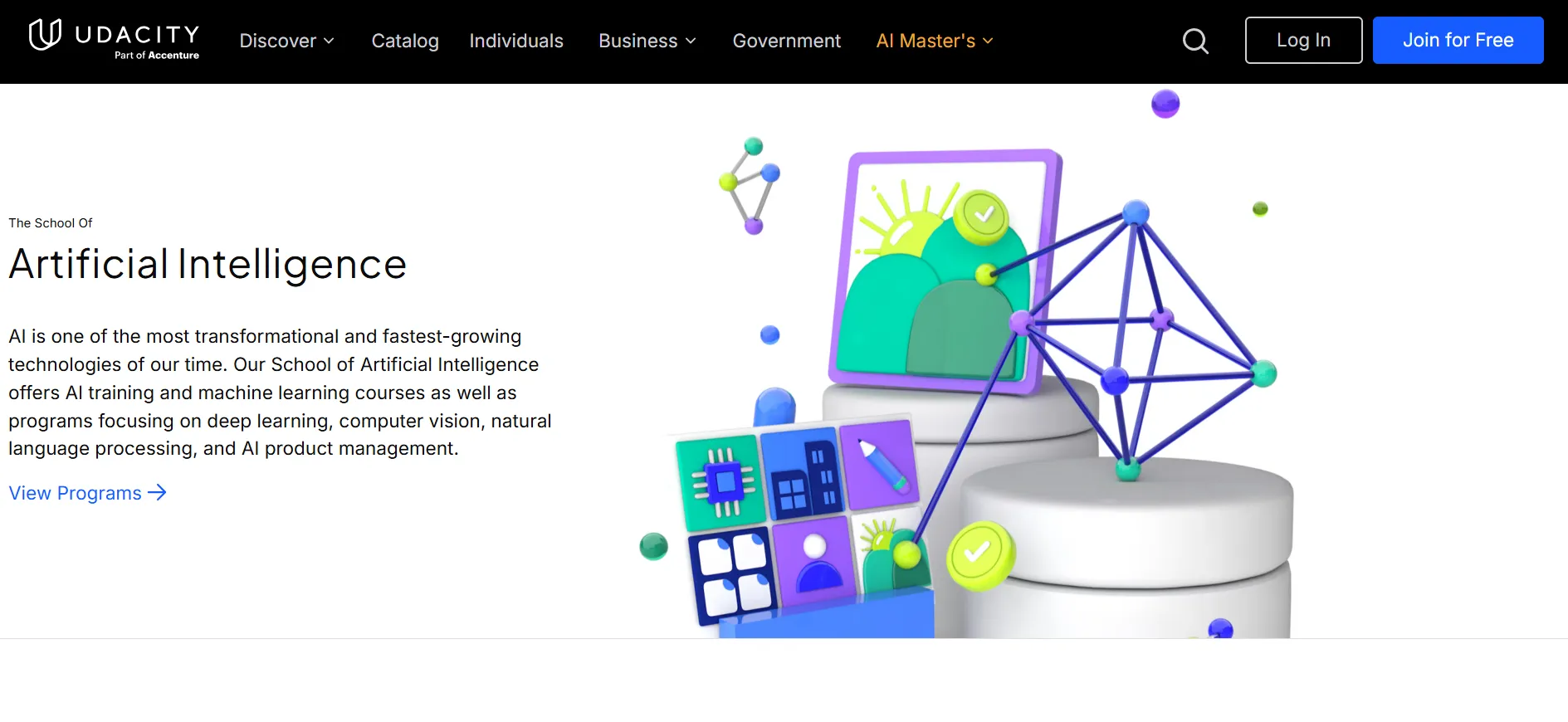
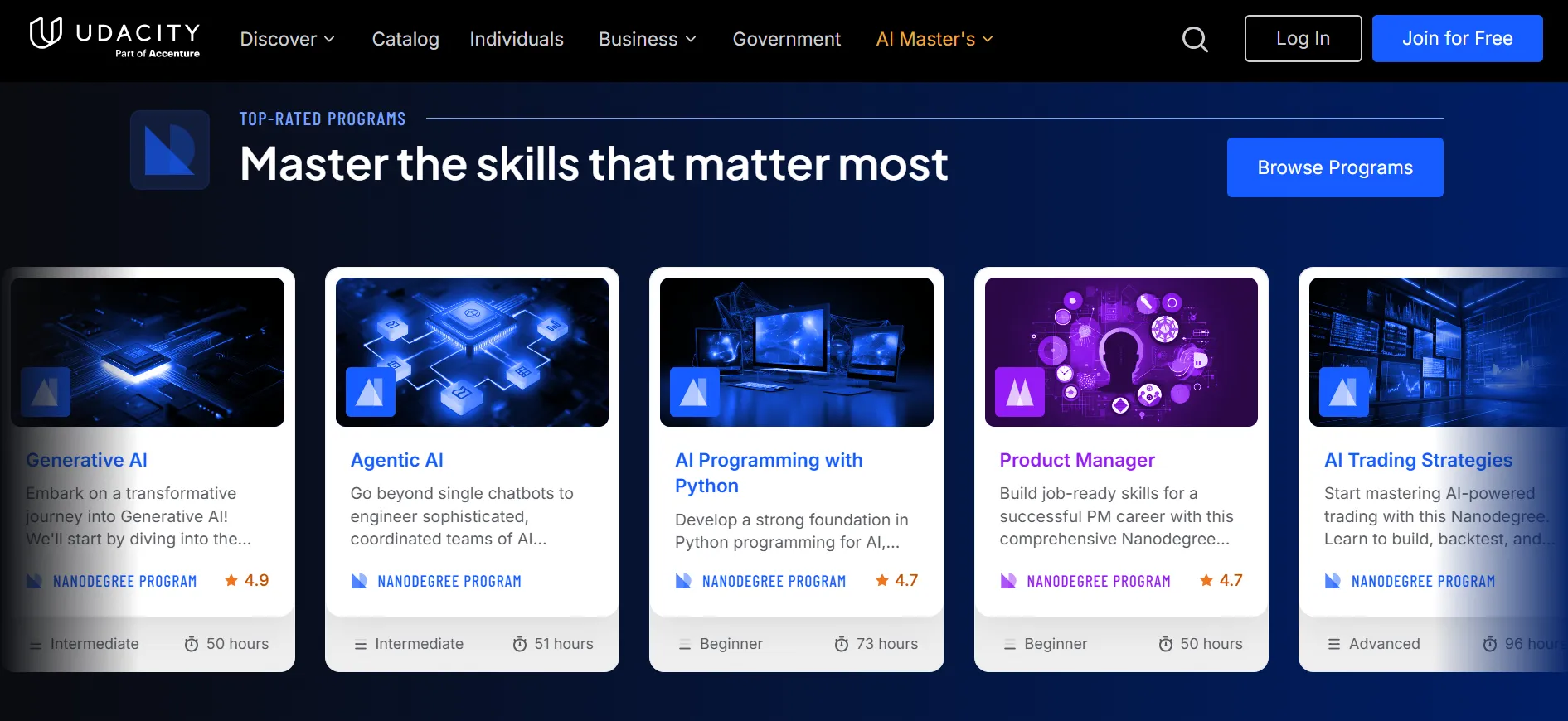
Current programs include:
Generative AI
Agentic AI
AI Programming with Python
Deep Learning
AI Product Manager
AWS Machine Learning Engineer
AI Trading Strategies
The Agentic AI Nanodegree is aimed at learners who want to work with AI agents, Python, APIs, databases, and multi-agent workflows. Udacity lists it as an intermediate program with about 51 hours of content.
2. Data Science and Analytics
Data-focused learners can choose from programs such as:
Data Scientist
Data Analyst
Data Engineering with AWS
Business Analytics with Tableau
Programming for Data Science with Python
These programs cover areas such as Python, SQL, data analysis, visualization, cloud data systems, and machine learning.
3. Programming and Development
Udacity also has programming-focused options covering Python, C++, web development, and other development skills.
Its catalog includes C++, Programming for Data Science with Python, and introductory programming material.
4. Cloud and DevOps
Cloud learners can study AWS and related technologies through programs such as AWS Machine Learning Engineer and Data Engineering with AWS.
Udacity also has dedicated schools covering cloud computing and DevOps.
5. Business and Marketing
The platform is not exclusively for developers.
Udacity’s current catalog also includes programs such as Product Manager, AI Product Manager, and Digital Marketing.
That makes the all-access model useful for people who want technical skills alongside business or marketing knowledge.
Why Udacity Uses a Subscription Model
The subscription model gives learners room to change direction.
Imagine that you subscribe because you want to learn data analytics. After completing your first program, you realize that SQL and Python are areas where you need more practice.
With an all-access membership, you can move into those courses without paying another program fee.
You can also study across multiple subjects during the same billing period.
This is a better setup for curious learners who do not want their education locked to one course.
What Is a Nanodegree Program?
A Nanodegree is Udacity’s project-based learning format.
Programs combine lessons with practical projects and feedback. Udacity says its subscription includes hands-on projects, human-powered project feedback and code reviews, career services, and certificates for eligible programs.
This matters if you prefer learning by doing.
Instead of completing only video lessons and quizzes, you can spend part of your study time building projects connected to the subject you are learning.
For technical subjects, that can mean writing code, working with datasets, building models, or creating applications.
Does Udacity Have Free Courses?
Yes.
Udacity provides free learning content, which gives new users a way to sample the platform without immediately paying the subscription price.
Free material can be useful when you are deciding whether the teaching style fits you.
It also gives you a chance to check your existing knowledge before committing to a longer program.
If you are completely new to Udacity, starting with free content is a sensible first step.
Is There a Udacity Free Trial?
Udacity currently has a promotional 7-day free trial for its Agentic AI Nanodegree for eligible users. The current terms do not describe this as a seven-day trial of the entire Udacity catalog.
The promotion is limited to the Agentic AI Nanodegree and cannot be combined with other discounts or promotions.
The trial terms also say that eligibility is determined by Udacity, and the promotion is limited to one trial per person and account.
This is worth keeping separate from the standard paid subscription.
If you see a free-trial message during signup, read the displayed terms carefully before entering payment details.
What Happens When Your Four Months End?
The discounted four-month period does not automatically mean your Udacity account stops.
According to Udacity’s current plan information, the discount applies to the first four months. After that, the subscription converts to month-to-month billing.
If you only want four months of access, cancel before the next billing period begins.
Udacity says subscribers can cancel from their account settings and keep access through the end of their current billing period.
This is an easy detail to overlook when you are focused on finishing a Nanodegree.
Udacity Refund Rules
Refund terms can vary by subscription type and location, so checking the terms attached to your purchase is worthwhile.
Udacity’s terms state that subscription payments generally are not refundable for unused or partially used periods except where a stated refund policy or applicable law provides otherwise.
Udacity has also published specific refund rules for subscription products, so review the applicable terms before paying for a longer package.
The safest approach is to make sure you are comfortable with the four-month commitment before choosing the prepaid option.
Ways to Lower Your Udacity Cost
Learn practical ways to minimize Udacity pricing expenses including using coupon codes for 55% off, committing to four-month subscriptions for automatic discounts, starting with free courses, and timing purchases during seasonal promotions.
1. Pick the Four-Month Bundle
If you know you will study for four months, the bundle saves $150 compared with four standard monthly payments.
2. Watch for Personalized Offers
Udacity says certain learners may receive personalized promotional offers. These offers can differ between users.
Check your account and Udacity emails before purchasing.
3. Use Free Content First
You can start with free Udacity material before deciding whether a paid subscription fits your budget.
4. Ask Your Employer About Education Benefits
If you are employed, your company may have a professional development or education budget.
Udacity also provides information for learners who want to ask their employer to pay for a subscription.
A company-sponsored subscription can remove the personal cost entirely if your employer approves it.
Who Gets the Most From Udacity?
Udacity is most appealing to learners who have a specific professional goal and intend to spend a meaningful amount of time studying.
It can be a good fit for:
People moving into AI or machine learning
Developers building new programming skills
Data professionals learning new tools
Cloud and DevOps learners
Product managers adding technical knowledge
Marketers developing digital skills
Professionals building project portfolios
The subscription is less attractive if you only need one small piece of information or one short course.
At $249 per month, casual learners may find cheaper alternatives elsewhere.
When Is the Four-Month Plan Worth It?
The four-month subscription becomes easier to justify when you have a clear study schedule.
Suppose you plan to spend 10 hours each week on your Nanodegree.
Over four months, that gives you roughly 160 hours of study time. You also have access to additional courses and projects during the same period.
The more of the catalog you actually use, the more reasonable the prepaid price becomes.
If you only expect to study for a few weeks, the monthly option gives you more control.
FAQs: Udacity Pricing 2026
Udacity's current individual monthly subscription costs $249 per month. The four-month prepaid option costs $846 and includes a 15% discount for the initial four months.
The four-month subscription has the lower effective monthly price at $211.50 per month, based on the $846 upfront total.
The current individual subscription provides access to hundreds of Nanodegrees and courses rather than requiring a separate purchase for each program.
Yes. Udacity says you can cancel from your account settings. Your access continues until the end of your current billing period.
Yes. Udacity has free courses and learning material available without a paid subscription.
A current promotional offer provides eligible users with a seven-day trial of the Agentic AI Nanodegree. It is not a general seven-day trial of every Udacity course.
It depends on how much you use it. The price can make sense for someone completing a Nanodegree and taking related courses during the same subscription. A learner who only needs a short course may find the price harder to justify.
Quick Links:
Conclusion: Udacity Pricing
Udacity has a simple pricing structure for individual learners in 2026: $249 per month or $846 for four months upfront.
The monthly plan is the safer choice when you want flexibility. You can study for a month, assess your progress, and decide whether another month makes sense.
The four-month option is better for learners with a defined goal. Its $150 saving compared with four regular monthly payments gives it the lower effective monthly price of $211.50.
The real appeal of Udacity is not just the number of courses. Subscribers get access to Nanodegrees, hands-on projects, project feedback, career services, and certificates for eligible programs.
Still, $249 per month is a serious price for online education. Before subscribing, think about how many hours you can realistically study and whether you will use more than one course or program.
If you have a clear goal in AI, programming, data science, cloud, DevOps, product management, or digital marketing, the four-month plan can make sense. If you are still testing the waters, free courses and monthly billing give you a less committed way to start.