

one.com is a strong choice if you want simple, stress free hosting. The dashboard is easy to understand, plans are clear, and setup takes only a short time. It is well suited for personal sites, blogs, and small business pages that need steady hosting.
- Low starting prices for beginners
- Simple control panel for newbies
- Free SSL on all plans
- Decent performance for small sites
- Email hosting included by default
- No free automatic daily backups
Price: $4.99
You probably know it’s not just about putting your website online anymore—it’s about having the power, flexibility, and reliability to grow your online presence as big as your ambitions.
That’s why one.com doesn’t just offer affordable shared hosting—it also delivers robust VPS hosting tailored for your most demanding projects.
Whether you’re launching a growing business, running multiple websites, or need full control over your server environment, one.com’s VPS plans provide a high-performance, scalable solution that evolves with your needs.
Welcome to the detailed one.com review which is written for real people, by someone who’s been in your shoes.
We’ll unpack what makes one.com a worthy contender (and yeah, we’ll call out its quirks too), walk through its pricing, performance, and standout features, and help you decide if it’s the right pick for your blog, agency, or solo business adventure.
So, pour yourself some coffee (or whatever’s handy), because we’re about to make sense of it all so that you are able to take a good decision.
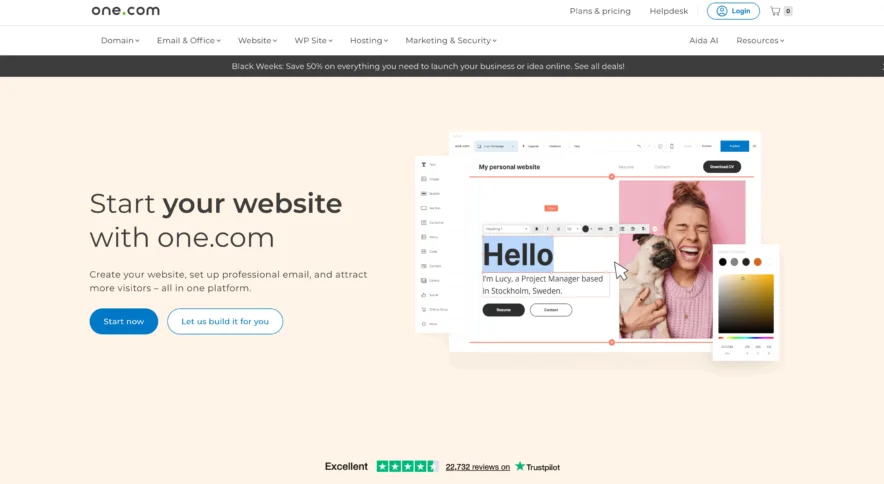
Why Everyone’s Suddenly Talking About one.com?
So, what changed? In August 2021, one.com rolled out its Managed WordPress add-on.
Suddenly, a cheap hosting option went head-to-head with providers like Bluehost, WP Engine, and GoDaddy.
Instead of a bare-bones WordPress panel and a “good luck out there!” message, one.com stacked its plans with security boosts, performance tweaks, and priority support.
What’s the catch? There isn’t really one—at least for most sites. You get the managed WordPress add-on free for your first year on any plan from €2.99/month (literally the price of a fancy coffee in Copenhagen). And yes, the basics are genuinely beginner-friendly.
one.com Review: The Good, The Bad, The Surprising
Pricing Magic (or Madness?)
Now, money matters. And if you—like me—cringe at overpaying for monthly “premium” upsells, one.com’s pricing feels like a breath of fresh air.
Here’s what you can infer from one.com’s hosting pricing and plans:
- Flexible Options for Every Stage: one.com offers plans that grow with you. The entry-level Beginner plan is perfect for anyone dipping their toes into website creation—think personal portfolios, side projects, or learning WordPress. As your needs expand (maybe your blog is getting popular, or you’re launching your first online store), the Explorer and Enthusiast plans offer more storage, multiple sites, and added features for flexibility and growth.
- Great Value for Small Businesses and Agencies: The Guru plan’s combination of high storage, advanced WordPress tools, SEO support, and multi-site capabilities makes it a smart pick for businesses or agencies needing room and scalability—without the enterprise price tag.
- Always a Free Domain & Website Builder: Every plan—even the cheapest—comes with a free domain and a built-in website builder. That means you won’t pay extra just to get started, and you don’t need separate subscriptions for basic website tools.
- First-Year Discounts: The first year is steeply discounted across all plans. This lets you test-drive more advanced features for less and decide later if you want to renew at full price.
- Unlimited Email & Security for All: No matter your plan, you’re never limited on professional email accounts, and every site is protected by SSL and included daily backups.
- Scale Without Hassle: Need more sites or storage as you grow? You won’t have to change platforms; just upgrade within one.com.
Features You’ll Actually Use
Okay, let’s get real. Most hosts throw a laundry list of “features” at you. But how many actually move the needle for your site? With one.com, the coolest bits are surprisingly practical.
- Performance Monitoring: Built-in Google Lighthouse reports right on your dashboard.
- CDN: Speeds up your site globally with a few clicks.
- Performance Cache: Keep things zippy—even with a media-heavy blog.
- Maintenance Mode: Make edits privately, show visitors a customizable message, and even collect emails from curious folks.
- Advanced Login Protection: Secure login via the one.com control panel; hackers hate it.
- Spam Protection: Your contact forms won’t turn into a spam magnet.
- Daily Backups and 1-Click Restore: Peace of mind, without extra fees.
- Vulnerability Monitor: Get nudged when a plugin or theme goes rogue.
A special mention for the Update Manager which pre-tests plugin updates in a staging area before pushing to your live site. That’s a game-changer for anyone who’s ever broken their homepage with a bad update (haven’t we all?).
one.com VPS Hosting: Power for Your Ambitious Projects
one.com’s VPS (Virtual Private Server) hosting is designed for users who want dedicated resources without the cost of a full physical server.
Think of it as renting your own slice of a powerful computer, isolated from everyone else’s traffic, so your site runs fast, smoothly, and securely.
Why Consider VPS?
Unlike shared hosting where resources are split between many websites (sometimes competing for power), a VPS guarantees specific CPU, RAM, and storage exclusively to you—giving you consistent performance no matter what.
Plus, you get full control over your software and environment, and the freedom to install almost anything.
one.com’s VPS infrastructure uses top-tier CPUs and high-speed NVMe SSD storage—up to six times faster than typical SSDs—housed in secure, ISO-certified European data centers.
This combo means your projects get the speed, safety, and uptime they deserve.
VPS Plans That Grow With You
one.com offers a tiered VPS selection, billed monthly with promotional pricing for your first month. Here’s a look at each plan:
| Plan | First Month Price | Renewal Price | CPU / RAM | Storage | Bandwidth | Extras |
| Cloud Server S | $4.99 | $11.99 | 2 vCPU / 4 GB RAM | 100 GB local | 100 Mbit/s | Plesk optional, 24/7 support |
| Cloud Server M | $9.99 | $20.99 | 4 vCPU / 8 GB RAM | 200 GB local | 100 Mbit/s | Plesk optional, 24/7 support |
| Cloud Server L | $17.99 | $35.99 | 8 vCPU / 16 GB RAM | 400 GB local | 200 Mbit/s | Plesk optional, 24/7 support |
| Cloud Server XL | $19.99 | $48.99 | 12 vCPU / 24 GB RAM | 600 GB local | 250 Mbit/s | Plesk optional, 24/7 support |
| Cloud Server XXL | $29.99 | $61.99 | 16 vCPU / 32 GB RAM | 800 GB local | 250 Mbit/s | Plesk optional, 24/7 support |
Who Should Consider one.com VPS Hosting?
Whether you’re…
- A growing business owner is craving dedicated resources to handle traffic surges.
- An agency or freelancer managing multiple client sites with customizable server environments.
- A developer testing apps needs full control to install and configure custom software.
- Or an ambitious website owner ready to step up from shared hosting for improved speed and security.
one.com’s VPS plans provide serious muscle without the complexity—letting you easily scale your project as it evolves.
Getting Started Made Simple
With three easy steps—you’ll be cruising:
- Pick a Configuration fitting your project size and budget.
- Choose Your OS—Linux for stable, affordable performance or Windows for full Microsoft stack support.
- Add Extras like Plesk or Backups for management and peace of mind.
Managed WordPress Add-on: Game Changer or Hype?
So, is the managed add-on just marketing fluff, or is it actually valuable? In use, it feels like training wheels for your website… in a good way.
You stop worrying about security updates, caching plugins, or even choosing the “right” performance tweaks. It’s all handled under the hood, and priority support gets you answers faster.
For agencies or freelancers looking to scale, this means fewer headaches—and happier clients.
Performance Deep-Dive: How Does one.com Really Stack Up?
You want numbers? You got it:
- Uptime rate over 3 months: 100%
- Average Google PageSpeed (optimized sites): 99/100
- Average response time: about 212ms in Europe
Is it the absolute fastest? No. If you’re launching the next million-hit web app, look at Kinsta or Rocket.net (and brace for sticker shock). But one.com holds its own with reliability, and pages load snappily enough for blogs, portfolios, agency sites, and SMBs.
How Online Success Is Guaranteed With one.com?
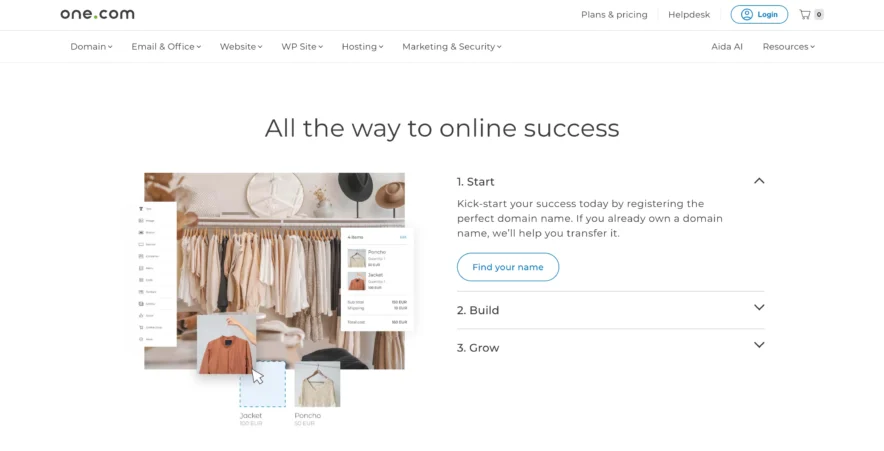
1. Start: Lay Your Foundation
Kick off your website journey by grabbing the perfect domain name. Don’t have one?
one.com makes registration simple and affordable—and if you already own a domain elsewhere, they’ll help you transfer it over, hassle-free. This way, you’re building your digital home on solid ground from day one.
2. Build: Create Something Beautiful
You don’t need to be a tech genius to build your site here. Choose between their beginner-friendly Website Builder or the world-class flexibility of WordPress—whatever fits your comfort level and ambitions.
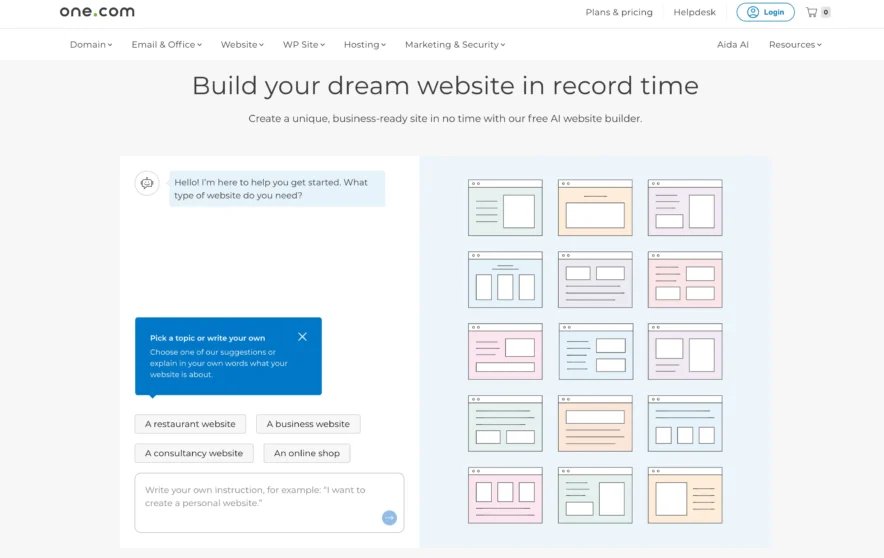
- Website Builder: The drag-and-drop editor lets you click, type, and move things around until your site looks just right (no coding needed). Or, harness the AI Website Builder for an even faster, smarter setup—all you do is answer a few prompts, and a polished website appears, ready for tweaks.
- WordPress: For those with bigger plans or blogs, use their 1-click WordPress install. There are hundreds of themes, plus staging, premium cache, security tools, and exclusive WP Rocket discounts to make building and maintaining a site far easier and safer.
3. Grow: Get Your Website Seen
Once your site is live, one.com helps you get found. From SEO tools like marketgoo to Google Ads and other online marketing services, they’ll support your journey to reach more visitors, customers, or fans.
Want to book clients? Their built-in Bookings feature lets customers schedule appointments right on your site. Running a restaurant, beauty salon, or showing off your creative portfolio? There are pre-built solutions and industry-focused website packages designed just for you.
What’s It Like to Actually Use one.com?
Setup is a breeze. The control panel feels intuitive (dare I say, almost… fun?). Everything’s accessible from one dashboard—staging, updates, domain, backup, CDN—just a couple clicks away. You can even update your PHP version from inside WordPress. No wrestling with cPanel or cryptic menus.
And here’s something not every host can brag about: integrated discounts with WP Rocket (yes, the actual WP Rocket). Domain included, as standard. No “gotchas” tucked away in the fine print.
Real User Stories & Ratings: The Word On The Street
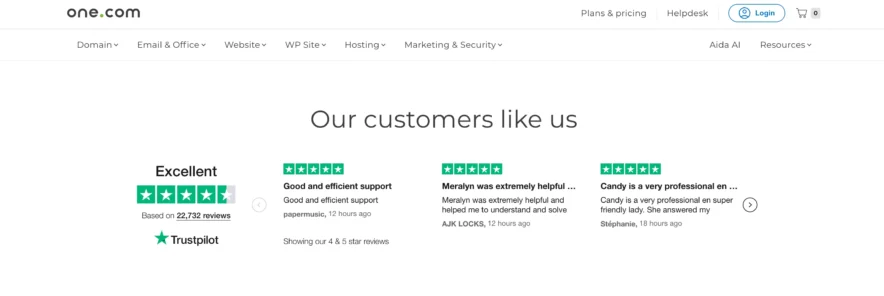
Don’t just take my word for it. one.com clocks in with a solid 4.3/5 on G2 and a respectable 4.1/5 on Trustpilot. Most gripes? Some folks find their marketing a touch aggressive.
But in terms of reliability and support, praise outweighs complaints. “Nobody regrets the investment” sums up the vibe—and that’s rare in hosting.
Key Features at a Glance (and Why You’ll Care)
- Performance monitoring (Google Lighthouse integration)
- CDN & performance cache
- One-click staging
- Advanced login & spam protection
- Free domain, SSL, and WP Rocket discount
- Multilingual human support
- Backup & restore
- Uptime you can count on
- Beginner-proof control panel
- Affordable pricing from €2.99/month
FAQs
Is one.com fast enough for business?
For 95% of blogs, portfolios, and business sites? Absolutely. If you need absolute raw speed for huge traffic spikes, check out premium alternatives (but budget accordingly).
Is the control panel easy for non-techies?
Yes! It’s not cPanel; it’s a friendly (and pretty!) dashboard with everything you need a click away.
What about email and domains?
Domains come included with every plan. You’ll pay just a bit extra for premium email features, but basics are solid.
Can I trust their backups and security?
Yes. Daily automated backups, proactive vulnerability scanning, and optional extra add-ons for top-tier peace of mind.
Is support really multilingual and fast?
Yup. I tested English, German, and French. Friendly responses, well under 5 minutes, every time.
Also Read:
The Final Verdict: Should You Trust one.com With Your Website?
So… should you host with one.com? After months of poking, testing, and even hassling their support, the answer is yes, for most folks, it’s a fantastic choice.
You get real value. Reliable uptime. Human help, when you actually need it. Sure, it’s not the Usain Bolt of hosting—but for the price, the features, and the ease-of-use, it’s hard to beat.
If you’re a creative, agency, beginner, or seasoned builder who wants fewer headaches and a little more freedom? one.com might just feel like home.
Did this one.com review hit home for you? Got more questions, or maybe a personal story to share? Drop a comment—let’s keep the conversation going. Because building your next website should be exciting, not stressful.
