Best For | Best for educators and businesses looking for a cost-effective, white-labeled course platform with strong security features. | Best for course creators and entrepreneurs who want a user-friendly platform to create and sell online courses with built-in payment processing. |
Pricing | Starts at $48/month | Starts at $49/month (Free plan available) |
Features | White-label branding |
|
Pros | Affordable pricing |
|
Cons | Limited international presence | Transaction fees on lower plans |

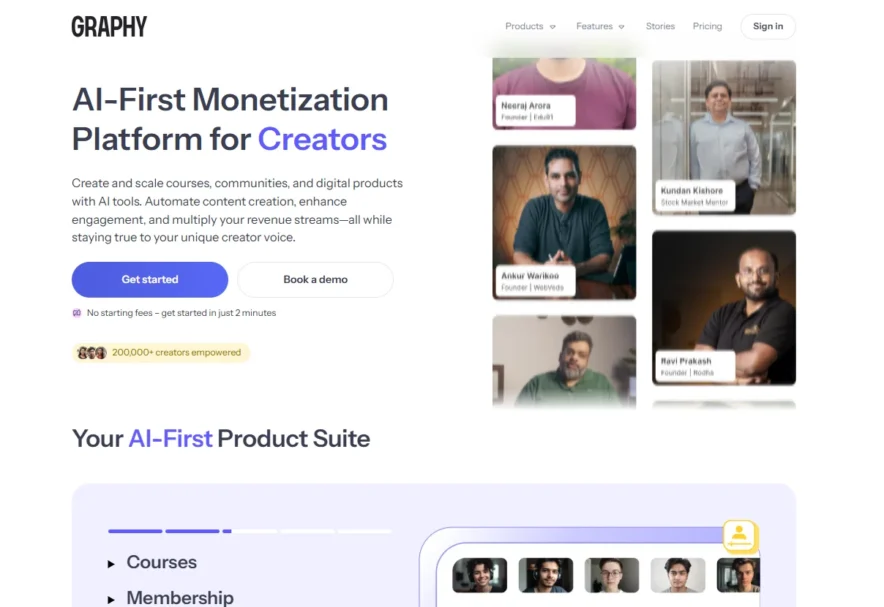
If you are trying to create and sell an online course, you’ve probably come across Graphy and Teachable. Both platforms offer powerful tools to help you design, market, and sell your courses, but they have their differences.
After trying both platforms, I realized each platform offers unique features and flexibility that can work better depending on what you’re looking for.
Whether you’re a beginner or an experienced course creator, the right platform can make a big difference in how smoothly your course runs.
In this Spayee Vs Teachable, I’ll share what I discovered about each Platform, highlighting the strengths of each, so you can make a more informed choice.
Spayee(Graphy) Vs Teachable: Ultimate Comparison
Also read,
Key Features Comparison of Graphy Vs Teachable
Course Creation and Customization
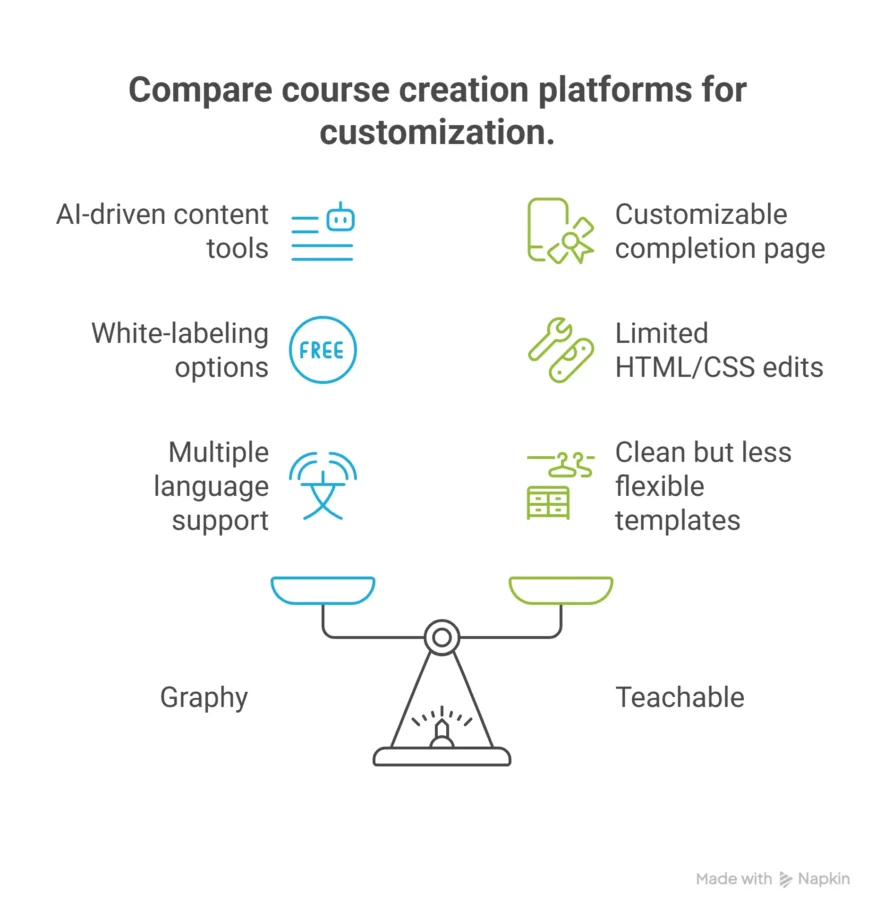
Graphy offers a simple drag-and-drop course builder that lets you create unlimited courses with different content types such as videos, quizzes, assignments, SCORM files, and drip content.
It also includes AI tools that help generate course outlines, descriptions, and key highlights, saving creators time. You can white-label the course site and mobile apps (iOS and Android) to match your brand.
However, deep customization using HTML or CSS is limited, and it mainly relies on its no-code interface. Additionally, Graphy supports multiple languages, making it a great choice for global audiences.
Teachable has an easy-to-use course builder that supports videos, quizzes, assignments, and drip content. You can customize course pages with brand colors, logos, and limited HTML/CSS edits for more control.
The templates are clean but less flexible. Teachable also offers certificates upon course completion and a customizable completion page to personalize the experience. However, Teachable lacks AI-driven content creation tools.
Winner? Graphy for its AI assistance and language support; Teachable for simpler setup with limited coding options.
Mobile Apps
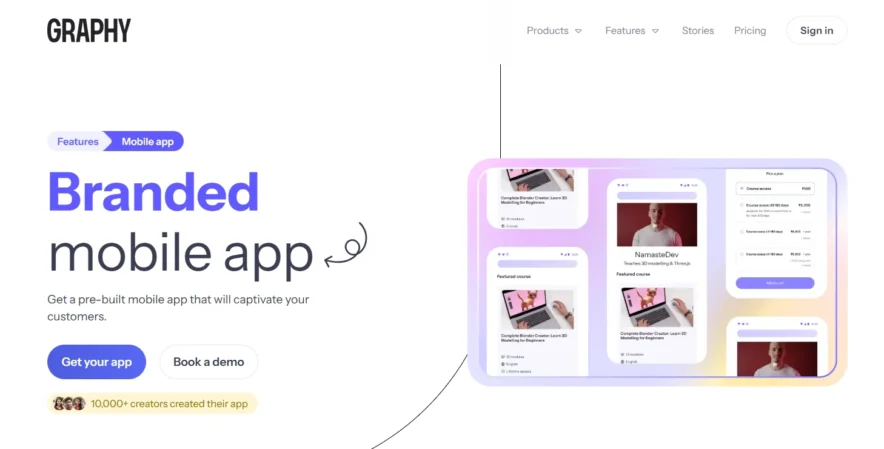
Graphy gives you the ability to create custom-branded apps for both iOS and Android, without needing any coding skills. This means that your students can easily access your courses, webinars, and community features straight from their phones.
The mobile apps also support push notifications, so you can send reminders, offers, or updates directly to your students. This is a great feature for creators who want to provide their students with a seamless and branded mobile experience, making your courses feel even more personal and connected to your brand.
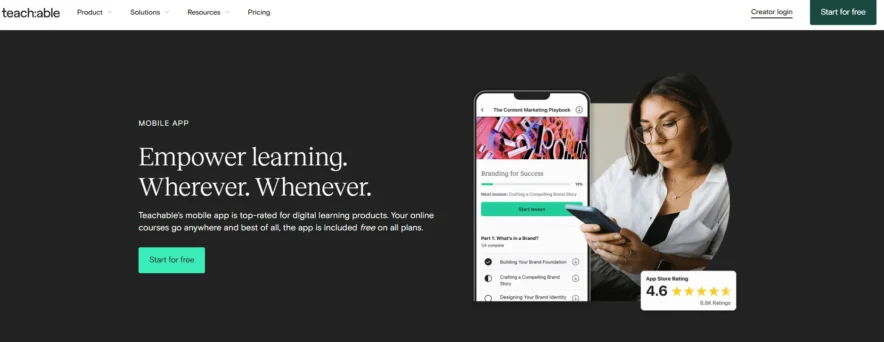
Teachable offers an iOS app that allows students to access courses and download content for offline viewing, but unfortunately, there is no Android version available.
The Teachable app isn’t white-labeled, which means it’s clearly branded as a Teachable app and not personalized for your specific brand.
This takes away from the custom, branded feel that you might want to provide for your students, limiting the overall experience.
Winner? Graphy, for its ability to provide a fully branded, cross-platform mobile experience.
Community and Engagement
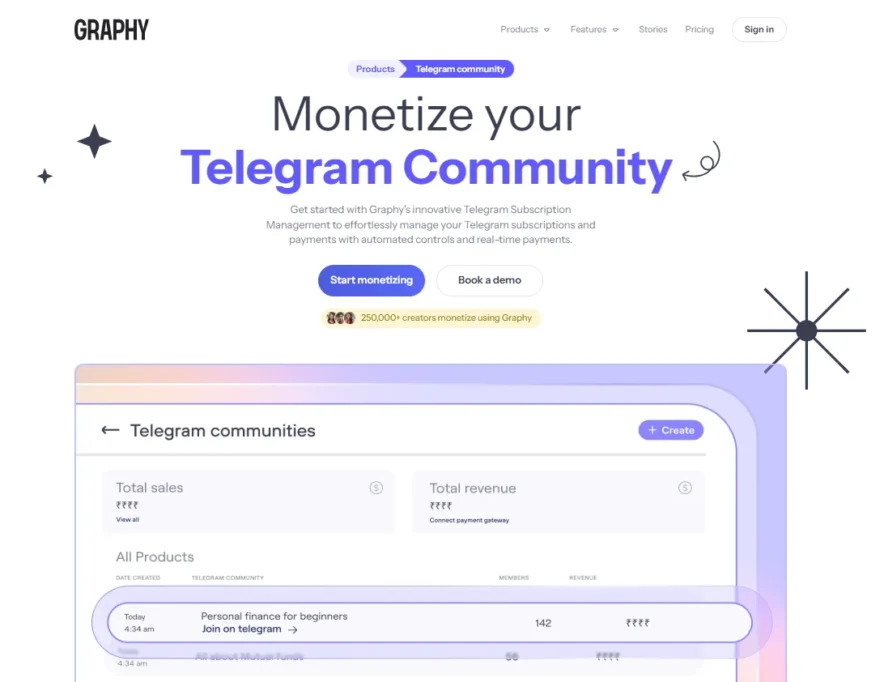
Graphy really stands out when it comes to community-building features. It offers discussion forums where students can ask questions, share ideas, and engage with each other.
It also includes leaderboards and gamification tools, like awarding points for student activities, which encourages participation and motivates learners.
Beyond the typical course content, Graphy lets you host live webinars for up to 5,000 attendees, run interactive Q&A sessions, and even create voice chat rooms for real-time communication between you and your students.
These features make it easier to build a loyal, engaged community that stays connected and motivated throughout the learning journey.
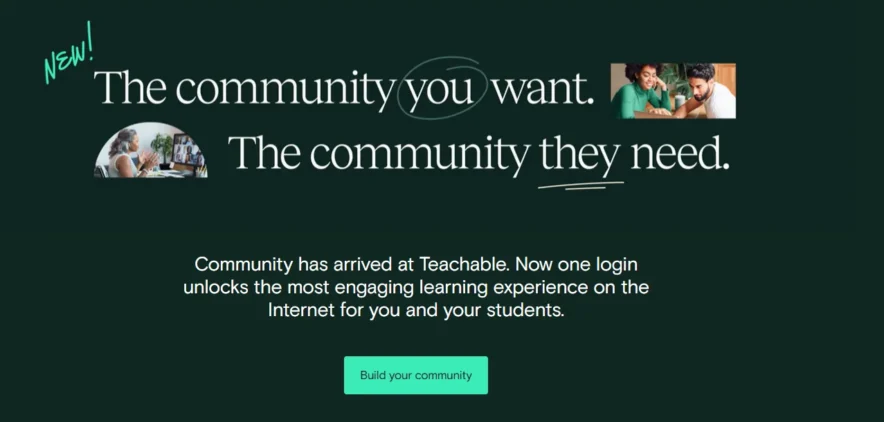
Teachable focuses primarily on course creation and lacks the strong community-building tools that Graphy offers. It does have basic discussion forums where students can post questions and engage with peers, but that’s where its community features end.
There’s no gamification or native live class support, meaning if you want to host live sessions, you’ll need to rely on third-party tools like Zoom. This extra step can disrupt the flow of your course and make it harder to keep students engaged in real time.
Winner? Graphy, for its comprehensive community features and the ability to foster live, interactive engagement.
Marketing and Sales
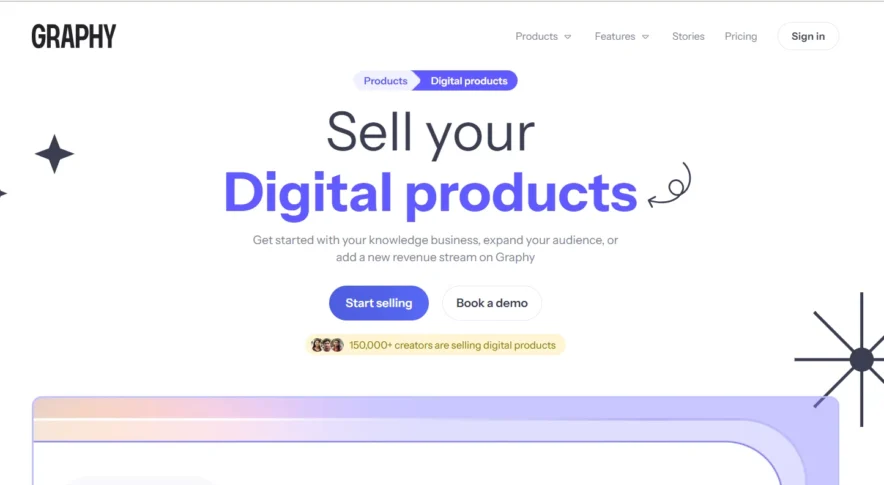
Graphy provides a wide range of marketing tools to help you promote and sell your courses. You can create fully customizable landing pages to capture your audience’s attention, set up affiliate programs to increase your reach, offer discount coupons, and even use abandoned cart recovery to convert potential customers who didn’t complete their purchase.
Additionally, Graphy includes an email marketing engine for automated campaigns, allowing you to engage your audience at the right time.
A standout feature is the integration with WhatsApp, which can be a powerful tool for direct communication and engagement, especially in markets like India.
Graphy also allows you to set country-specific pricing to cater to different regions, and its built-in SEO tools help improve the visibility of your courses in search engines, helping you attract more students.
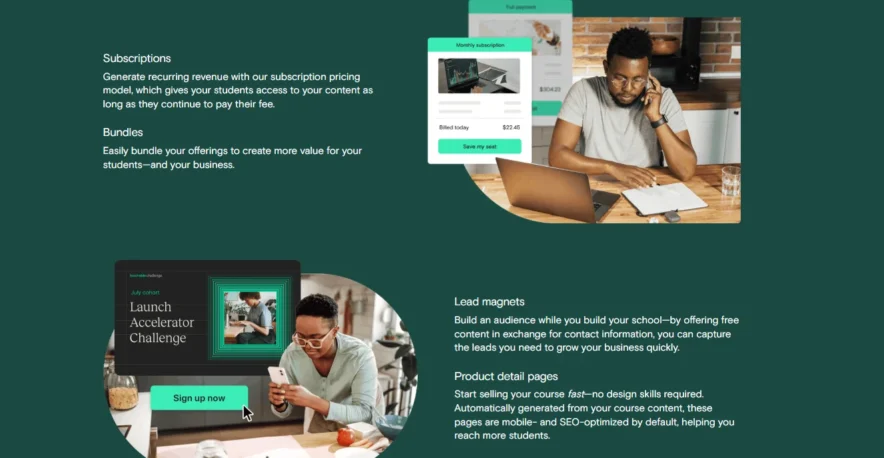
Teachable also provides essential marketing features like customizable landing pages, coupons, upsells, and bundle pricing. It supports country-specific pricing, which helps you adapt to global markets.
However, Teachable doesn’t have built-in email marketing or abandoned cart recovery, so you’ll need to rely on external tools like Mailchimp to implement these features.
While the platform offers solid marketing tools, they are not as comprehensive as what Graphy provides, leaving you to manage a bit more outside of the platform.
Winner? Graphy, for its all-in-one marketing tools, WhatsApp integration, and comprehensive features that simplify the promotion and sale of courses.
Integrations
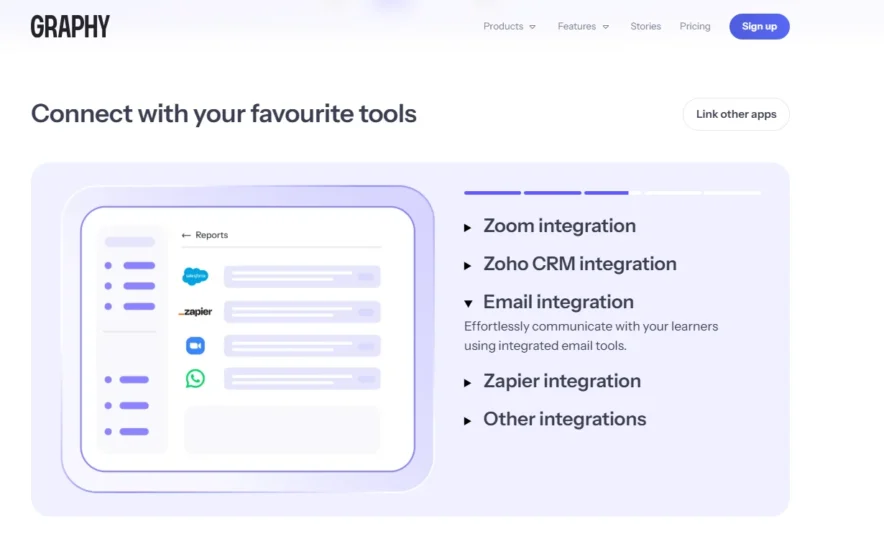
Graphy offers a range of integrations with popular tools like Zapier, Google Analytics, and payment gateways such as Stripe and RazorPay, including options tailored for the Indian market.
What sets Graphy apart is that its API is available across all plans, making it easier to connect with other platforms and tools you might already use.
However, some advanced integrations, like those with Zapier, might come with additional costs, which could add to your overall expenses if you require extensive customization.
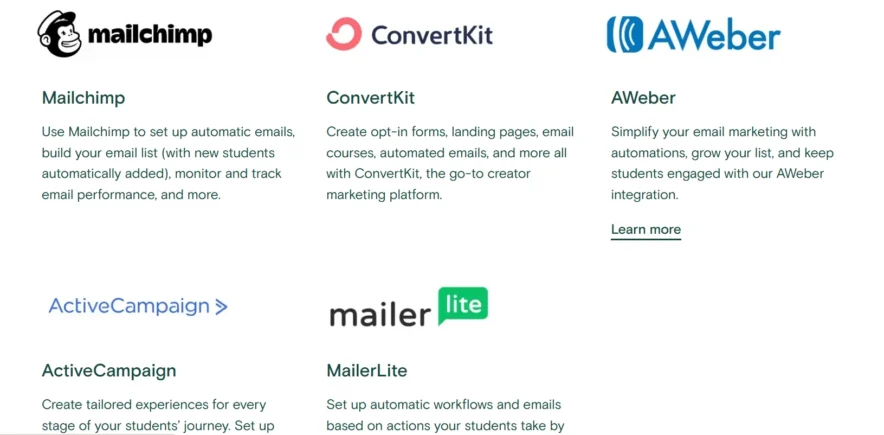
Teachable also integrates with useful tools like Zapier, Mailchimp, Google Analytics, and Zoom, allowing for a decent level of flexibility.
However, API access is only available on the Pro and Business plans, meaning if you’re on a lower-tier plan, you’ll have limited options for deep integrations.
It also supports webhooks for creating custom workflows, but depending on your needs, you may find that Teachable requires more third-party tools than Graphy does to achieve the same level of functionality.
Winner? Graphy, for its broader API access available on all plans and more comprehensive integrations. Teachable is good for familiar integrations, but its restrictions on API access can be limiting for those on lower-tier plans.
Analytics
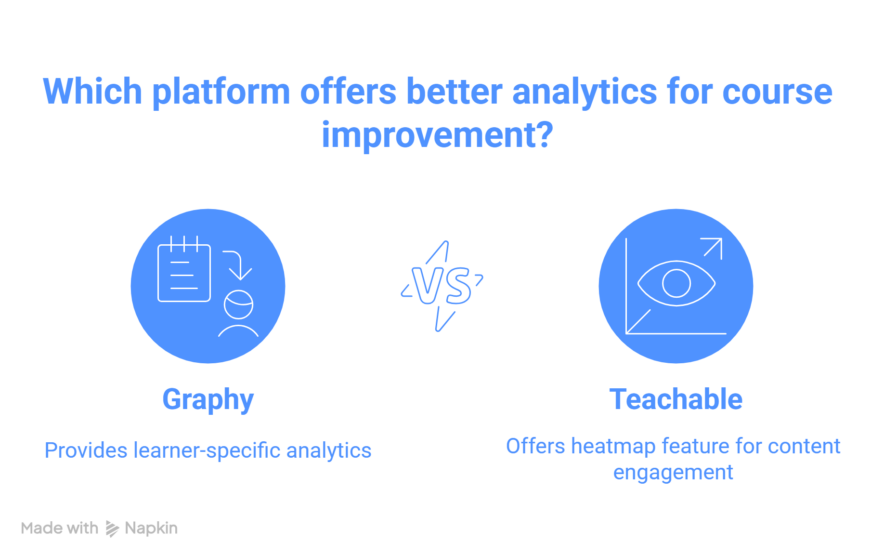
Graphy provides basic analytics to track course performance, student engagement, and sales. While these insights are helpful for understanding your content’s overall performance, they are fairly simple, and you may need to use external tools like Google Analytics for more in-depth tracking.
One advantage of Graphy is its learner-specific analytics, which allow you to track individual student progress and engagement.
This feature can help you better understand how each learner is interacting with the course and make adjustments to improve their experience.
Teachable offers clear and straightforward analytics, focusing on course completion, revenue, and student progress. It includes a useful heatmap feature that shows which parts of your content students are rewatching, giving you valuable insights into areas that might need improvement.
However, while the heatmaps are helpful, more advanced insights are not available within Teachable itself, so you’ll need to rely on external tools for deeper data.
Winner? Teachable has a heatmap feature, which provides valuable visual insights into student engagement. Graphy wins for its learner-specific analytics, helping you track individual student progress and engagement.
Content Delivery Options
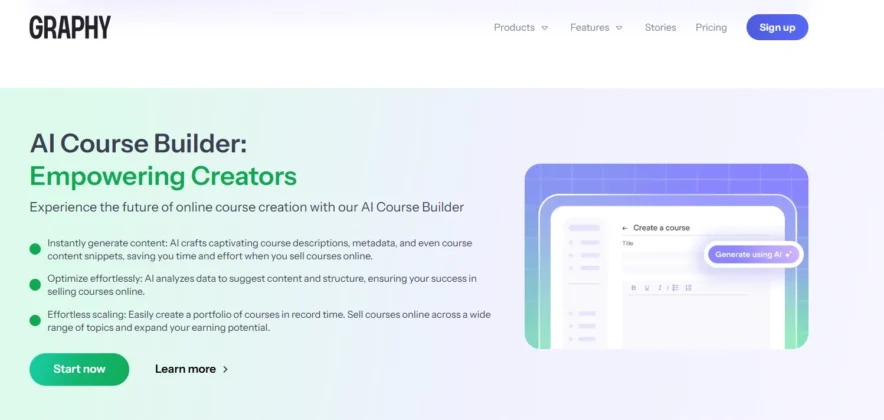
Graphy provides a wide range of content delivery options, allowing you to upload videos, PDFs, quizzes, SCORM files, and host live classes.
It’s designed to give you flexibility in how you engage with your audience. You can create memberships, offer free trials, or set time-limited access for your courses.
One of its standout features is the live webinar functionality, which can accommodate up to 5,000 attendees. Additionally, the option to create voice chat rooms for real-time interaction further enhances the dynamic delivery of content, making it an ideal choice for creators who want to engage students in multiple ways.
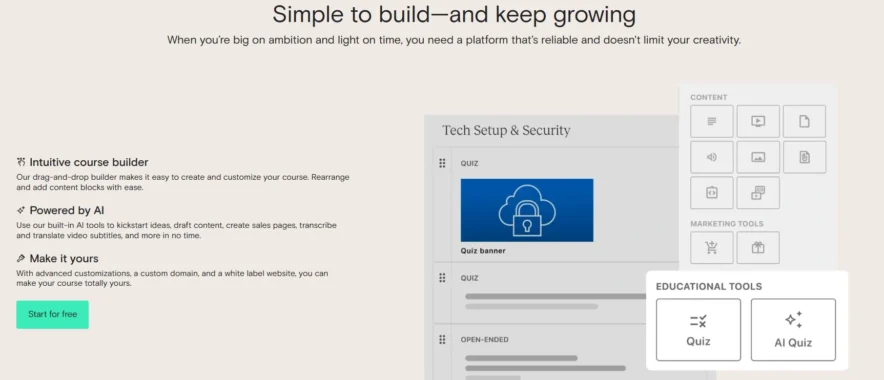
Teachable handles videos, PDFs, quizzes, and pre-recorded lectures well, but it lacks built-in support for live classes. It allows for memberships, one-time purchases, and bundle pricing, giving you some flexibility in how you sell your content.
You also have the option to control whether students can download course materials, which can be useful for managing access.
However, without native live class support, you would need to use third-party tools like Zoom to host live sessions, which can limit the flow of your course delivery.
Winner? Graphy, for its support of live classes, webinars, and dynamic content delivery; Teachable, for its straightforward pre-recorded content setup.
Student Management
Graphy offers robust student management tools that allow you to track student progress, manage enrollments, and send automated emails like welcome or course completion notifications.
You can create personalized learning paths for students and segment them to provide more targeted engagement. These features help tailor the learning experience for each individual.
However, some users have reported difficulties with manual enrollments, especially when dealing with large groups of students, which may require additional effort on your part.
Teachable provides essential features like progress tracking, course completion certificates, and automated emails.
The student management system is straightforward and easy to use, but it doesn’t offer advanced features like personalized learning paths or segmentation.
While it’s a simpler system, it may not be as detailed in terms of customization as Graphy’s.
Winner? Graphy for its personalized learning paths and segmentation capabilities; Teachable for its simplicity and ease of use.
Payment and Pricing Options
Graphy offers a free plan that charges a 10% commission on sales. Paid plans unlock additional premium features, including branded mobile apps and custom domains.
The platform supports various global payment gateways, such as Stripe and RazorPay, as well as India-specific payment options.
You can also set country-specific pricing for international audiences. However, some users feel that the pricing for larger creators can be a bit high, and multi-currency support might come with additional costs.
Teachable’s free plan charges $1 + 10% per sale, while its paid plans start at $29 per month, with no commission fees on higher tiers.
The platform supports multiple payment gateways and bundle pricing, making it flexible for different pricing strategies. Teachable’s pricing structure is considered more beginner-friendly, particularly for those just starting or scaling their business.
Winner? Teachable for affordability, especially for smaller creators; Graphy for regional payment options and flexibility in global pricing.
Security
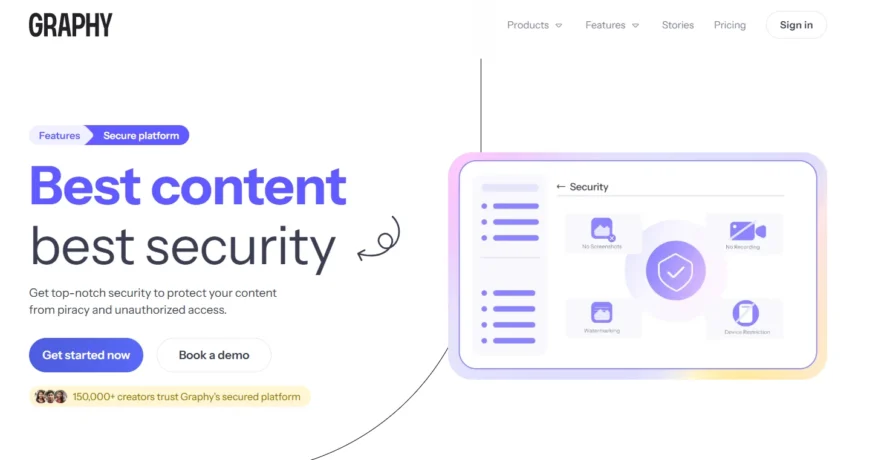
Graphy offers strong security features to protect your content and student data. It uses encryption and DRM protection to prevent piracy, ensuring that your courses are safe from unauthorized access.
The platform also includes features like device login limits, which add another layer of security for your content. This makes Graphy a strong choice for protecting your intellectual property.
Teachable provides essential content security and data protection features, including disabling downloads to protect course materials.
However, it lacks advanced security options like DRM or device login limits, which could make it less effective in preventing piracy compared to Graphy.
Winner? Graphy for its stronger and more comprehensive security features.
Support and Onboarding
Graphy provides live chat and email support, along with one-on-one consultation calls for premium users. Onboarding is smooth, and many creators can get their courses up and running within a few days.
However, some users have mentioned that response times can be slower during busy periods, which could be a challenge when you need immediate assistance.
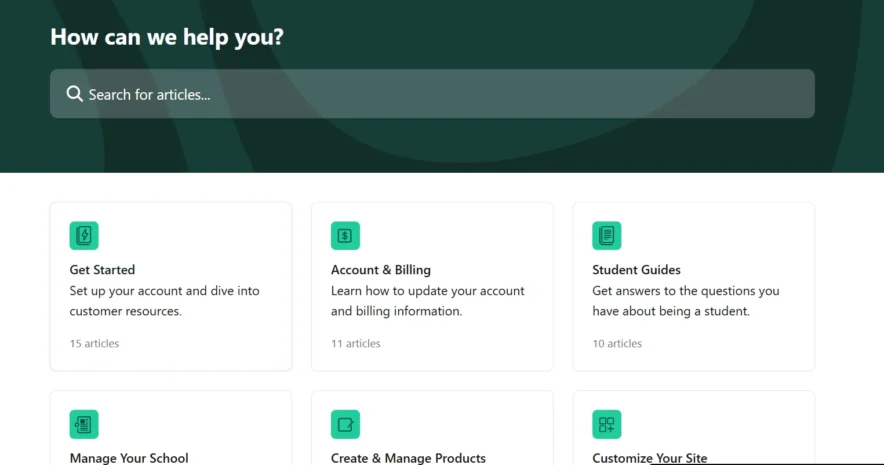
Teachable offers email and live chat support, along with a comprehensive knowledge base to help users get started. The onboarding process is quick, allowing creators to launch their courses in just a few hours.
However, while support is available, it tends to be less personalized than what Graphy offers, especially for users on lower-tier plans.
Winner? Graphy for its hands-on support and personalized consultation; Teachable for fast setup and efficient support.
Graphy Vs Teachable: Pricing Plans Comparison
Pricing Overview of Graphy
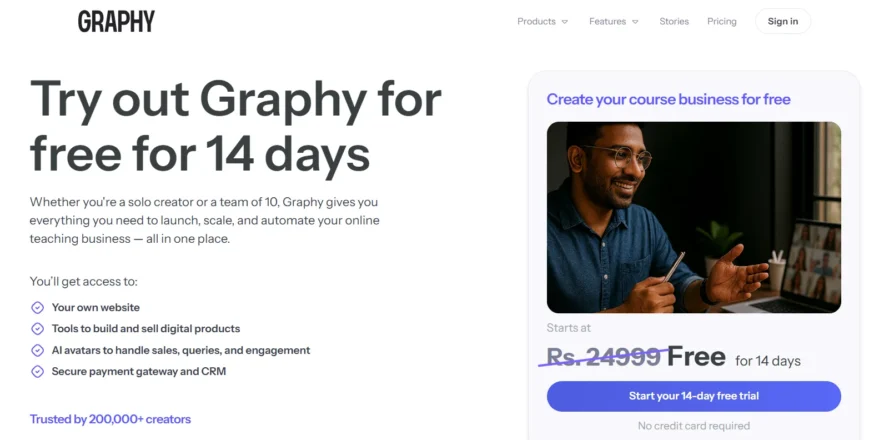
Graphy provides a 14-day free trial, allowing you to explore the platform and try out its features before you decide on a plan. This is a great opportunity to test how well the platform fits your needs, without any upfront commitment.
Once the trial period ends, you can choose from the following two main pricing plans:
Launch Plan
- Cost: ₹1,999 per month (approximately $24/month) when billed annually.
- Features: This plan is perfect for creators just starting out. It includes essential features like your own website, tools to build and sell digital products, AI avatars for sales and engagement, and a secure payment gateway with CRM tools.
- This plan also takes a 10% commission per sale, which is ideal if you’re looking to keep initial costs low while launching your business.
Rise Plan
- Cost: ₹9,999 per month (approximately $120/month) when billed annually.
- Features: The Rise Plan is designed for established creators who need more powerful features to scale their business. It includes all the features of the Launch Plan but reduces the commission on sales to 5%.
- You also get more advanced support, detailed analytics, and increased customization options, making it suitable for creators who are ready to take their business to the next level.
For Graphy, if you’re just getting started, the Launch Plan at around $24 per month is a good entry-level choice. If you need more advanced features to scale, the Rise Plan at about $120 per month is a solid investment.
Pricing Overview of Teachable
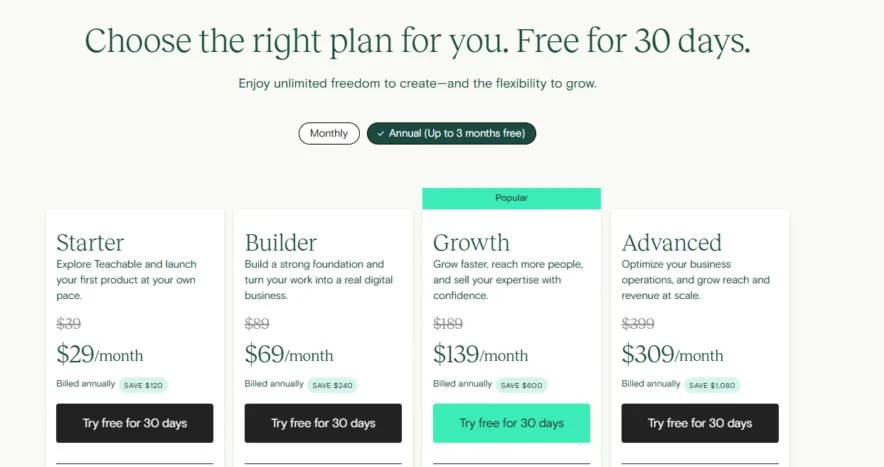
Teachable offers a 30-day free trial, giving you a full month to explore the platform and evaluate whether it’s the right fit for you before committing to a paid plan.
The trial includes access to most features, letting you get a feel for creating courses, managing students, and testing out the marketing tools. After the trial period, you can choose from the following plans:
Starter Plan
- Cost: $29 per month if billed annually.
- Features: The Starter Plan is perfect for beginners. You get unlimited students, unlimited videos, and basic sales tools. However, there is a 5% transaction fee on each sale.
- This plan is designed to give you the basics to get started with online course creation.
Builder Plan
- Cost: $69 per month if billed annually.
- Features: Ideal for creators looking to scale their business, the Builder Plan offers additional features such as advanced course creation tools, the ability to create coupons, and better reporting.
- It also allows you to remove Teachable branding, providing more customization. The 5% transaction fee still applies to this plan.
Growth Plan
- Cost: $139 per month if billed annually.
- Features: This plan is designed for creators who want to grow faster and reach more people. It includes everything from the Builder Plan, plus priority support, the ability to create memberships, and more advanced marketing tools to help you scale.
Advanced Plan
- Cost: $309 per month if billed annually.
- Features: The Advanced Plan is for high-volume creators or businesses. It includes all features from the Growth Plan, plus advanced reporting, a custom API, and other high-level features to optimize your business.
Annual Deal: When you choose the annual billing option for Teachable, you get 3 months off, making it a more affordable option for those committed to using the platform long-term.
The annual billing plans offer significant savings, especially if you plan on growing your business over time.
To Grab Annual Discount check out : Teachable Coupon Code : Get 40% OFF Now
For Teachable, the Starter Plan at $29 per month is an excellent choice if you’re just beginning. If you need more features and want to grow your business, the Growth Plan at $139 per month gives you a lot of powerful tools.
Pros and Cons of Graphy vs Teachable
Graphy Vs Teachable
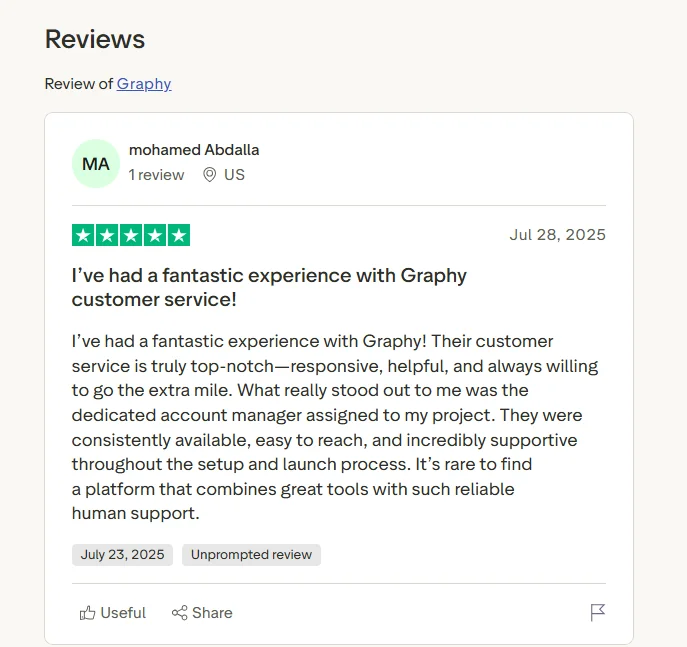
Graphy Customer Reviews
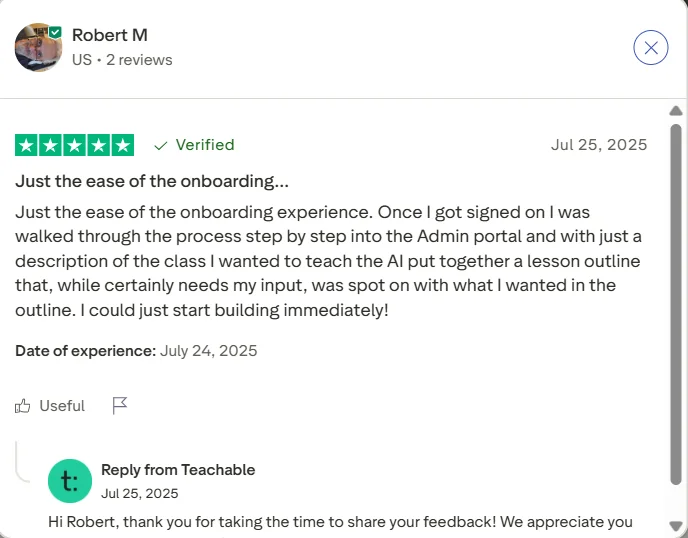
Teachable Customer Reviews
Which Platform to Choose & Why
If you’re just getting started with online courses and want an easy-to-use platform, Teachable is a great option. It’s affordable, user-friendly, and offers all the basic tools you need to create and sell courses.
Teachable’s Starter Plan is perfect for beginners, and its 30-day free trial lets you explore the platform before committing.
On the other hand, Graphy is ideal if you’re looking to build a strong brand around your courses and want more advanced features.
It offers custom branding, community tools, and AI-driven support that make it stand out for creators who want to grow and engage their audience in a more personalized way. It’s a good choice if you’re looking for a more interactive experience with your students.
Here’s a quick comparison of both platforms:
| Feature | Graphy | Teachable |
|---|---|---|
| Free Trial | 14-day trial | 30-day trial |
| Starting Price | ₹1,999/month (~$24/month) | $29/month |
| Customization | Full branding options for website & app | Basic branding with limited design |
| Community Features | Forums, live webinars, gamification | Basic forums, no live classes |
| Transaction Fees | None on paid plans | 5% on Starter plan |
| AI Tools | Yes, for course creation & marketing | No AI tools |
| Mobile App Support | Custom-branded iOS and Android apps | iOS app only, not branded |
| Payment Options | Stripe, RazorPay, global gateways | Multiple gateways, limited options |
| Best For | Branding & engagement-focused creators | Simplicity and beginners |
Quick Links:
- Udacity Vs Coursera
- Xperiencify Vs Teachable
- Simpliv vs Khan Academy
- Udemy Vs LinkedIn Learning (Lynda)
- Teachable vs Udemy
- Graphy Vs Kajabi
FAQ’s About Graphy vs Teachable
❓ What’s the main difference between Graphy and Teachable?
Graphy is great for branding and community features, with live webinars and AI tools. Teachable is simpler and focused on course creation, perfect for beginners.
🎨 Can I customize my course design on both platforms?
Graphy allows full customization. Teachable offers basic customization unless you upgrade.
💬 Which platform has more community features?
Graphy has stronger community tools like forums and live webinars. Teachable only has basic forums.
📈 Which platform is better for scaling my business?
Graphy is better for scaling with more features. Teachable works for scaling, too, but is simpler.
🌍 Can I use both platforms for international audiences?
Yes, both platforms support global pricing. Graphy also offers multi-language support.
Conclusion: Spayee Vs Teachable Comparison 2026
In conclusion, the right platform depends on your goals. If you’re aiming for global reach with advanced marketing tools and a user-friendly interface, Teachable is your best bet.
However, if you prioritize affordability, full branding control, built-in live classes, and local payment options, especially in the Indian market, Spayee is the clear winner.
Ultimately, both platforms have their strengths, so choose the one that aligns best with your vision as a course creator!