
Are you looking to expand your skills or earn a certificate from a top university? Coursera offers a wide range of online courses and programs, but you might be wondering, How much does it cost?
Whether you’re interested in learning something new or advancing your career, Coursera has options for everyone.
In this blog, we’ll break down the different pricing plans Coursera offers so you can figure out which one is the best fit for your goals and budget.
Let’s take a closer look at how Coursera pricing works and what you can expect to pay for various courses, certifications, and degree programs.
Let’s take a Quick look at Coursera
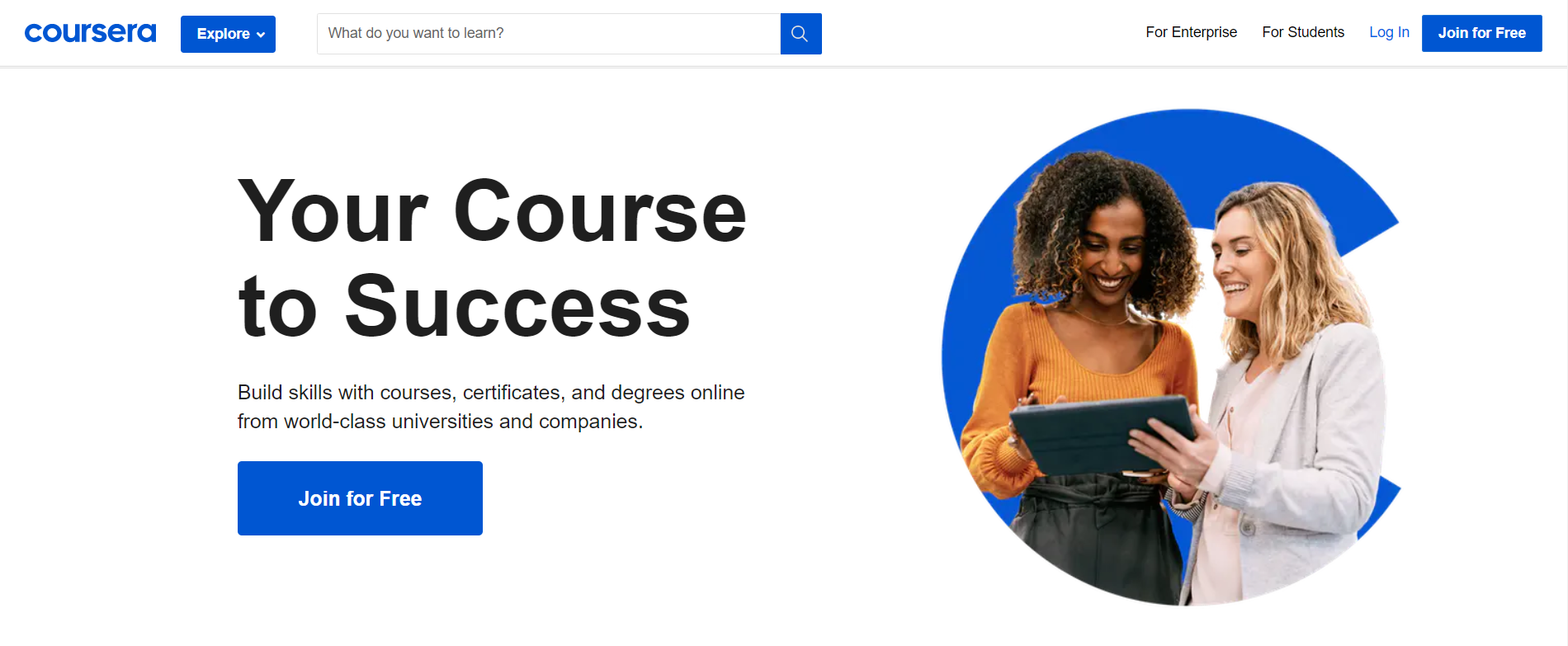
How Much Does Coursera Cost?
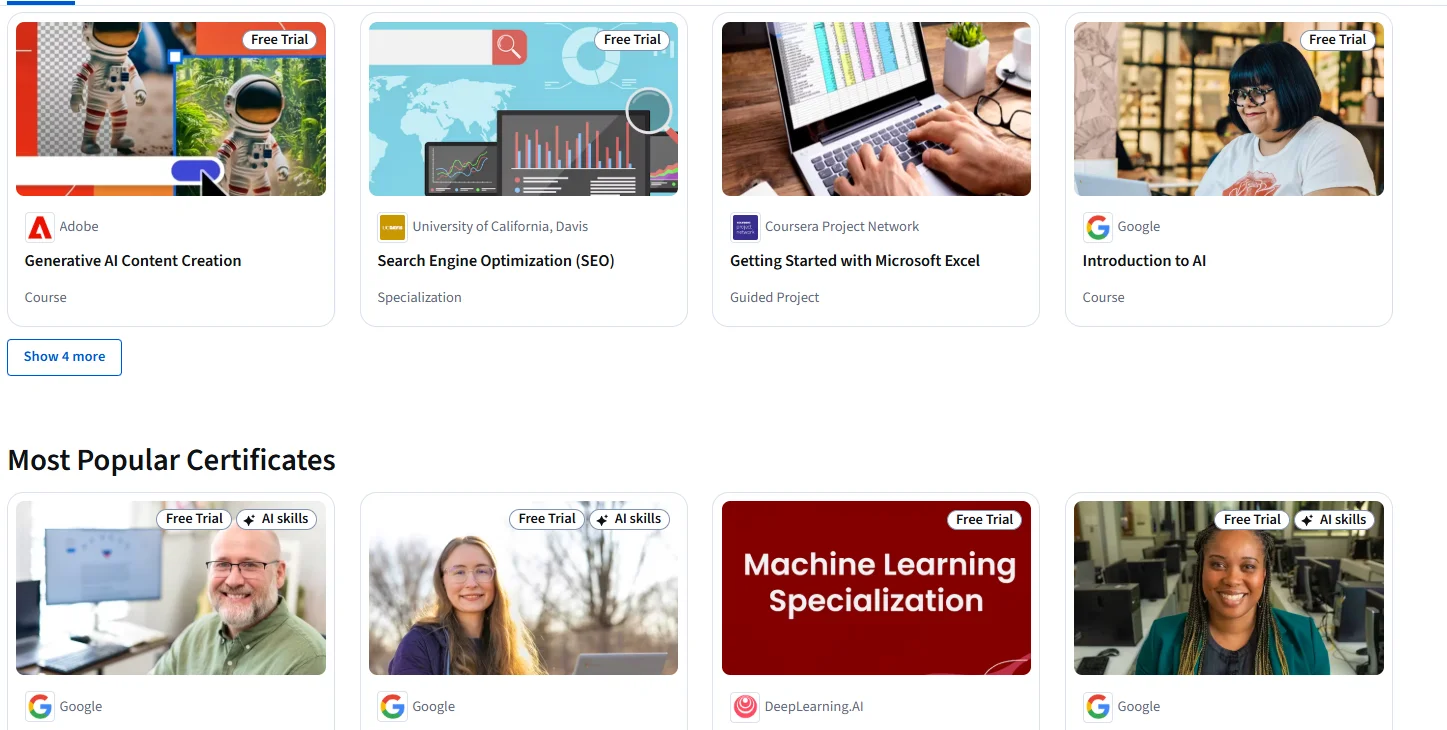
Specializations: How Do They Work and What Do They Cost?
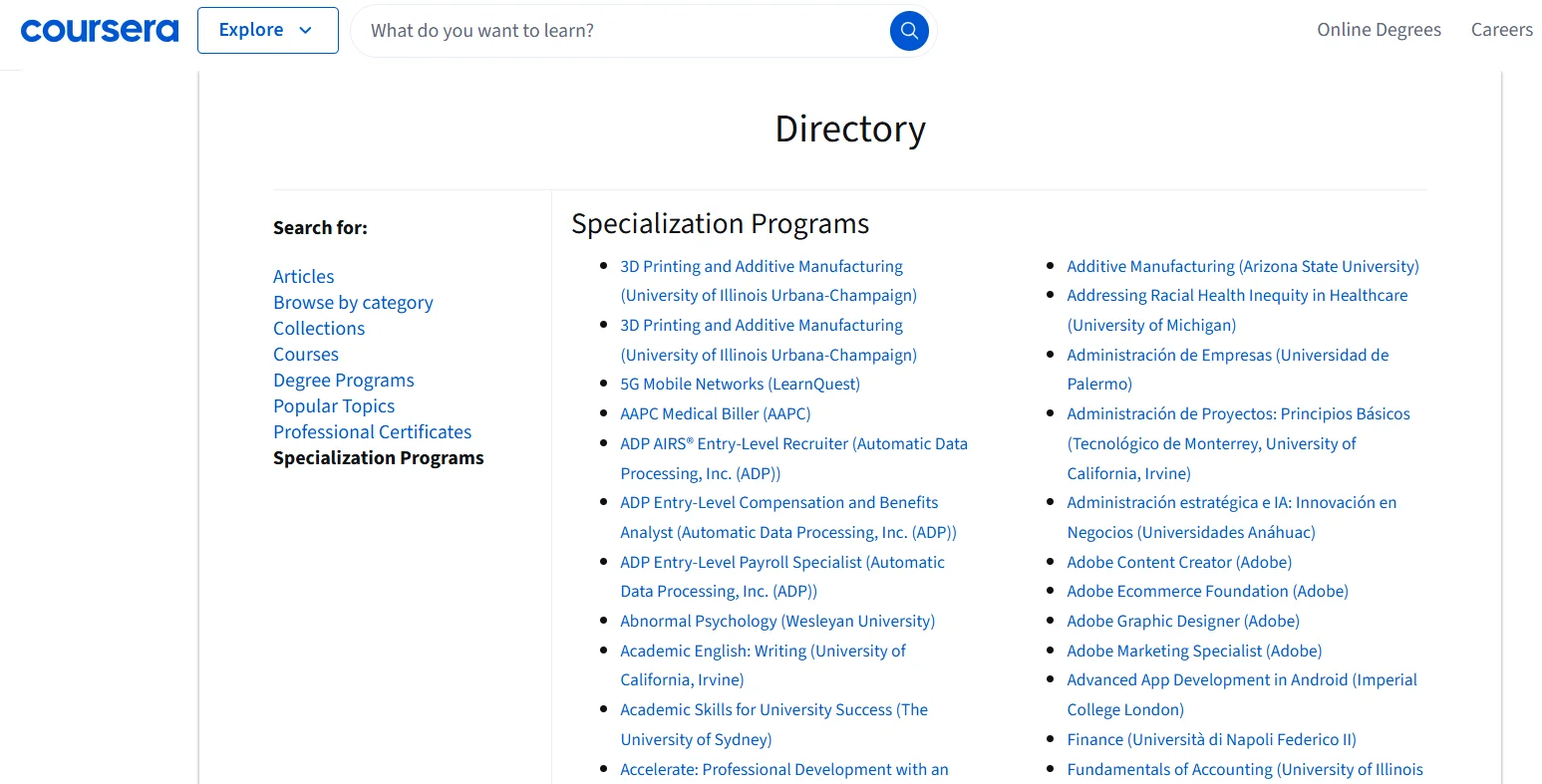
A specialization is a series of related courses that help you gain deep expertise in a particular subject. Specializations allow you to build a comprehensive skill set and typically end with a final project or capstone that showcases your learning.
-
Subscription-Based Pricing: Most specializations operate on a subscription model, where you pay a monthly fee. The cost generally ranges from $39 to $79 per month.
-
Total Cost: The total price depends on how long it takes you to complete the specialization. For example, if you finish a specialization in 3 months, the cost would range from $117 to $237. Some specializations may take longer, especially if you choose to go at a slower pace, so you may end up paying more.
The benefit of the subscription model is that you only pay for the months you use. If you finish early, you save money. Specializations are great if you’re looking to get in-depth training and certification in a particular field.
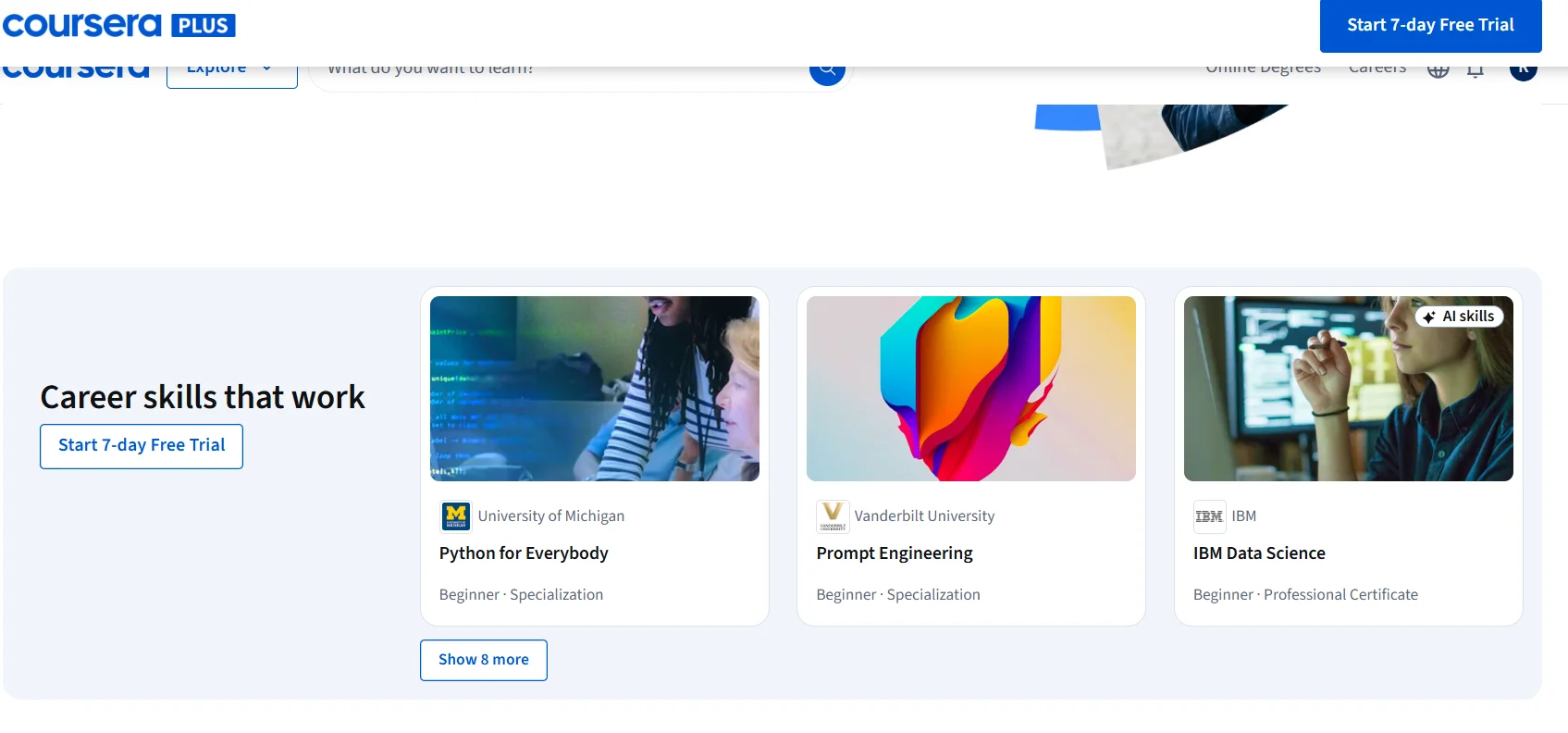
Professional Certificates: How Much and What’s Included?
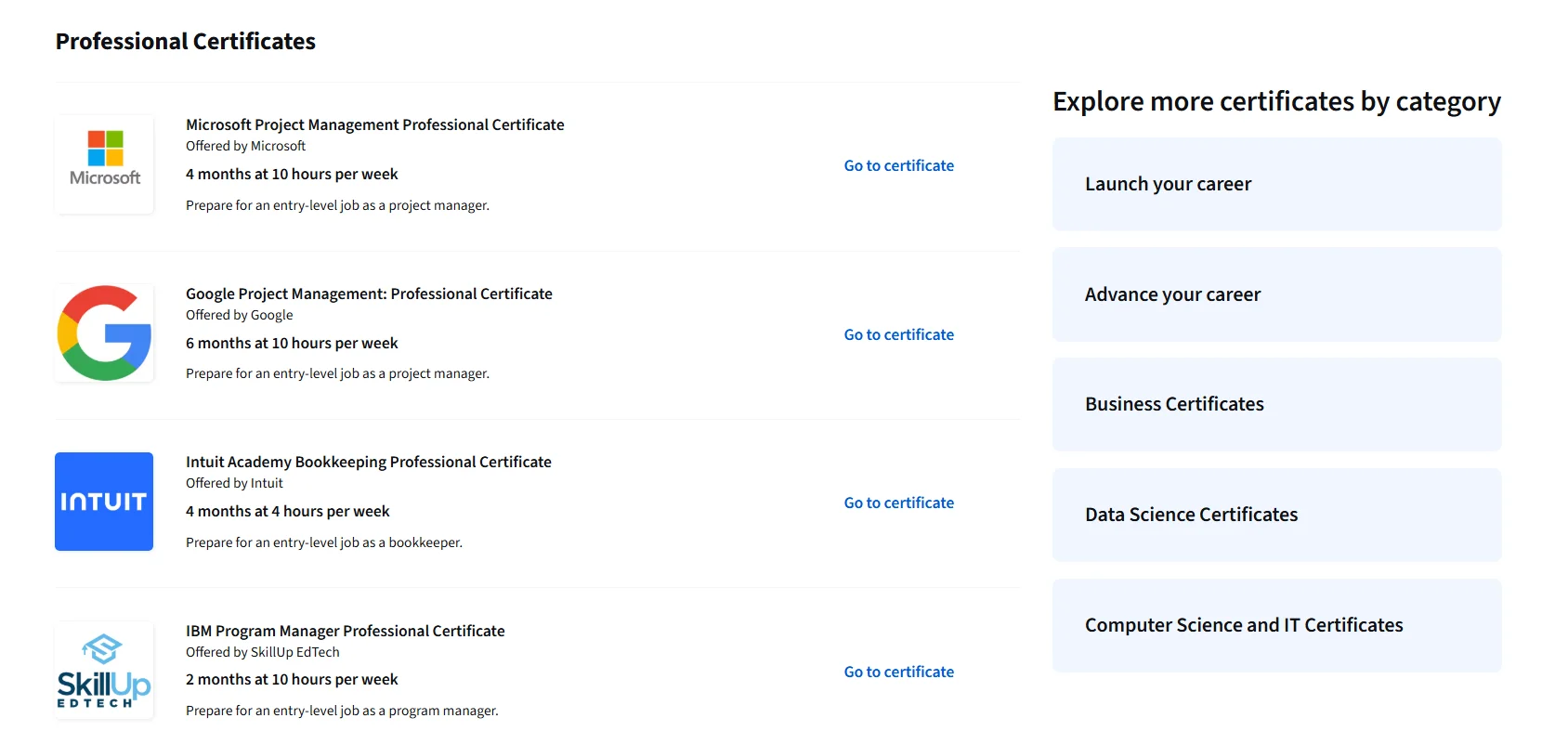
Professional certificates are designed to help you gain practical, job-specific skills in high-demand fields like IT, data science, digital marketing, and project management. These programs are created in collaboration with top companies such as Google, IBM, and Meta.
-
Cost: Professional certificates typically cost between $39 and $79 per month.
-
Duration: These certificates usually take around 3 to 6 months to complete, depending on how many hours you commit to studying each week. For instance, the Google IT Support Professional Certificate costs $39 per month and takes about 6 months to complete if you study part-time, bringing the total cost to around $234.
These certificates are perfect for individuals looking to gain practical skills and improve their career prospects. They offer flexible, job-focused training that can be a valuable addition to your resume.
Degree Programs: How Much Do Full Degrees Cost?
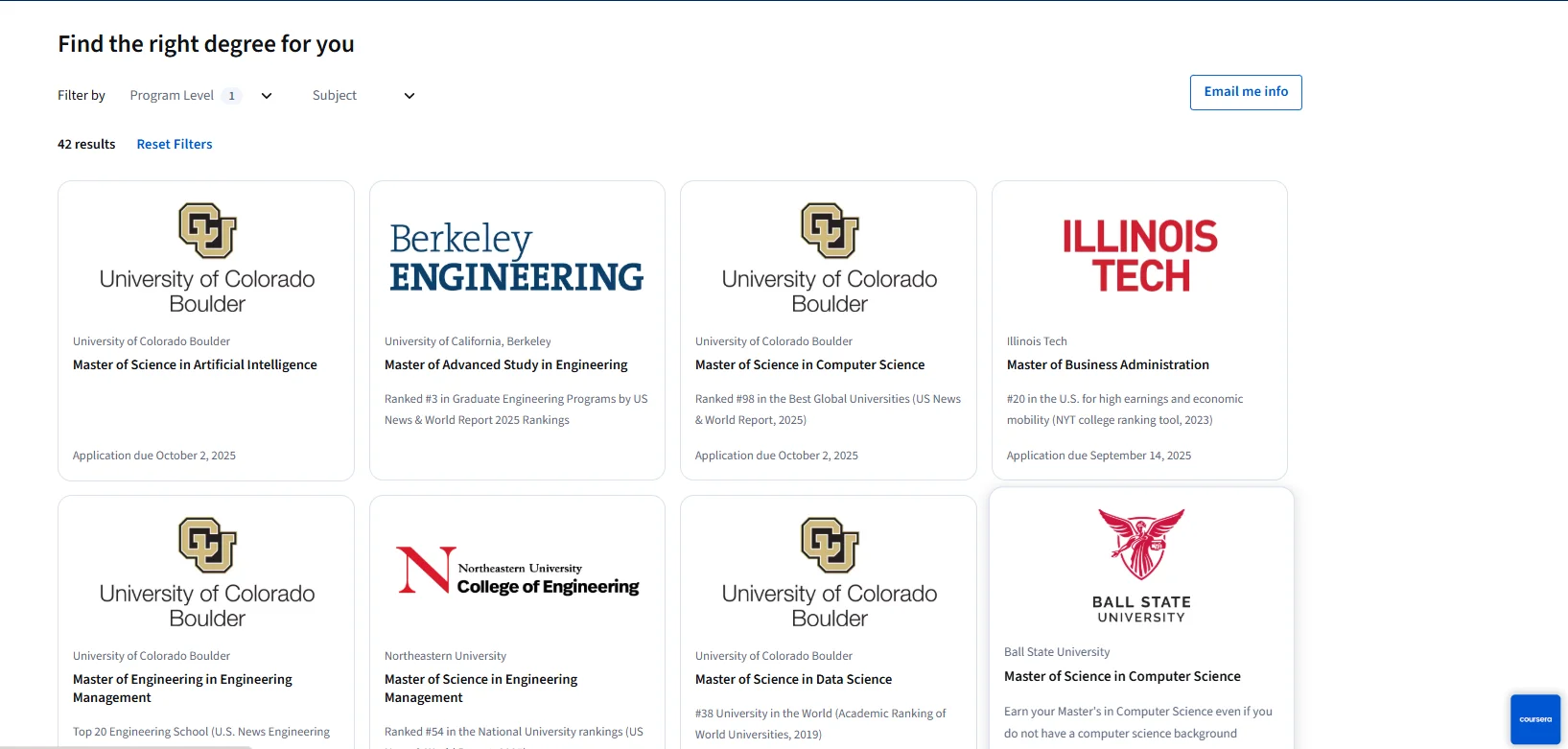
Coursera offers fully accredited online degree programs in partnership with top universities like the University of London, Arizona State University, and the University of Illinois. These programs allow you to earn a recognized degree entirely online.
-
Cost: Online degrees on Coursera range from $15,000 to $25,000, depending on the program and university.
-
Duration: These degrees generally take between 2 to 3 years to complete. Some programs offer flexible scheduling, allowing you to take courses at your own pace, while others follow a set schedule.
Online degrees are a more affordable option compared to traditional on-campus degrees, especially since you save money on living expenses and commuting. They provide an opportunity for learners to earn a degree without the full-time commitment and financial burden of traditional campus education.
Is Coursera Worth the Price?
Whether or not Coursera is worth the price depends on your individual learning goals.
-
For Casual Learners: If you’re simply interested in learning a new skill or exploring a hobby, individual courses or specializations might be all you need. Coursera offers great value for these types of learners, especially if you’re after knowledge and not necessarily a certificate or degree.
-
For Career Changers: If you’re looking to switch careers or gain job-ready skills, professional certificates are a great investment. They cost less than a traditional degree and offer real-world knowledge that can be applied directly to your new career.
-
For Degree Seekers: If you want to earn a full degree but need flexibility and a lower cost, Coursera’s degree programs are a fantastic alternative to a traditional university education. They provide recognized degrees at a fraction of the cost and with much more flexibility.
Ultimately, Coursera provides a wide range of pricing options, making it accessible for many different types of learners. The platform offers a significant amount of value, especially if you want to improve your skills or earn a certificate or degree without the high cost of traditional education.
Payment Methods on Coursera
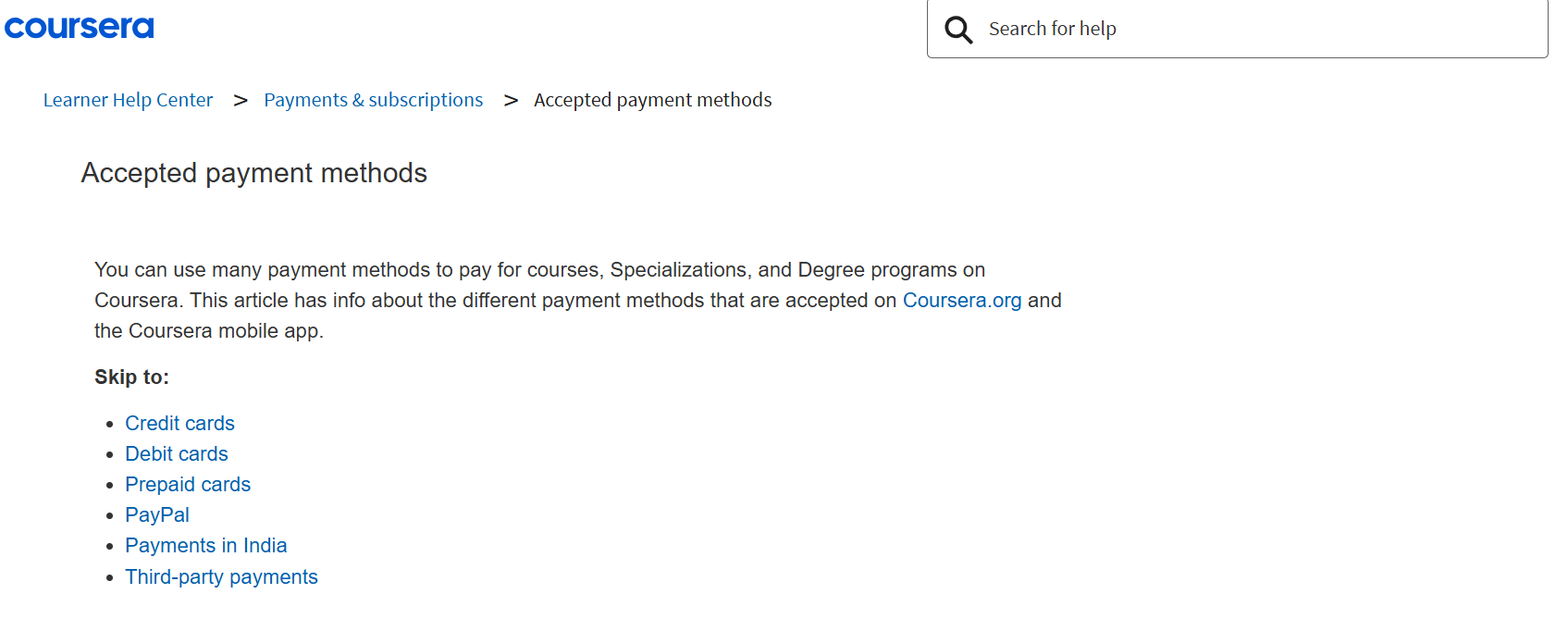
Coursera offers several convenient payment options for users to pay for courses, specializations, and certificates. These payment methods are designed to make it easy for learners worldwide to access the platform’s content.
Here are the main payment methods accepted on Coursera:
1. Credit and Debit Cards
Coursera accepts major credit and debit cards for payments. This is one of the most common payment methods on the platform.
-
Accepted Cards:
- Visa
- MasterCard
- American Express
- Discover
- JCB
If you have a credit or debit card, you can easily pay for individual courses, specializations, or subscriptions directly on the platform.
2. PayPal
PayPal is another widely accepted payment method on Coursera. If you prefer using PayPal for secure transactions, you can link your PayPal account and use it to pay for courses or subscriptions.
-
PayPal is a great option if you don’t want to use a credit card directly and prefer the added security and flexibility of PayPal’s payment platform.
3. Coursera Credits and Gift Cards
Coursera also offers the option to use Coursera Credits or Gift Cards to make payments. These credits or gift cards can be purchased and used for courses, specializations, or other learning programs on Coursera.
-
Gift Cards: You can buy gift cards for yourself or as gifts for others. These can be used to pay for courses or other learning programs available on the platform.
-
Credits: If you’ve received Coursera Credits (such as for promotions or special offers), you can use these credits to cover the cost of courses or subscriptions.
4. Purchase Order (For Institutions and Organizations)
For institutions, businesses, or organizations, Coursera offers Purchase Orders as a payment method.
-
This is a typical option for educational institutions or companies that are enrolling multiple employees or students in courses. It allows them to pay for learning at a bulk or institutional level.
5. Other Local Payment Methods (Depending on Region)
Coursera supports different payment options in specific regions to make it easier for learners to access the platform. For example, in some countries, local payment methods may be available to accommodate local currencies and preferences.
-
In certain regions, you might be able to pay using options like direct bank transfer or other local financial services. These options vary depending on where you live, so it’s best to check Coursera’s payment page for any specific local payment methods available in your country.
6. Subscription Billing for Specializations and Coursera Plus
For subscriptions (such as Specializations or Coursera Plus), payments are charged automatically on a monthly or annual basis, depending on the plan you choose. This ensures uninterrupted access to courses, specializations, or the Coursera Plus subscription.
-
You can cancel your subscription at any time, and payments will stop after the current billing cycle ends. Keep in mind that payments for subscription services are typically non-refundable once the billing cycle has started.
Coursera Refund Policy
Coursera offers a 14-day refund window for most purchases, including individual courses and annual Coursera Plus subscriptions. However, there are specific conditions and exceptions to be aware of.
Refund Eligibility
You can request a refund within 14 days of your original payment for:
- Single Course Purchases: If you paid for a course and are not satisfied, you can request a refund within this period.
- Annual Coursera Plus Subscriptions: If you subscribed to Coursera Plus annually and wish to cancel, you can request a refund within 14 days of the original payment.
Note: Refunds are not available for:
- Monthly Subscriptions: These are non-refundable once the payment is processed.
- Specialization Pre-Payments: If you’ve earned a certificate for any course within a specialization, you are not eligible for a refund on the pre-payment for that specialization.
Refund Restrictions
- Automatic Renewals: If you do not cancel your free trial and are charged for a paid subscription after the 8th day, you cannot get a refund for that payment.
- Completed Courses: If you’ve completed a course and earned a certificate, you are not eligible for a refund for that course.
How to Request a Refund?
To request a refund:
- Log in to your Coursera account.
- Navigate to your My Purchases page.
- Locate the course or subscription you wish to refund.
- Follow the prompts to submit your refund request.
Important Notes:
- No Partial Refunds: Coursera does not offer partial refunds for subscriptions. If you cancel a subscription after the billing date, you will not receive a refund for that period.
- Refund Processing Time: Refunds are typically processed within 10 business days, but the exact time may vary depending on your payment method.
- Contact Support: If you encounter issues or have questions about the refund process, you can contact Coursera’s support team for assistance.
Which Coursera Plan is Right for You?
1. Individual Courses
Best for: Anyone looking to learn a specific skill or topic.
If you’re interested in just one course to learn something new, this is the plan for you. You can either take the course for free (with no certificate) or pay for it if you want a certificate or need graded assignments. It’s perfect if you just want to dive into a subject without committing to anything long-term.
2. Specializations
Best for: People who want to dive deeper into a topic.
A specialization is a set of related courses, ideal for when you want to get a more complete understanding of a subject. You’ll pay a monthly fee to access the courses and can learn at your own pace. It’s great if you’re looking to develop expertise in one area but don’t want to go all the way to a degree.
3. Coursera Plus
Best for: Learners who want access to lots of courses.
If you plan to take multiple courses throughout the year or explore different subjects, Coursera Plus is a great deal. For a single yearly fee, you get unlimited access to over 3,000 courses, specializations, and certificates. If you love learning and want to explore various topics, this plan will give you the most flexibility.
4. Professional Certificates
Best for: People looking to gain specific job skills.
If you’re aiming to change careers or level up in your current job, professional certificates are perfect. These programs, designed by companies like Google and IBM, focus on practical skills that employers are looking for. They’re great if you want to quickly gain real-world knowledge and build a portfolio.
5. MasterTrack Programs
Best for: Those wanting to earn part of a Master’s degree.
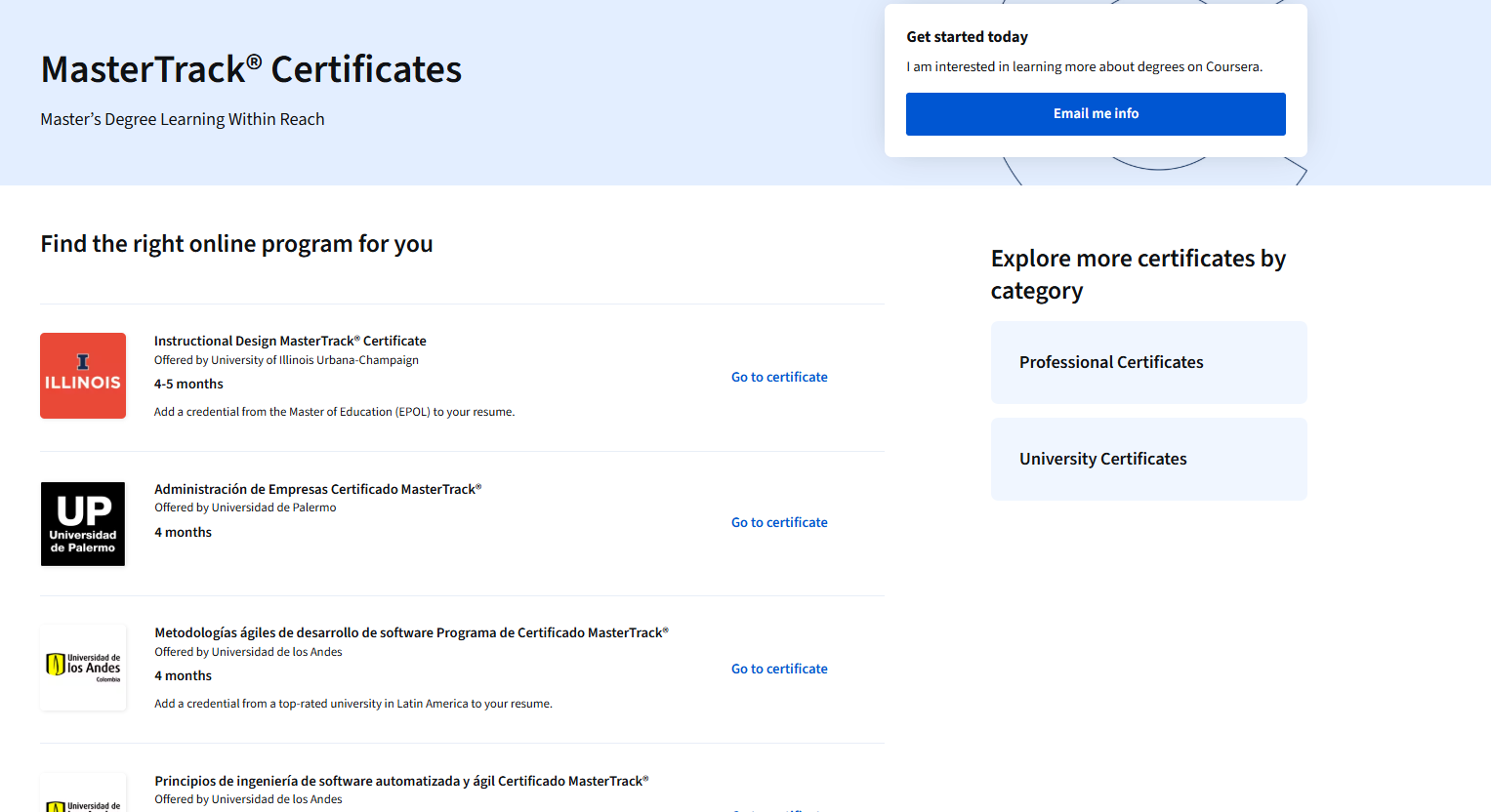
MasterTrack programs allow you to earn credits towards a Master’s degree at a fraction of the cost. If you’re not ready to fully commit to a full Master’s degree but want advanced knowledge, these programs are a flexible and affordable way to earn credit that could count toward a full degree.
6. Degree Programs
Best for: Those looking for an accredited online degree.
If you want a full degree but don’t want the hassle of going to a physical campus, Coursera’s online degree programs offer a great alternative. You get an accredited degree from top universities, but with the flexibility to study online, which is perfect for people who need to balance school with work or other responsibilities.
Is Coursera Worth It?
If you’re looking to learn new skills, advance in your career, or even earn a degree, yes, it can be. Coursera offers a variety of options, from individual courses to full degrees, all backed by top universities and companies.
Whether you’re learning for fun or to boost your job prospects, Coursera gives you access to quality education at your own pace.
While the price can vary, the flexibility and range of topics make it a solid investment for anyone serious about learning. So, if you’re ready to put in the effort, Coursera is definitely worth considering!
FAQs on Coursera Pricing
❓Are Coursera’s degree programs expensive?
Yes, degree programs cost between $15,000 and $25,000, but they are more affordable than traditional on-campus degrees.
❓How does Coursera’s subscription model work?
Most specializations and Coursera Plus are based on a subscription. You pay monthly or annually for access to courses and certificates.
❓Are there any free courses on Coursera?
Yes, many courses are free to audit (access content), but if you want a certificate or need graded assignments, you must pay.
❓Can I switch between Coursera plans?
Yes, you can switch between plans. For example, you can upgrade from an individual course to Coursera Plus or switch between subscription plans.
❓Does Coursera offer a free trial?
Yes, Coursera offers a 7-day free trial for standard annual Coursera Plus subscriptions. However, discounted plans may not include the free trial period.
Quick Links
Final Thoughts on Coursera Pricing
Coursera offers flexible pricing for all types of learners. You can start with affordable individual courses or explore specializations and professional certificates for a deeper dive.
Coursera Plus gives great value for those wanting unlimited access. Degree programs are pricier but still more affordable than traditional degrees.
Overall, Coursera makes quality learning accessible for all budgets and goals.
