
Design.com is a great choice for creating websites. It’s easy to use, with plenty of design options and solid customer support. Perfect for beginners and experienced users alike, it helps you make professional websites quickly. Definitely worth considering if you want a simple and reliable design platform.
- Top logo company with 350K+ logo templates and 1M+ designs.
- Professional designs with unique fonts and icons.
- Includes free logos, templates, and design assets.
- Easy-to-use platform with fast, customizable designs.
- Works for startups to enterprises across industries.
- No offline editing option.
Price: Free
As digital marketing evolves, finding tools that combine efficiency, intelligence, and accessibility is crucial, especially as AI continues to reshape the creative landscape.
For those seeking AI-driven logo design platforms that deliver strong brand identities without the need for a full design team, Design.com stands out.
This comprehensive solution enables users to create logos, websites, and social media visuals within minutes—no advanced design skills required.
In this review, we’ll explore the unique features of Design.com, from its AI-powered capabilities and intuitive interface to its pricing structure, and discuss why it’s become a go-to for freelancers and businesses looking to boost design efficiency and effectiveness.
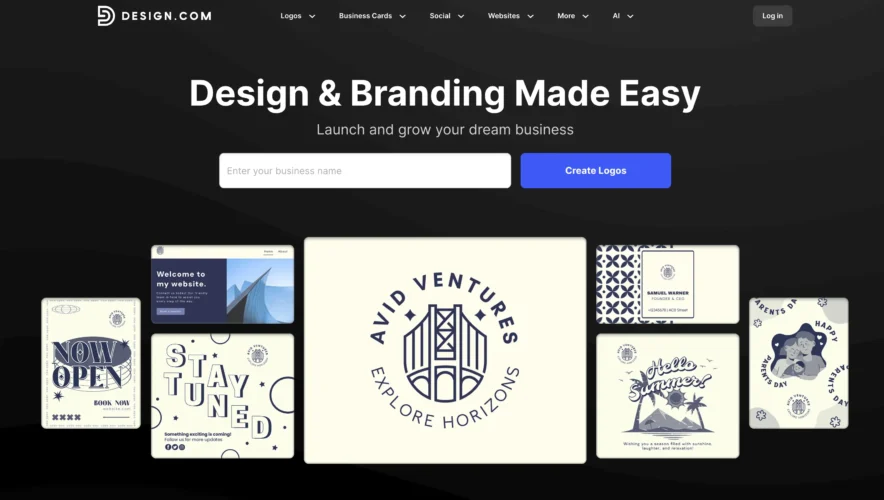
Key Features of Design.com

1. Free Logo Maker
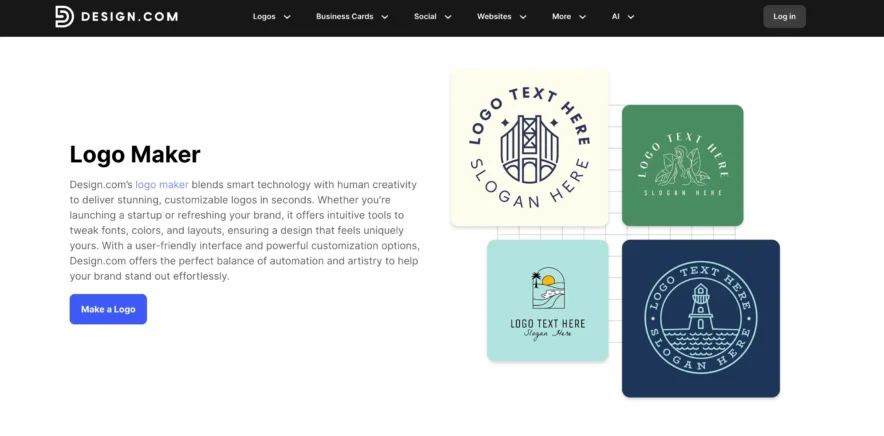
One of the highlights of Design.com is its free logo maker.
As a small business owner or startup founder, designing a logo is one of the first steps in establishing your brand identity. However, hiring a designer can be costly, especially when you’re just getting started.
Design.com solves this problem by offering a free logo maker that lets you create professional logos in minutes.
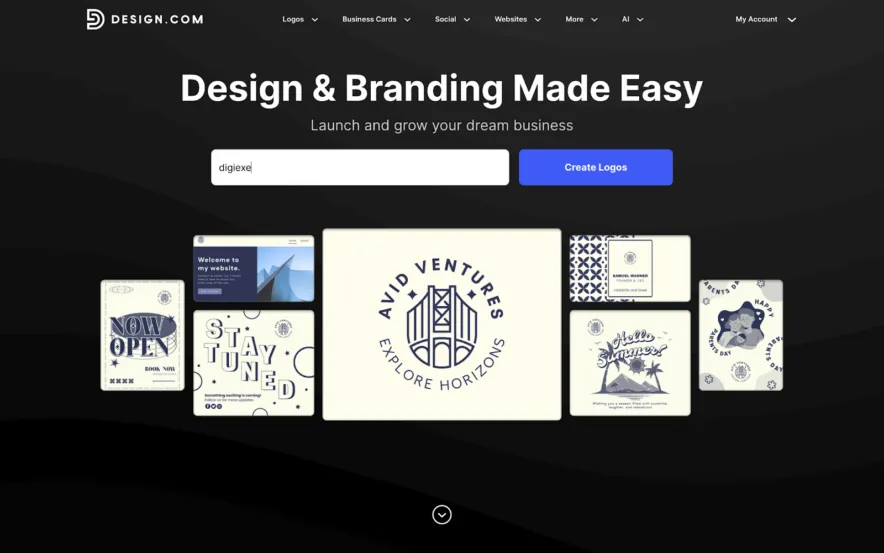
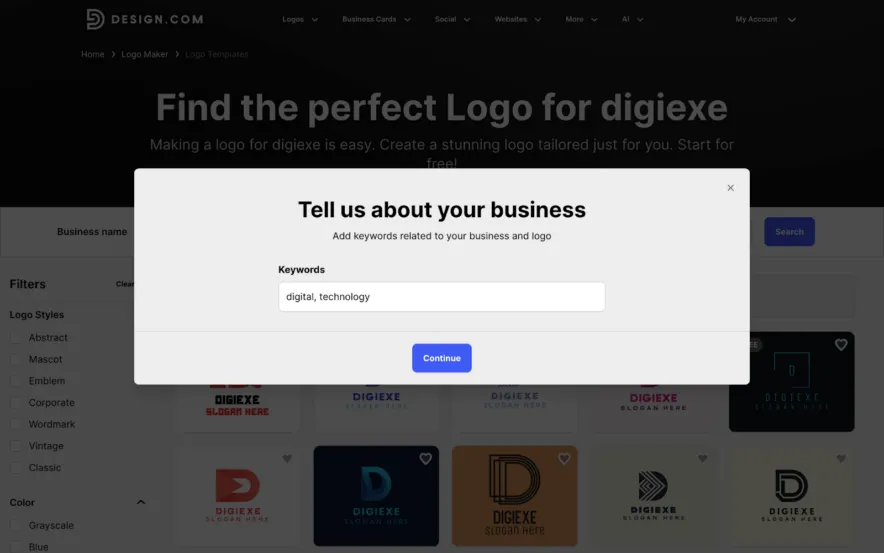
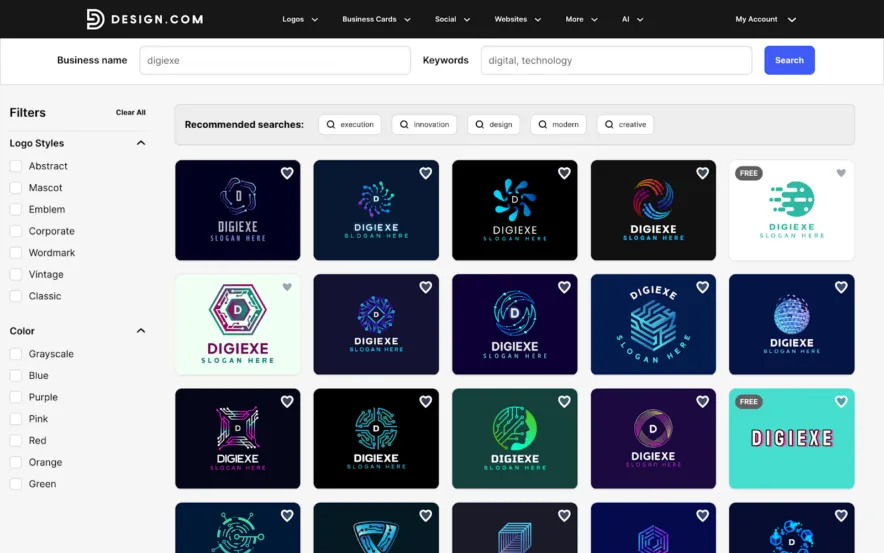
- How it works: Simply enter your business name or select a keyword related to your industry, and Design.com will generate multiple logo options for you. These logos are customizable, meaning you can adjust the font, color, and layout until you find the perfect one.
- No design skills required: The platform uses smart algorithms to create logos that are visually appealing and aligned with your brand’s values. Whether you’re a tech startup or a local bakery, you’ll find logo templates suited to your niche.
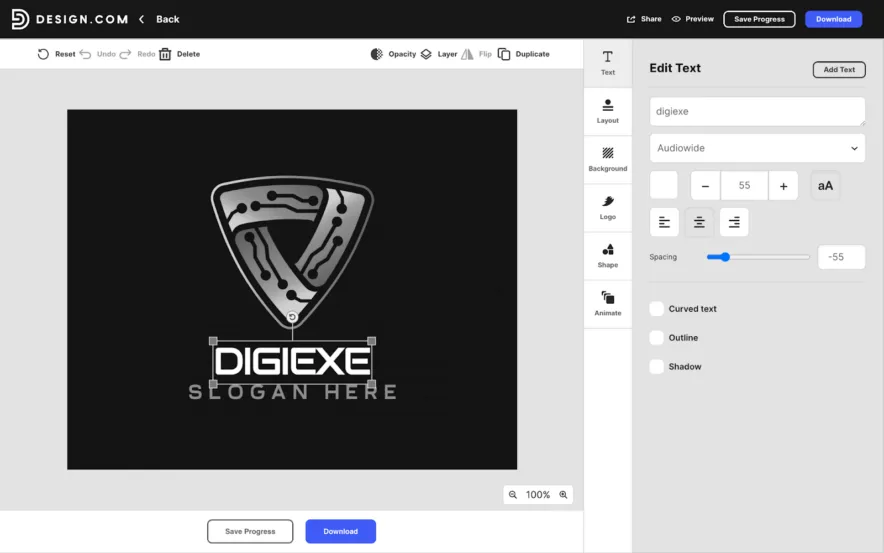
- Customization: After selecting a logo template, you can tweak elements such as fonts, colors, and icons to match your vision.
2. Social Media Post Creator
Social media marketing is crucial for brand visibility, and Design.com makes it easy to create engaging posts for platforms like Facebook, Instagram, LinkedIn, and Twitter.
Whether you’re promoting a sale, launching a new product, or simply looking to engage with your followers, Design.com offers the tools to create posts that stand out.
- Ease of use: Choose from a library of professionally designed templates tailored to different platforms. These templates are optimized for each social media channel, ensuring that your posts fit perfectly on any feed.
- Customization: Just like with the logo maker, you can easily customize colors, fonts, and images to align with your branding.
- Formats available: Design.com allows you to create not only posts but also stories for Facebook and Instagram, giving you a consistent presence across all formats.
3. Website Builder and Domain Names
Building an online presence is essential for any business, and Design.com’s website builder makes it easy to do just that.
The website builder allows you to create responsive, mobile-friendly websites without needing to write any code.
- Drag-and-drop functionality: The intuitive drag-and-drop editor makes it easy to design your site exactly how you want it, with no coding required.
- Responsive templates: Choose from a variety of templates designed to look great on both desktops and mobile devices. Each template is customizable to fit your brand.
- Domain name: Design.com also lets you purchase and connect your custom domain name, making it easy to establish a professional online presence.
4. AI Tools
One of the standout features of Design.com is its incorporation of AI tools to assist in creating designs.
Whether you need a business name, a logo, or want to remove a background from an image, the AI tools are designed to save you time and effort.
- Business name generator: Struggling to come up with the perfect business name? Design.com’s AI-powered tool helps generate unique business name ideas based on your industry or keywords.
- AI website builder – Design.com’s AI website generator instantly creates unique and beautiful websites using just your business name and a few words. You can pick from many designs, then easily customize colors, fonts, layouts, and add creative elements. Once you finish, publish your responsive website with one click which is ready for all devices.
- Background remover: Upload any image and the AI will automatically detect and remove the background, making it easier to create clean, professional-looking visuals.
- Logo maker: The AI-powered logo maker can quickly generate logo options tailored to your preferences, and you can customize them further to fit your brand.
5. Comprehensive Resource Library
Another strong selling point of Design.com is its extensive resource library.
They have the largest logo library in the world, with over 350,000 unique logo designs available for users to explore and create from.
The library is packed with customizable templates, design ideas, and layout suggestions for logos, social media posts, business cards, flyers, and more.
- Wide range of templates: Whether you’re designing a Facebook cover, Instagram post, or even business cards, there’s a template that fits your needs. The library is categorized by design type, making it easy to find exactly what you’re looking for.
- Design ideas: In addition to templates, Design.com provides design inspiration, which can help you refine your creative vision and get started quickly.
6. User-Centered Design Principles
Design.com is built with user experience (UX) and user interface (UI) in mind. The platform is intuitive and easy to navigate, even for beginners.
It provides real-time editing and mobile and tablet previews, ensuring that your designs look great on all devices.
- Visual hierarchy: The tool guides you in creating designs that highlight the most important elements, helping your content stand out.
- Mobile optimization: All templates are designed to be mobile-friendly, ensuring that your designs look great on both mobile and desktop devices.
7. Additional Tools and Resources
Beyond logos and social media posts, Design.com offers a wide range of additional tools to help you manage your brand’s design needs.
- Business cards: Design your own professional business card, with options for unlimited edits, high-res downloads and printing.
- Email signature maker: Create a polished email signature that boosts your professional image.
- T-shirt design tool: Design your own custom t-shirts for personal or promotional use, with easy-to-use templates.
Design.com: Price Plans
In our free plan, you get the same high-quality logo files in both vector and raster formats, which you can download instantly. You can also use your logo to create other designs, such as posters, flyers, or Instagram posts.
However, you’ll need a subscription to download those extra design files.
1. Free Plan
- Cost: Free
- Features: When you choose a free logo on www.design.com/maker/free-logos, you’ll get the same high-quality logo files as a premium plan. This includes both high-resolution raster files and industry-standard vector files.
2. Premium Plan
- Cost: $5.00/month
- Features: Access to a wider variety of templates, high-resolution image downloads, cloud storage for files, and unlimited edits. Ideal for users who need more customization and flexibility.
3. Premium Design Pack + Website
- Cost: $9.00/month
- Features: Includes everything from the Premium Plan, plus access to website builder, domain names, and more than 284,000 templates for various design needs. Great for businesses that need a comprehensive design solution.

Also Read:
Final Verdict: Should You Use Design.com?
As someone who manages digital marketing, social media accounts, and brand identity for businesses, I can confidently say that Design.com is an excellent choice for entrepreneurs and small business owners.
The platform provides a user-friendly interface and affordable pricing, making it accessible for businesses with limited budgets.
The AI logo maker, AI social media post creator, and AI website builder are standout features that make Design.com a top choice for anyone looking to build a cohesive, professional brand.
Whether you need a logo, website, or social media content, Design.com provides all the tools you need to create and manage your brand under one roof.
Design.com combines these AI-powered tools to help businesses of all sizes create, customize, and maintain consistent branding.
Whether you’re launching a startup or refreshing a brand, its all-in-one design suite turns creative ideas into polished visuals quickly and easily.
If you’re just starting your business or looking for an easy way to update your branding, I highly recommend giving Design.com a try.
It offers a great balance of affordability, functionality, and ease of use that can help take your business to the next level. Plus, with flexible pricing and a free plan to get started, it’s an investment that’s well worth making.
