


On this page9 sections
- 01Active Squarespace Promo Codes 2026
- 02How to Redeem Squarespace Promo Codes
- 03Squarespace Pricing After the Discount
- 04What Is Squarespace?
- 05More Ways to Save on Squarespace
- 06Which Squarespace Deal Should You Choose?
- 07Pros & Cons: Squarespace Promo Codes
- 08FAQs: Squarespace Promo Codes
- 09Final Verdict: Squarespace Promo Codes
- Comments
Why pay the monthly rate for a website you plan to keep all year? These Squarespace Promo Codes help you save up to 36% with annual billing, and every new site starts with a 14 day free trial before you pay anything.
Active Squarespace Promo Codes 2026
These Squarespace Promo Codes work on new website plans. Some deals apply only to a first annual purchase, and offers usually cannot be combined.

Annual Subscription: Save Up to 36% Over Monthly Billing
Paying yearly instead of monthly can cut your Squarespace cost by up to 36%. The exact savings depend on your plan and location. Pick annual billing at checkout and confirm the lower price before you pay.
GIMME10 Promo Code: 10% Off Your First Annual Plan
New customers can use the GIMME10 code to save 10% on their first annual website plan. Enter the code in the promo field at checkout. Check your order summary to make sure the discount applied.
Student Discount: 50% Off Your First Annual Year
Verified students can get 50% off the first year of an eligible annual plan. Confirm your student status through Student Beans before checkout. Apply the discount early so you do not miss it.
Free Trial: 14 Days to Build Your Website
New users can test Squarespace free for 14 days. Use this time to build a sample site and explore the design tools. You pay nothing during the trial, so subscribe only when you feel ready.
Free Domain: One Year of Custom Domain Registration
Eligible annual website plans include one year of free custom domain registration. Choose an annual plan and claim the domain offer during checkout. Look for the domain in your order summary before you finish paying.
How to Redeem Squarespace Promo Codes
Redeeming Squarespace Promo Codes takes a few minutes. Start the free trial, build your pages, then pick a plan, switch to annual billing, and add your code at checkout.
Step 1: Open the Squarespace offer link from any coupon box above. It takes you to the official site with the current deals ready to use.
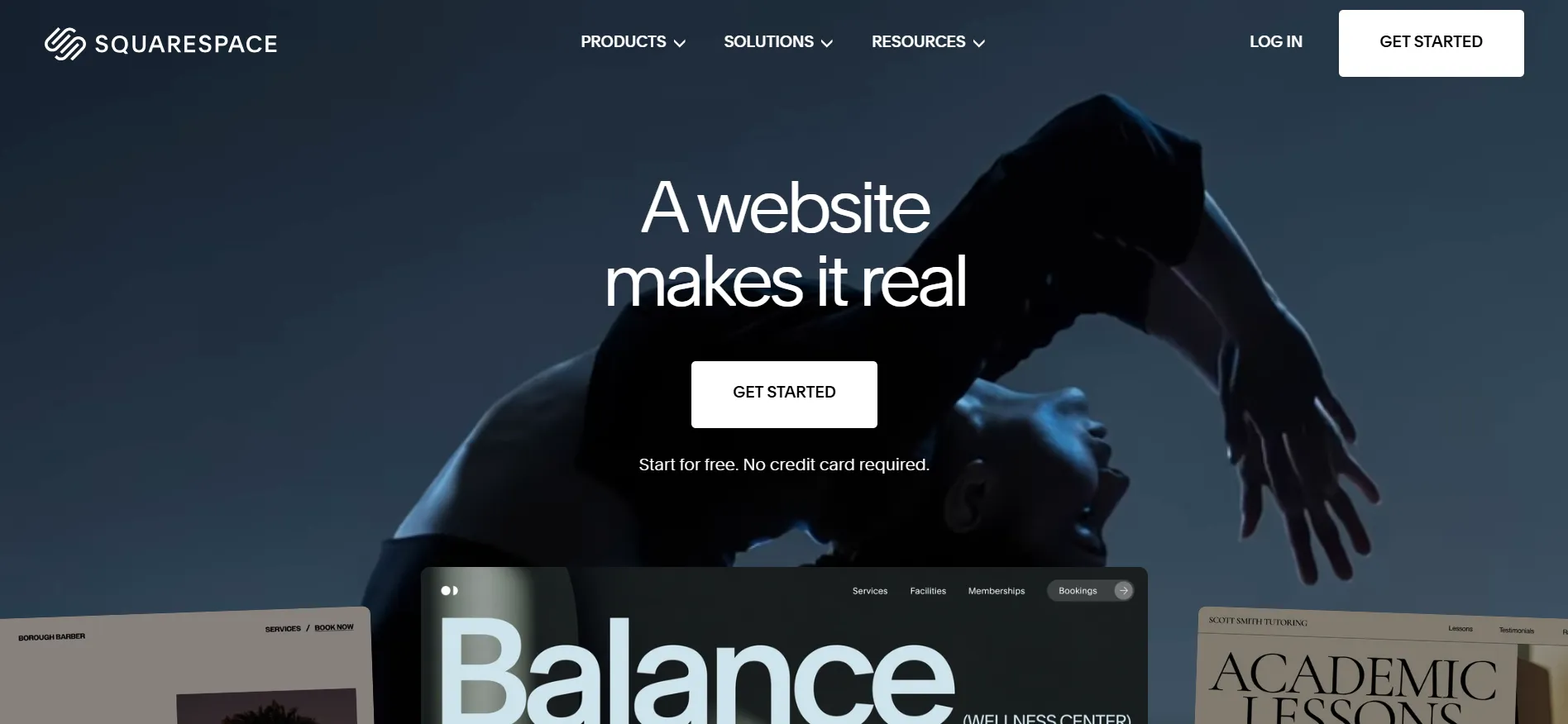
Step 2: Click Get Started and begin the 14 day free trial. No credit card is needed to start, so you can build first and pay later.
Step 3: Pick a template and set up your first pages. Add your logo, colors, and the pages you need, such as Home, About, Services, or Shop.
Step 4: Open the plan page and choose Basic, Core, Plus, or Advanced. Set billing to annual to get the yearly rate, which saves up to 36% compared with monthly billing.
Step 5: On the checkout page, find the Promo Code field and enter the code from the coupon box. Click Apply and check that the discount line appears in the order summary.
Step 6: Review the total due today and the free domain line before you pay. Students should verify their status first so the 50% first year offer is applied.
Want a full look at the editor and templates before you commit? Our Squarespace review covers the builder, store tools, and support.
Squarespace Pricing After the Discount
Annual billing is the biggest saving behind these Squarespace Promo Codes, and it lowers every plan. For a full plan by plan breakdown, see Squarespace pricing explained.
| Plan | Monthly billing | Annual billing | Yearly total |
|---|---|---|---|
| Basic | $25 a month | $19 a month | $228 |
| Core | $39 a month | $29 a month | $348 |
| Plus | $65 a month | $49 a month | $588 |
| Advanced | $139 a month | $99 a month | $1,188 |
Every annual plan includes one year of free custom domain registration on eligible domains. Basic charges a 2% fee on online store sales, while Core, Plus, and Advanced drop that fee and add more selling tools. Card rates start from 2.9% plus 30 cents.
A student who qualifies for 50% off the first annual year pays half of the yearly total, so Basic would come to $114 for that first year. Code based offers apply to the first eligible payment, and renewals bill at the standard annual rate.
What Is Squarespace?
Squarespace is an all in one website builder with designer templates, hosting, security, and selling tools in one subscription.
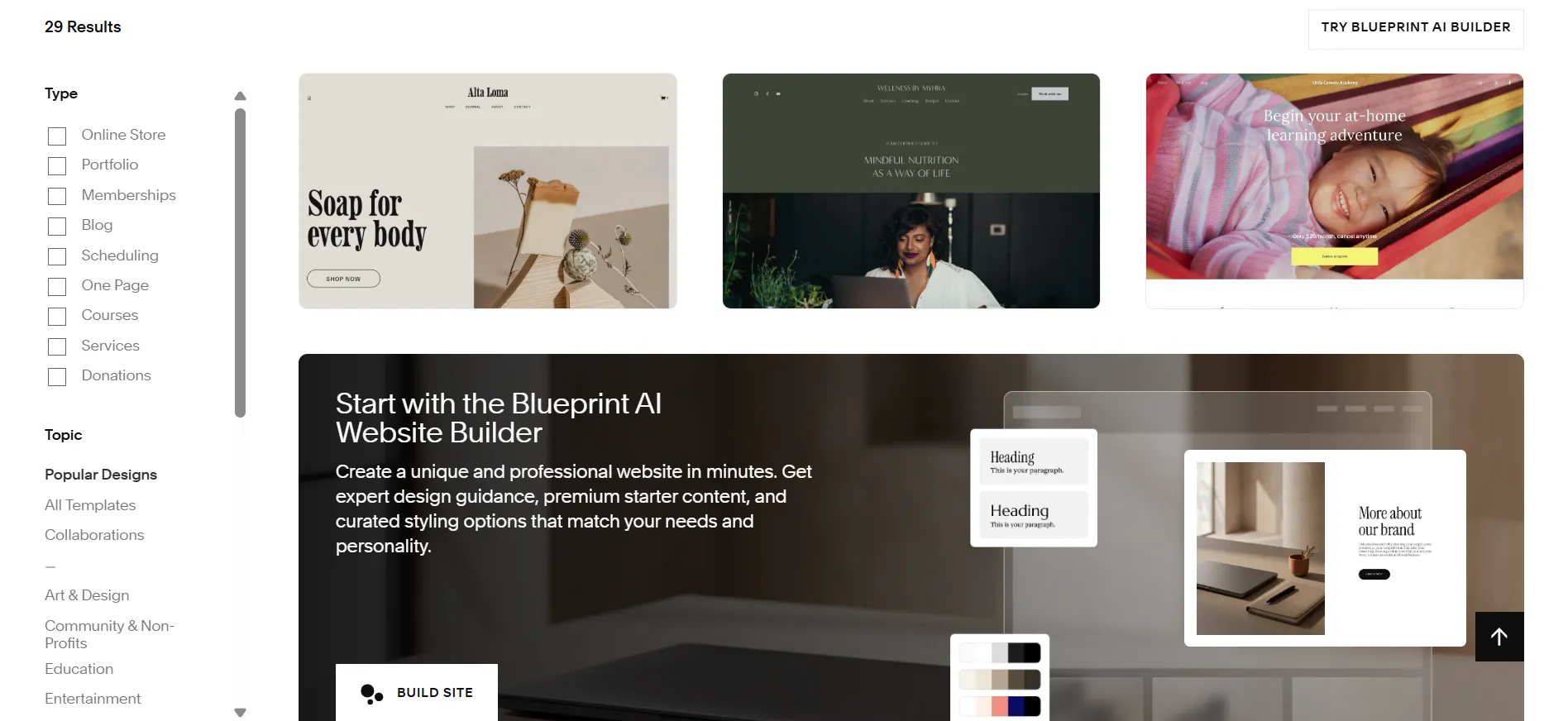
You pick a template, drag in your content, and publish without touching code. Every plan includes built in AI tools, secure hosting with no traffic caps, SEO settings, mobile friendly layouts, and analytics, so you do not need to buy those separately.
Creators, freelancers, and small businesses use it for portfolios, service sites, blogs, and online stores. People search for Squarespace Promo Codes because the yearly switch, the student offer, and the free domain can cut the first year bill by a lot.
More Ways to Save on Squarespace
The coupon boxes are the main savings, but a few smart choices stretch them further. These tips work alongside any of the Squarespace Promo Codes above.
- Pay annually: Annual billing saves up to 36% over monthly billing on the same plan.
- Claim the free domain: Annual plans include one year of domain registration, which removes a separate domain bill.
- Start from the offer link: Use the Squarespace Promo Codes offer so you begin on the official page with the current deals.
- Use the full trial: Build your site during the 14 day trial, then buy only the plan your site needs.
- Check the student offer: Verified students can get 50% off the first year of an eligible annual plan.
Which Squarespace Deal Should You Choose?
The right pick among these Squarespace Promo Codes depends on what your site needs to do. Here is a simple way to choose.
- Portfolio or personal site: Basic on annual billing at $19 a month, plus the free domain, is enough for most personal sites.
- Service business: Core at $29 a month annually removes the store fee and adds advanced analytics and custom code.
- Growing online store: Plus at $49 a month annually adds stronger selling tools for a bigger catalog.
- Students: Verify your status and take 50% off the first annual year on the plan you need.
Pros & Cons: Squarespace Promo Codes
Pros
- Annual billing saves up to 36% on every plan.
- A 14 day free trial starts with no credit card.
- Annual plans include a free domain for the first year.
- Verified students can get 50% off the first annual year.
- Hosting, security, and SEO tools come in every plan.
Cons
- Code based offers usually apply only to the first payment.
- Most offers cannot be combined at checkout.
FAQs: Squarespace Promo Codes
The best Squarespace Promo Codes right now are annual billing savings of up to 36%, the promo codes listed in the coupon boxes, 50% off the first year for verified students, and a 14 day free trial on every new site.
Annual billing drops Basic from $25 to $19 a month, Core from $39 to $29, Plus from $65 to $49, and Advanced from $139 to $99. That saves up to 36% over a year.
Enter the code in the Promo Code field on the checkout page. Click Apply, then check the order summary for the discount line before you pay.
Yes. Every new Squarespace website starts with a 14 day free trial, and no credit card is needed to begin. You can upgrade to a paid plan during or after the trial.
Yes. Verified students can get 50% off the first year of an eligible annual website plan after confirming their student status.
Usually not. Squarespace offers do not stack with each other, so compare the student offer, the code offer, and annual billing, then use the one that saves you the most.
Annual plans include one free year of custom domain registration on eligible domains. After that year, the domain renews at the standard rate.
Quick Links:
- WordPress Coupon Code
- Hostinger Coupon Code
- Elementor Discount Code
- Strikingly Coupon Code
- WP Engine Coupon Code
Final Verdict: Squarespace Promo Codes
Squarespace Promo Codes still deliver 36% off with annual billing and a 14 day free trial on every new site. Add the free domain and the student offer, and the first year of a Squarespace site costs far less than paying month to month.
Best deal: start the 14 day free trial, then take Basic or Core on annual billing and apply the promo code from the coupon box at checkout.
Last updated

Affiliate disclosure: In full transparency – some of the links on our website are affiliate links, if you use them to make a purchase we will earn a commission at no additional cost for you (none whatsoever!).



Discussion
Join the conversation
No comments yet. Start the discussion with a question or your own experience.