

On this page11 sections
- 01Moz Pricing at a Glance
- 02What Is Moz?
- 03Moz Pricing Plans Explained
- 04What You Actually Pay on Monthly and Yearly Billing
- 05Extra Costs That Change What You Pay
- 06Can You Try Moz Before You Pay?
- 07Is Moz Pricing Worth It?
- 08Which Moz Plan Should You Choose?
- 09Pros & Cons: Moz Pricing
- 10FAQs: Moz Pricing
- 11Final Verdict: Moz Pricing
- Comments
Trying to pin down what an SEO suite will really cost after seats and add ons? This Moz Pricing guide shows the plan rates, the first year yearly totals, and the extras that change the bill.
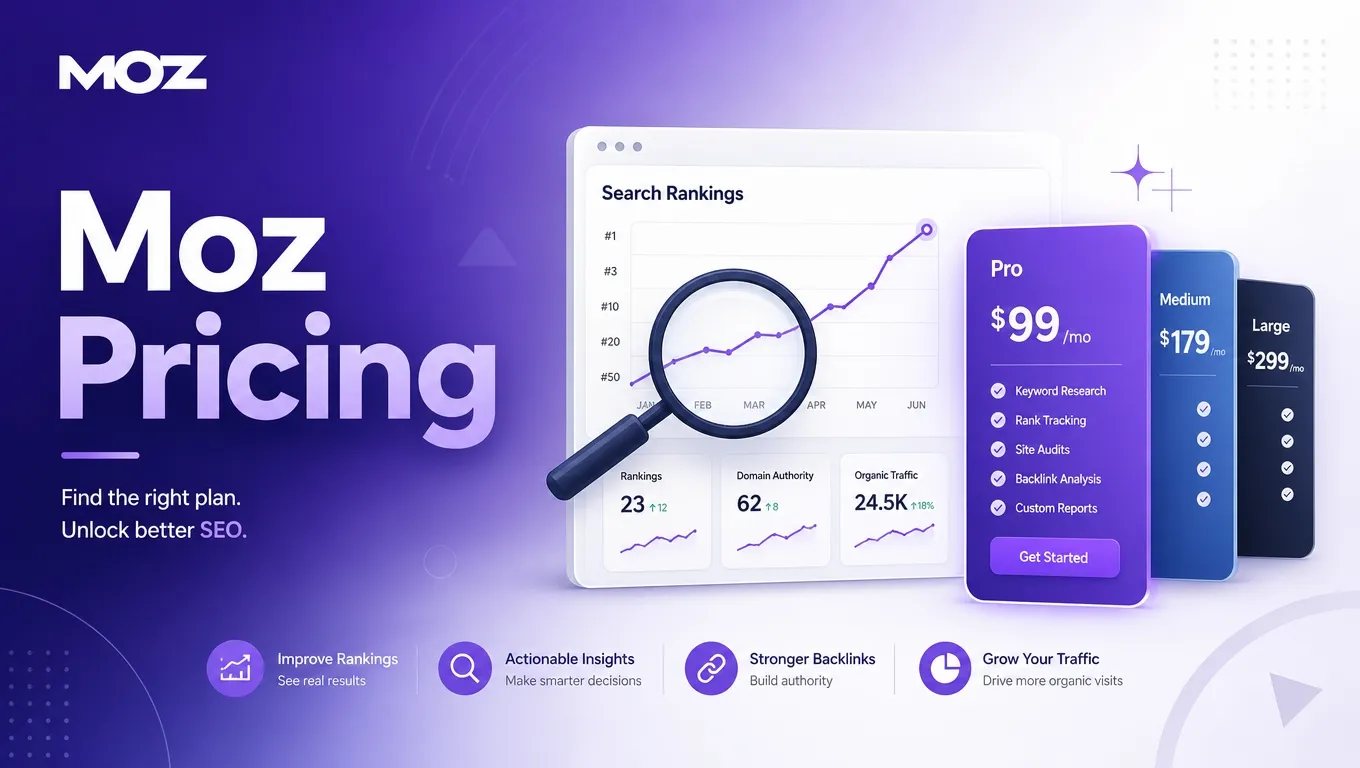
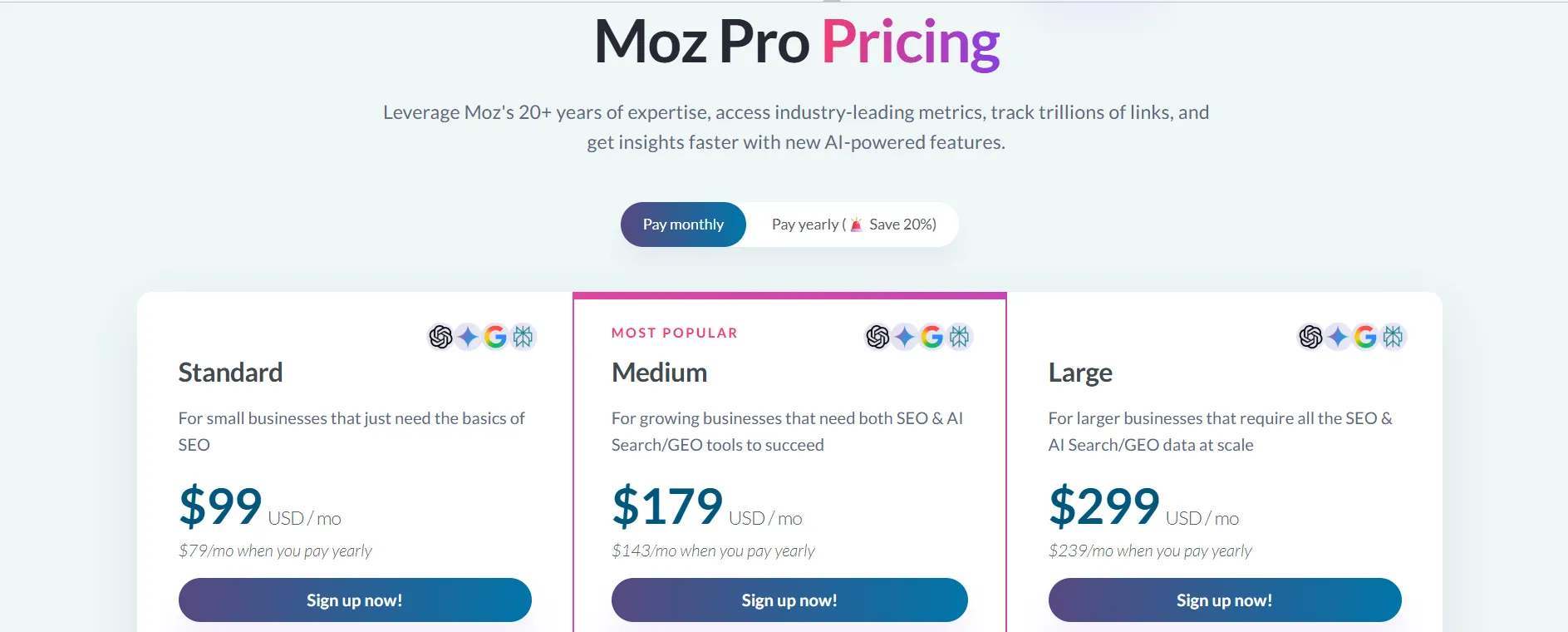
Starter is $49 a month. Standard is $99 a month, or $79 a month yearly ($950 for the first year). Medium is $179 or $143 ($1,719), and Large is $299 or $239 ($2,868).
A free trial is available, and a free Community account covers a few tools. I will also show the $49 extra seat cost and the add ons that sit on top of the plan.
Moz Pricing at a Glance
Moz Pricing starts at $49 a month on Starter, then $99, $179, and $299 on the three published card plans. Yearly billing lowers Standard, Medium, and Large to $79, $143, and $239 a month, billed as $950, $1,719, and $2,868 for the first year. Starter has no published yearly total on the pricing page.
| Plan | Monthly price | Yearly price | Seats and sites | Best for |
|---|---|---|---|---|
| Starter | $49 a month | Monthly billing | 1 site | One person, one site |
| Standard | $99 a month | $79 a month ($950 first year) | 1 user, 3 campaigns, 300 keywords | A few sites |
| Medium | $179 a month | $143 a month ($1,719 first year) | 2 users, 10 campaigns, 1,500 keywords | Small teams |
| Large | $299 a month | $239 a month ($2,868 first year) | 3 users, 25 campaigns, 3,000 keywords | Agencies with more clients |
That table is the published Moz Pricing rate, before extra seats or add ons.
What Is Moz?
Moz is an SEO toolkit for tracking rankings, researching keywords, studying links, and watching AI search results. You work in campaigns, and each plan sets a cap on users, sites, keywords, and crawls. Pricing follows the plan you choose, plus any extra seats or add ons.
Consultants and in house teams use it to watch a handful of sites without buying a huge suite. A longer Moz review covers those tools in more depth.
The public plans are Starter, Standard, Medium, and Large, with Enterprise quoted through sales. Yearly billing takes 20 percent off the base plan only.
Moz Pricing Plans Explained
Moz Pricing is split into Starter plus three card plans, and Enterprise through sales. Each card plan sets seats, campaigns, keyword caps, and pages crawled each month. The numbers below are the current 2026 rates.
Match the plan to the sites and keywords you track in a normal month. Extra seats and add ons raise the Moz Pricing bill on top of that rate.
1. Moz Pricing for the Starter Plan
Starter costs $49 a month and is described as the plan for one person managing a single website. The public page shows that monthly rate for this tier.
- It sits under the card plans as an entry option, not as a full feature grid.
- If you need published caps and a first year yearly total, Standard is the first plan that lists them.
- A free trial and a free Community account are also available if you want a look first.
Best for: one person who only needs to cover a single site.
2. Standard Plan Rates and Limits
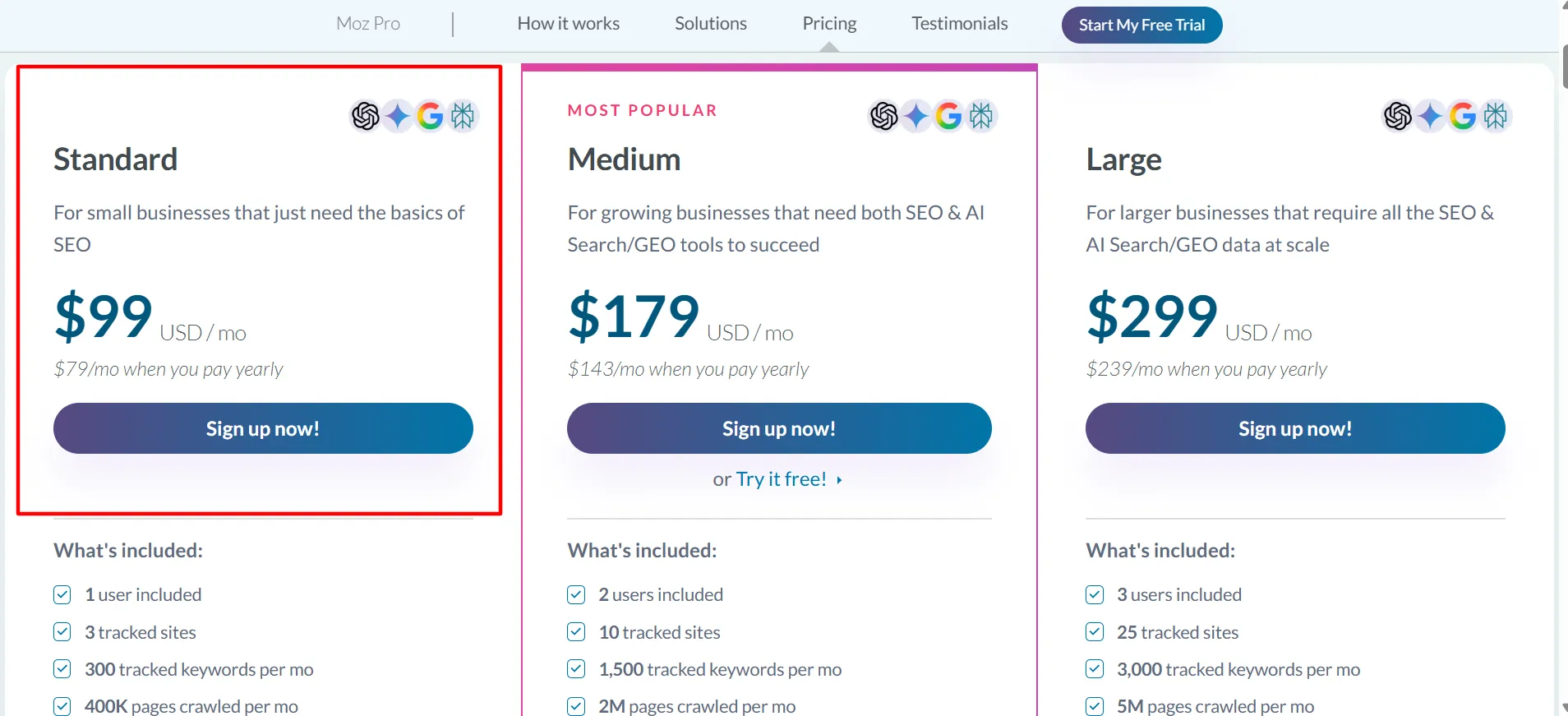
Standard costs $99 a month, or $79 a month yearly, billed at $950 for the first year. It includes 1 user, 3 campaigns, 300 tracked keywords, and 400,000 pages crawled each month.
- You also get 3 AI visibility dashboards and 150 tracked prompts.
- Yearly billing keeps $238 compared with $99 × 12 = $1,188.
- Extra seats, if you need them, cost $49 a month each and do not get the 20 percent yearly cut.
Best for: a consultant or small site set that stays near 3 campaigns and 300 keywords.
3. Medium Plan Rates and Limits
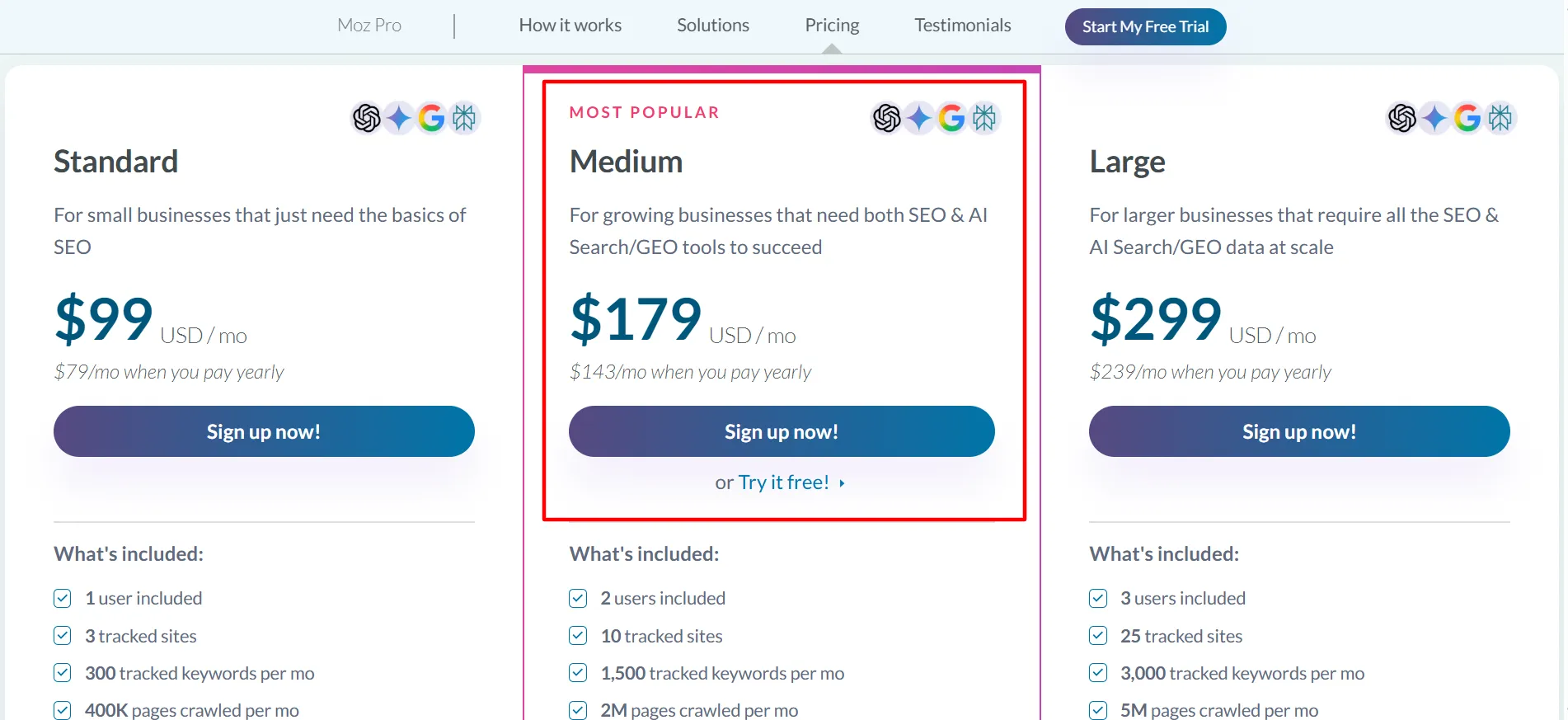
Medium costs $179 a month, or $143 a month yearly, billed at $1,719 for the first year. It includes 2 users, 10 campaigns, 1,500 tracked keywords, and 2 million pages crawled each month.
- You also get 6 AI visibility dashboards and 300 tracked prompts.
- Yearly billing keeps $429 compared with $179 × 12 = $2,148.
- This is the first card plan with two seats included, so a small team may not need the $49 add on yet.
Best for: small teams that have outgrown 3 campaigns or 300 keywords.
4. Large Plan Rates and Limits
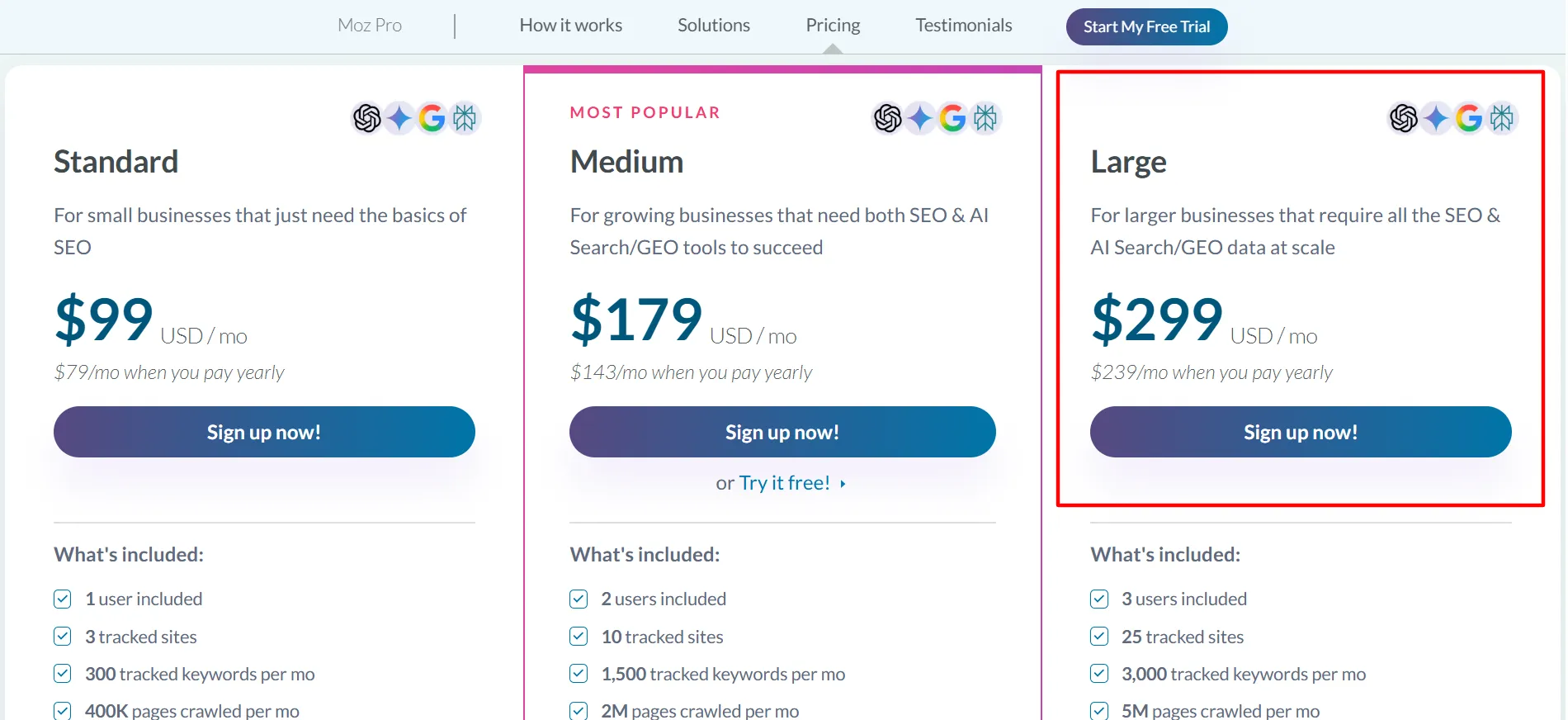
Large costs $299 a month, or $239 a month yearly, billed at $2,868 for the first year. It includes 3 users, 25 campaigns, 3,000 tracked keywords, and 5 million pages crawled each month.
- You also get 12 AI visibility dashboards and 600 tracked prompts.
- Yearly billing keeps $720 compared with $299 × 12 = $3,588.
- This is the highest published card plan before an Enterprise quote.
Best for: agencies that already track a larger client list and want the highest published caps.
What You Actually Pay on Monthly and Yearly Billing
Yearly Moz Pricing on the card plans is the published first year total, not a slightly rounded monthly rate times 12. Monthly billing is the higher month to month rate times 12 if you stay all year. The gap is the amount you keep when you pay once for the year.
Yearly total = monthly price × 12, compared with the published first year bill.
| Plan | Month to month, 12 months | First year yearly total | You keep |
|---|---|---|---|
| Standard | $99 × 12 = $1,188 | $950 | $238 (20 percent) |
| Medium | $179 × 12 = $2,148 | $1,719 | $429 (20 percent) |
| Large | $299 × 12 = $3,588 | $2,868 | $720 (20 percent) |
The 20 percent cut applies to the base plan only. Extra seats and add ons stay at their monthly rates. Starter has no published yearly total on the pricing page, so it is left out of this table.
The page labels those amounts as the first year bill. That is what Moz Pricing looks like for the first year on Standard, Medium, and Large.
Extra Costs That Change What You Pay
The published plan rate is the starting Moz Pricing figure. Extra seats cost $49 a month each on any plan, and they keep their monthly rate on yearly billing. Add ons for campaigns, crawls, keywords, and lists sit on top as well.
| Add on | Published rate | What it adds |
|---|---|---|
| Extra user seats | $49 a month each | More logins on any plan |
| Extra campaign | $10 a month each | One more tracked site |
| Extra crawls | $15 a month per 50,000 pages | More pages crawled |
| Extra keywords | $20 a month per 200 keywords | A higher rank tracking cap |
| Extra keyword queries | $10 a month per 10,000 queries | More research queries |
| Keyword or link lists | $25 a month per 5 lists | More saved lists |
| Extra AI dashboards | $20 each | More AI visibility dashboards |
| Extra prompts | $50 per 100 prompts | More tracked AI prompts |
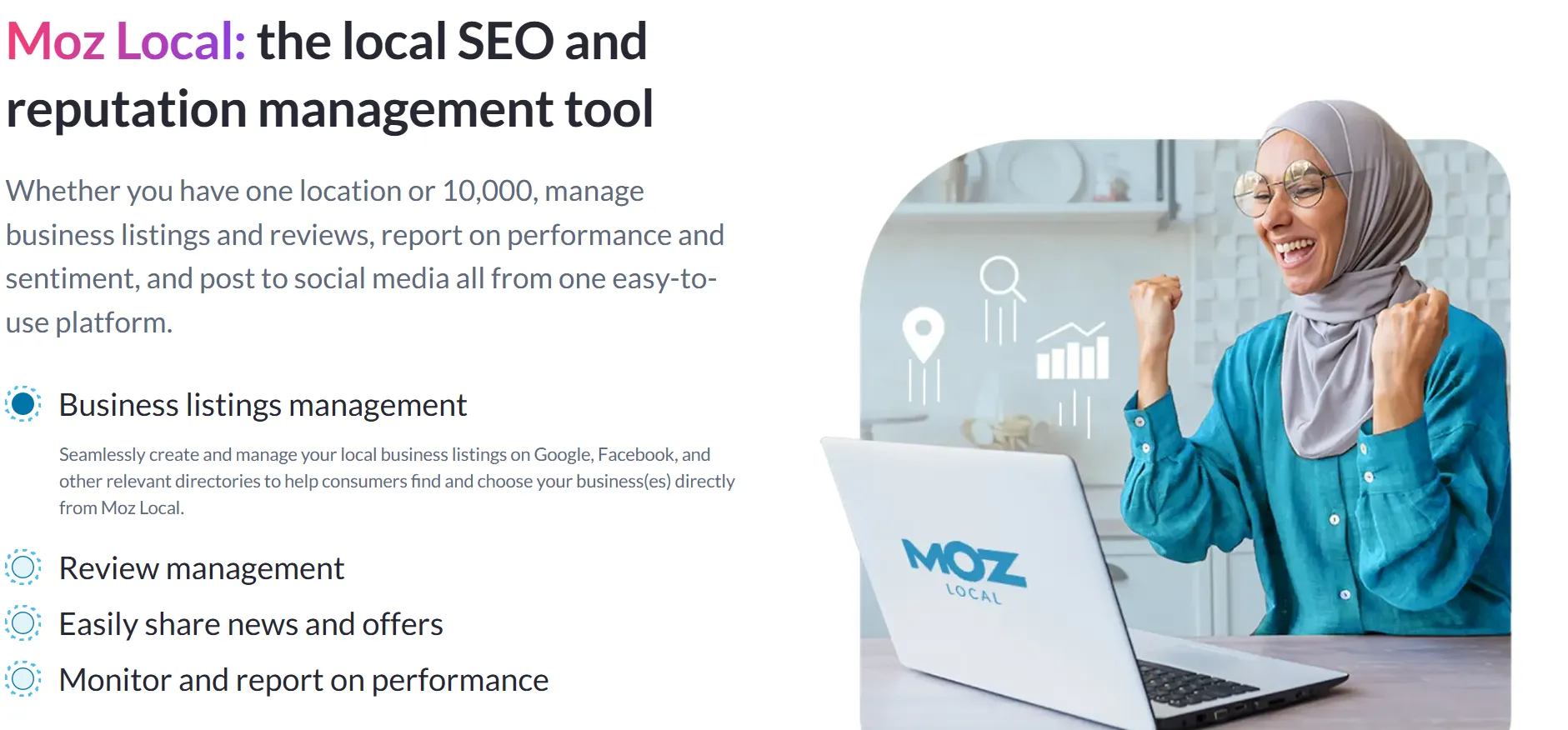
Moz Local and Moz API are sold as separate products, not as lines inside the Pro plan grid. Those products have their own rates, so they sit outside the Pro plan table above.
Can You Try Moz Before You Pay?
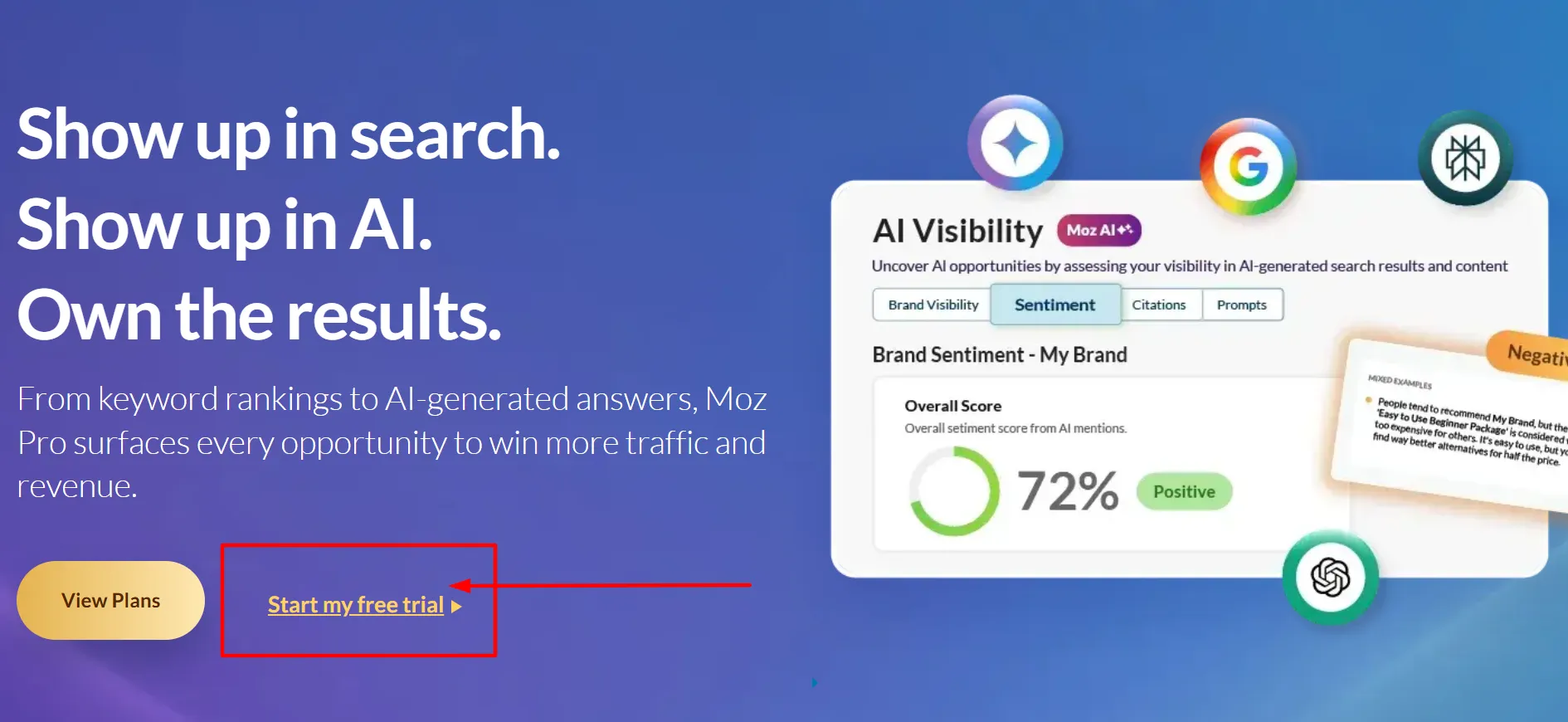
Yes. Moz offers a free trial of Moz Pro, and you can also sign up for a free Community account. The Community account gives limited access to MozBar, Keyword Explorer, and Link Explorer.
Use the trial to test the tools before the paid Moz Pricing rate starts.
Some new accounts also find a lower first period rate through Moz coupon codes. Those offers, when they appear, apply only for a short window and do not replace the published yearly rate.
Yearly billing is paid up front for the first year. Extra seats and add ons still bill at their monthly rates during that year.
Is Moz Pricing Worth It?
Moz Pricing is worth it when your campaign and keyword count sit inside the plan you pick, especially on yearly billing for the card plans. The actual first year cost then matches the published yearly total. It is a poor fit if you need many extra seats and treat the $49 add on as a surprise.
Starter is only a fit for one site, and it has no published yearly total. Standard is the first plan with a clear first year bill. Medium or Large makes sense only when the caps on the plan below are already too tight.
To compare the Moz plans side by side, start with a normal month of sites and keywords, then add any extra seats.
Which Moz Plan Should You Choose?
Choose by sites and keywords first, then by how many people need a login. The cheapest Moz Pricing plan that covers that work is usually the right one. Upgrade later if the caps stay tight.
- Starter: Start here if you only manage one website. The public page shows a $49 monthly rate for this plan.
- Standard: Pick this if 3 campaigns and 300 keywords cover a normal month and one seat is enough. The first year yearly total is $950.
- Medium: Choose Medium when you need 10 campaigns, 1,500 keywords, or a second seat without paying $49 extra. The first year yearly total is $1,719.
- Large: Move up when 25 campaigns or 3,000 keywords is a better cap, or when you want 3 seats included. The first year yearly total is $2,868.
Pros & Cons: Moz Pricing
Pros
- Yearly billing cuts Standard, Medium, and Large by 20 percent for the first year.
- A free trial and a free Community account let you look before you pay.
- Clear first year totals on the three card plans.
- Medium includes 2 seats, which can save the $49 add on.
- Add on rates for seats, campaigns, and keywords are published in plain figures.
Cons
- Extra seats cost $49 a month each and do not get the yearly 20 percent cut.
- Starter has no published yearly total or cap grid on the pricing page.
FAQs: Moz Pricing
Starter is $49 a month. Standard is $99 or $79 yearly. Medium is $179 or $143. Large is $299 or $239. Yearly billing is billed at $950, $1,719, and $2,868 for the first year on those three card plans.
The amount is the plan rate plus extra seats at $49 a month each, plus any add ons you attach. Yearly billing cuts the base plan by 20 percent. Seats and add ons stay at their monthly rates.
Yes, on the card plans. Standard drops from $1,188 a year to $950. Medium drops from $2,148 to $1,719. Large drops from $3,588 to $2,868. Those figures are the published first year totals.
Yes. A free trial of Moz Pro is available, and a free Community account covers limited use of a few tools. Use the trial to test the tools first.
Yes. Additional user seats cost $49 a month each on any plan. Those seats stay at $49 a month even on yearly billing. Medium already includes 2 seats, and Large includes 3.
Extra campaigns are $10 a month each. Extra crawls are $15 a month per 50,000 pages. Extra keywords are $20 a month per 200. Prompt packs and AI dashboards have their own rates, and Local and API are sold separately.
Quick Links:
Final Verdict: Moz Pricing
Moz Pricing starts at $49 a month on Starter, then $99, $179, and $299 on Standard, Medium, and Large. Yearly billing lowers those three card plans to $79, $143, and $239 a month, billed at $950, $1,719, and $2,868 for the first year. Starter has no published yearly total on the pricing page.
What you actually pay is that plan rate, plus $49 a month for each extra seat, and any add ons you attach. Stay inside the included seats and caps, and the first year bill matches the published yearly total.
Starter is $49, Standard is $99 or $79, Medium is $179 or $143, and Large is $299 or $239 a month.
Last updated

Affiliate disclosure: In full transparency – some of the links on our website are affiliate links, if you use them to make a purchase we will earn a commission at no additional cost for you (none whatsoever!).
Discussion
Join the conversation
No comments yet. Start the discussion with a question or your own experience.